AI product photo and ad prompts
Sellers and small brands need three kinds of product visuals: a clean white-background photo for marketplace listings, a lifestyle shot for social ads, and short video for reels. These prompts cover all three. Most start from a phone photo of your real product, so the AI edits what you sell instead of inventing a new one.
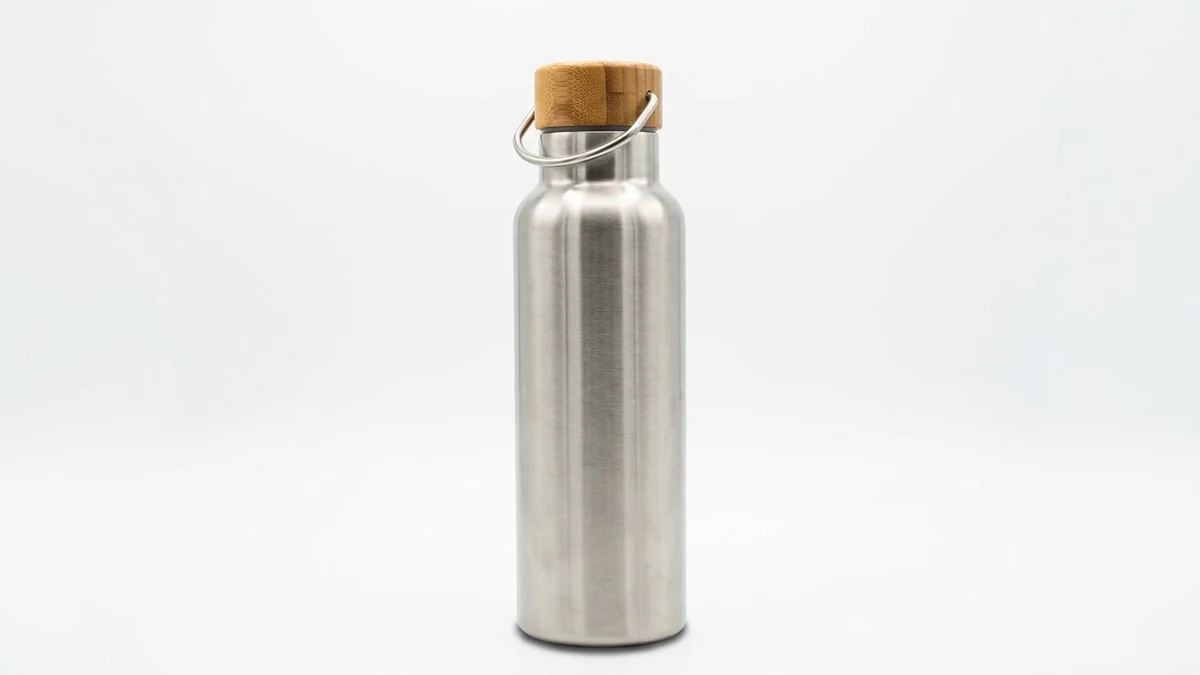
For the marketplace shot, the prompt asks for a pure white background with the product filling about 85% of the frame, which matches common marketplace guidance. Always check the current image rules of the marketplace you sell on.
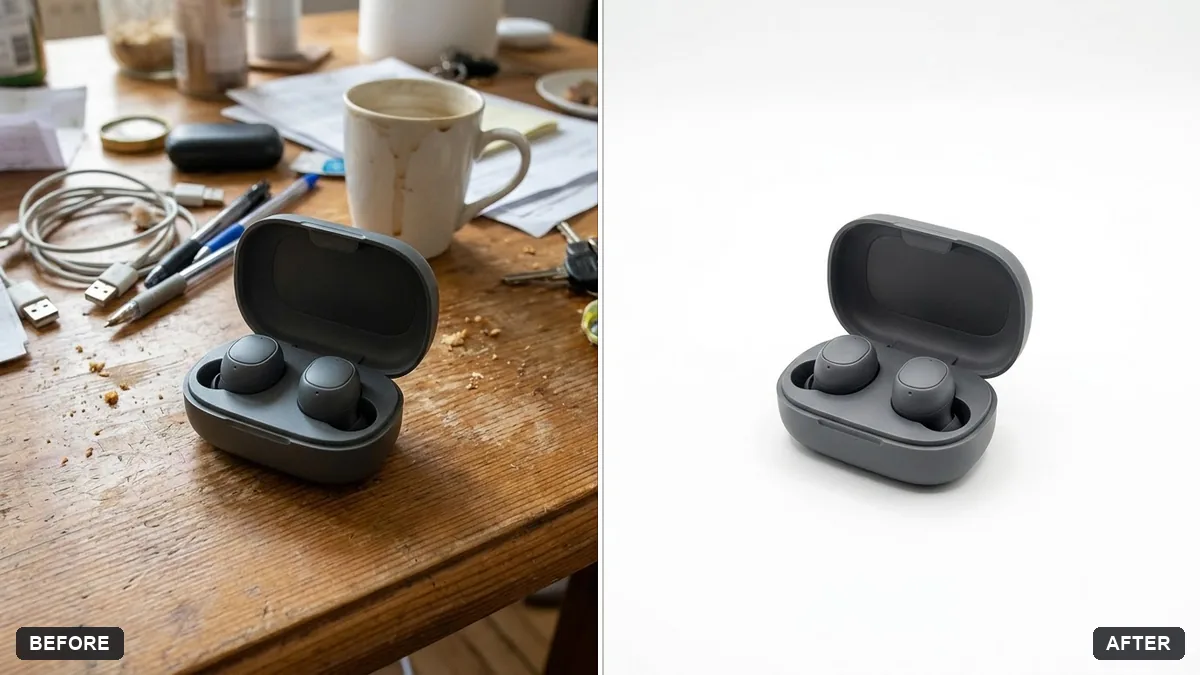
Place this product on a pure white background as an e-commerce photo. Keep the product's shape, colours and label exactly the same, with a subtle soft shadow beneath it and even lighting.

Remove any reflections of the environment and dust marks. Extra instructions: [ANY DETAIL TO KEEP OR AVOID].
Three steps, about a minute
- 1
Photograph the real product in even light with the whole item in the frame. A phone near a window is enough.
- 2
Upload it to Gemini or ChatGPT and paste the prompt for the shot you need: white background, marble, in a hand, outdoors.
- 3
Zoom in on the label and edges and compare with the real product before you use it in a listing.
Make it yours
- Marketplace shot: keep the pure white background and ask for "product fills about 85% of the frame".
- Social ad: the marble, nature and in-hand prompts make lifestyle pictures from the same photo.
- Keep details: add the exact things that must not change in the [ANY DETAIL TO KEEP OR AVOID] field, such as "the gold cap and the logo".
- A set: run the same prompt on every product so the whole shop matches.
If it goes wrong
- The label text changed
- Reply "keep the label and all text exactly as in the original photo" and regenerate, or start from a sharper photo.
- The shadow looks fake
- Ask for "a soft contact shadow directly under the product, light from the top left".
- The product shape is different
- Use a straight-on photo and add "do not redesign the product; edit only the background".
- Reflections of my room show on it
- Add "remove reflections of the environment" (the white background prompt already asks for this).
18 more prompts in this collection
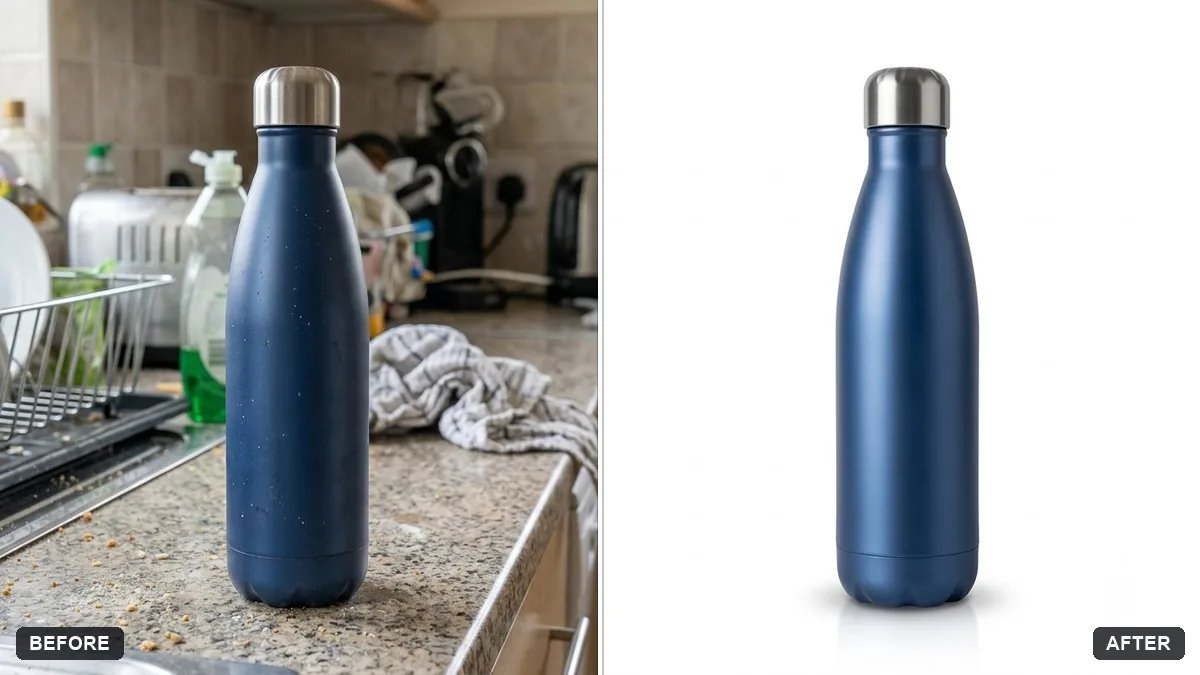 Product cutout with a soft natural shadowGemini · ChatGPT
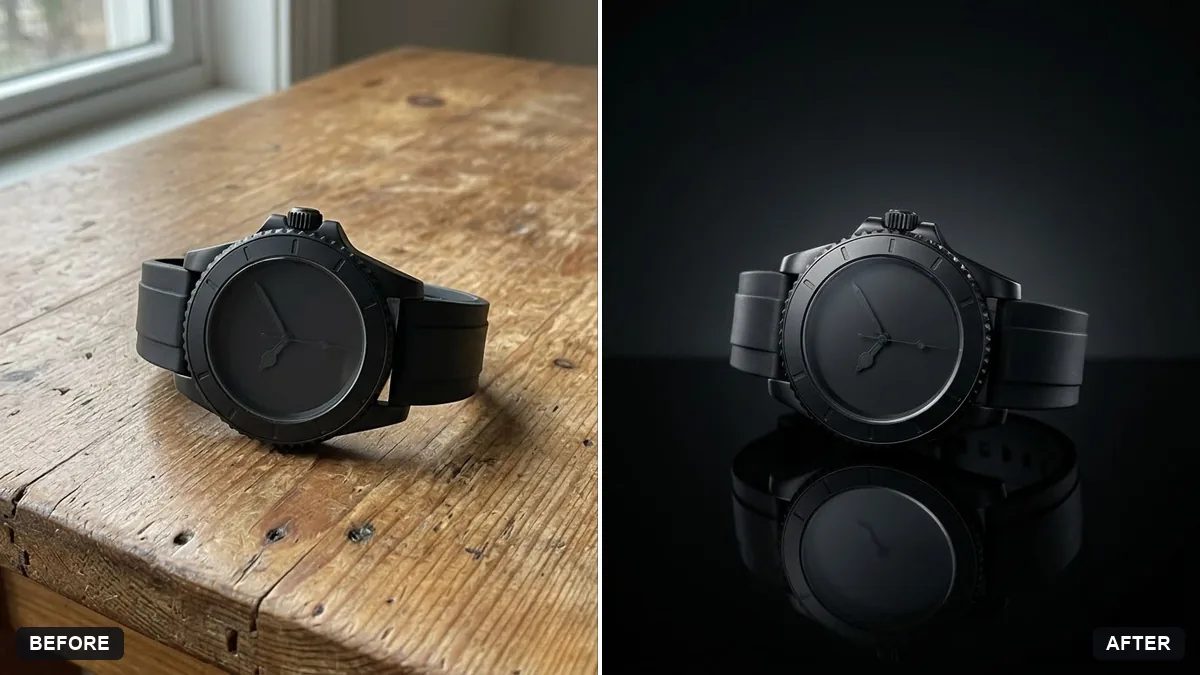 Product with a mirror reflectionGemini · ChatGPT
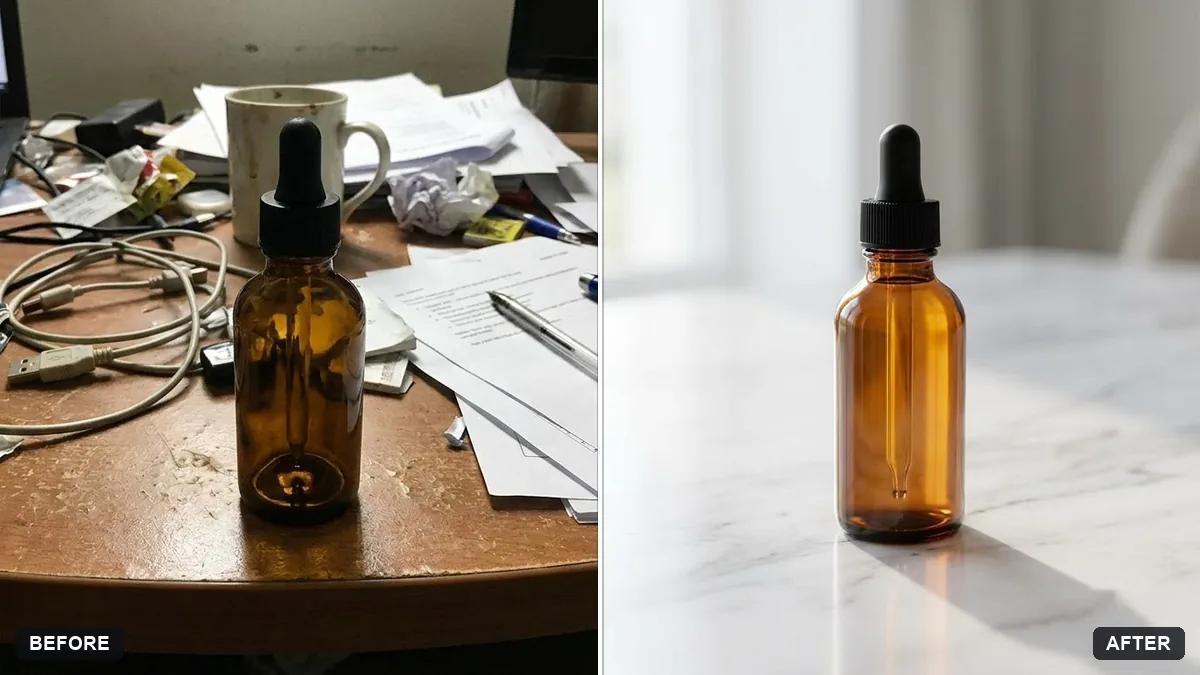 Product on a marble surfaceGemini · ChatGPT
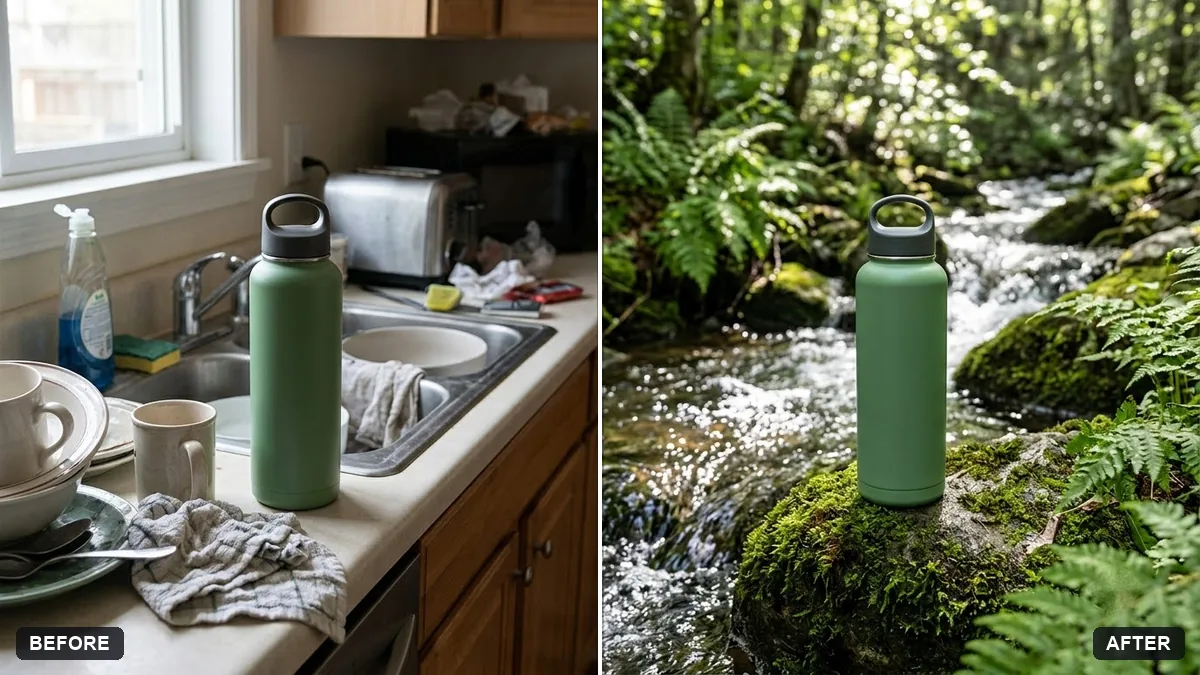 Product placed in a natural settingGemini · ChatGPT
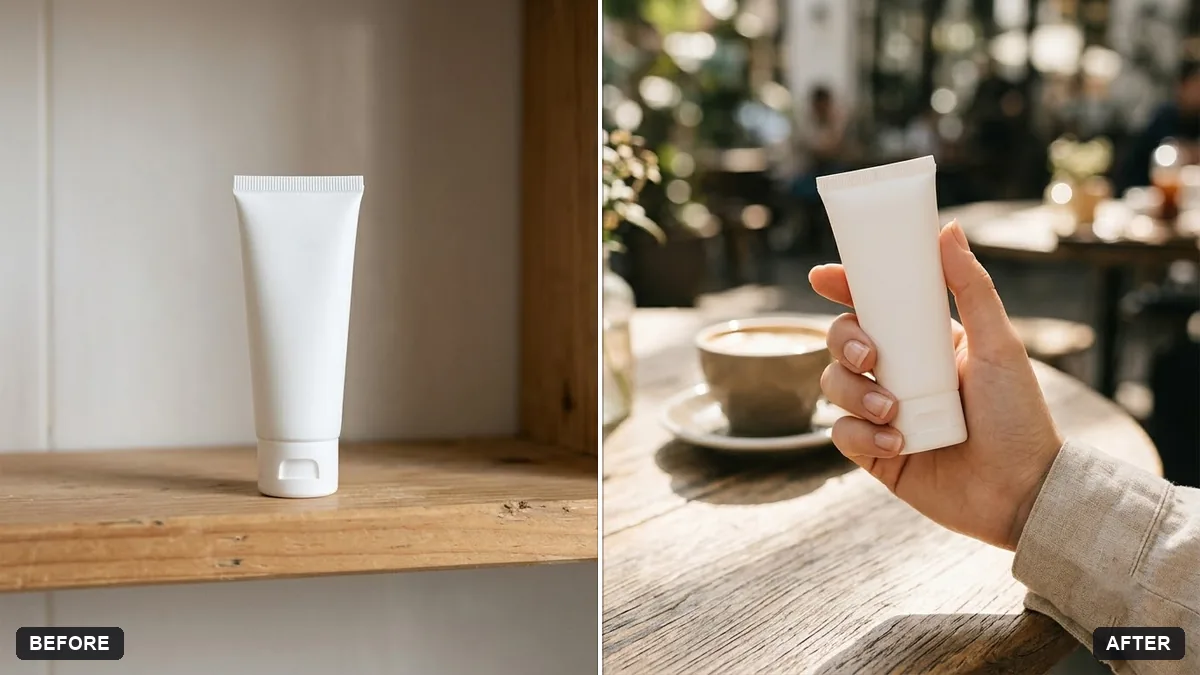 Product held in a hand for a lifestyle shotGemini · ChatGPT
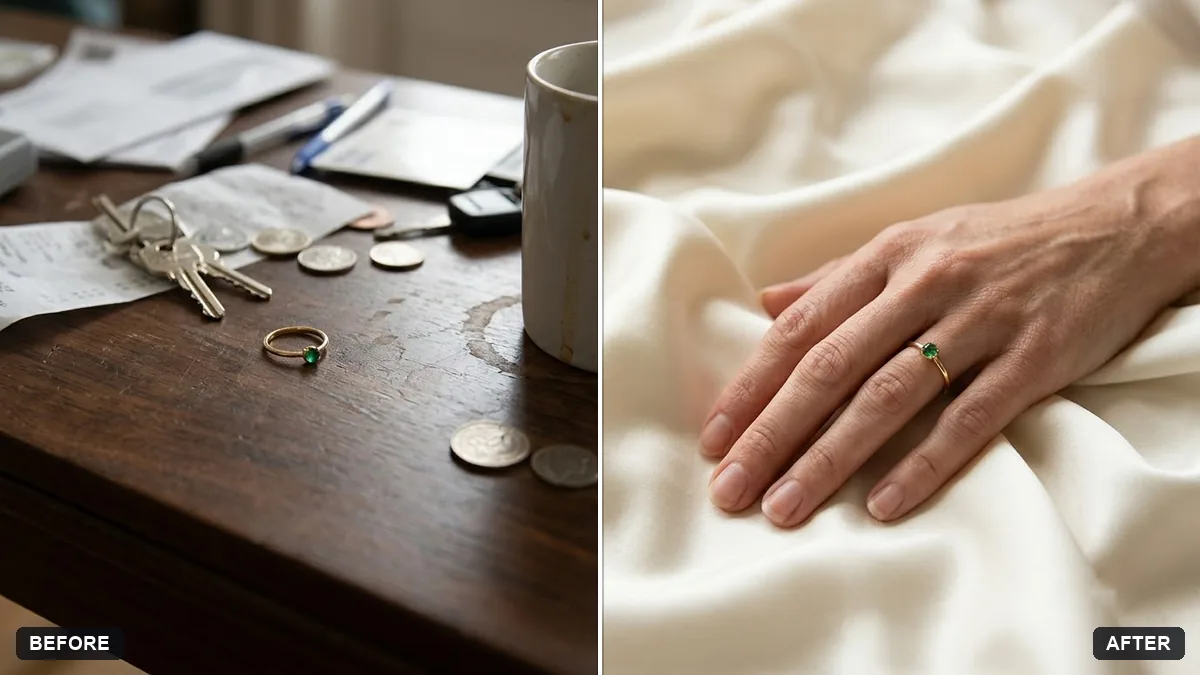 Jewellery on a model's handGemini · ChatGPT
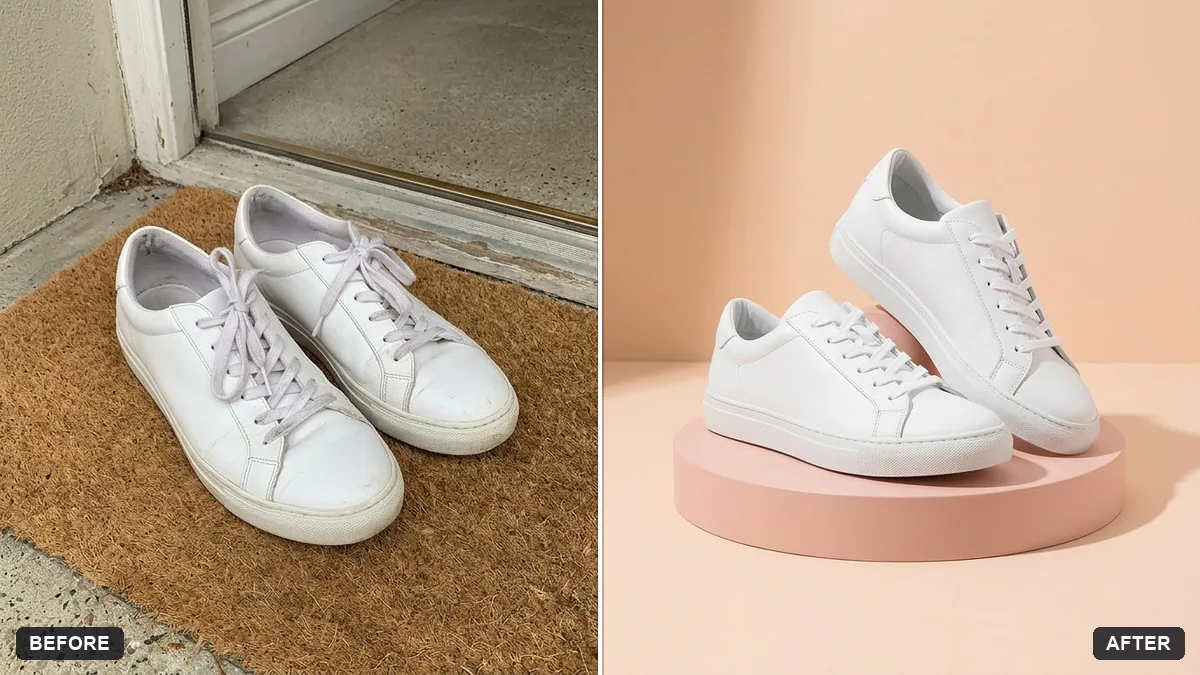 Shoes on a display pedestalGemini · ChatGPT
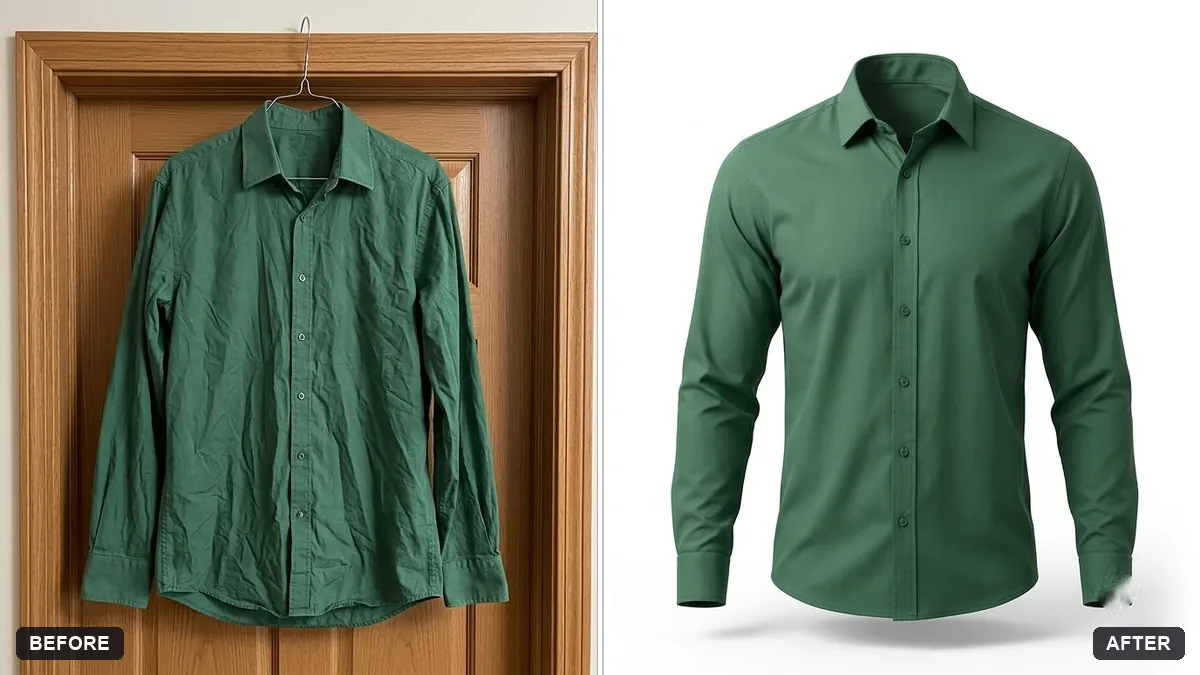 Clothing on a ghost mannequinGemini · ChatGPT
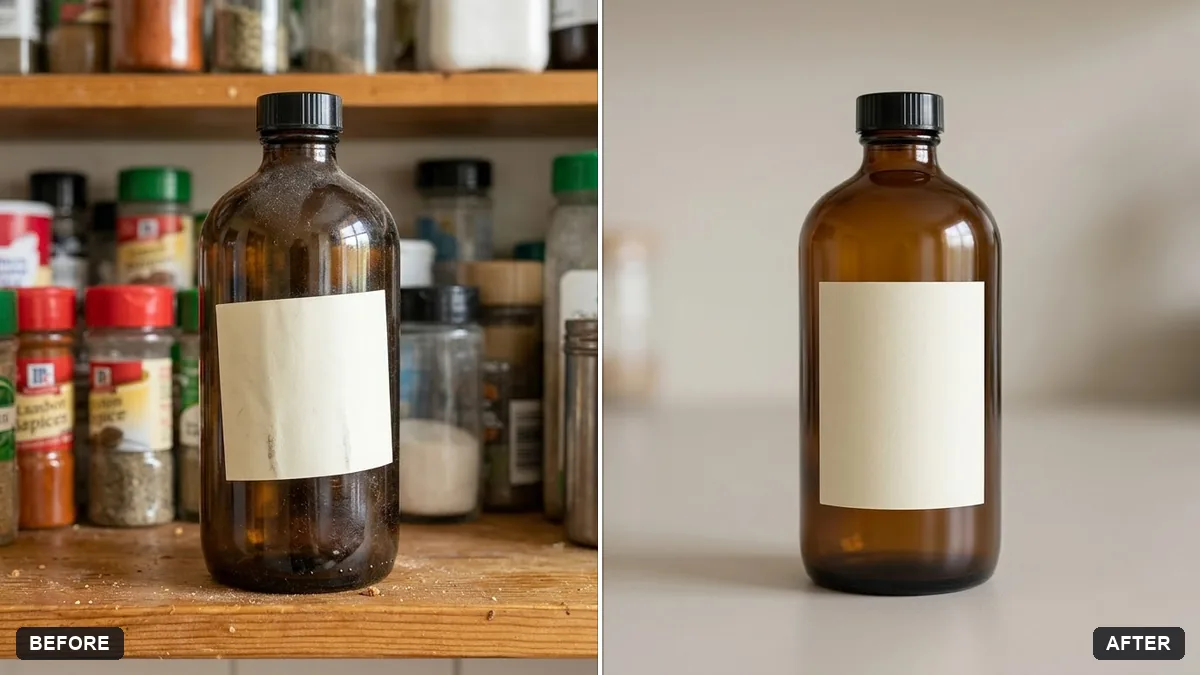 Clean up a bottle label photoGemini · ChatGPT
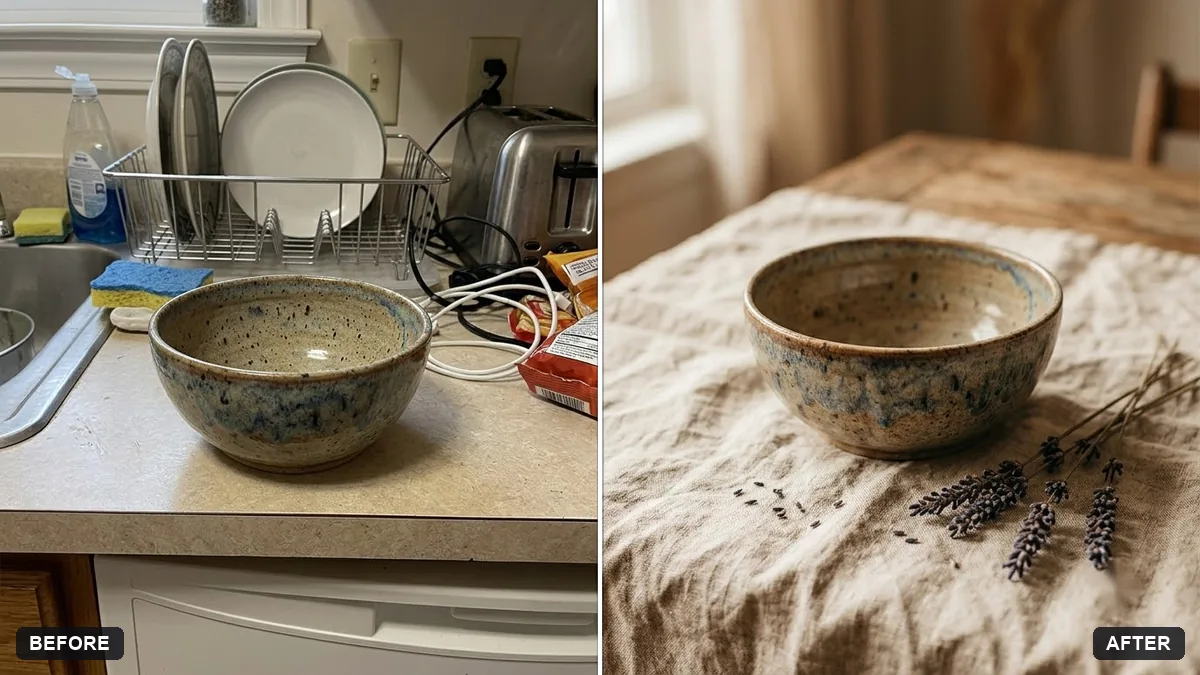 Handmade craft product photoGemini · ChatGPT
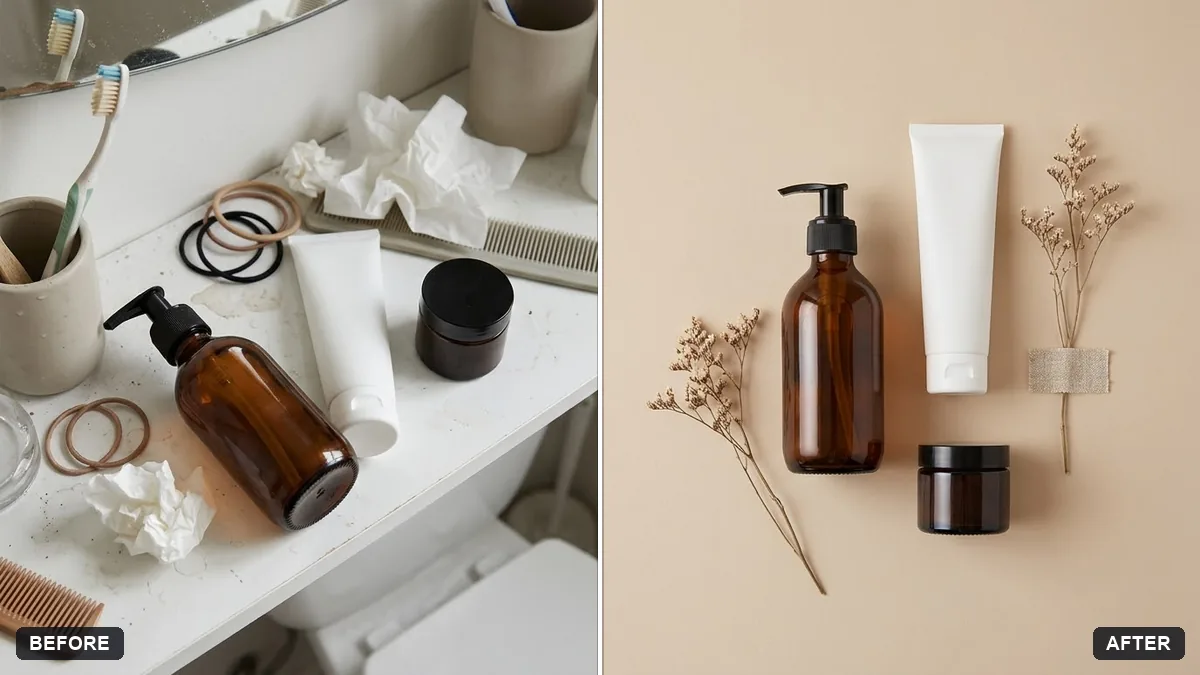 Combine product photos into a flat layGemini · ChatGPT
 E-commerce product photo (Amazon / Flipkart)Gemini · ChatGPT · Flux
 Trending
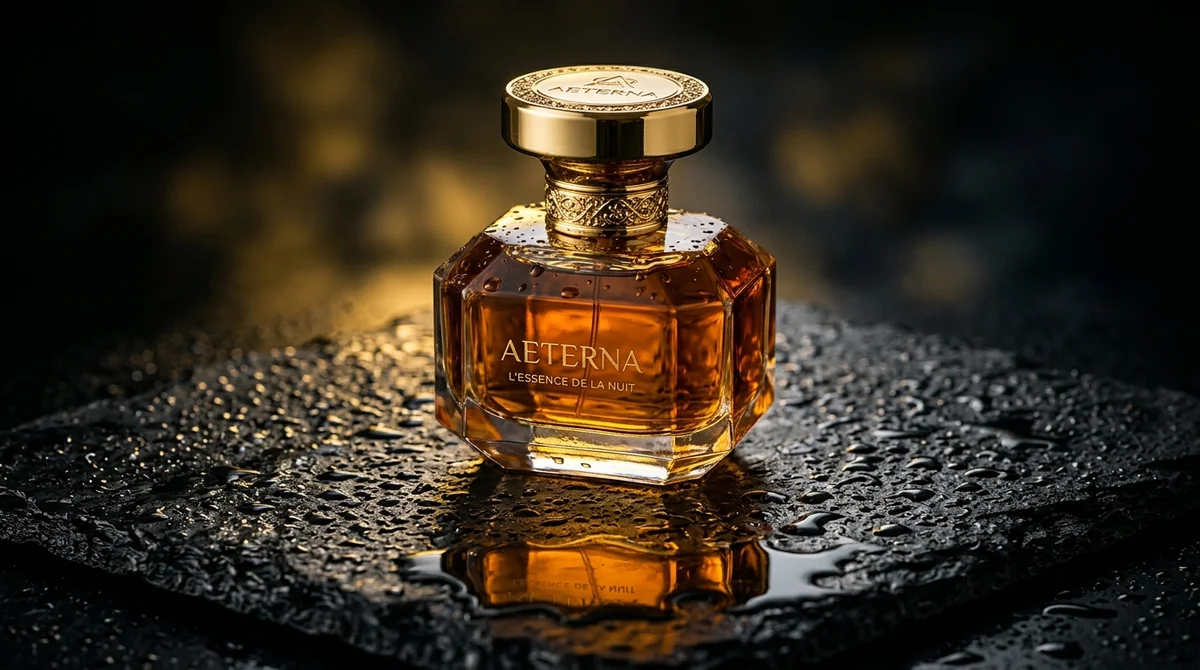
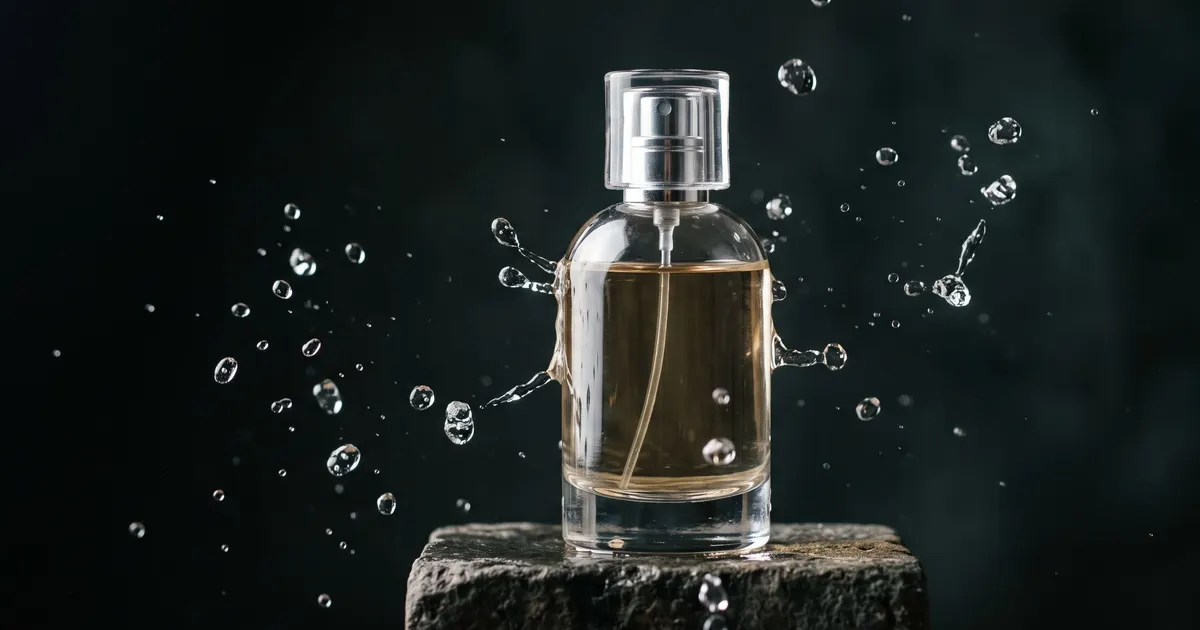
Luxury commercial product shotMidjourney · Flux
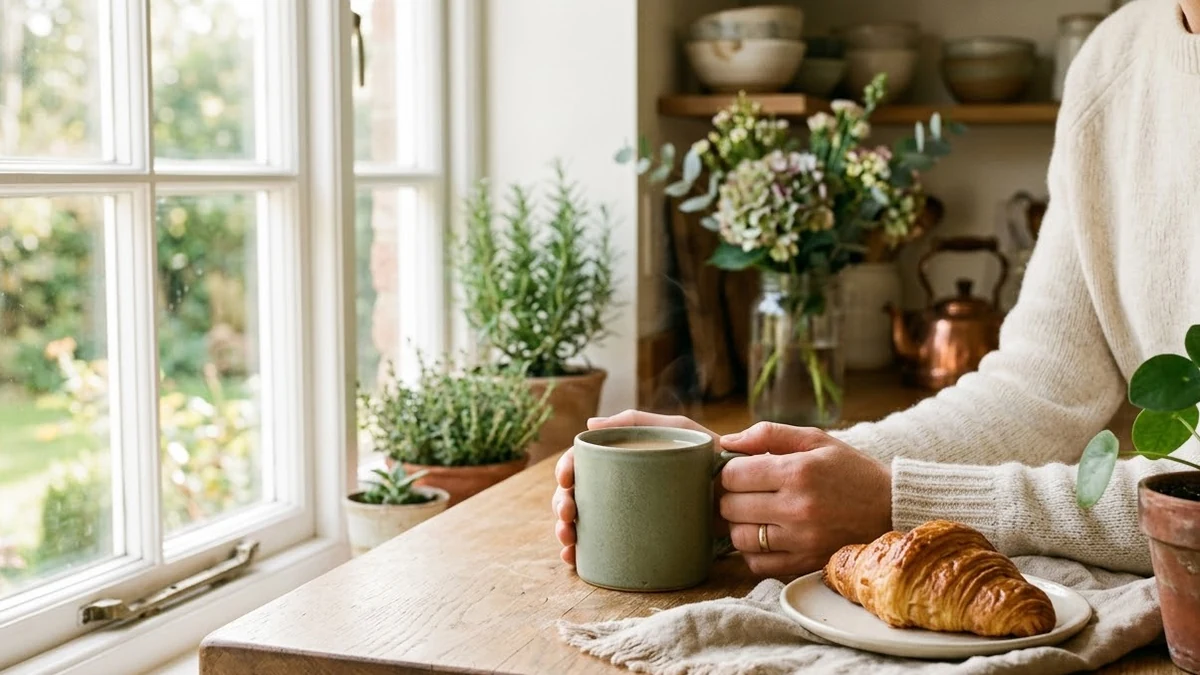 Lifestyle product ad for InstagramMidjourney · Gemini · ChatGPT
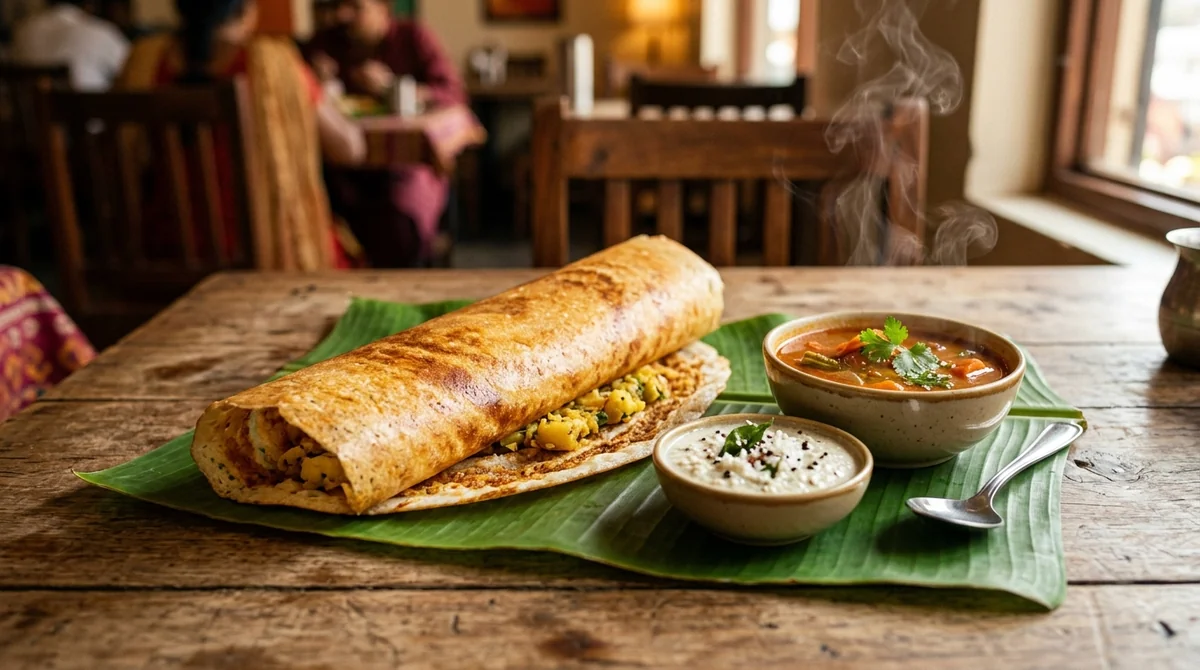 Mouth-watering food photoAny tool
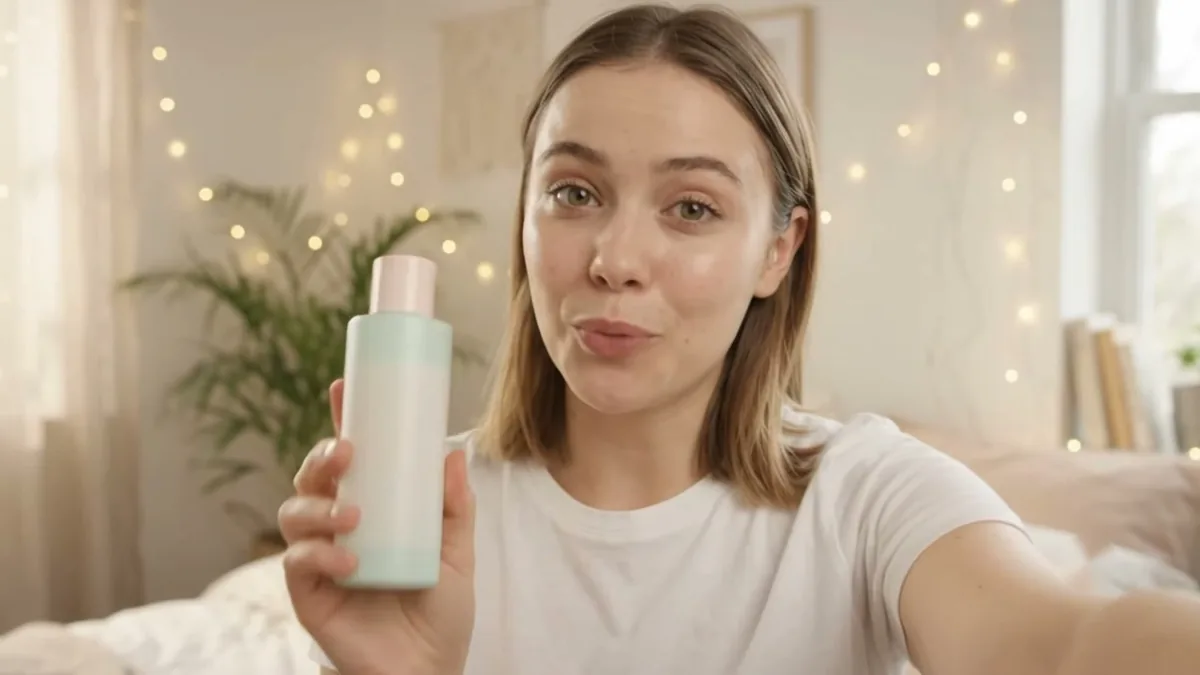 UGC-style product review adVeo · Kling
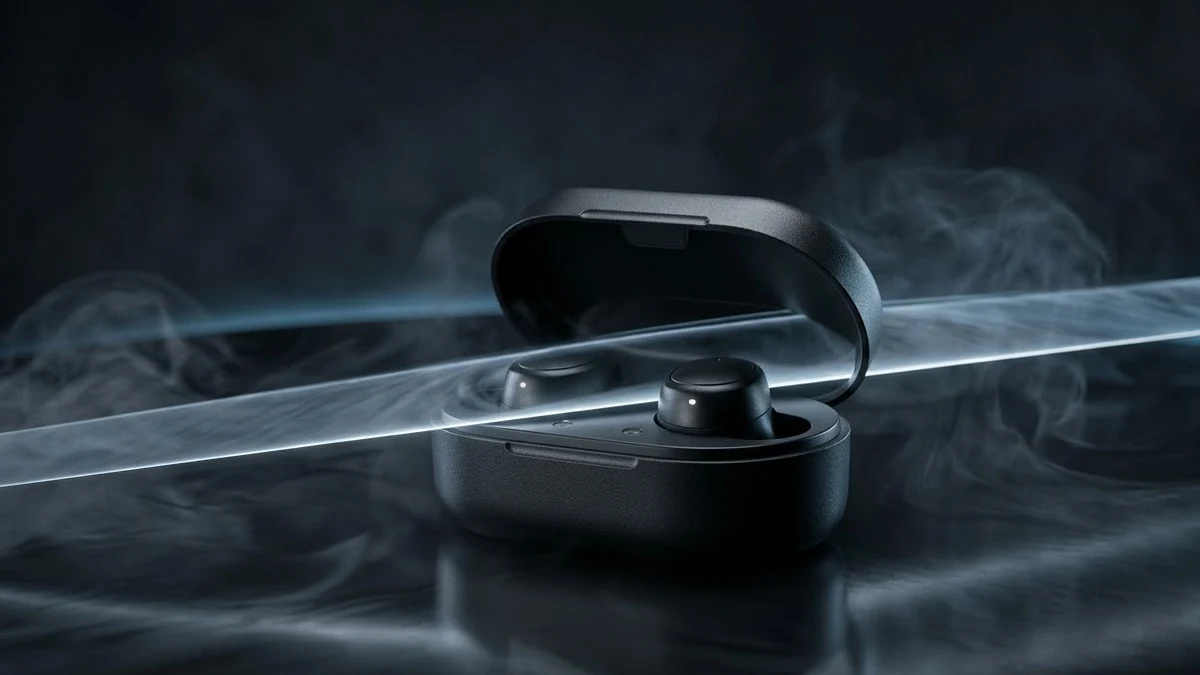 Cinematic 360° product revealVeo · Kling
 Minimal modern logoChatGPT · Ideogram · Gemini
Guides that use these prompts
Questions, answered
Can AI make Amazon or Flipkart product photos?
It can produce a clean white-background product image from a description or from a photo of your real product. Add "keep the product exactly the same" so the AI does not redesign it, and check the marketplace's image rules.
Is it OK to make an AI product review video?
Only make claims your product really delivers. AI-generated ads still need to be honest, and some platforms require you to disclose AI-generated content.
Will the AI change my product?
It can, especially labels and small text. Every edit prompt here says to keep the shape, colours and label the same, but always compare the result with the real product before you list it.