Change photo background prompts
A new background can turn an ordinary photo into a travel shot, a studio portrait or a clean product image. The hard part is the edges and the light: hair should blend in, and the light on you should match the new scene. These prompts ask for both.
There are prompts to replace the background, blur it like portrait mode, cut the subject out on transparent, add soft bokeh lights, tidy clutter or extend the photo to a wider frame. Upload your photo to Gemini or ChatGPT and describe the new background in a few words.
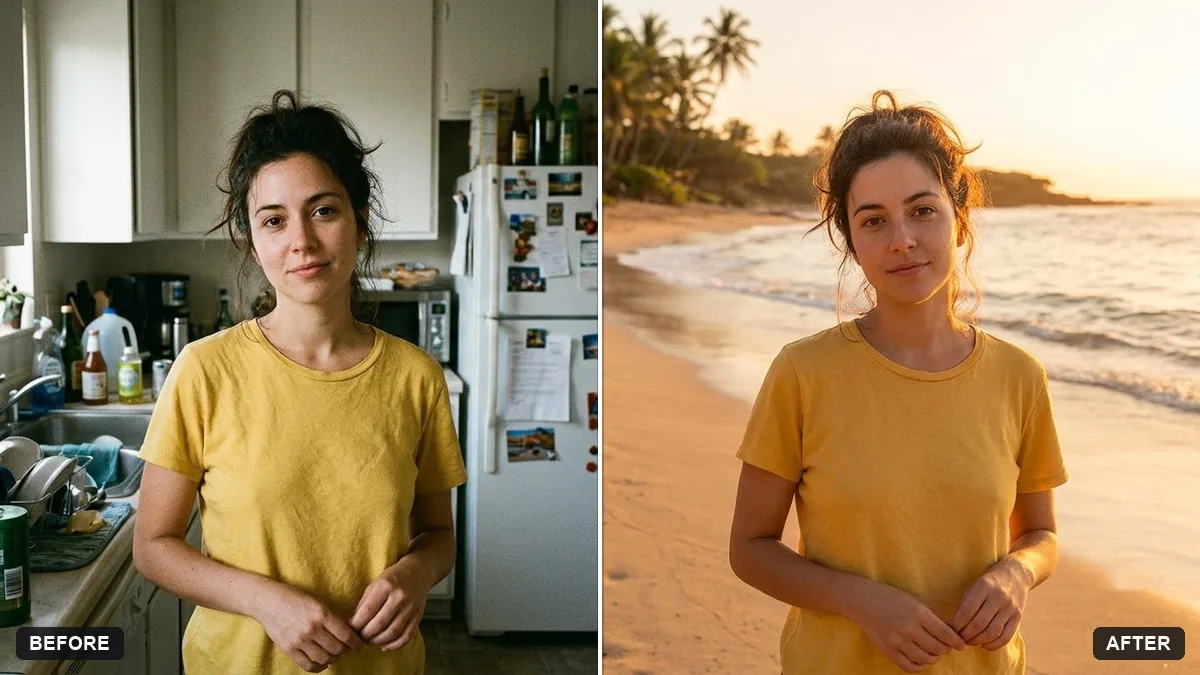
Replace the background of this photo with [NEW BACKGROUND, e.g. a sunny beach in Goa at golden hour]. Keep me — face, hair, body, clothes, and pose — exactly the same.

Match the lighting direction, colour temperature, and shadows on me to the new scene, and blend the hair edges naturally so there are no cut-out halos.

Photorealistic, same framing and aspect ratio as the original.
Three steps, about a minute
- 1
Use a photo where you are sharp and fully in the frame, with clear space around your head.
- 2
Upload it to Gemini or ChatGPT, paste the prompt and describe the new background in one line.
- 3
Look at the hair and shoulders. If the edges look fake, reply with the fix below.
Make it yours
- Match the light: pick a background lit from the same side as your face; golden hour suits warm indoor photos.
- Be specific: "a quiet Paris street with blurred cafe lights" beats "a nice city".
- Blur only: if you like the place but not the clutter, use the portrait blur prompt instead of a new background.
- Wider photo: the extend prompt adds more of the scene around you for a banner or cover.
If it goes wrong
- Edges look fake
- Reply "blend the hair edges and match the light on my face to the background".
- I look pasted in
- Ask for "matching shadows on the ground and the same colour temperature as the scene".
- My face changed
- Add "keep me (face, hair, body, clothes, pose) exactly the same".
- The framing changed
- Say "same framing and aspect ratio as the original".
10 more prompts in this collection
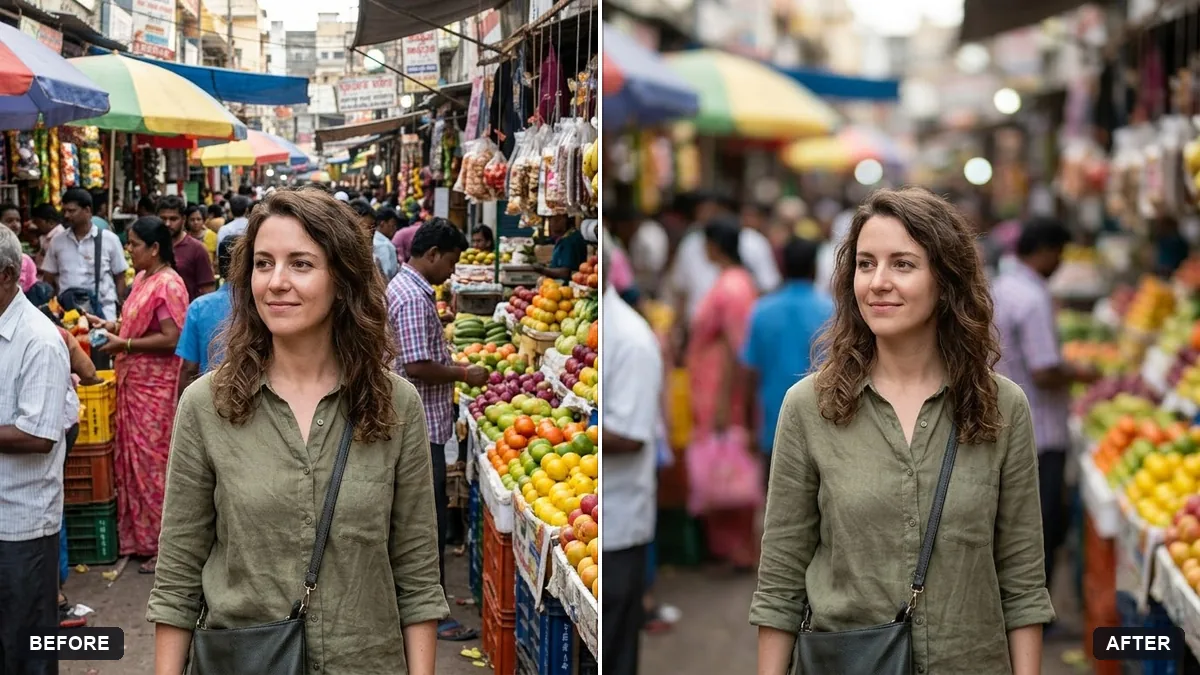 Add a portrait-mode blur to the backgroundGemini · ChatGPT
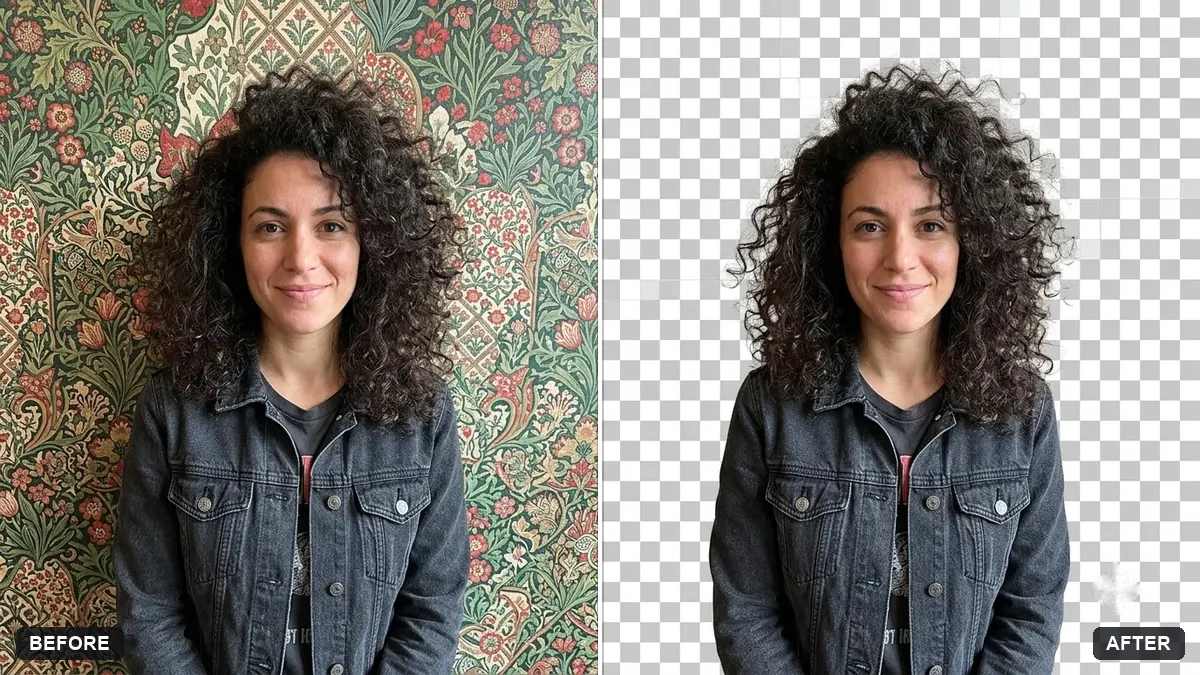 Clean cutout on a transparent backgroundGemini · ChatGPT
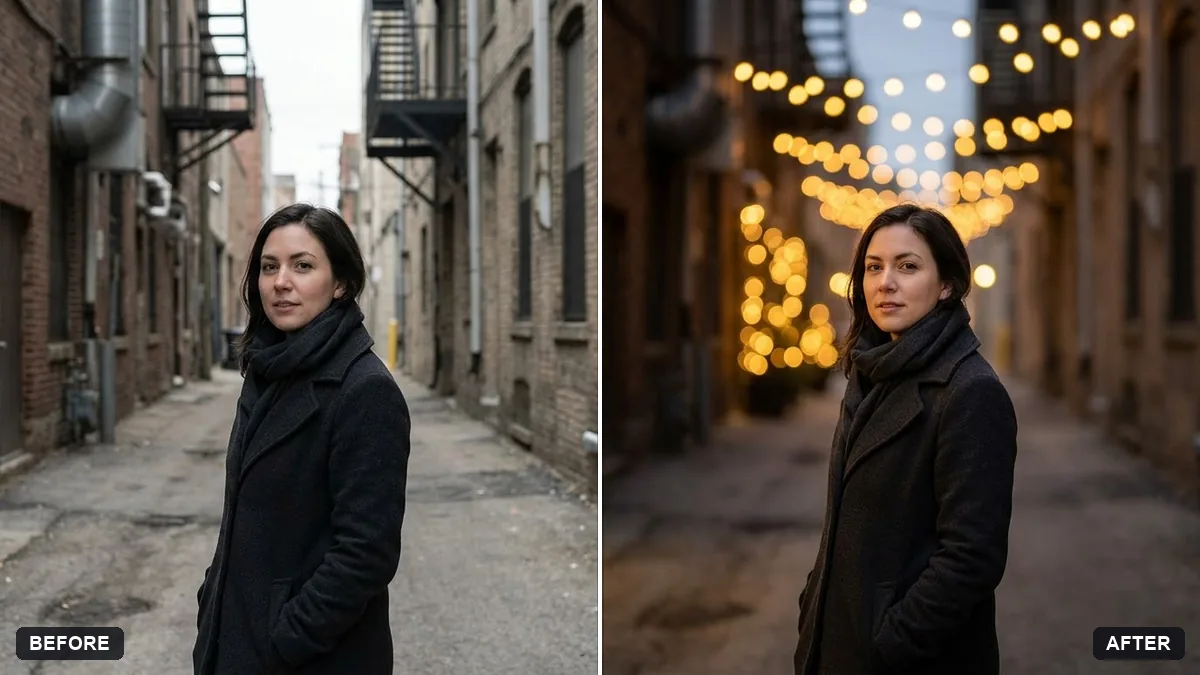 Add dreamy bokeh lightsGemini · ChatGPT
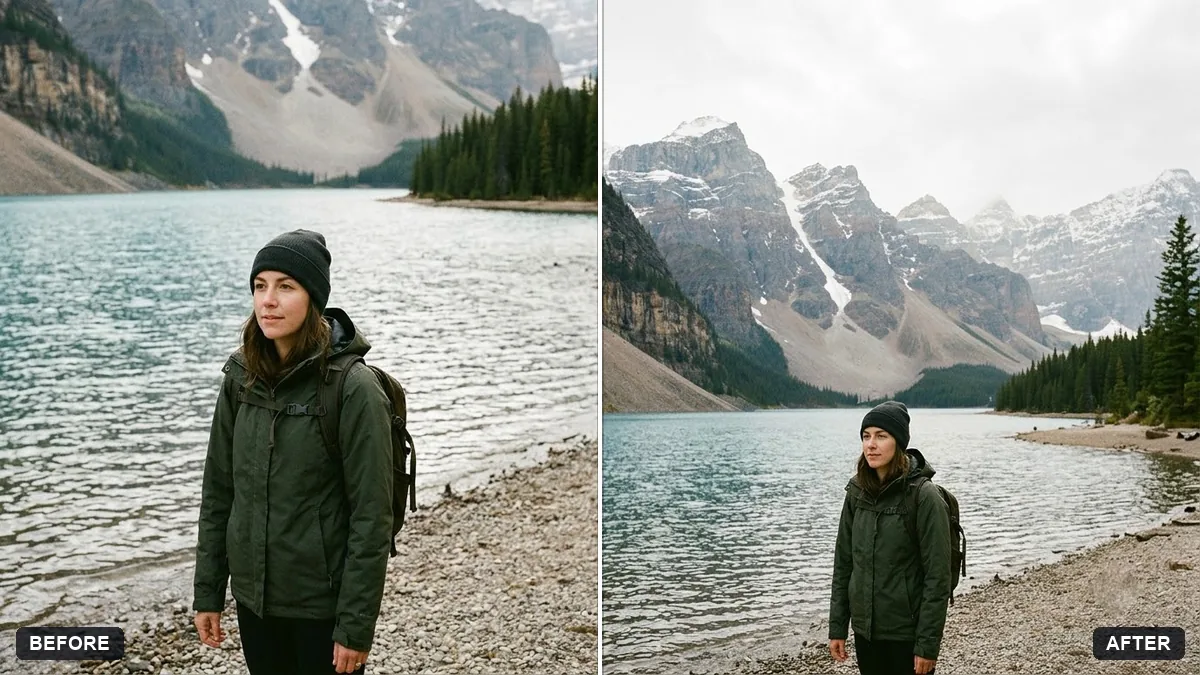 Extend a photo to a wider frameGemini · ChatGPT
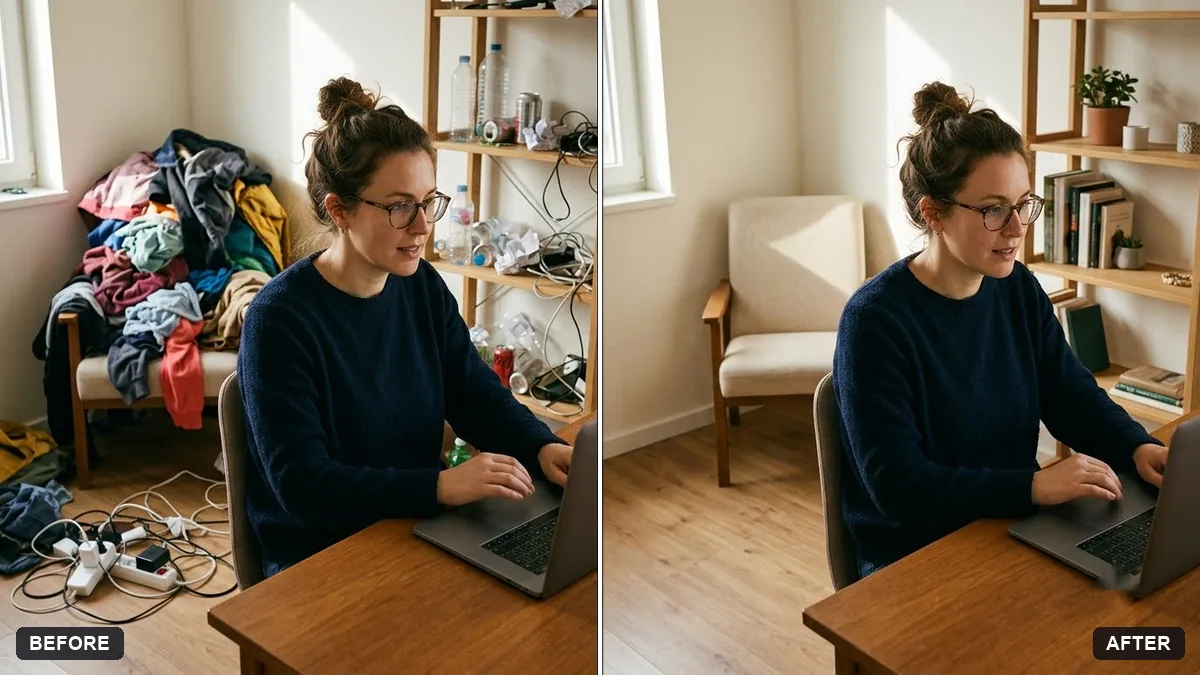 Tidy a cluttered backgroundGemini · ChatGPT
 Trending
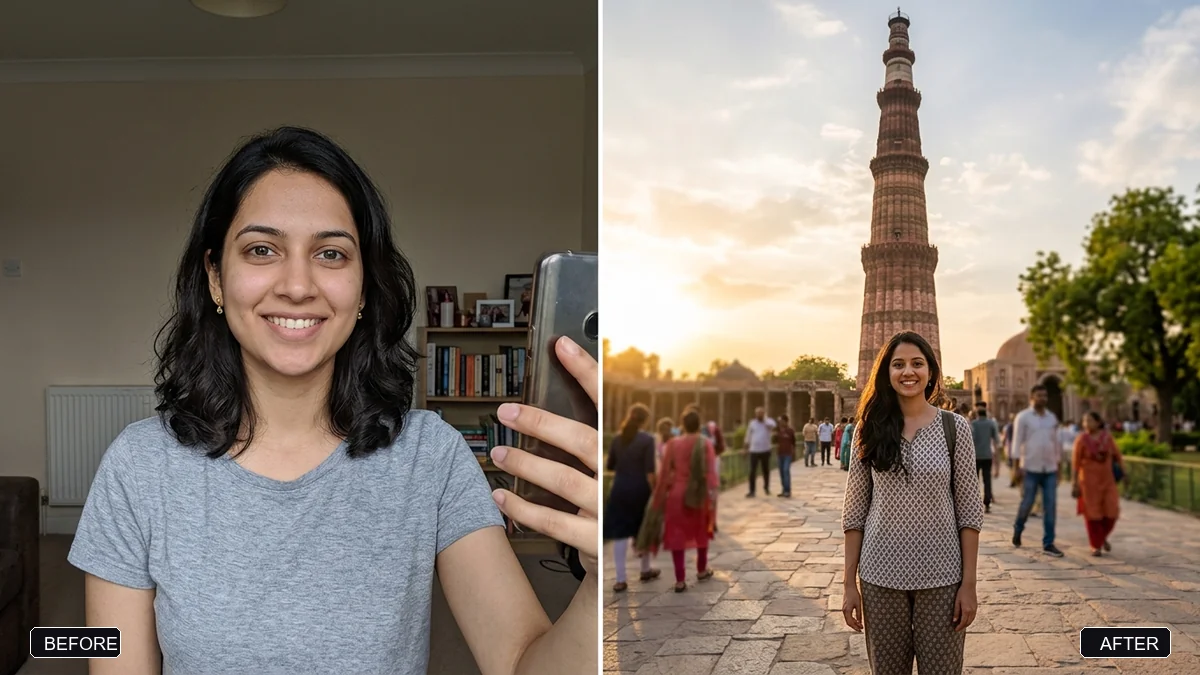
Travel photo at a famous landmarkGemini · ChatGPT
Trending
Travel photo at a famous landmarkGemini · ChatGPT
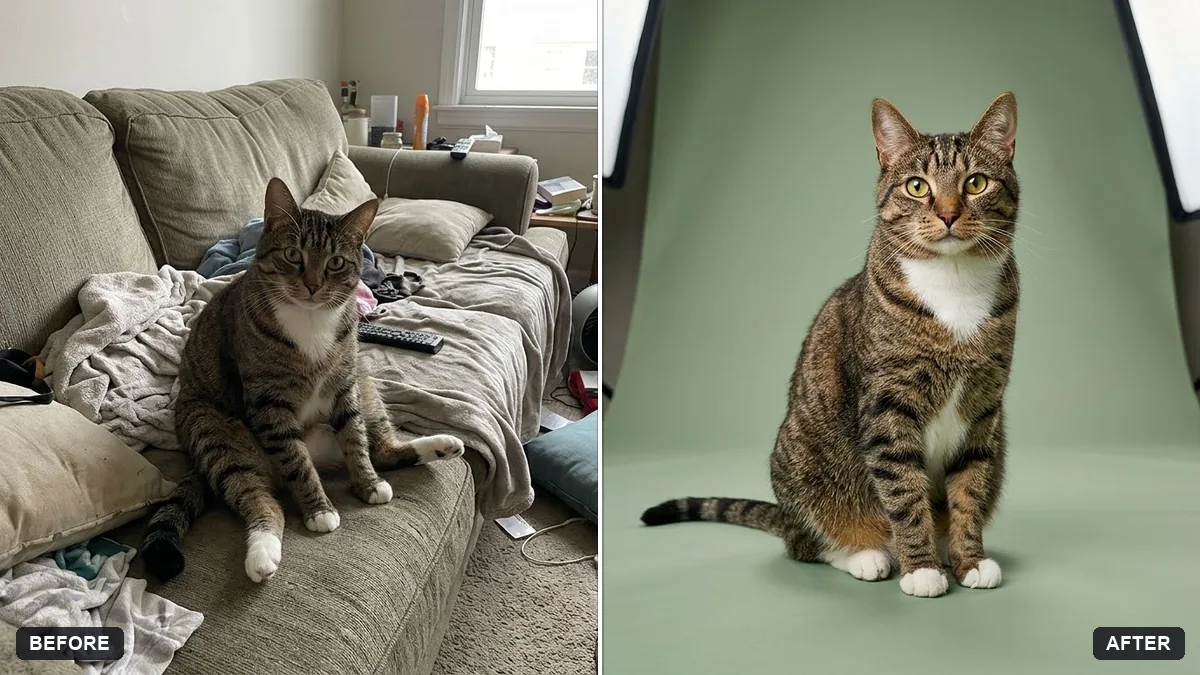 Pet on a studio backdropGemini · ChatGPT
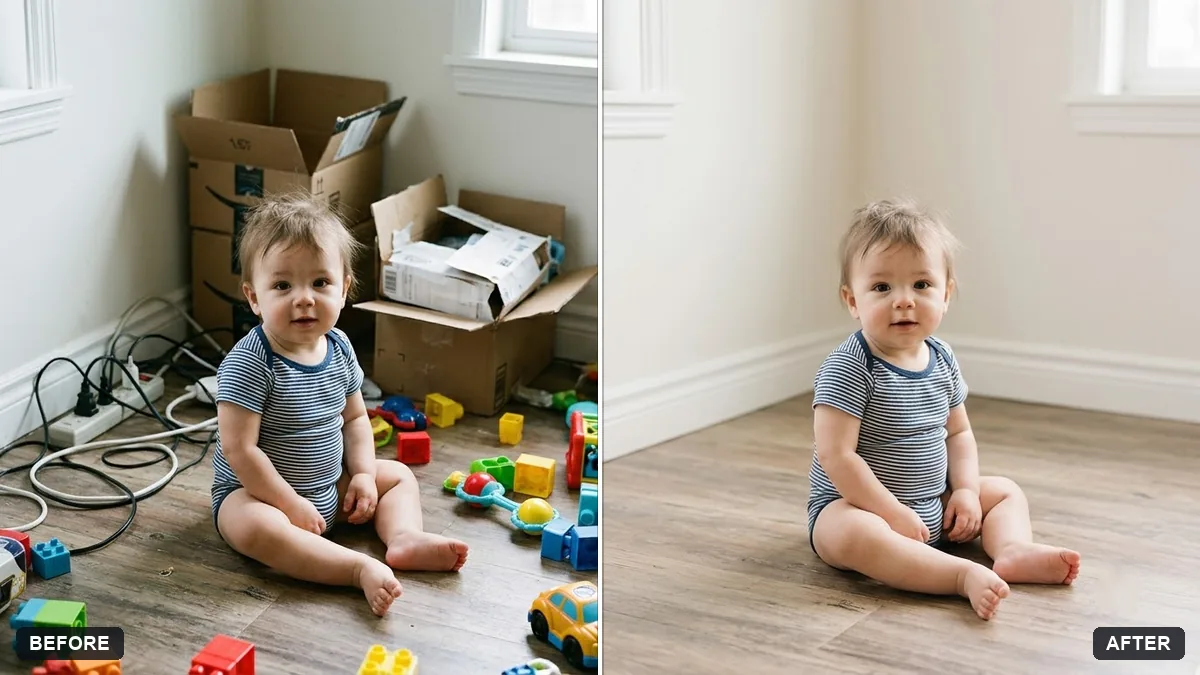 Clean up a baby photo backgroundGemini · ChatGPT
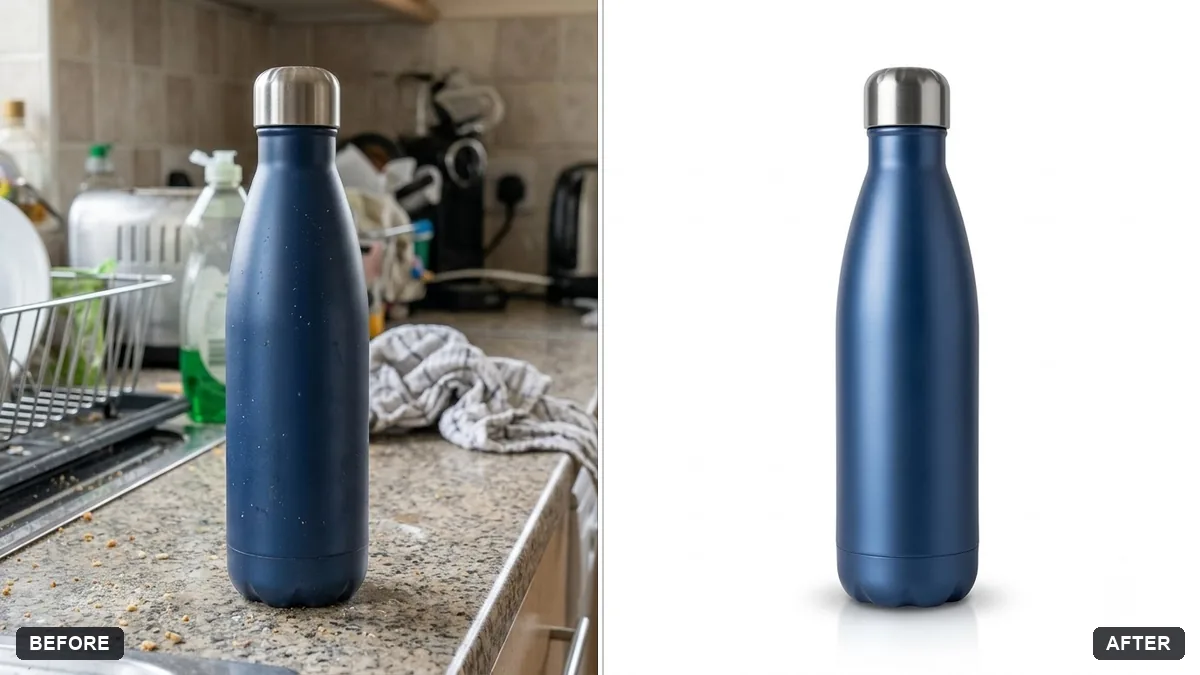 Product cutout with a soft natural shadowGemini · ChatGPT
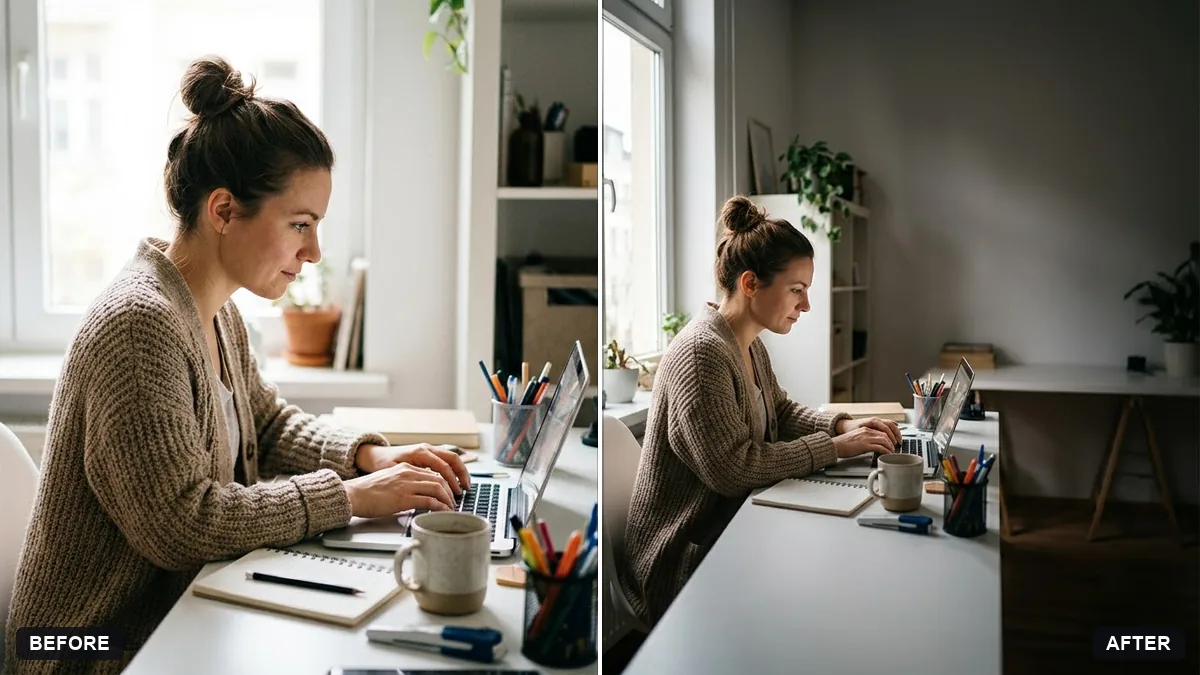 Website hero image from a photoGemini · ChatGPT
Guides that use these prompts


Questions, answered
How do I change the background of a photo with Gemini?
Upload the photo, paste the background prompt and describe the new place, for example "a sunny beach in Goa at golden hour". The prompt asks Gemini to match the light and blend the hair edges.
Can AI make a transparent background?
Some apps return a real transparent PNG and some return a white or checkered background. If you get a checkered pattern, use the cut-out on a plain colour and remove it in a free background remover.
Why does my hair look cut out?
That is the hardest part for any tool. Reply "blend the hair edges and match the light on my face to the background", or choose a background with similar colours.