AI pet photo prompts
Pets are made for AI photo edits. These prompts turn a photo of your dog or cat into a regal oil painting, a corporate headshot, a superhero, a watercolour or a festive portrait, and fix the common problems with pet photos, such as glowing flash eyes, motion blur and a messy background.
Each prompt asks the AI to keep the fur colours, markings and face exactly the same, so it is clearly your pet. The video prompts at the end bring a pet photo to life for a few seconds.
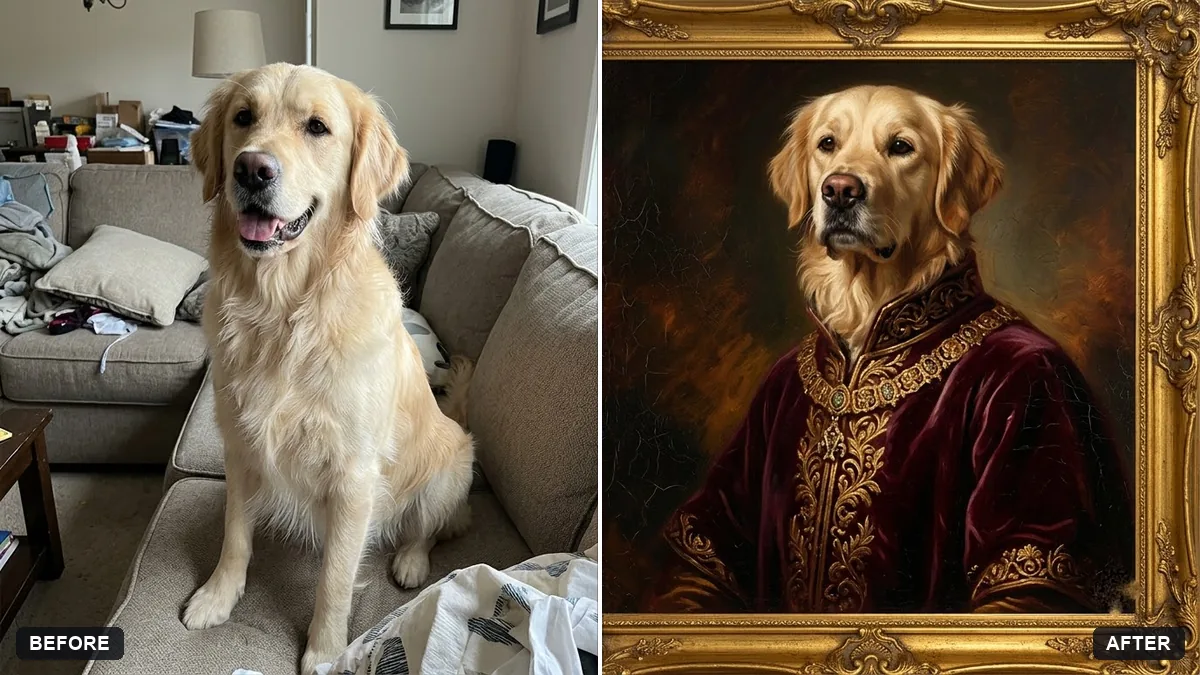
Turn this photo of my [PET TYPE] into a regal oil-painting portrait. Keep the fur colours, markings and facial features exactly the same.

Dress it in a velvet [COLOUR] cloak with a gold collar and a small crown, seated on a [THRONE / CUSHION], dark classic painted background, soft window light, visible brush strokes, museum frame look.
Three steps, about a minute
- 1
Take a sharp photo of your pet at their eye level, in daylight, looking at the camera.
- 2
Upload it to Gemini or ChatGPT, paste the prompt and fill in the pet type and colours.
- 3
Check the markings and eye colour. If they changed, describe them in the prompt.
Make it yours
- Markings: "white socks on the front paws, black patch on the back" keeps it your pet.
- Costume: a velvet cloak and crown, a superhero cape, a Diwali kurta or a Christmas jumper.
- Gift: ask for a 4:5 canvas crop for printing.
- Video: the photo-to-video prompts make a short clip of a blink, a tail wag or a head tilt.
If it goes wrong
- It does not look like my pet
- Describe the breed, colours and markings, and use a sharper photo.
- Eyes look strange
- Use the glowing-eyes fix prompt, or ask for "natural eye colour, no glare".
- The costume covers too much
- Ask for "a small collar and cape, face fully visible".
- Fur looks painted in a photo edit
- Add "natural fur texture and detail".
9 more prompts in this collection
 Trending
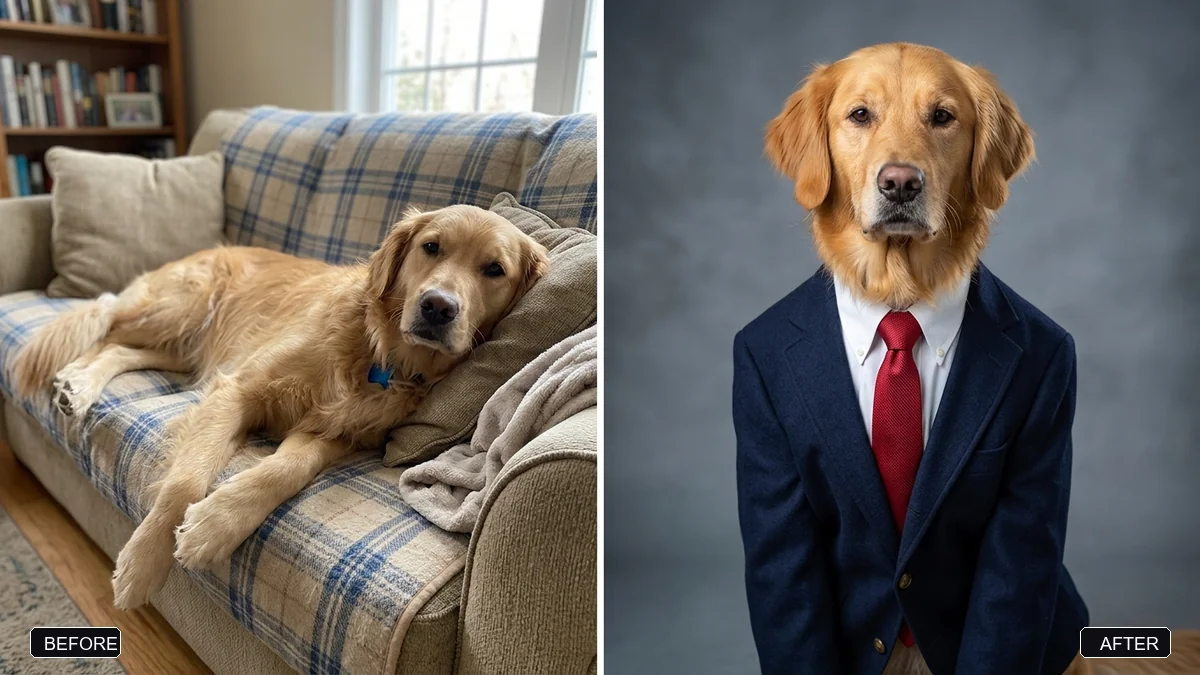
Corporate headshot of your petGemini · ChatGPT
Trending
Corporate headshot of your petGemini · ChatGPT
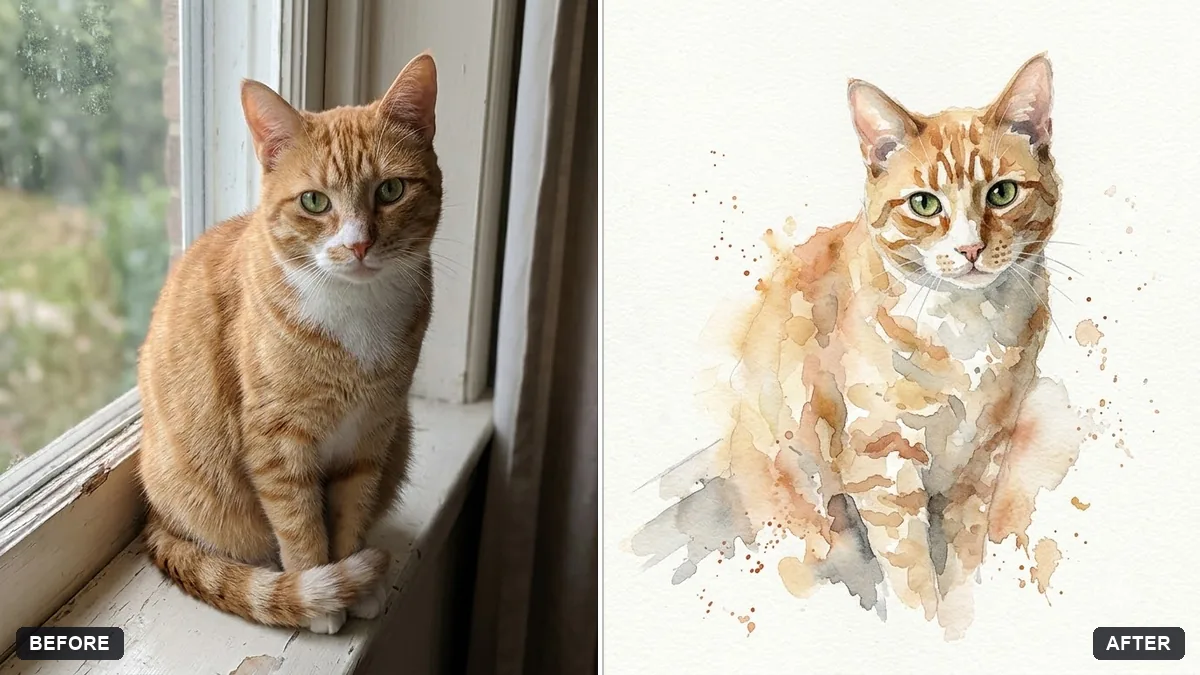 Pet watercolour portraitGemini · ChatGPT
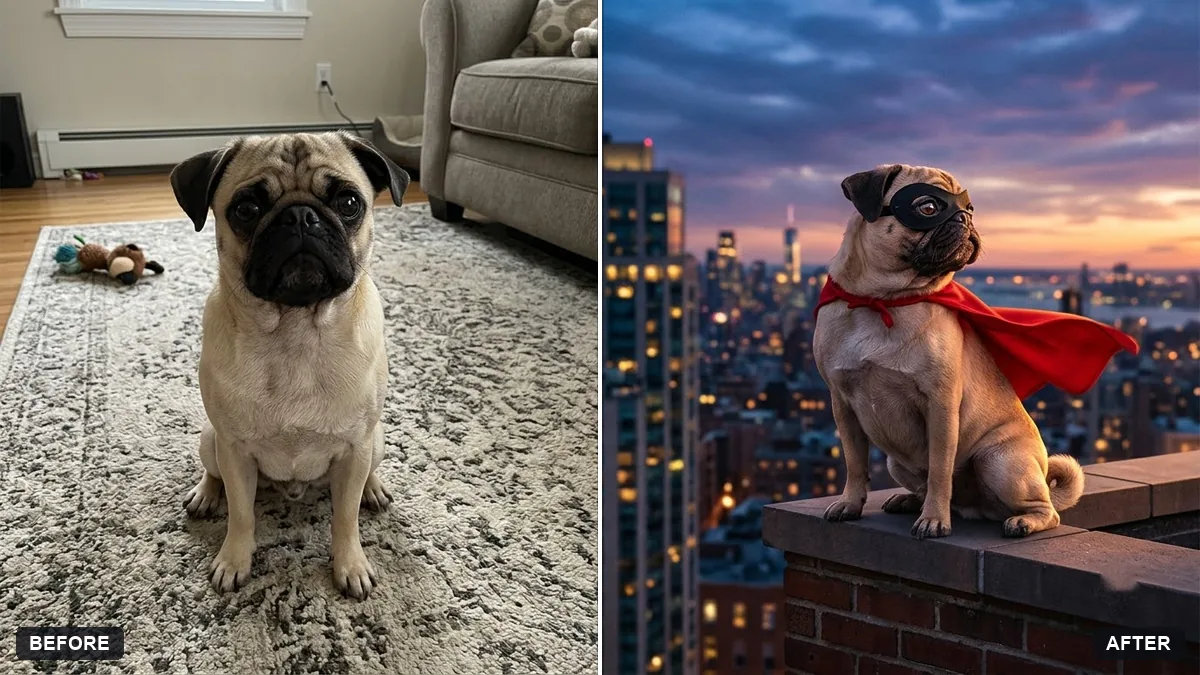 Superhero version of your petGemini · ChatGPT
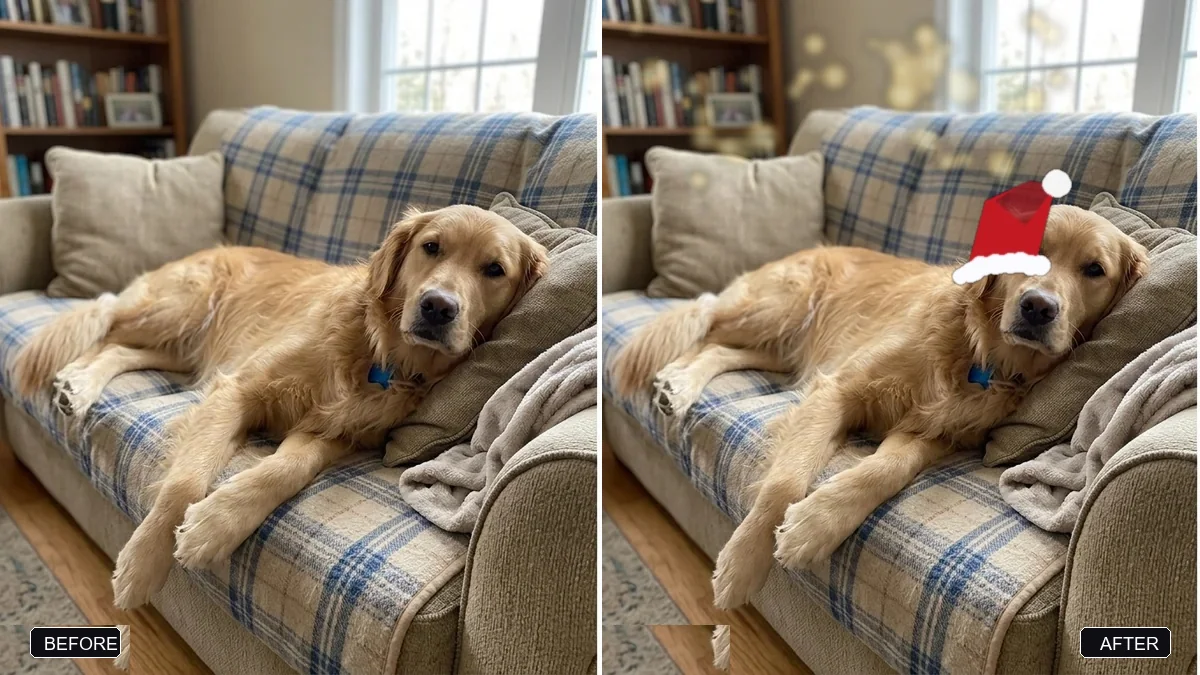 Dress your pet for the holidaysGemini · ChatGPT
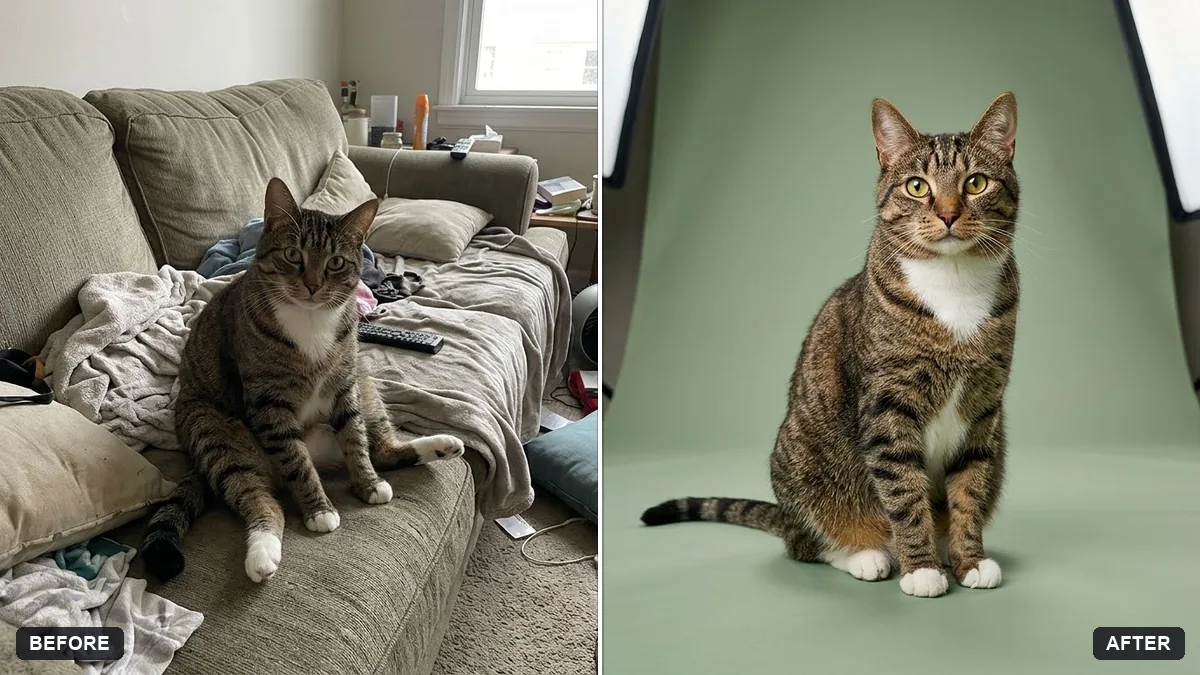 Pet on a studio backdropGemini · ChatGPT
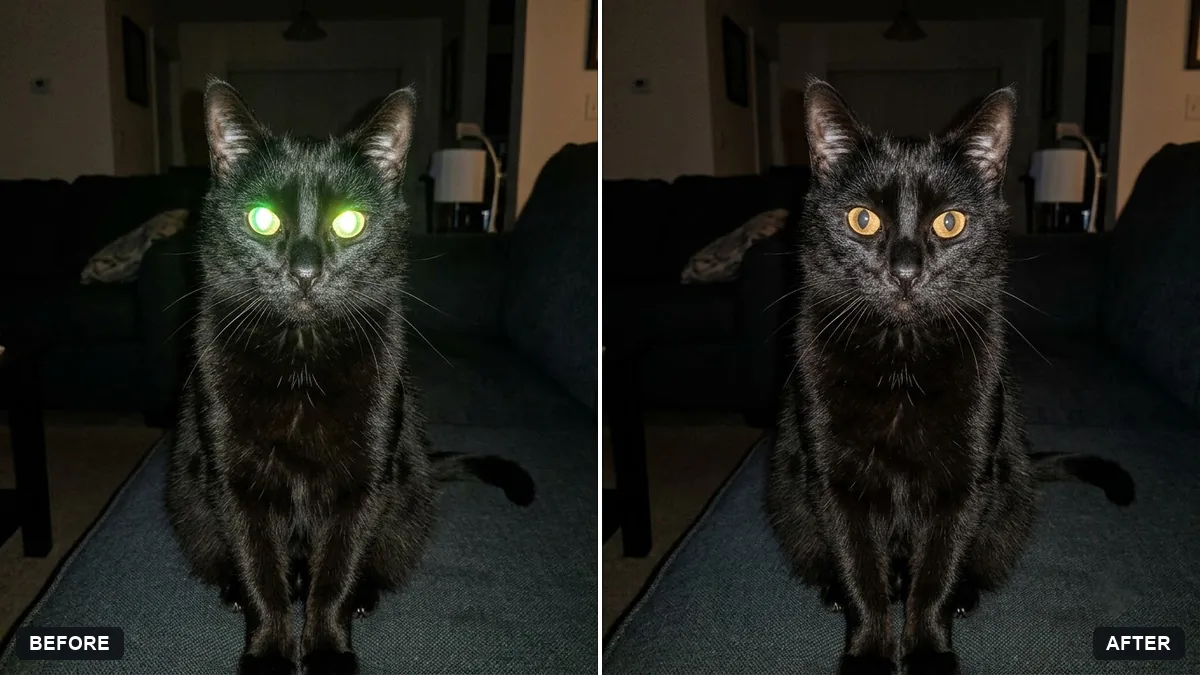 Fix glowing eyes in pet flash photosGemini · ChatGPT
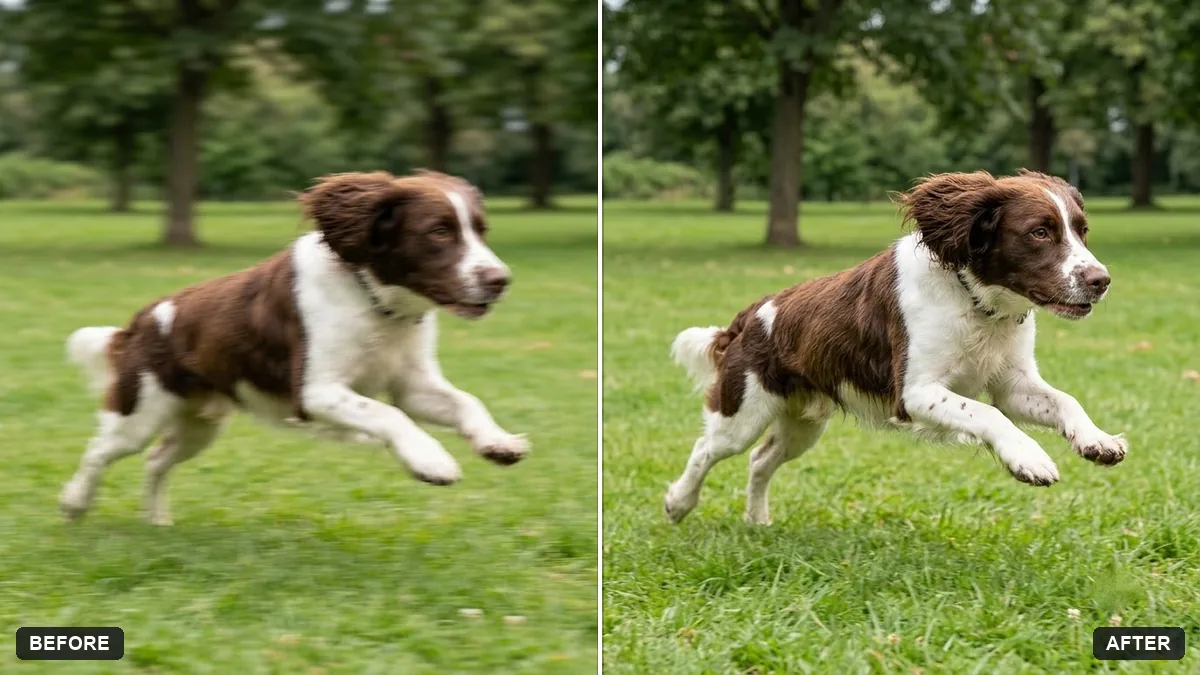 Sharpen a blurry pet action shotGemini · ChatGPT
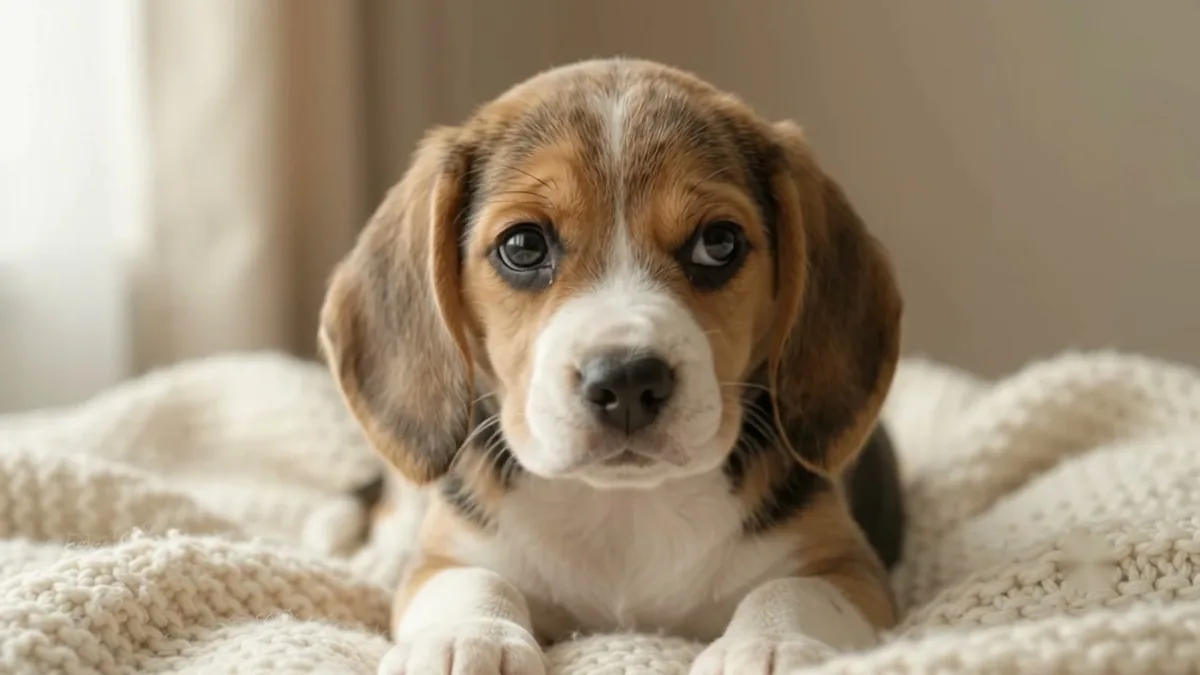 Make your pet photo come aliveKling · Veo · Seedance
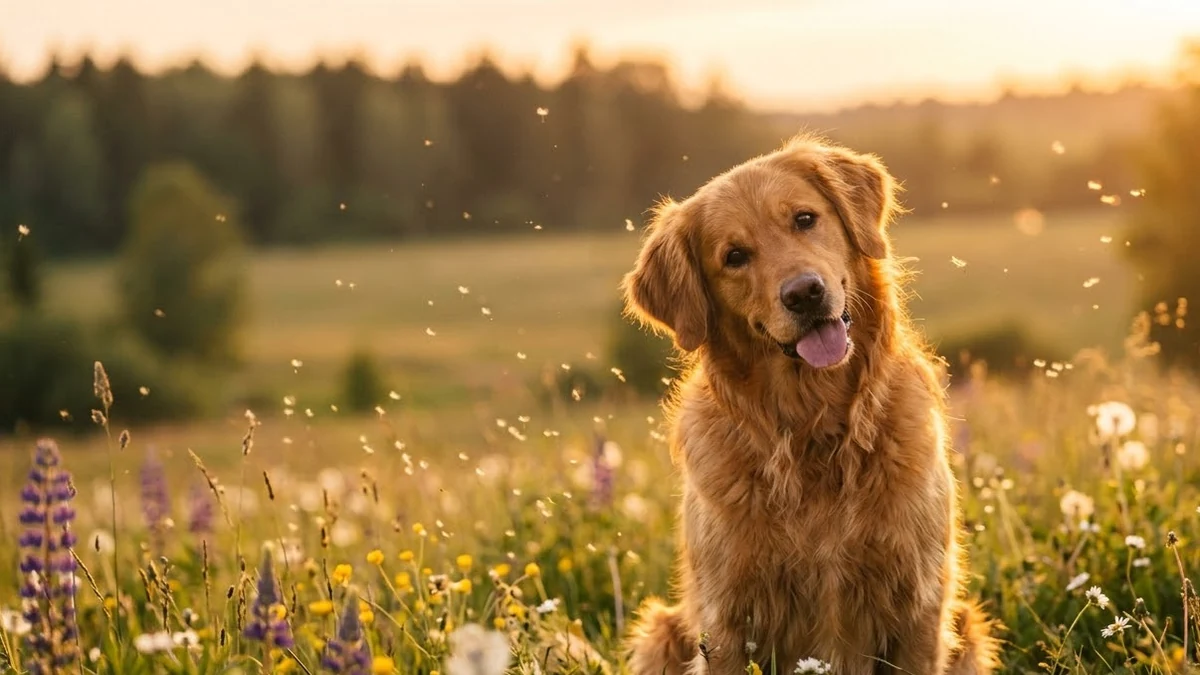 Make your pet photo moveHiggsfield · Kling
Guides that use these prompts
Questions, answered
Can AI make a portrait of my dog or cat?
Yes. Upload a clear photo of your pet to Gemini or ChatGPT and paste the royal portrait or watercolour prompt with the pet type and colours.
How do I keep my pet's markings?
Use a sharp photo in daylight and add the markings to the prompt: "white patch over the left eye, brown ears".
Can I print it as a gift?
Yes, for personal use. Ask for a "canvas-friendly 4:5 crop" or the size of your frame.