Photo to painting and sketch prompts
An AI can redraw your photo in almost any art style. These prompts cover the classics, such as graphite pencil, charcoal, watercolour, ink wash and Renaissance oil, plus print and craft looks such as pop art, linocut, stained glass, mosaic, layered paper and cross-stitch.
There are also simple line drawing and colouring page prompts, which make good printable gifts and activity sheets for kids. Each prompt asks the AI to keep the face accurate and recognisable.
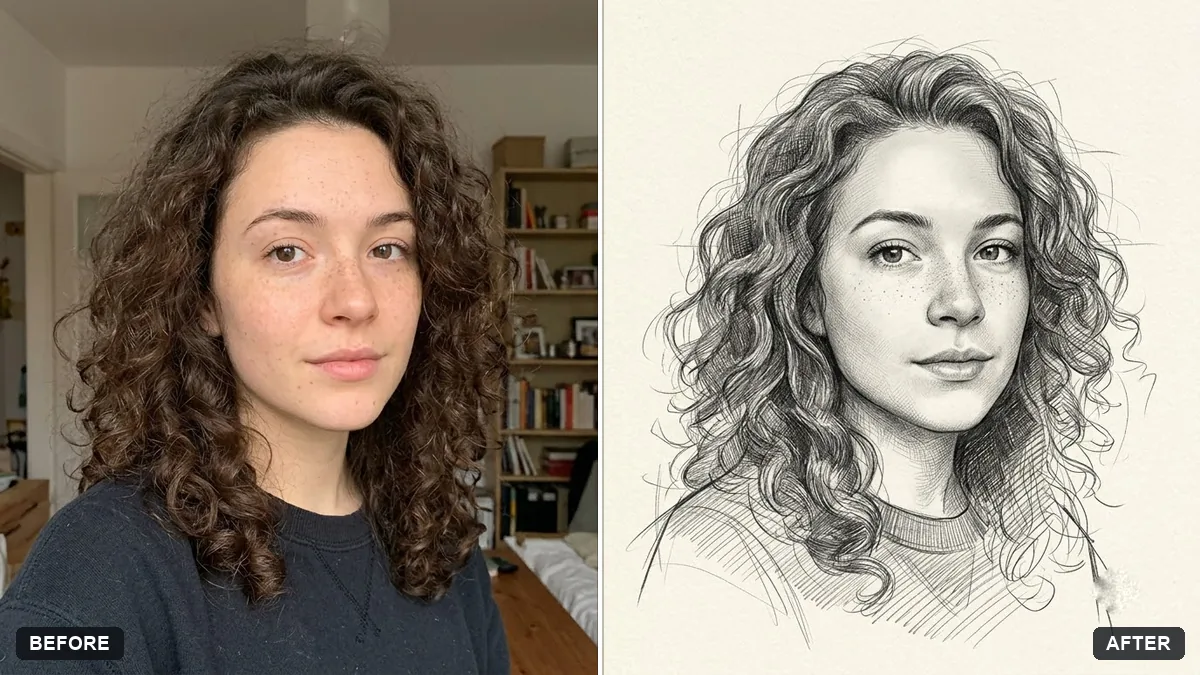
Redraw this photo as a detailed graphite pencil sketch on [PAPER, e.g. cream] paper. Keep the face accurate and recognisable.

Fine hatching for shadows, smooth blending on skin, a few visible construction lines, slightly unfinished edges around the shoulders, soft vignette. No colour, no digital look.
Three steps, about a minute
- 1
Choose a photo with good light and shadow on the face. Flat, dark photos make flat drawings.
- 2
Upload it to Gemini or ChatGPT, paste the style prompt and fill in paper or colour choices.
- 3
For printing, ask for the frame size, like "A4 portrait" or "square".
Make it yours
- Paper: "cream paper", "toned grey paper" or "rough watercolour paper" change the feel.
- Detail: "loose and expressive" or "detailed and realistic" sets how finished it looks.
- Gifts: watercolour and pencil portraits make good birthday and anniversary gifts.
- Kids: the colouring page prompt turns any photo into a printable outline.
If it goes wrong
- It looks digital
- Add "visible pencil strokes, paper texture, no digital look".
- Face not accurate
- Reply "keep the face accurate and recognisable" and use a sharper photo.
- Too much colour in a sketch
- Say "no colour, graphite only".
- Background is busy
- Ask for "unfinished edges, plain paper background".
14 more prompts in this collection
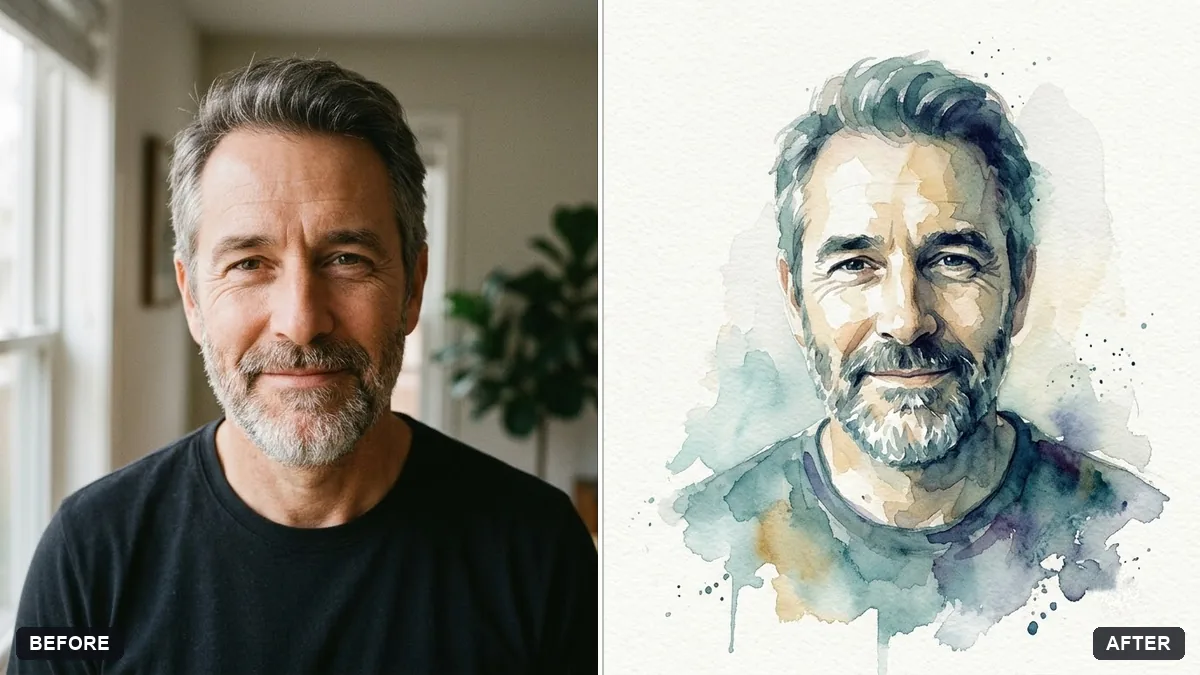 Watercolour painting from your portraitGemini · ChatGPT
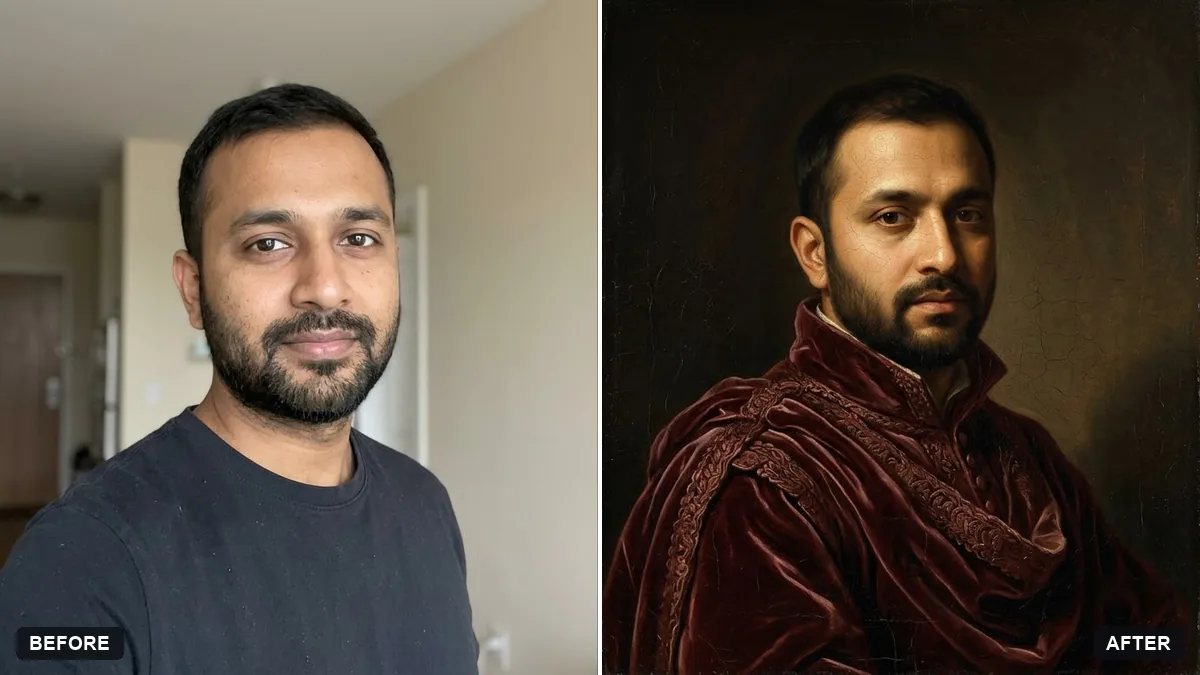 Renaissance oil painting of youGemini · ChatGPT
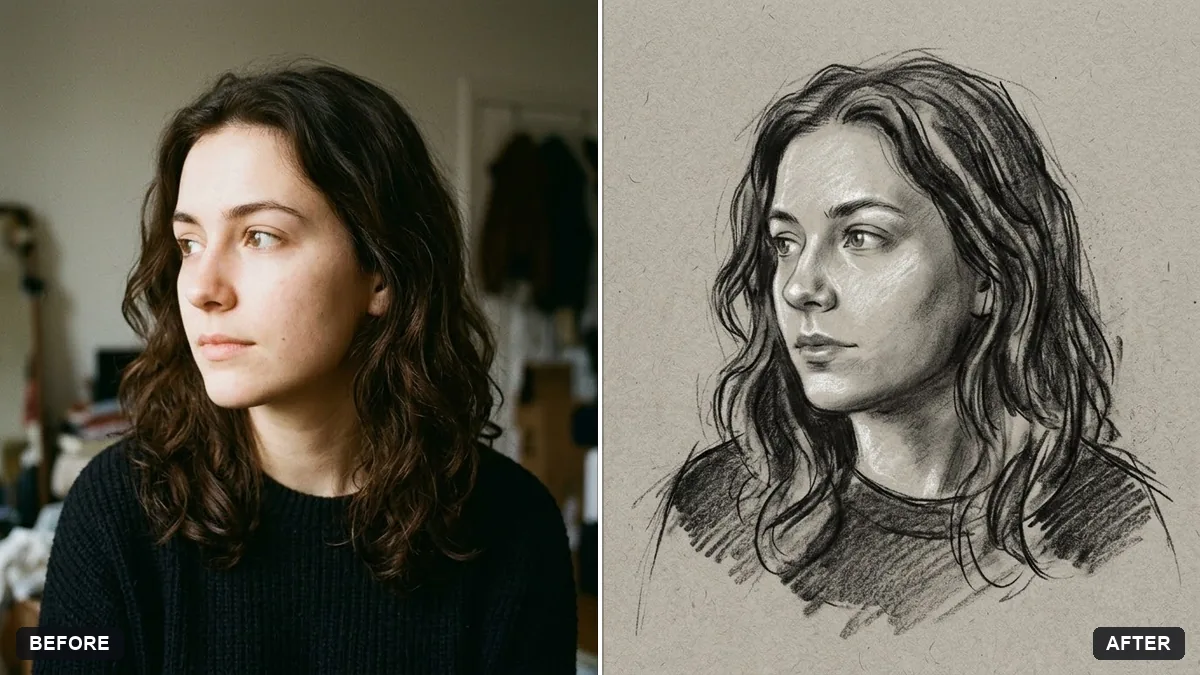 Charcoal drawing portraitGemini · ChatGPT
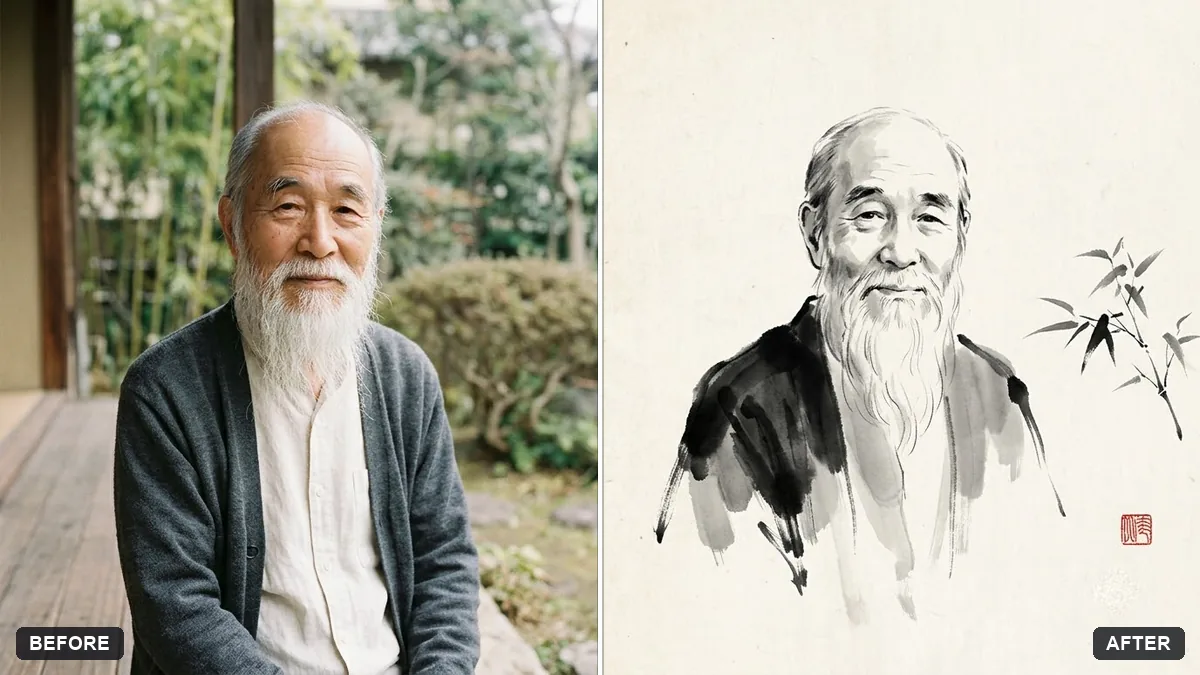 Ink wash painting portraitGemini · ChatGPT
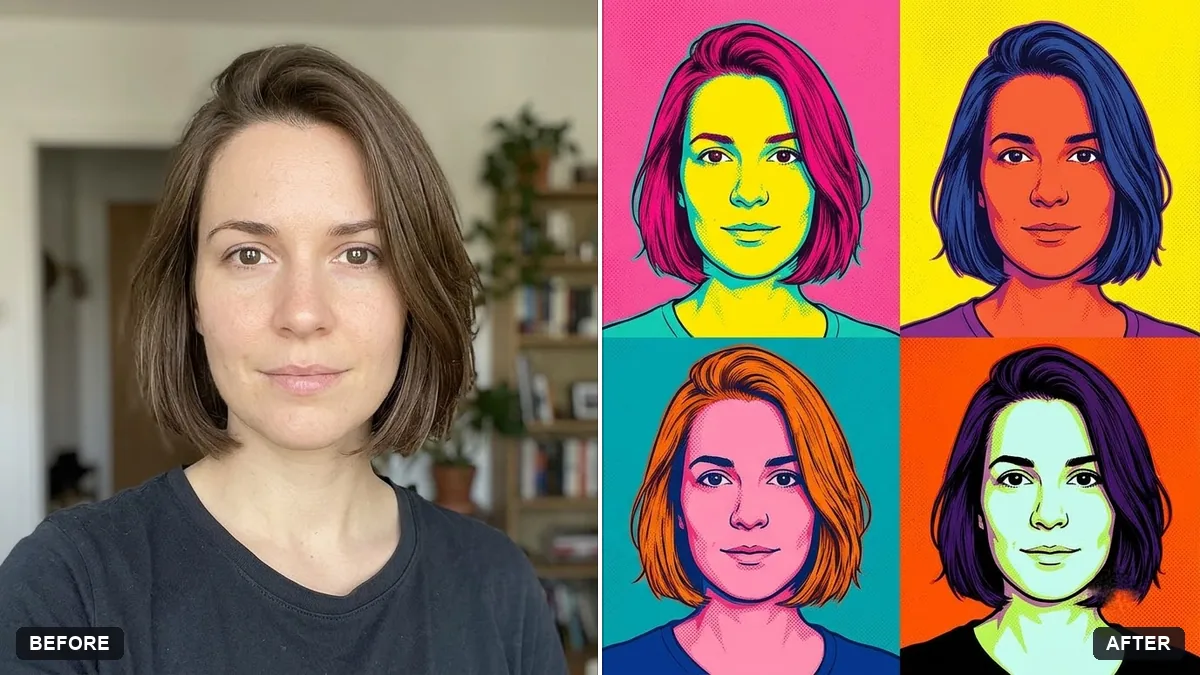 Pop art screen-print portraitGemini · ChatGPT
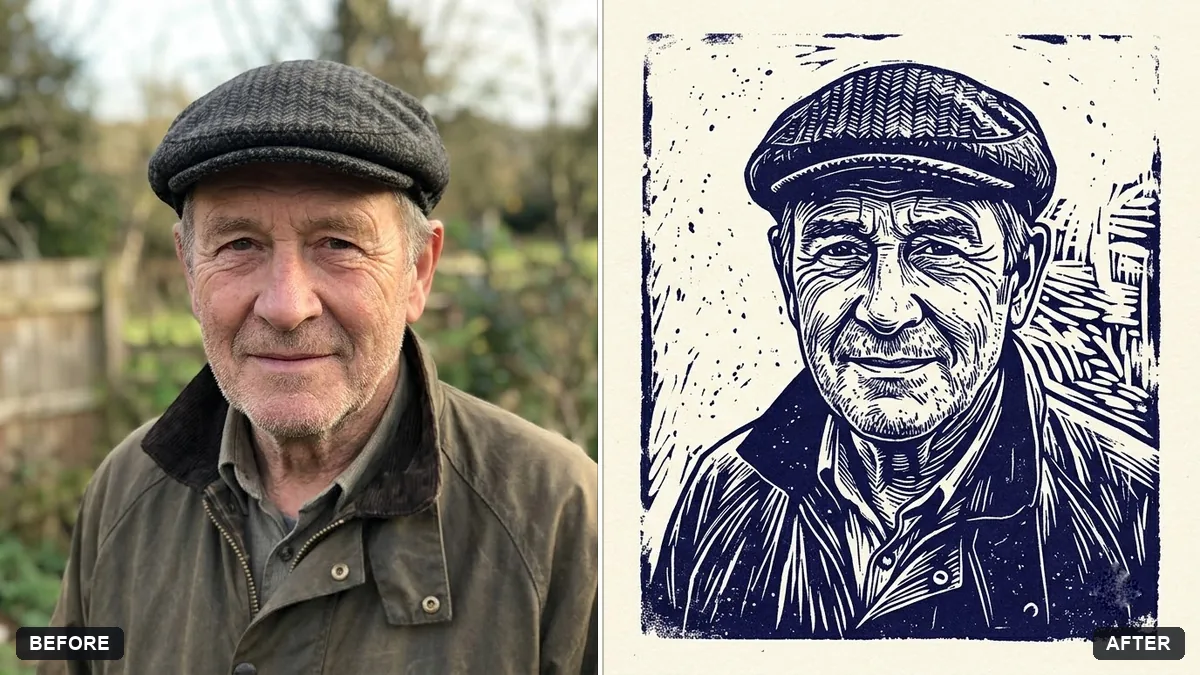 Linocut print portraitGemini · ChatGPT
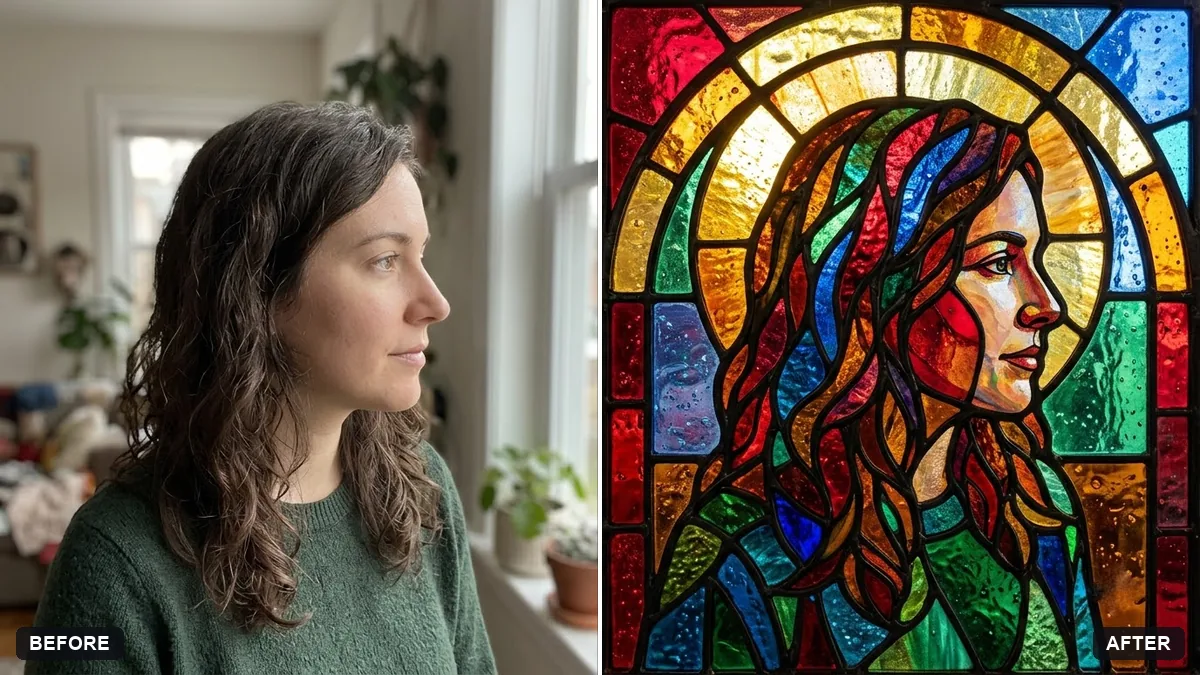 Stained glass portraitGemini · ChatGPT
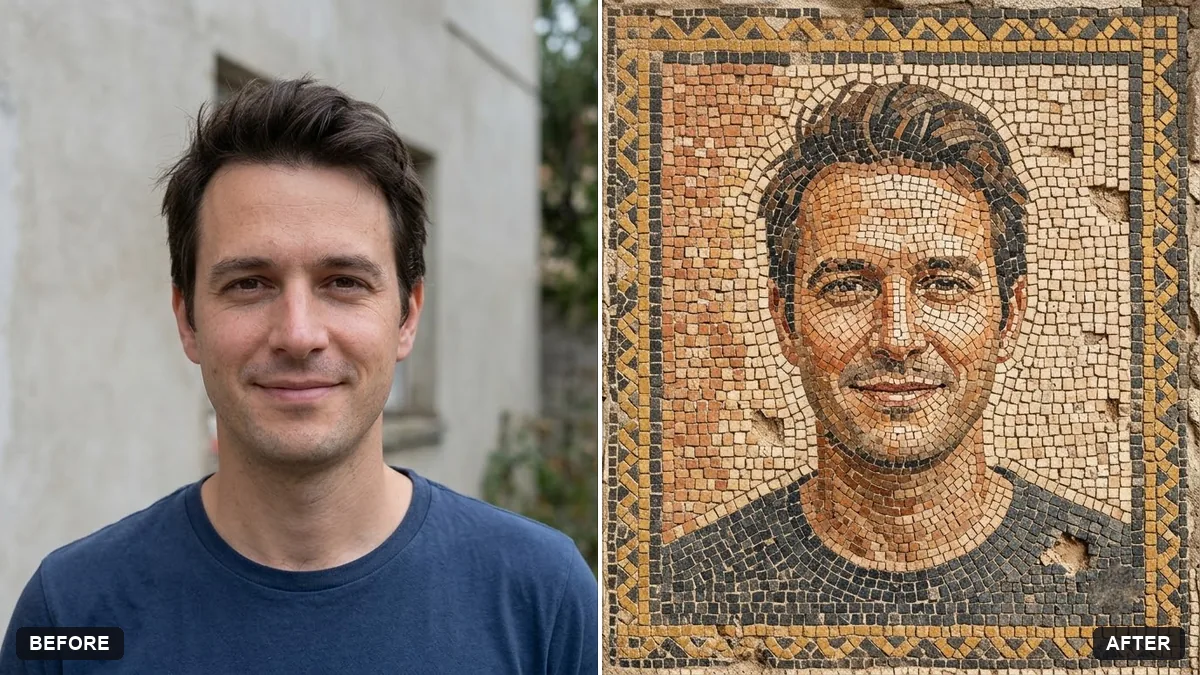 Mosaic tile portraitGemini · ChatGPT
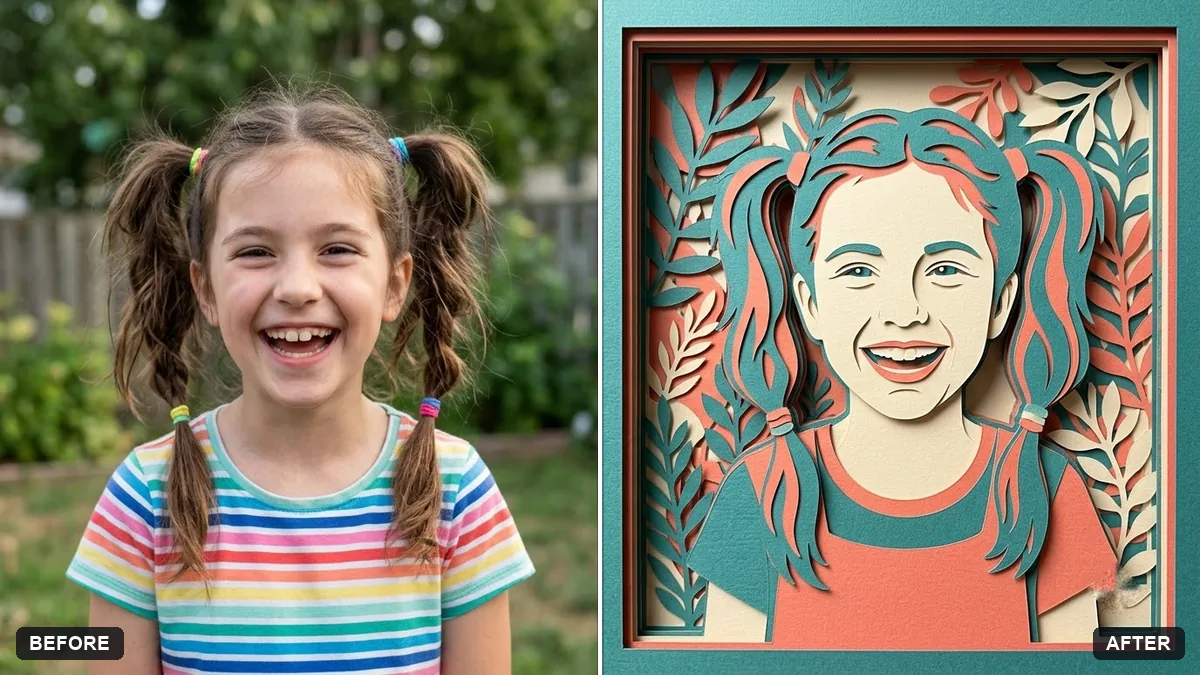 Layered paper craft portraitGemini · ChatGPT
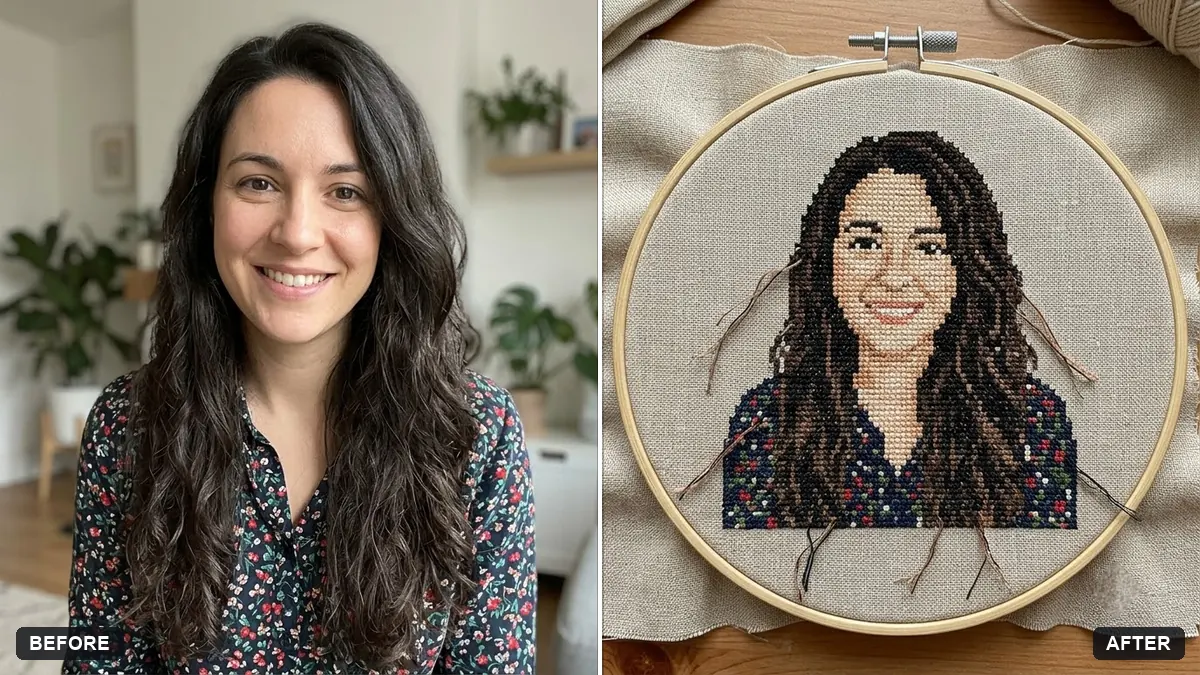 Cross-stitch embroidery portraitGemini · ChatGPT
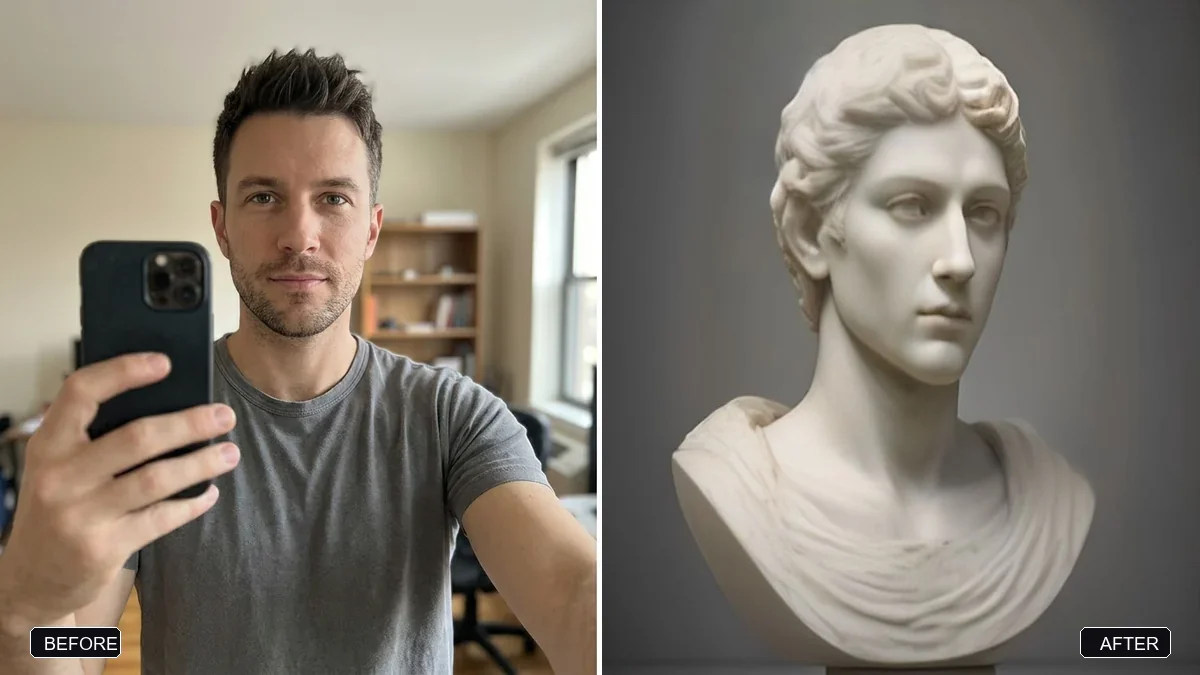 Classical marble statue portraitGemini · ChatGPT
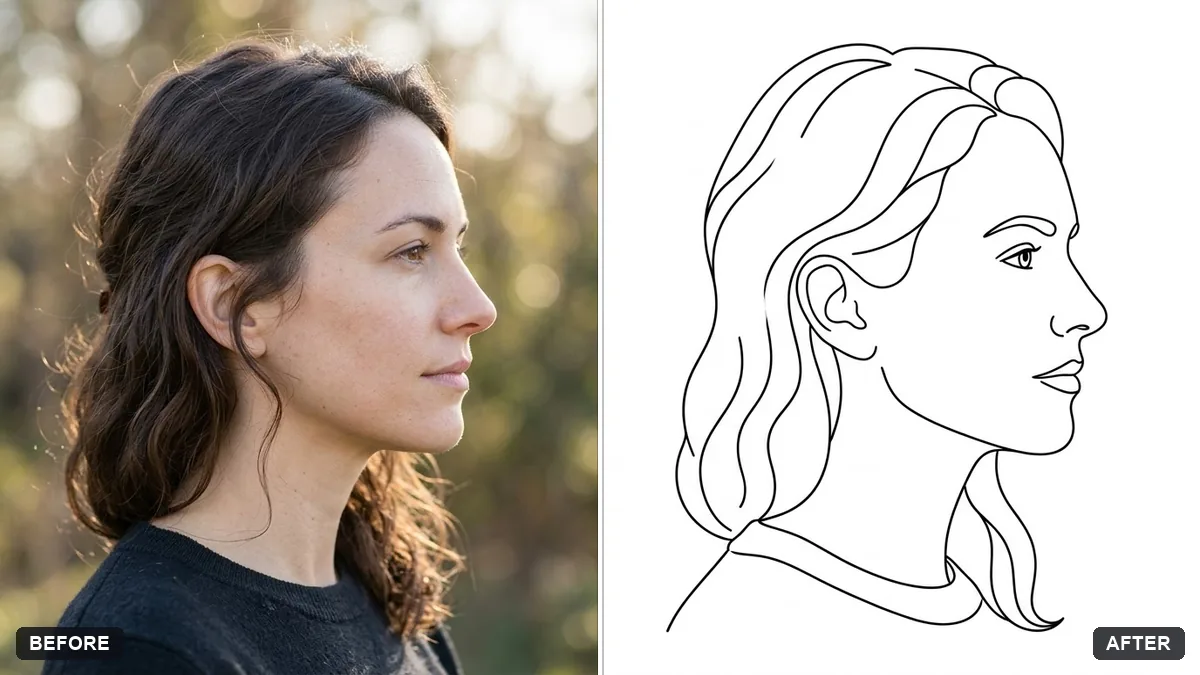 Turn a photo into a line drawingGemini · ChatGPT
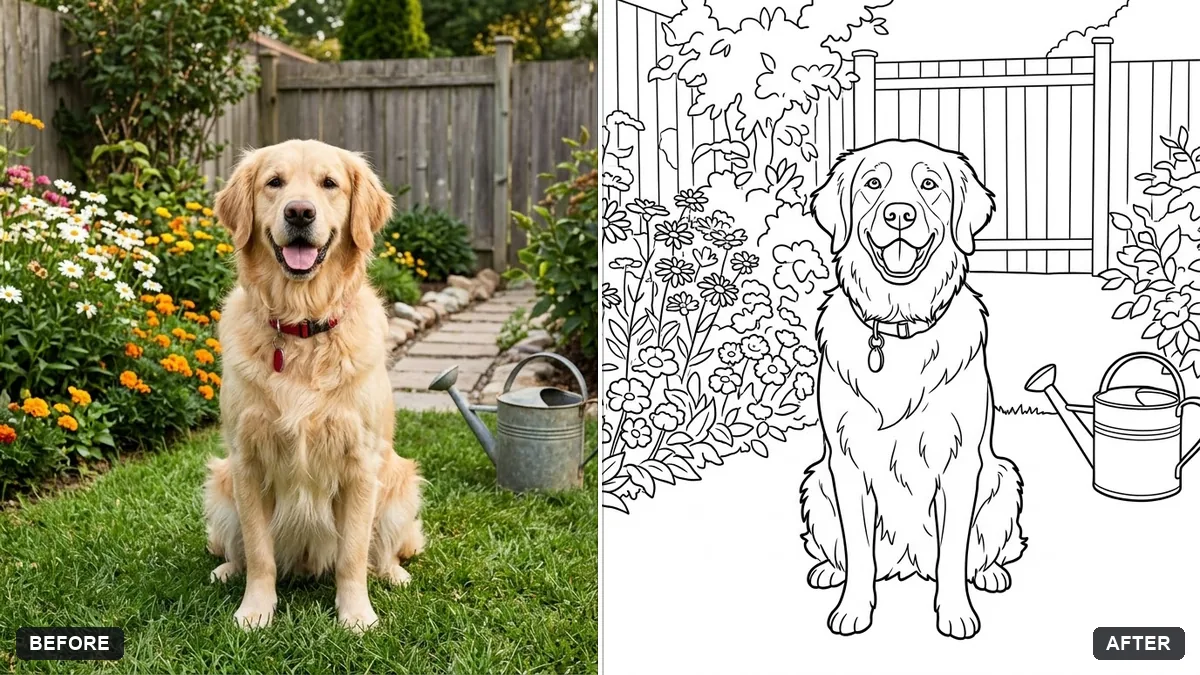 Turn a photo into a colouring pageGemini · ChatGPT
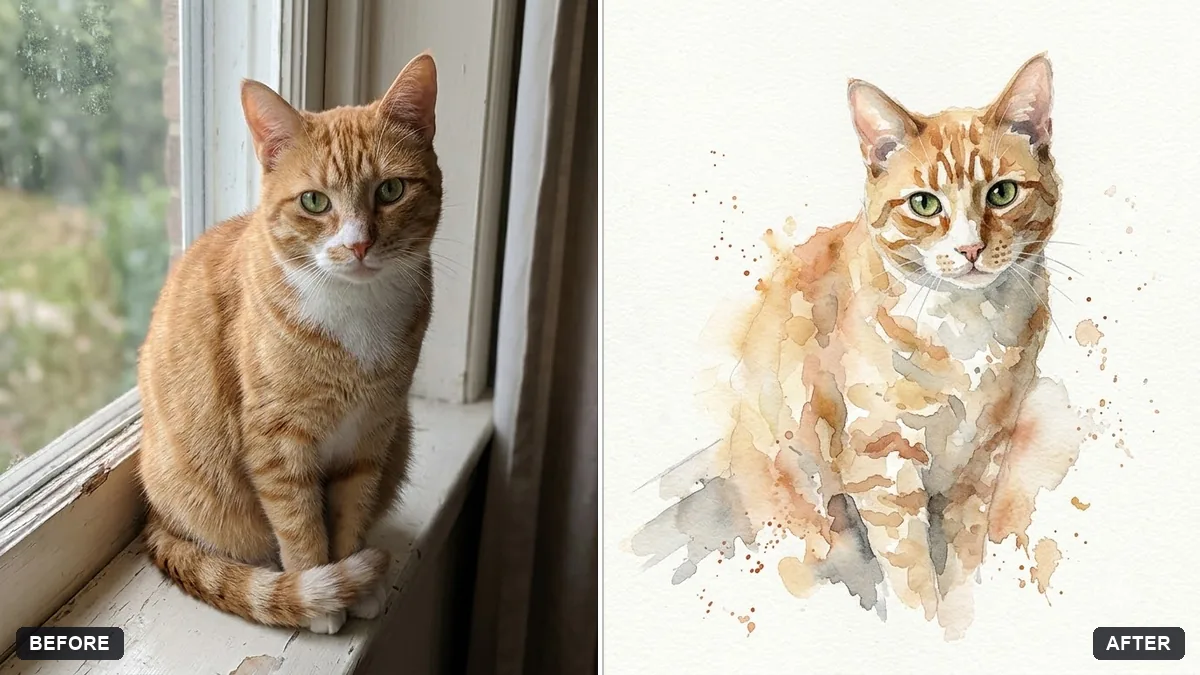 Pet watercolour portraitGemini · ChatGPT
Guides that use these prompts
Questions, answered
How do I turn a photo into a sketch with AI?
Upload the photo to Gemini or ChatGPT and paste the pencil sketch prompt. Photos with strong light and shadow give the most dramatic sketches.
Can I print these?
Yes, for personal use. Ask for a high-resolution image and the aspect ratio of your frame, such as "4:5" or "A4 portrait".
Is it a real painting?
No. It is an AI image in a painting style. If you sell or show it, say it was made with AI.