- Updated
Turn a photo into a line drawing
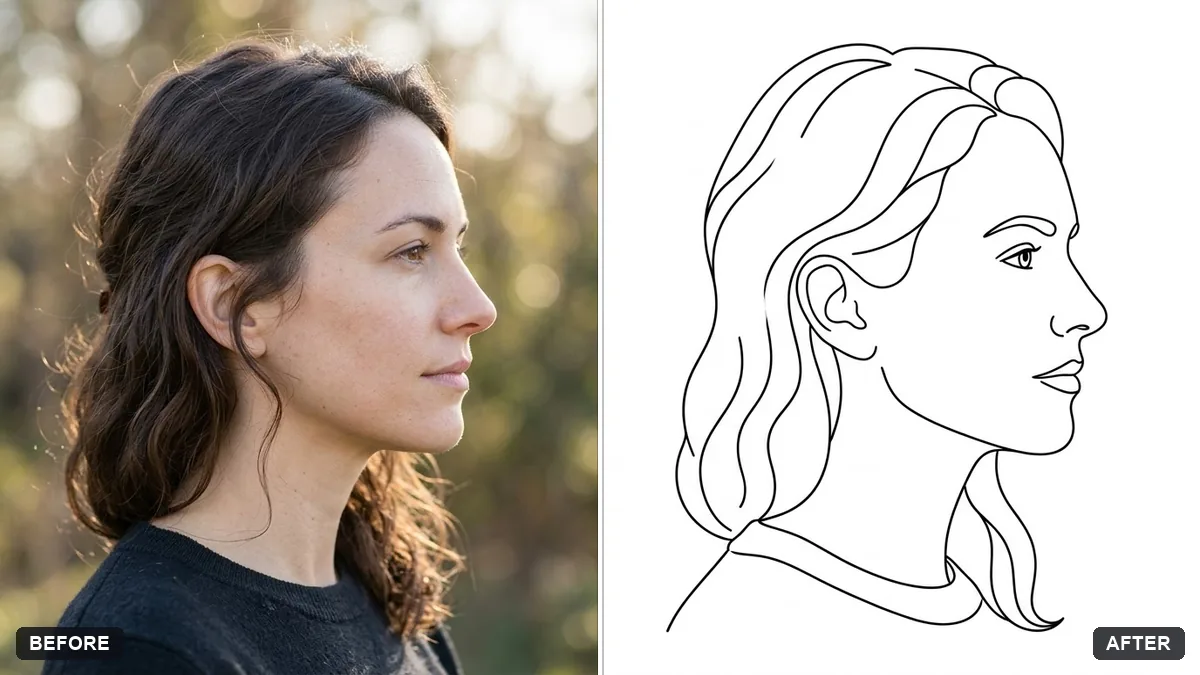
This prompt converts your photo into a clean line drawing, keeping the main outlines and facial features recognisable.
Convert this photo into a clean single-weight black line drawing on a white background, keeping the main outlines and facial features recognisable and removing fine textures and shading.

Minimal, elegant, suitable for printing or tattoos. Extra instructions: [ANY DETAIL TO KEEP OR AVOID].
Use a well-lit photo with clear outlines for a cleaner drawing.
Your photo goes to the AI app you choose, never to PromptUp.
Get a better result
A clean black outline drawing on white paper, with the main shapes and face kept and the shading and fine texture taken out, simple enough to print on a card or use as tattoo reference.
Single-weight line drawings strip a photo down to its outlines, so the prompt removes textures and shading. Keeping facial features recognisable keeps the likeness. A well-lit photo with clear edges, as the tip says, gives cleaner lines.
The lines come out sketchy and double, with grey shading left in.
Fix: Say “single continuous line, one weight, pure black on pure white, no grey, no hatching, no shading”.
- The face loses its likeness. Use the extra-instructions bracket to name what must stay, such as “keep the eyes, nose and smile line exactly in place”.
- Background clutter becomes messy lines. Add “remove the background completely, draw the subject only” or start with a photo that has a plain wall behind.
Ask for “the whole portrait as one unbroken line that never lifts off the page”. It gives a more artistic result that suits a print.
Keep the same drawing. Make the line thinner and cut the number of lines in the hair by half so it reads as more minimal.
Guides that use this prompt
More photo editing prompts
See all 334 →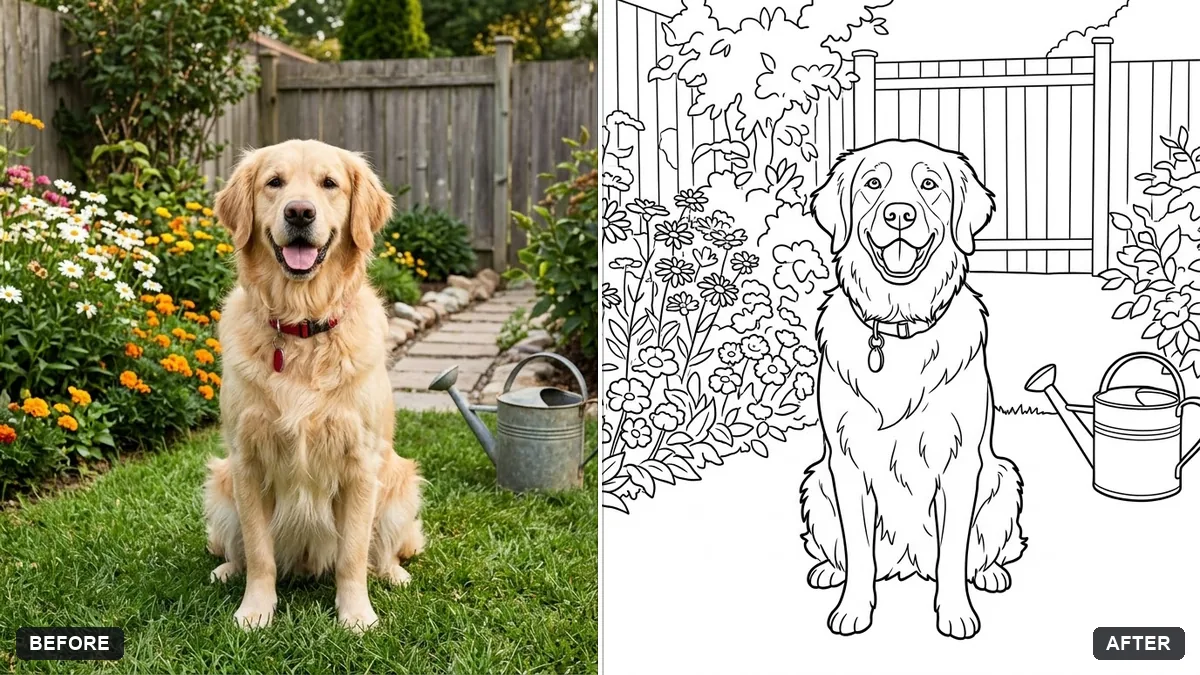
More like this
- Blueprint-style technical drawingMidjourney · Gemini · ChatGPT
- Renaissance oil painting of youGemini · ChatGPT
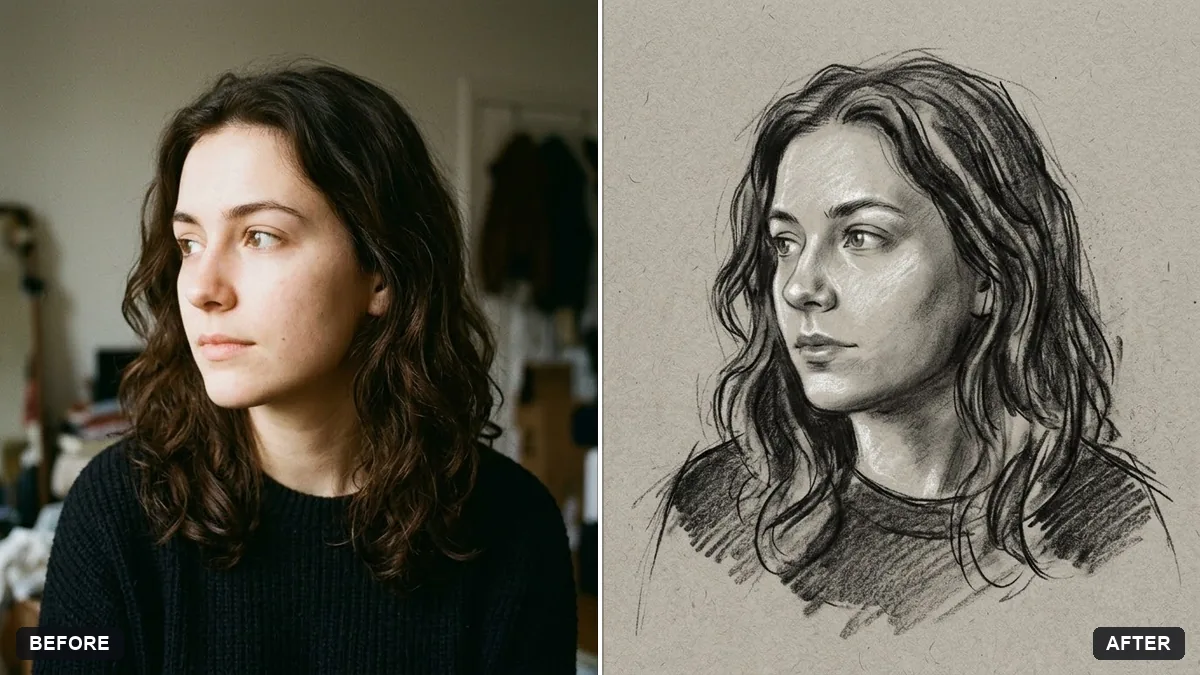
- Hand-drawn pencil sketch of your photoGemini · ChatGPT
- Ink wash painting portraitGemini · ChatGPT
- Stained glass portraitGemini · ChatGPT