- Updated
Stained glass portrait
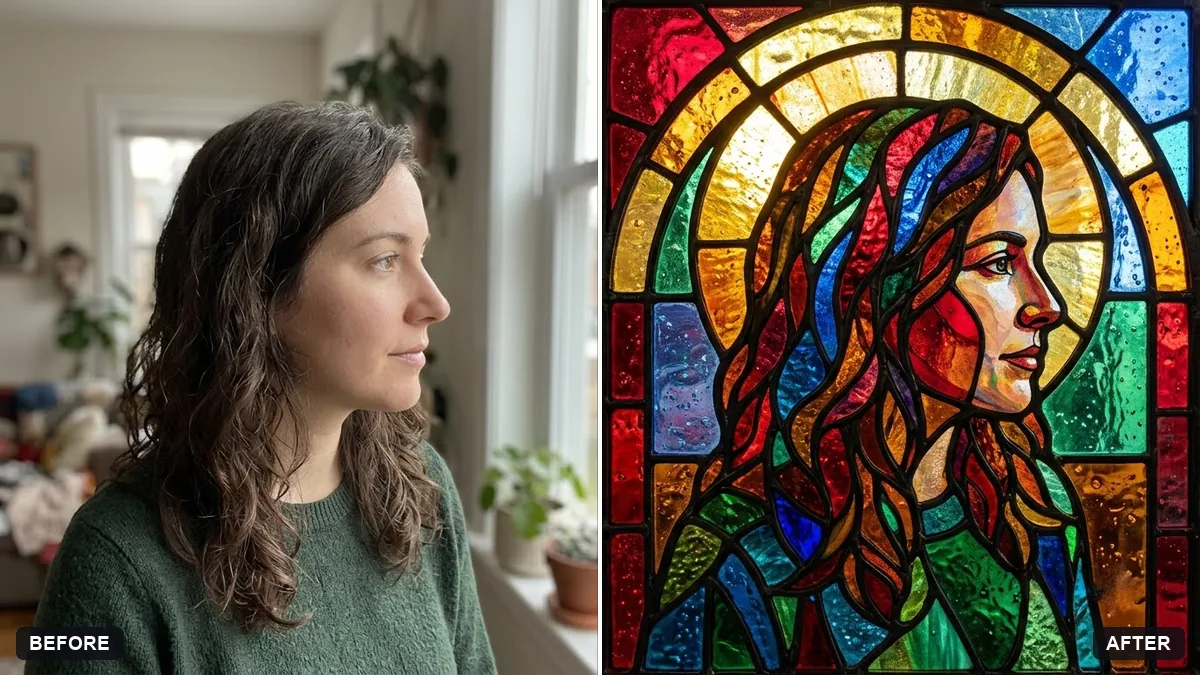
This prompt turns your photo into a stained glass window with jewel-toned pieces of glass separated by thick black lead lines, keeping the face recognisable.
Turn this photo into a stained glass window portrait. Keep the face recognisable.

Jewel-toned pieces of glass separated by thick black leading, halo-like arch shape around my head, glowing light passing through with soft coloured highlights, [COLOURS] palette, cathedral window frame.
Bold, simple faces work best. Avoid busy backgrounds.
Your photo goes to the AI app you choose, never to PromptUp.
Get a better result
Your face as a stained glass window, with jewel-coloured glass pieces separated by thick black lead lines, an arched halo shape and light glowing through the glass.
Stained glass is defined by jewel-coloured pieces held in thick black lead lines, so the prompt asks for both. An arched shape around the head echoes cathedral windows. Light glowing through the glass is what makes the effect come alive. The palette blank sets the colours, and a simple face with a plain background, as the tip says, works best.
Your face is lost in the glass pieces.
Fix: Use a bold, simple portrait and ask for larger pieces around the eyes and mouth so the face stays readable.
- The leading is thin and messy. Ask for thick, clean black lines that form closed shapes, like real lead came.
- The background is busy. Pick a plain background in your photo, as the tip says. Busy ones turn into noise.
Ask for a geometric stained glass look with angular shards and fewer curves, in a contemporary style.
Keep the face recognisable. Use only four or five jewel colours and crop the whole design into a tall arch shape.
More photo editing prompts
See all 334 →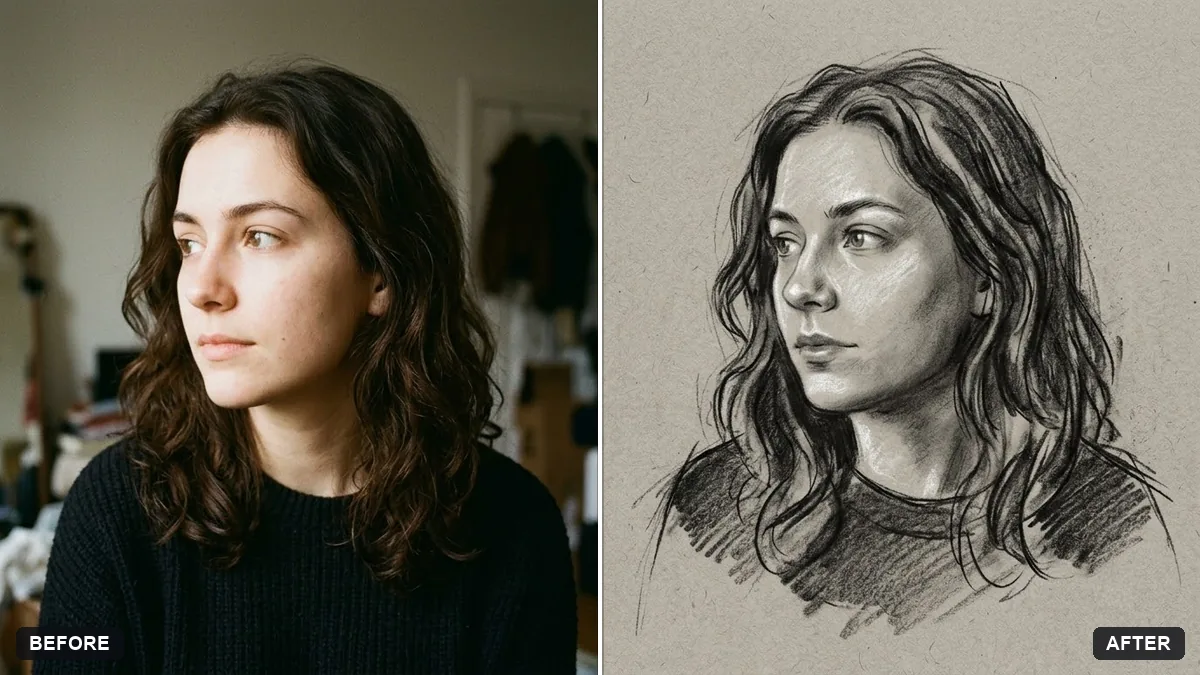
More like this
- Stained glass window artworkMidjourney · Gemini · ChatGPT
- Watercolour painting from your portraitGemini · ChatGPT
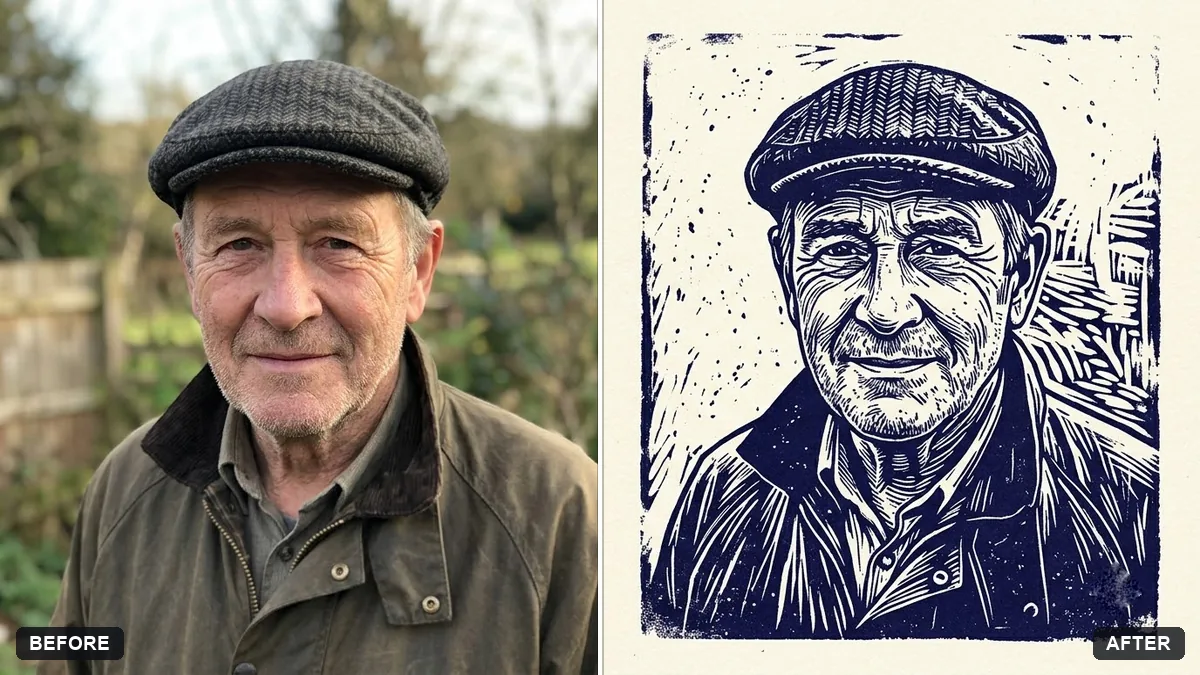
- Ink wash painting portraitGemini · ChatGPT
- Cross-stitch embroidery portraitGemini · ChatGPT
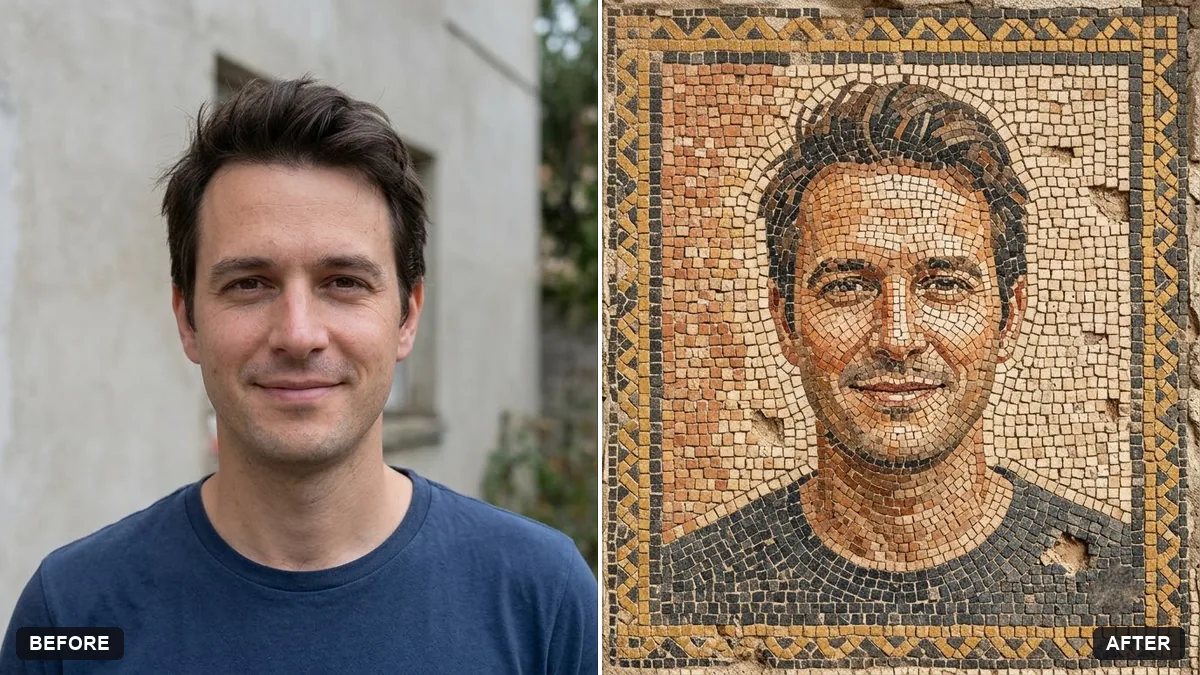
- Turn a photo into a line drawingGemini · ChatGPT