- Updated
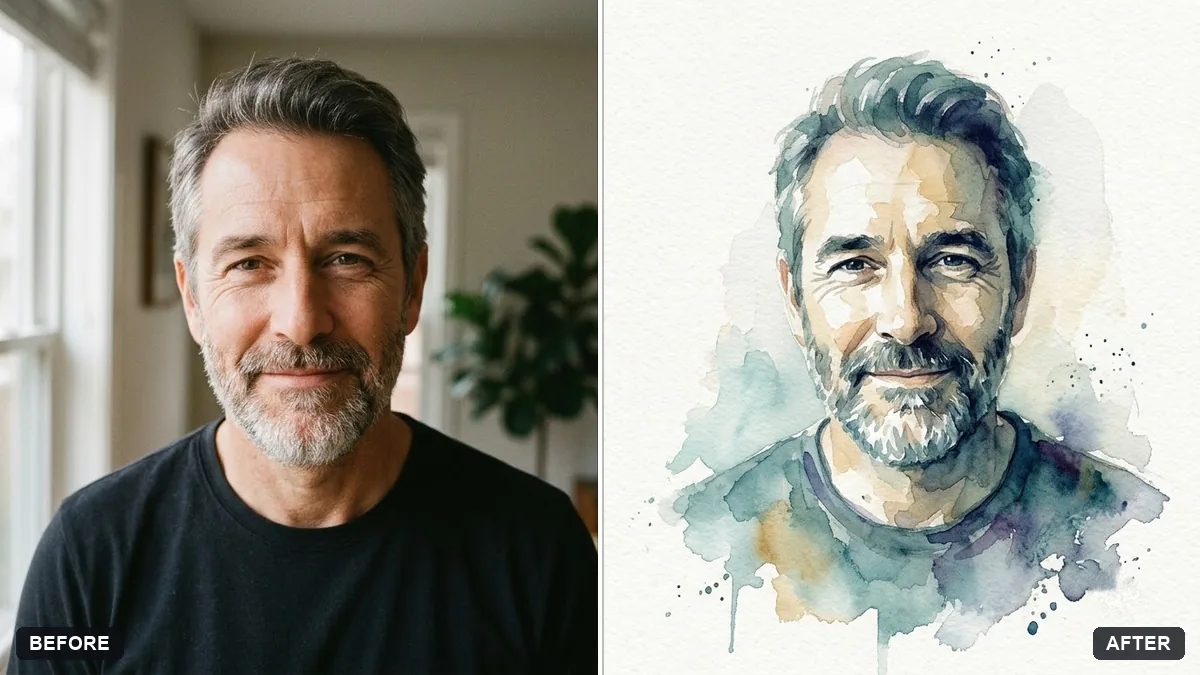
Watercolour painting from your portrait
This prompt paints your photo as a delicate watercolour portrait, with loose wet-on-wet washes, visible paper texture and soft bleeding edges in muted colours, while the face stays recognisable.
Turn this photo into a delicate watercolour portrait. Keep the face recognisable and features accurate.

Loose wet-on-wet washes, visible paper texture, soft bleeding edges, muted [COLOURS] palette, unpainted white paper around the edges, a few paint splashes. Background simple and light.
Great for gifts. Ask for a version on a square canvas for printing.
Your photo goes to the AI app you choose, never to PromptUp.
Get a better result
Your photo as a loose watercolour portrait, with soft washes, visible paper texture, bleeding edges, a muted palette and white paper left around the edges, while your face stays recognisable.
Watercolour has a loose look, so the prompt asks for wet-on-wet washes, soft bleeding edges and unpainted white paper around the edges. A few splashes add life. A muted palette keeps it gentle while the face stays accurate.
The face is blurred by the washes.
Fix: Say “paint the eyes, nose and mouth with more control and keep the loose washes for the hair and clothes”.
- It looks like a digital painting with sharp edges. Ask for “wet-on-wet blooms, uneven pigment and soft edges”, and add “no hard outlines”.
- The palette is too bright. Name two or three muted colours in the blank, such as “dusty rose, sage and warm grey”.
As the tip says, ask for a square version. Add “keep the main face well inside the edges so a frame will not cover it”, then print a small test before ordering a large one.
Keep the face as painted. Leave more unpainted white paper around the shoulders and make the colours a little softer and lighter.
Guides that use this prompt
More photo editing prompts
See all 334 →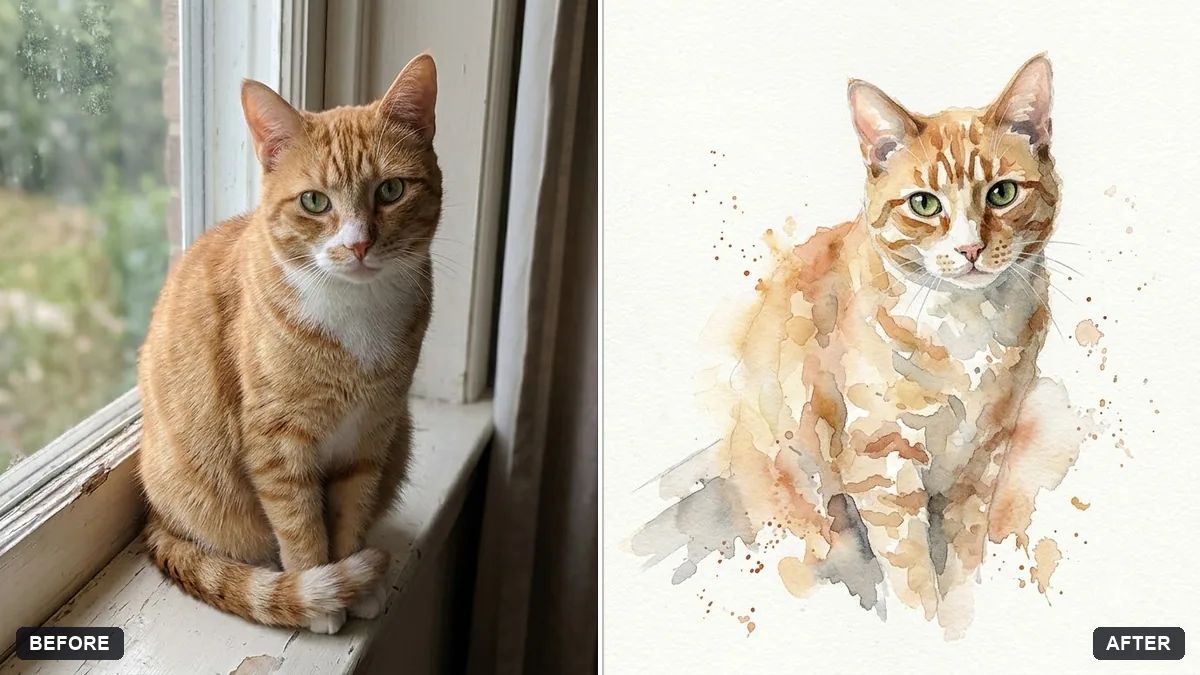
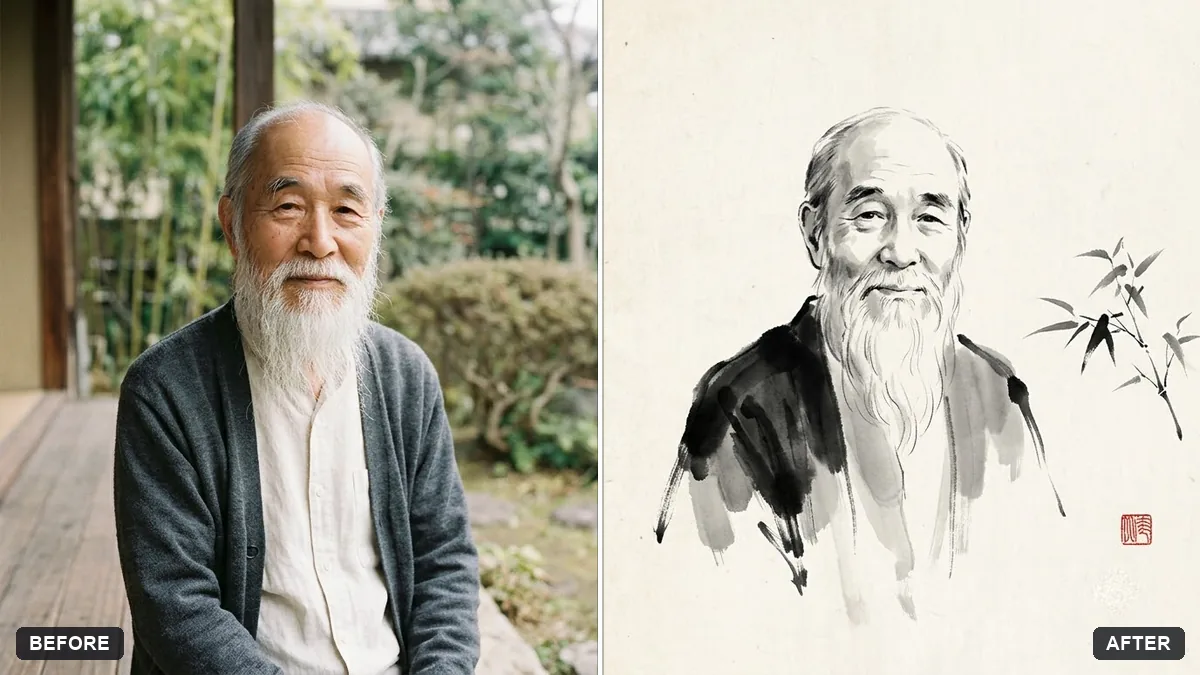
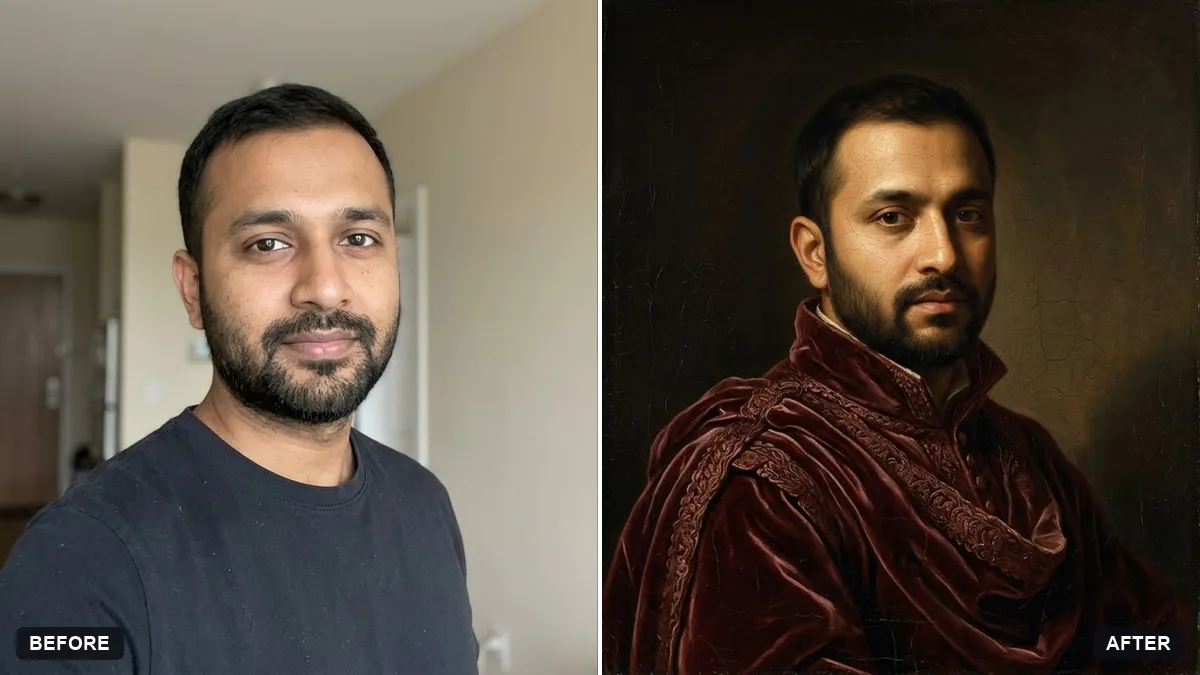
More like this
- Cross-stitch embroidery portraitGemini · ChatGPT
- Classical marble statue portraitGemini · ChatGPT
- Charcoal drawing portraitGemini · ChatGPT
- Stained glass portraitGemini · ChatGPT
- Mosaic tile portraitGemini · ChatGPT