AI profile picture prompts
Your profile picture shows at a tiny size, so it needs a clear face, a simple background and strong contrast. These prompts make that from a normal photo: a clean crop for WhatsApp or Instagram, a professional LinkedIn headshot, a bold creator photo, a natural dating profile photo, or an avatar in cartoon, flat vector, pixel art, emoji or sticker style.
Pick a photo where your face fills most of the frame. Ask for a square image and check it as a small circle before you upload it, because that is how most apps show it. Use the same picture everywhere if you want people to recognise you.
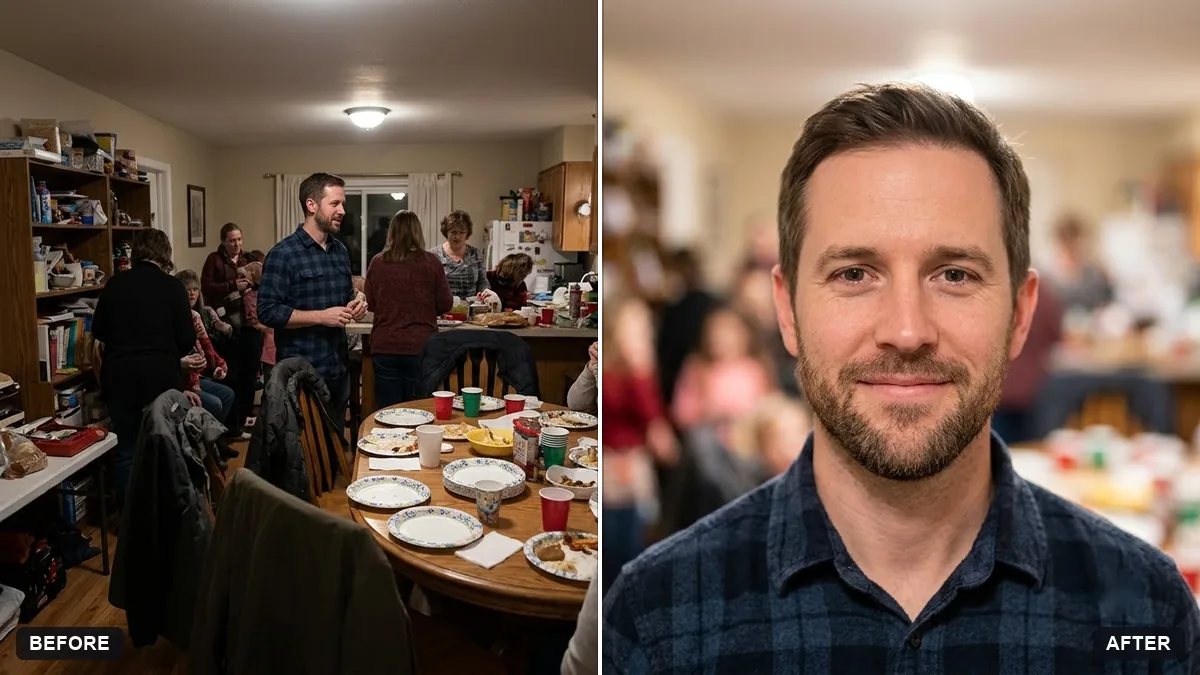
Crop and edit this photo into a square profile picture with my face centred and filling about 60 percent of the frame. Slightly blur and simplify the background, brighten the face and keep the look natural.

Do not change my face or features. Extra instructions: [ANY DETAIL TO KEEP OR AVOID].
Three steps, about a minute
- 1
Pick a photo where your face is large, sharp and lit from the front. Group photos and far-away shots do not work well.
- 2
Upload it to Gemini or ChatGPT and paste the prompt: a clean crop, a headshot, or an avatar style.
- 3
Look at the result as a small circle before you upload it. If your face is hard to see, ask for a tighter crop.
Make it yours
- Tighter crop: ask for "face fills 70 percent of the frame" for WhatsApp, where the picture is tiny.
- Background: a plain colour that contrasts with your hair and clothes stands out in a chat list.
- One look everywhere: use the same picture on WhatsApp, Instagram and LinkedIn so people recognise you.
- Avatar instead: the cartoon, pixel art and emoji prompts suit gaming and creator profiles.
If it goes wrong
- My face is cut off in the circle
- Ask for "face centred with space above the head" so the round crop does not cut your hair.
- It looks over-edited
- Add "keep the look natural, no beauty filter, natural skin texture".
- The avatar does not look like me
- Name 2 or 3 features to keep: "keep my glasses, curly hair and beard".
- The picture is blurry when uploaded
- Ask for a square image at least 1080 by 1080 pixels.
12 more prompts in this collection
 Trending
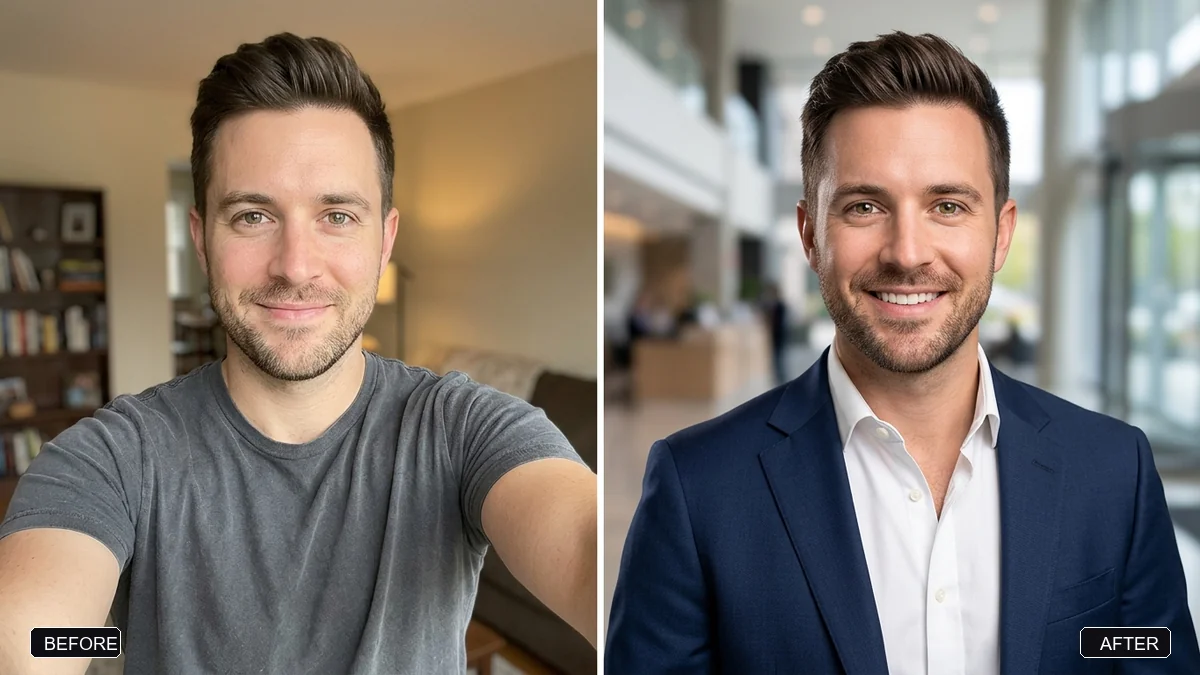
Pro LinkedIn headshot from a selfieGemini · ChatGPT
Trending
Pro LinkedIn headshot from a selfieGemini · ChatGPT
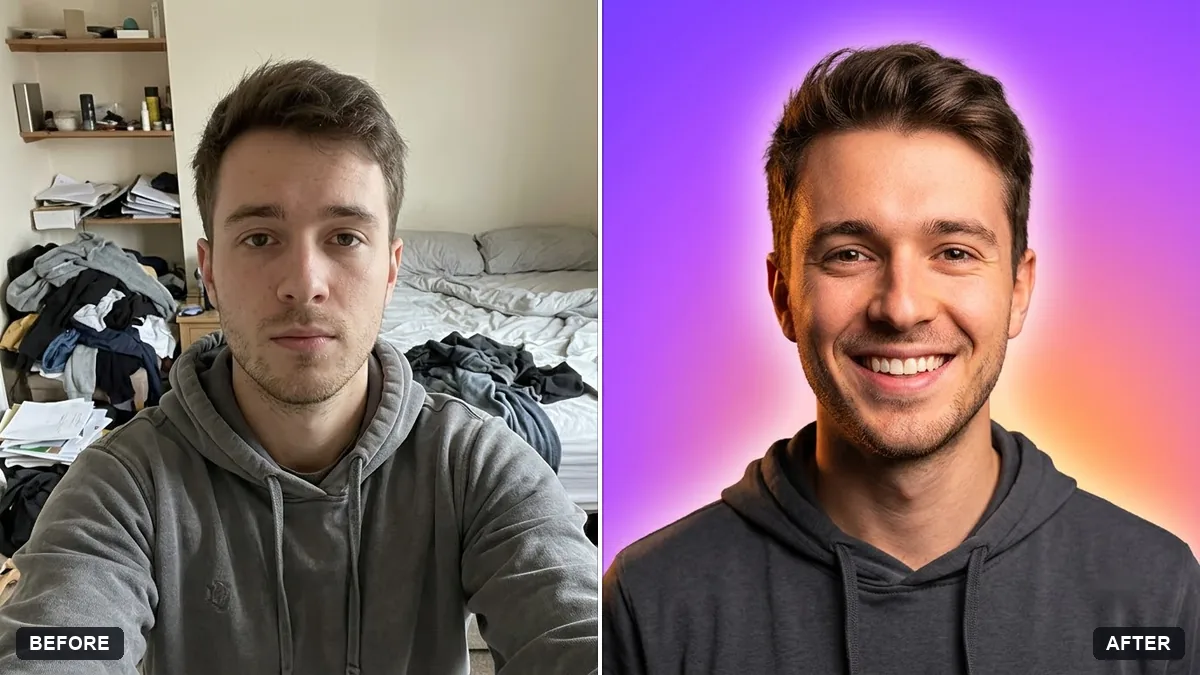 Bold creator profile pictureGemini · ChatGPT
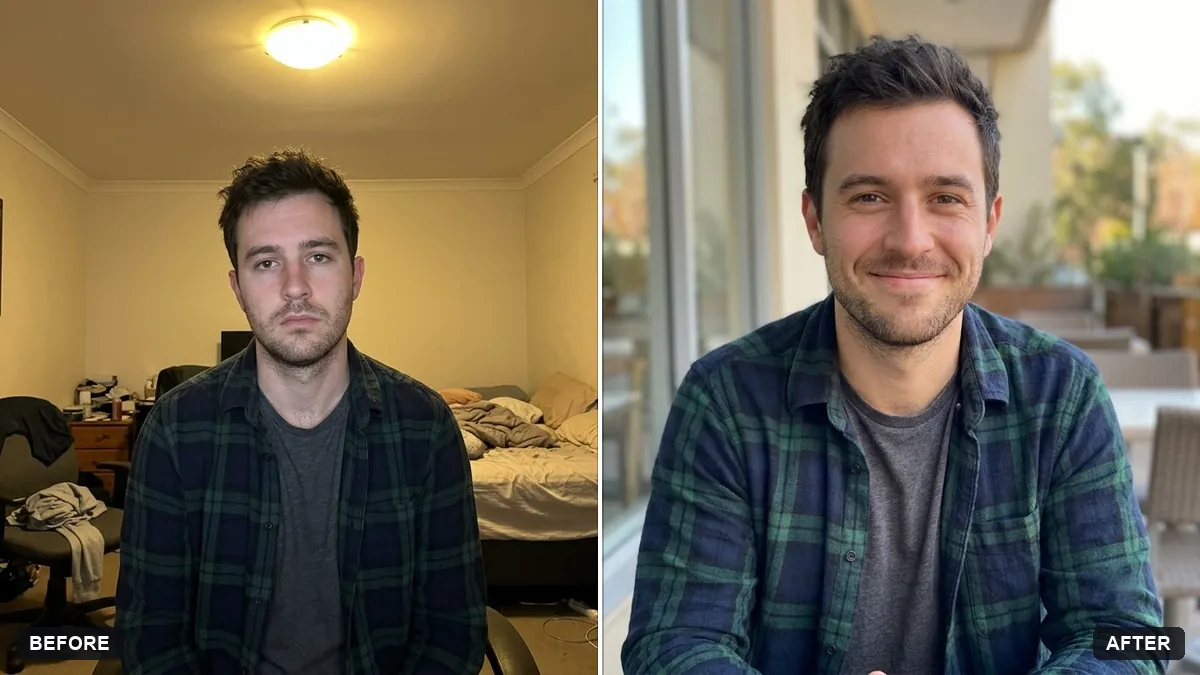 Natural, honest photo for a dating profileGemini · ChatGPT
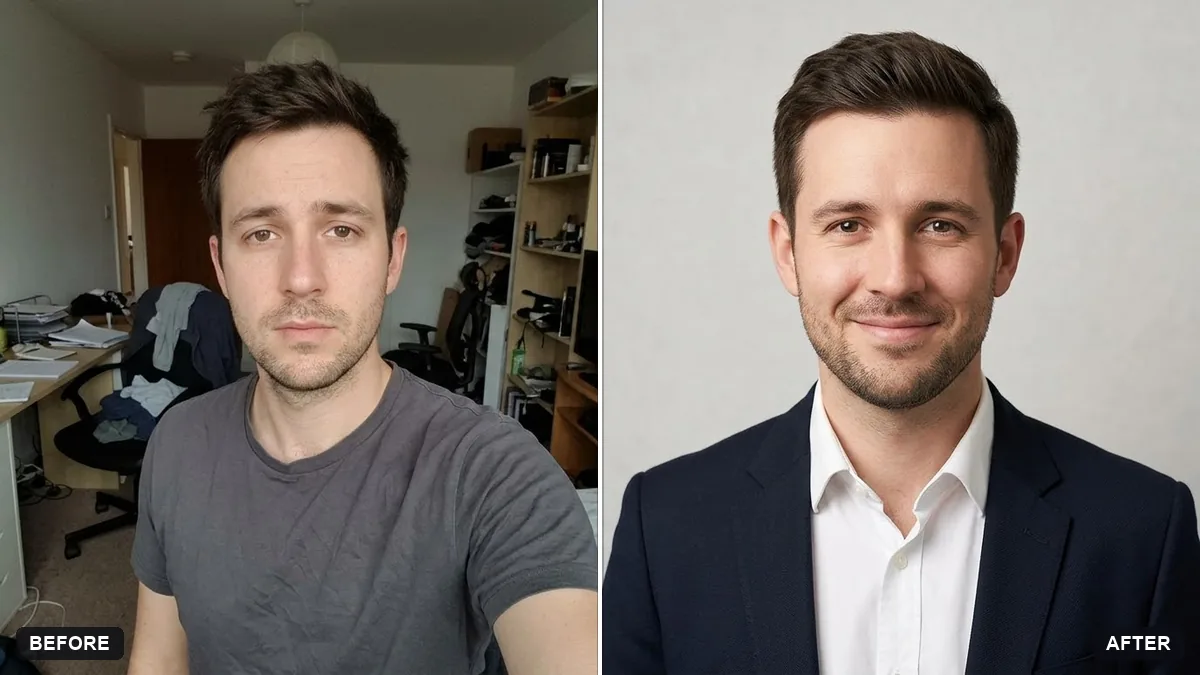 Matching team page headshotGemini · ChatGPT
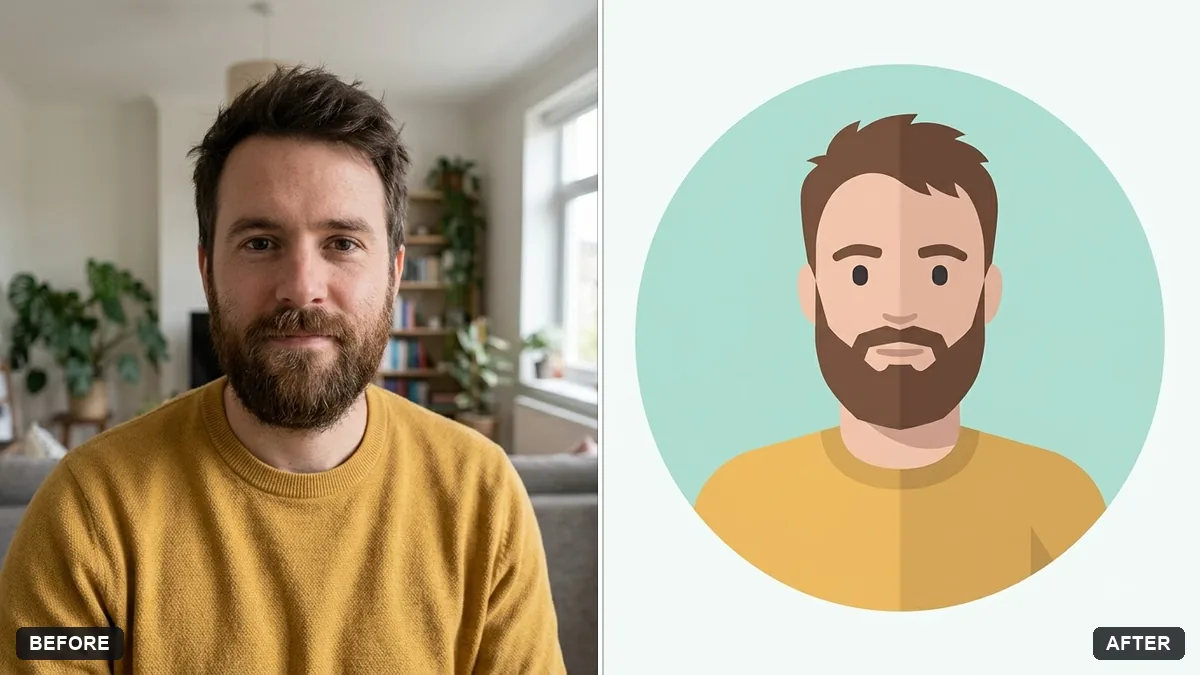 Flat vector illustrated avatarGemini · ChatGPT
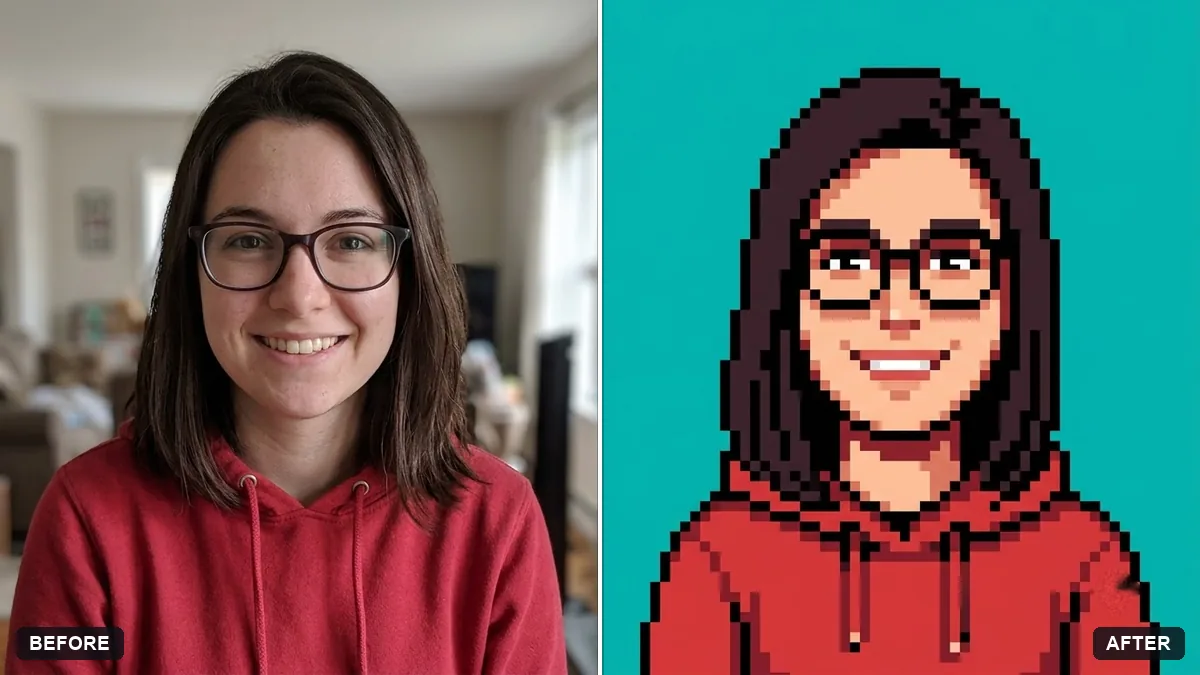 Pixel art avatarGemini · ChatGPT
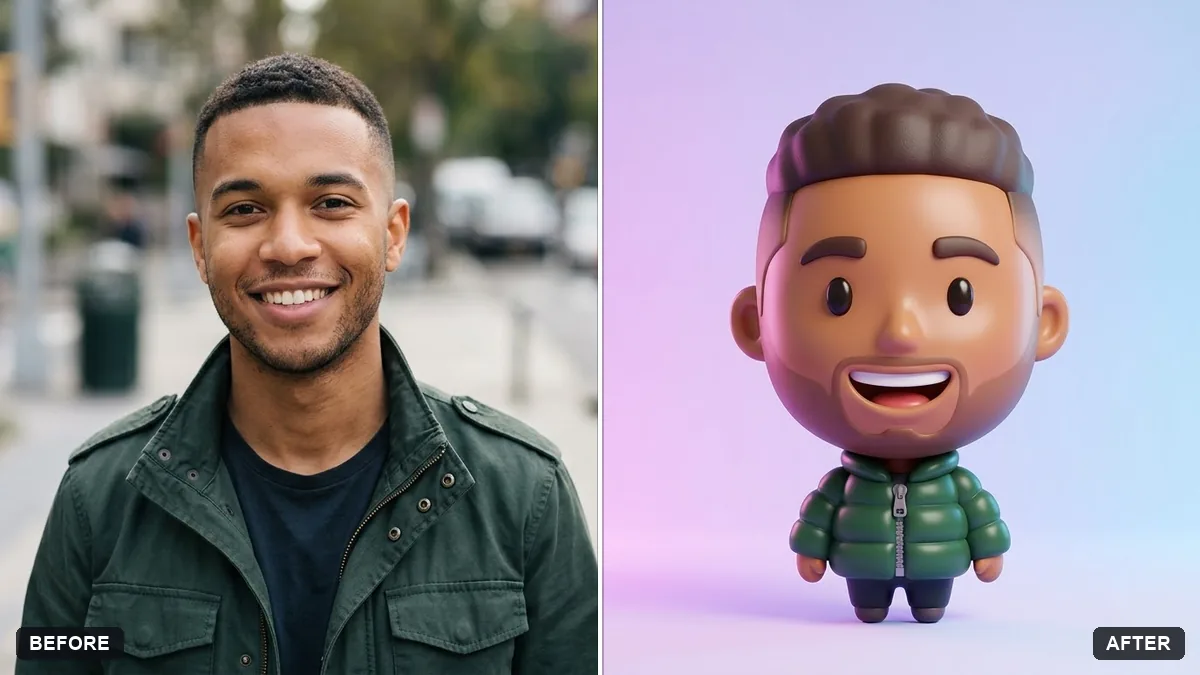 Emoji-style 3D avatarGemini · ChatGPT
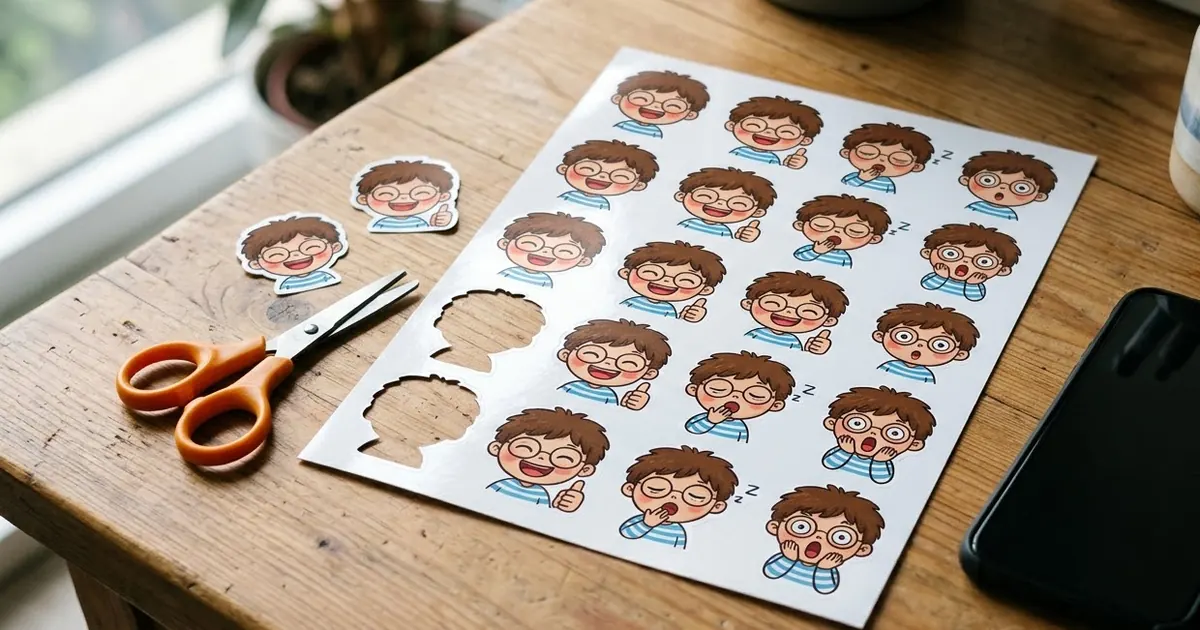
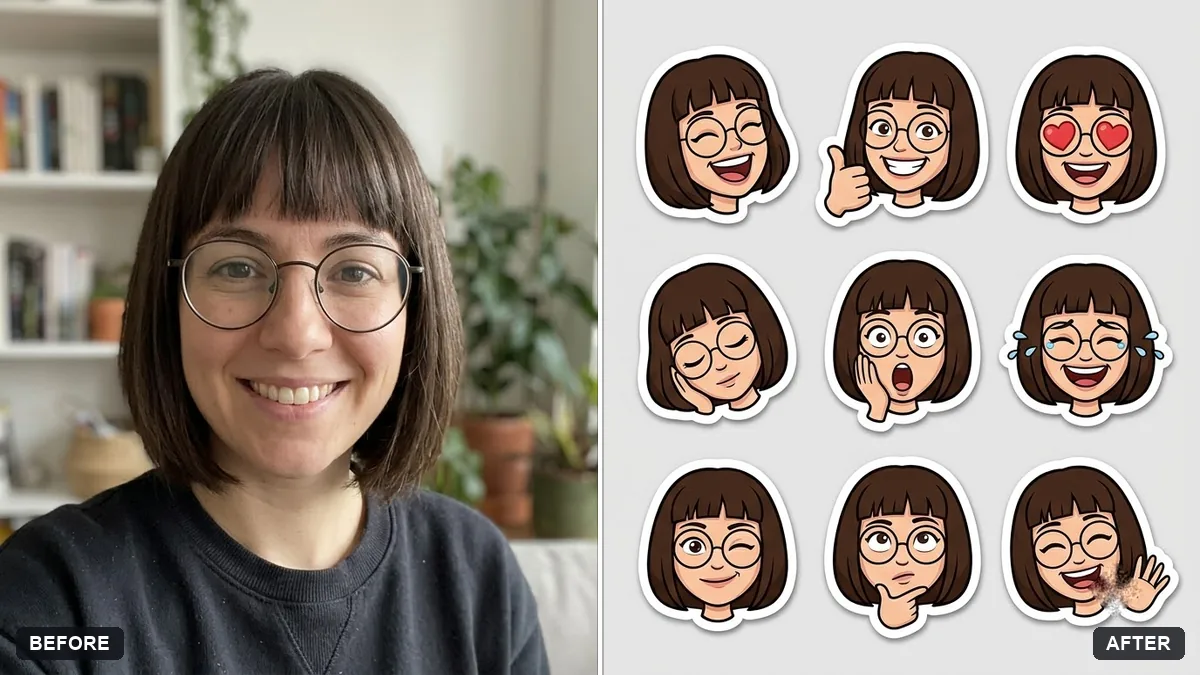 Personal sticker pack of yourselfGemini · ChatGPT
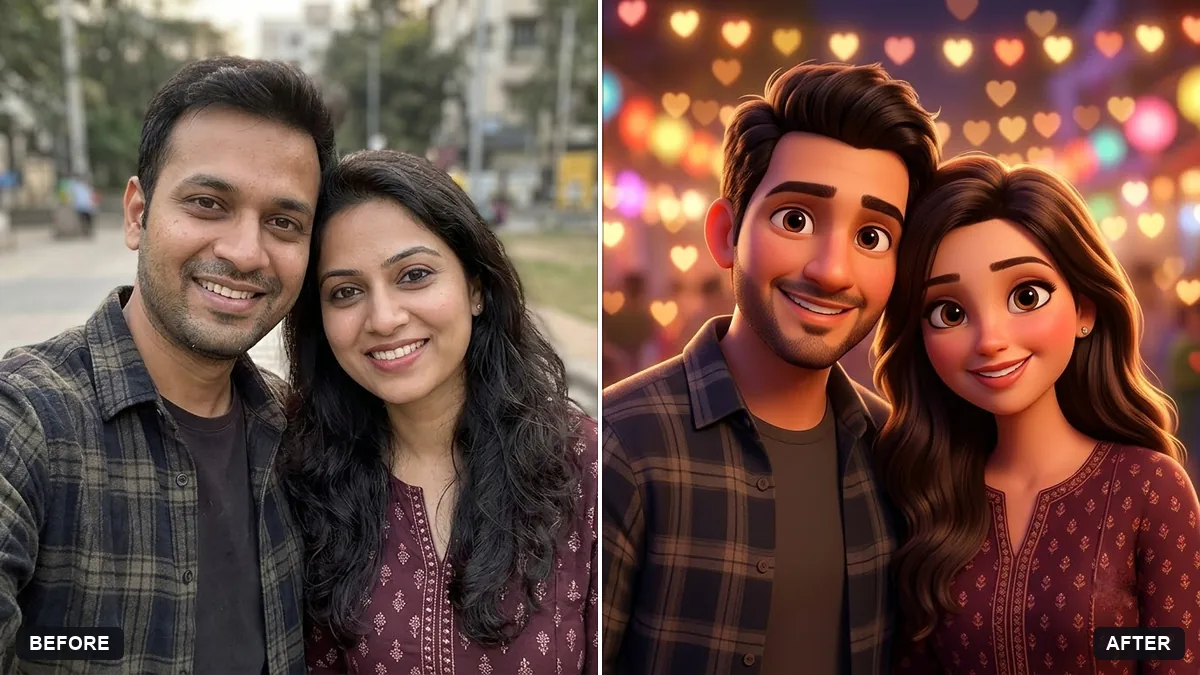 Couple cartoon portraitGemini · ChatGPT
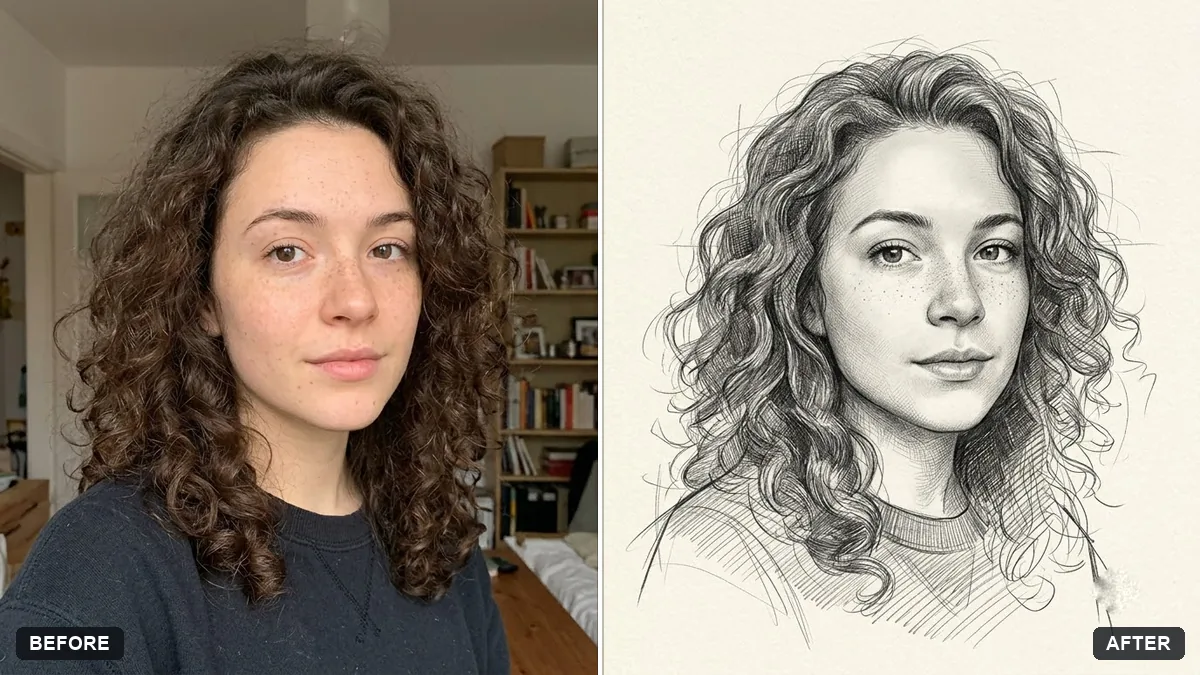 Hand-drawn pencil sketch of your photoGemini · ChatGPT
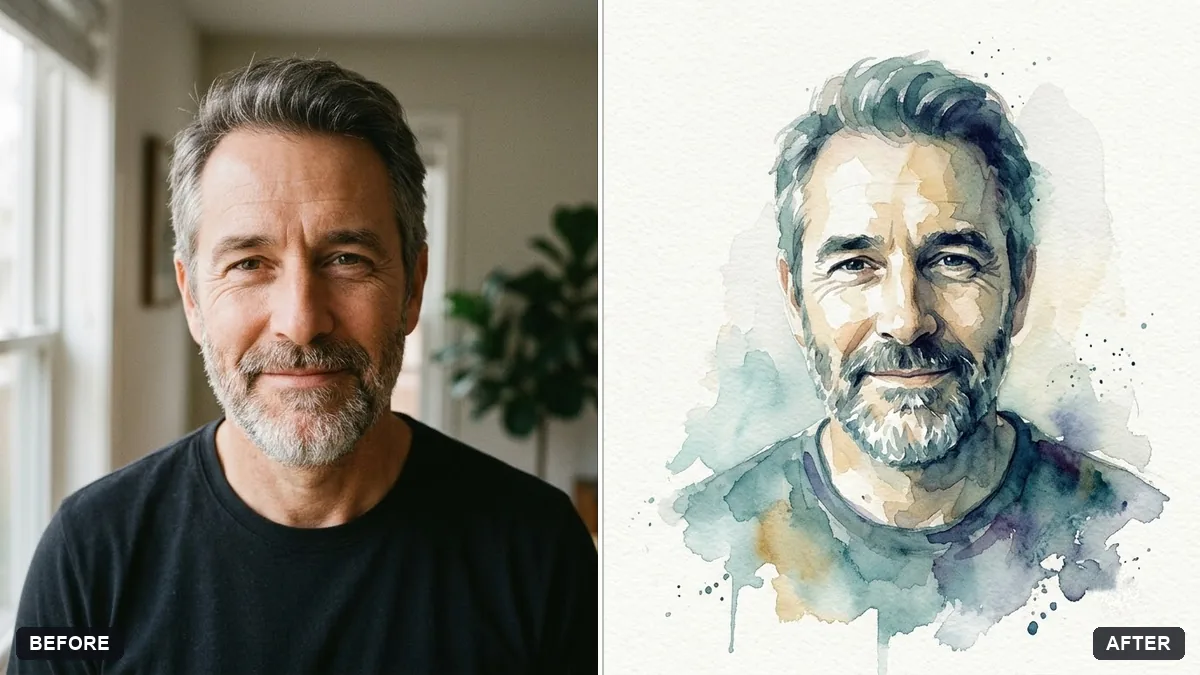 Watercolour painting from your portraitGemini · ChatGPT
 LinkedIn banner for your profileGemini · ChatGPT · Canva AI
Guides that use these prompts
Questions, answered
What size should a profile picture be?
Make it square. Most apps show it as a small circle, so keep your face in the centre with some space around it. 1080 by 1080 pixels is plenty for WhatsApp, Instagram and LinkedIn.
Can I use an AI avatar as my LinkedIn photo?
For LinkedIn, a real-looking headshot of you is the safer choice, because people expect to recognise you. Cartoon and pixel art avatars suit Instagram, gaming and creator profiles better.
Which AI makes the best profile picture?
Gemini and ChatGPT both edit your own photo well and are free to try. Every prompt here works in both; the tools for each are listed on its page.