- Updated
LinkedIn headshot prompt: turn a selfie into a pro photo
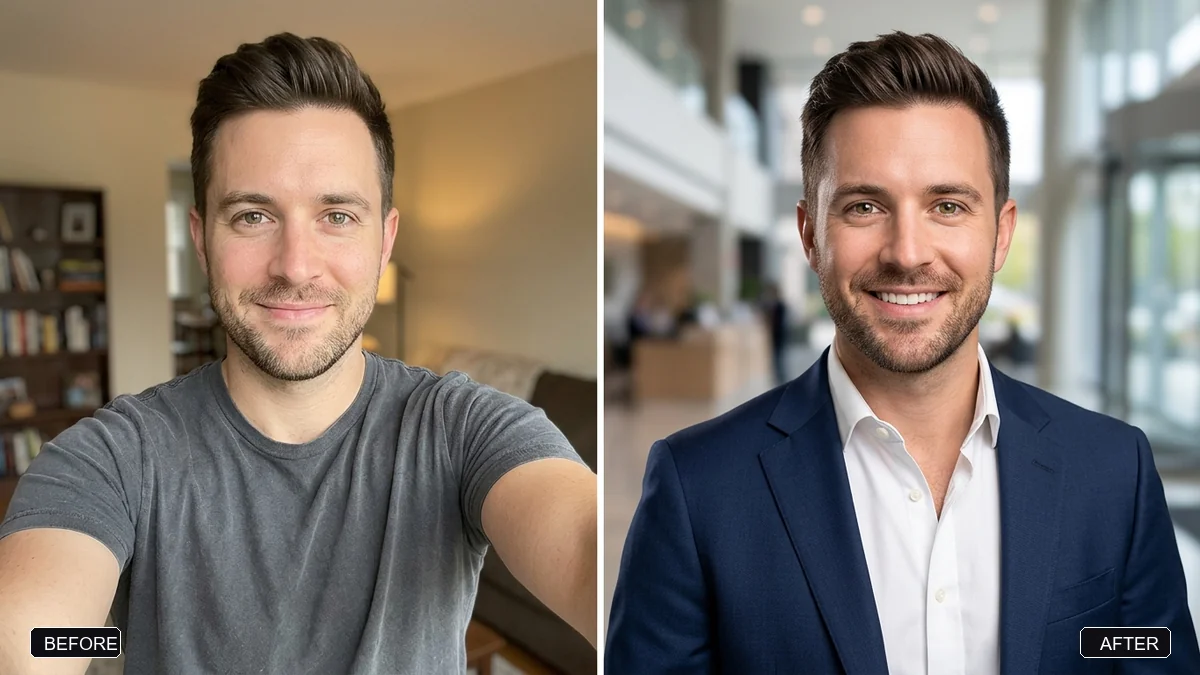
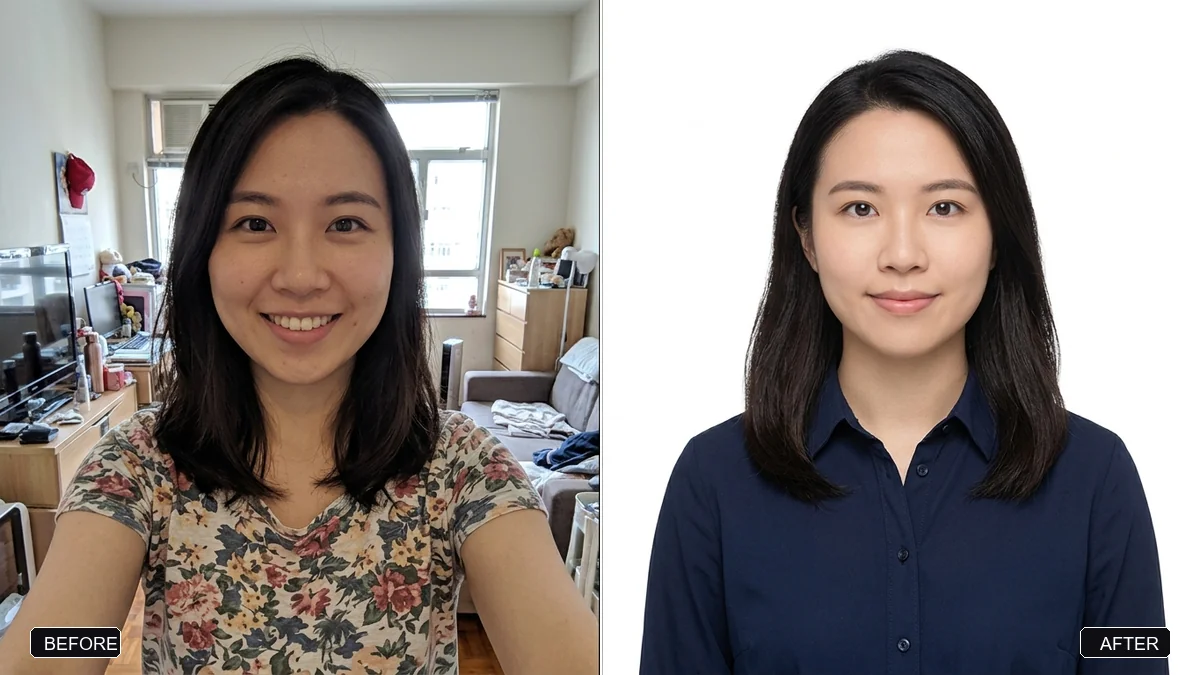
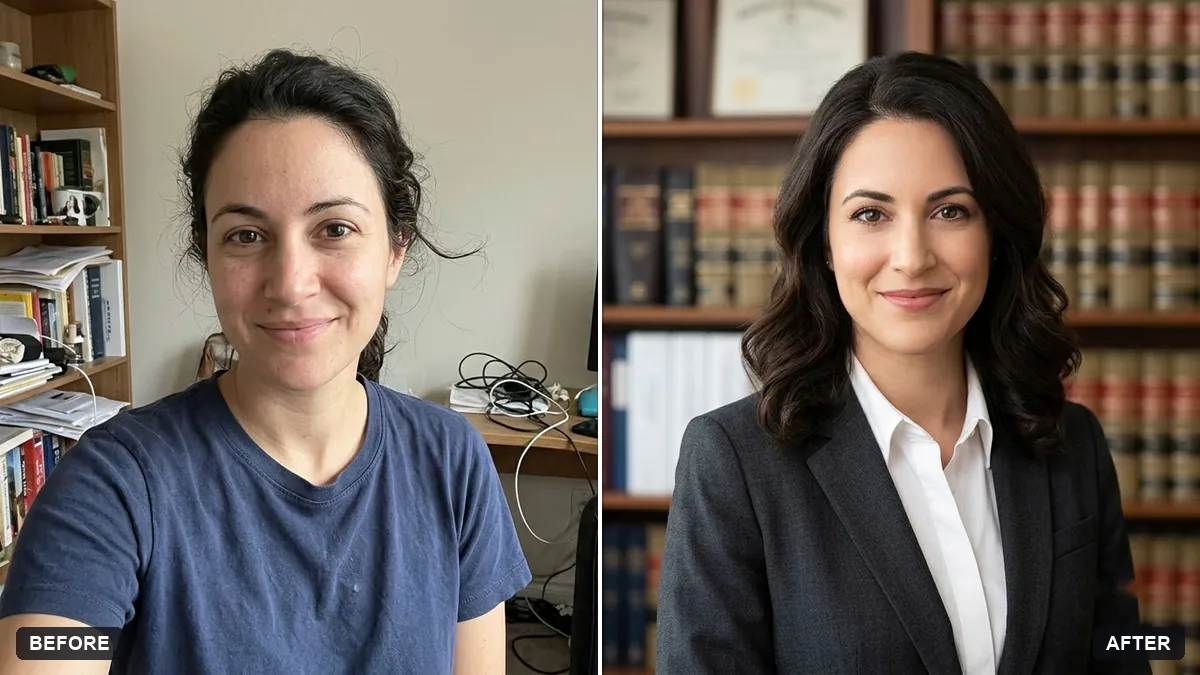
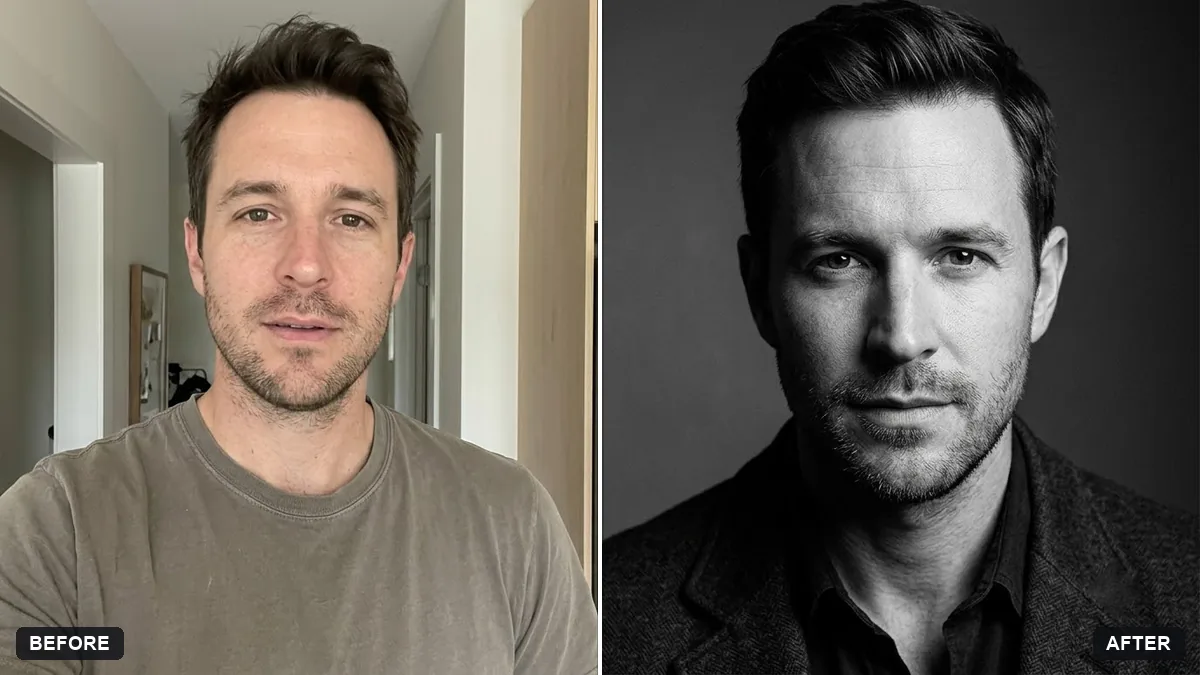
This prompt turns a selfie into a professional LinkedIn headshot. It keeps your face, hairstyle and expression, swaps in the outfit you choose, softly blurs a clean background and uses flattering studio light with natural skin texture instead of a plastic look.
Turn this selfie into a professional LinkedIn headshot. Keep my face, facial features, skin tone, hairstyle, and expression exactly the same — it must clearly be me.

Change my outfit to [OUTFIT, e.g. a navy blue blazer with a white shirt]. Use a clean, softly blurred [BACKGROUND, e.g. light grey studio] background. Flattering soft studio light, natural skin texture (not plastic).
Use a front-facing selfie taken in daylight with no beauty filters for the most accurate face.
Your photo goes to the AI app you choose, never to PromptUp.
Get a better result
A professional headshot made from your selfie, in the outfit you choose, with a clean softly blurred background and flattering studio light, keeping your face, hairstyle and skin texture.
The headshot looks polished but no longer looks like you.
Fix: Use a front-facing daylight selfie with no beauty filter, and keep “natural skin texture (not plastic)” in the prompt.
- The background is distracting or looks fake. Choose one calm colour such as light grey or soft blue and say “plain, no objects, smooth blur”. Viewers should look at your face.
- The outfit does not suit your field. Match the job: a blazer for finance, a smart shirt for tech, and say so. Look at what people in the role usually wear.
- Teeth and eyes look overly bright. Add “natural teeth and eyes, no whitening”. A real, friendly expression reads as trustworthy.
For creative or start-up roles, replace the outfit with “a neat plain t-shirt under an open shirt” and the background with a bright office blur. Casual and tidy suits many roles.
Keep my exact face from the original selfie: same eyes, nose, jawline, skin tone and age. Change only the outfit, light and background.
About this prompt
Is it okay to use an AI headshot on LinkedIn?
Many people do, but the photo should still look like you, because recruiters and clients meet the real person. Check the result against your face, and read the platform’s rules on profile photos before you upload.
Guides that use this prompt
More photo editing prompts
See all 334 →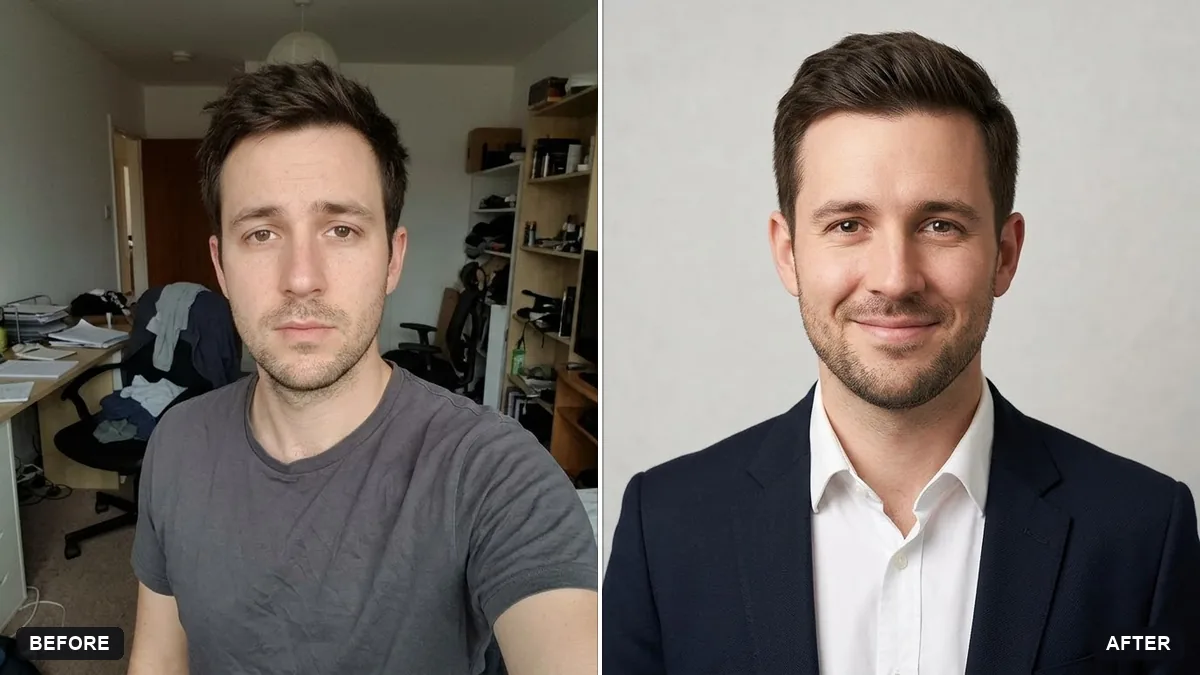
More like this
- LinkedIn banner for your profileGemini · ChatGPT · Canva AI
- LinkedIn cover from a photoGemini · ChatGPT
- Clean mirror selfieGemini · ChatGPT
- Selfie to a cinematic movie momentHiggsfield · Kling
- Professional profile for a clinic websiteGemini · ChatGPT