- Updated
LinkedIn cover from a photo
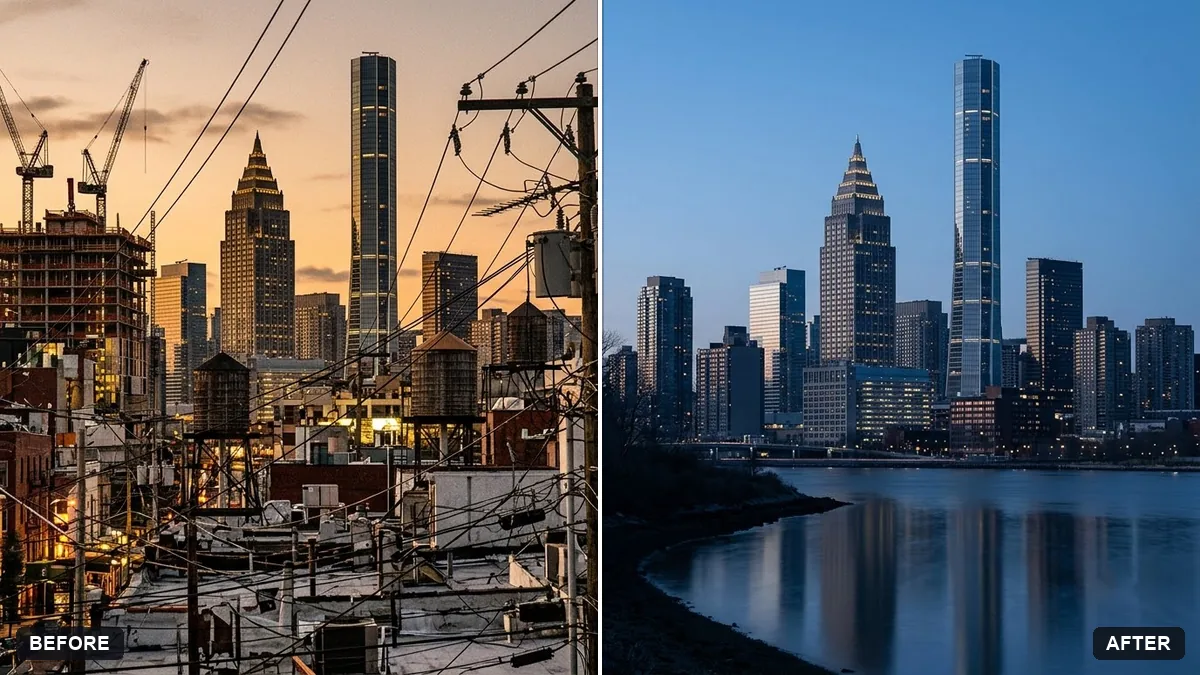
This prompt turns a photo into a 4:1 banner, keeping the important part of the scene in the centre and right and leaving the bottom-left free for your profile picture.
Turn this photo into a LinkedIn cover banner in a very wide 4:1 format. Keep the important part of the scene in the centre and right, leave the bottom-left corner uncluttered, and apply a subtle [BLUE / NEUTRAL] professional colour grade.

Do not add text.
Avoid placing key details in the bottom left, where your profile picture will sit.
Your photo goes to the AI app you choose, never to PromptUp.
Get a better result
A very wide 4:1 banner made from your photo, with the main subject kept in the centre and right, a clear bottom-left corner for your profile picture, and a subtle blue or neutral colour grade.
Important parts of the photo are cut off when the AI crops it.
Fix: Start from a wide landscape photo. A tall phone photo has to lose too much, so give a wide one or say which part must stay.
- Your profile picture covers the subject. Follow the tip and keep the bottom left empty. After you upload the banner, check the preview, since the picture circle sits in that corner.
- The AI adds text or logos. Keep “do not add text” in the prompt. Add your tagline later in Canva, where you can control the font and size.
Choose neutral in the blank and add “soft warm tones, slightly muted colours”. This suits creative and consulting profiles better than a bright corporate blue.
Keep everything else exactly as in the original photo. Only change what I asked for.
Guides that use this prompt
More photo editing prompts
See all 334 →
More like this
- LinkedIn banner for your profileGemini · ChatGPT · Canva AI
- LinkedIn recommendation for a colleagueChatGPT · Gemini · Claude
- Turn an experience into a LinkedIn postChatGPT · Gemini · Claude
- LinkedIn tips post graphicGemini · ChatGPT · Midjourney
- Write a networking message on LinkedInChatGPT · Gemini · Claude