- Updated
Book cover as a 3D mockup
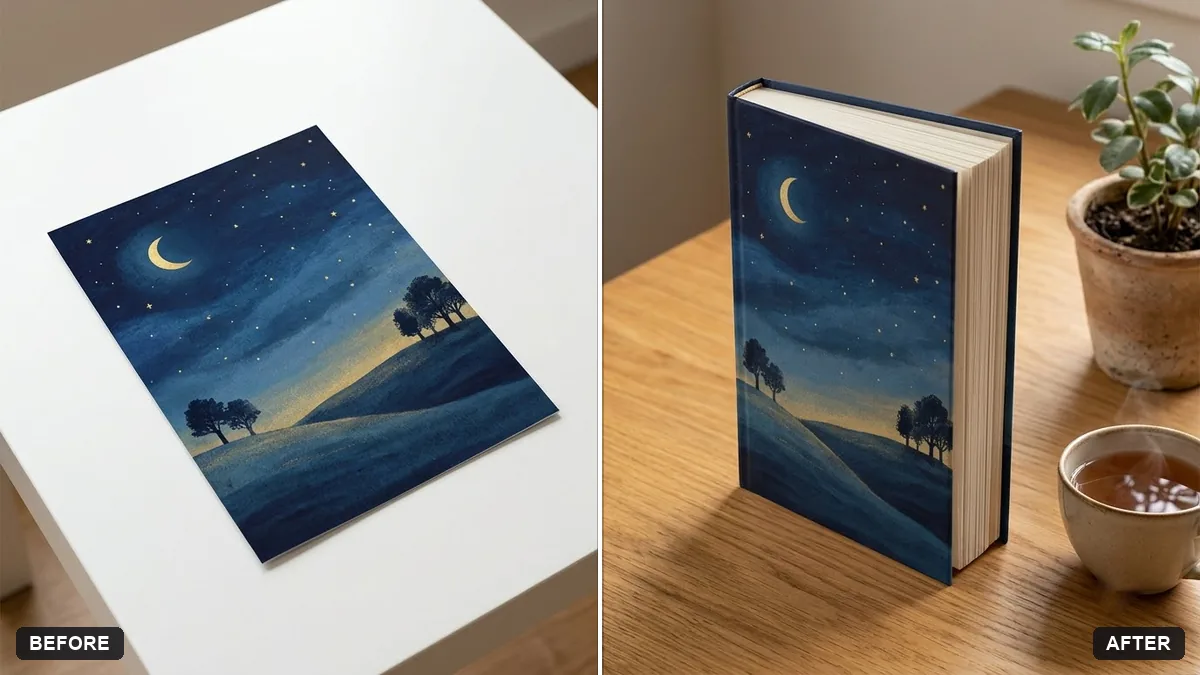
This prompt turns your flat cover image into a realistic 3D hardcover book standing at a slight angle on a surface such as wood.
Turn my flat book cover (the uploaded image) into a realistic 3D hardcover book mockup standing at a slight angle on a [WOODEN DESK / WHITE SURFACE]. Keep the cover artwork and text exactly the same.

Show the spine, page edges and a soft shadow, add a cup of tea and a plant beside it, soft daylight.
Check the cover text after generation. Do not accept any changed words.
Your photo goes to the AI app you choose, never to PromptUp.
Get a better result
Your flat cover shown as a standing hardcover at a slight angle, with spine, page edges and a soft shadow, a cup of tea and a plant beside it, and the artwork and title unchanged.
The title or author name is reworded or garbled.
Fix: Check every word against the original. If anything has changed, regenerate, or place your original cover file over the front face in an editor.
- The spine has random text or the wrong colour. Say “plain spine in the colour of the cover edge, with no text”, or give the exact spine title if you want one.
- The book looks too thin or too thick. Give an idea of the length, such as “a 300-page hardcover about 3 cm thick”.
Ask for “three copies stacked, with the top one slightly turned and a fourth leaning on its side”. It suits a launch post or a bookshop pre-order page.
Keep the cover design exactly as it is. Make the book stand a little more upright and soften the shadow on the desk.
Guides that use this prompt
More photo editing prompts
See all 334 →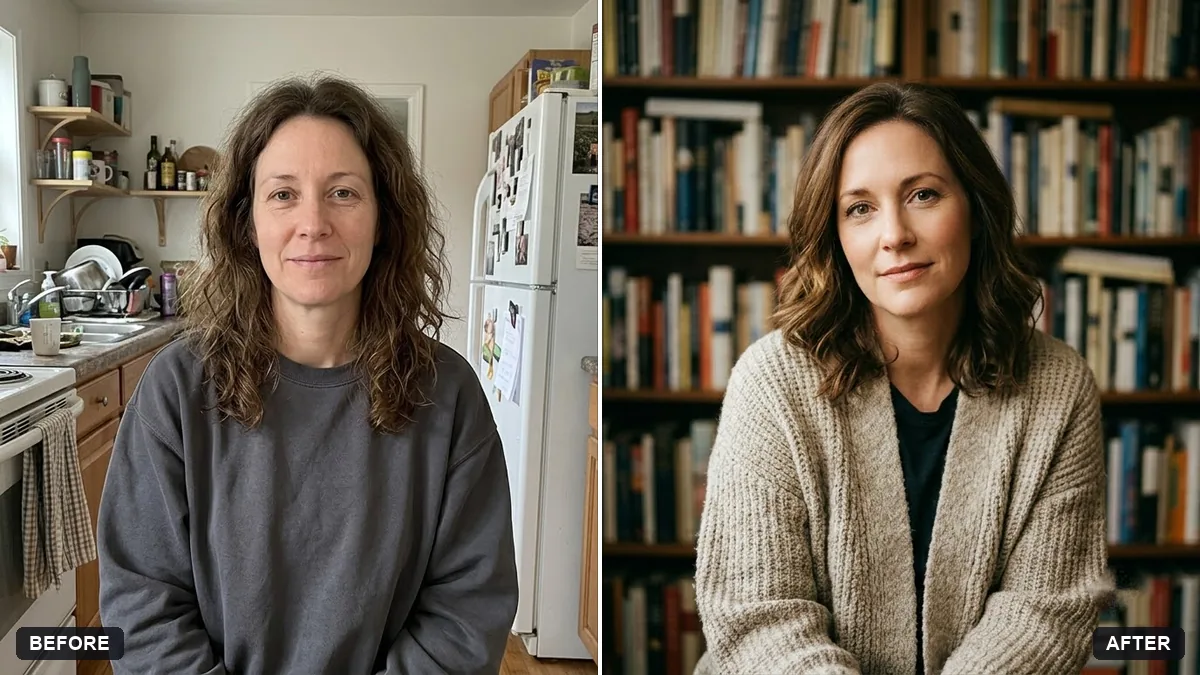
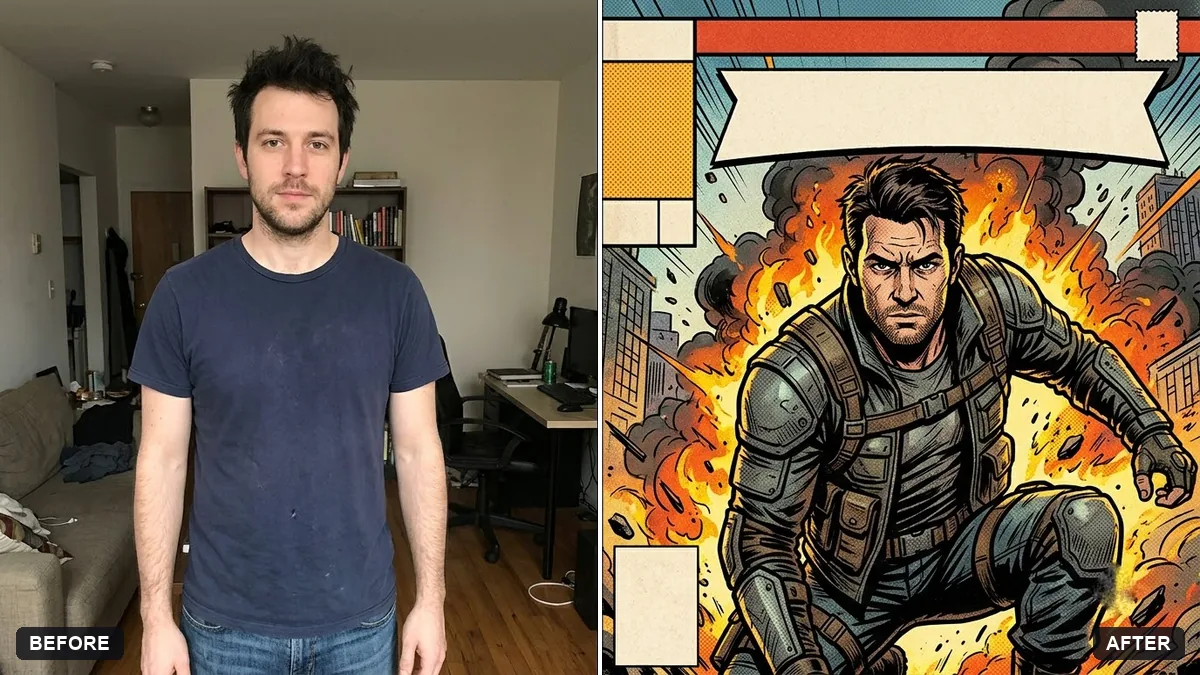
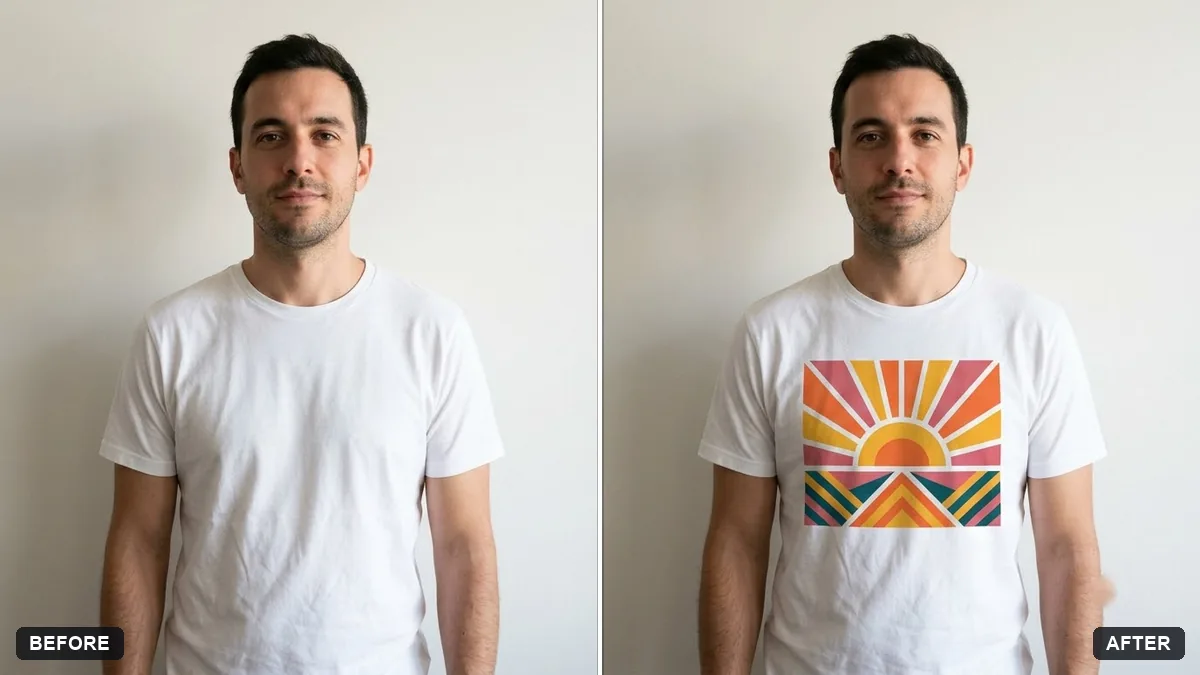
More like this
- Billboard advertising mockupGemini · ChatGPT
- Wall art in a room mockupGemini · ChatGPT
- Hoodie design mockupGemini · ChatGPT
- Logo on a ceramic mug mockupGemini · ChatGPT
- Storefront signage mockupGemini · ChatGPT