- Updated
Logo on a ceramic mug mockup
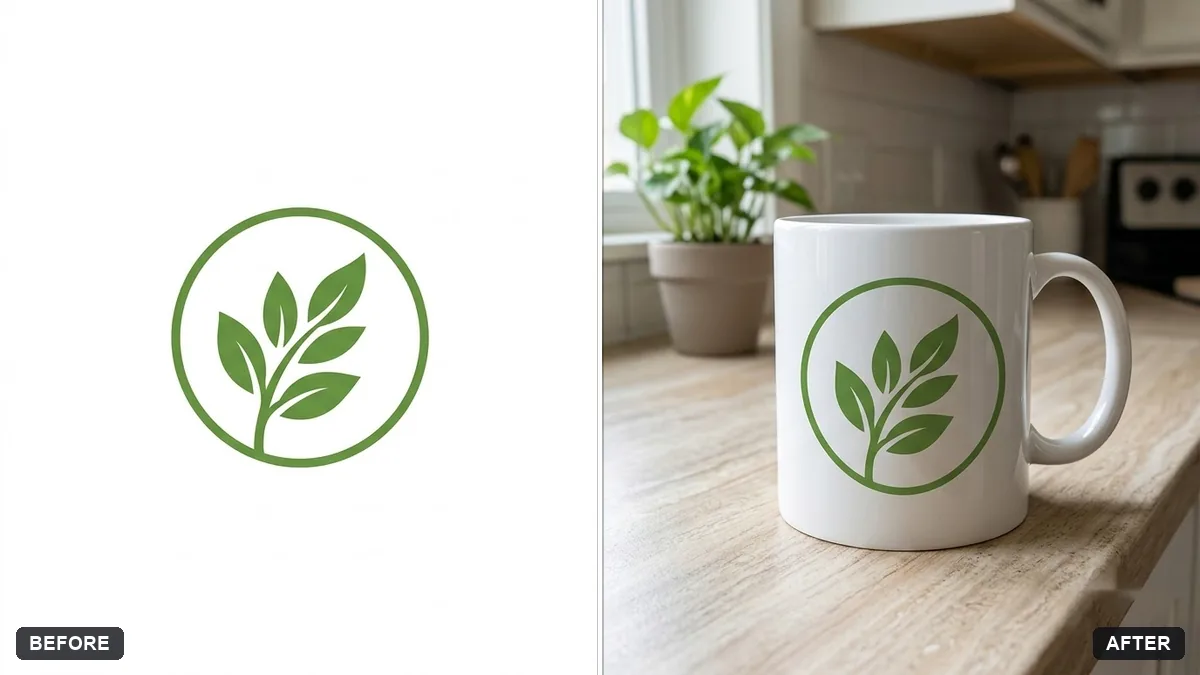
This prompt wraps your logo around a ceramic mug on a desk or kitchen counter with soft window light and a small plant, keeping the logo's colours and proportions exact. Use a logo with a transparent background.
Place the logo from this image on a [WHITE / BLACK] ceramic mug, wrapped naturally around the curve, on a [DESK / KITCHEN COUNTER] with soft window light and a small plant. Keep the logo colours and proportions exact.

Realistic product mockup.
Use a logo with a transparent background so it prints cleanly on the mug.
Your photo goes to the AI app you choose, never to PromptUp.
Get a better result
Your logo printed on a white or black ceramic mug, curving naturally around the surface, standing on a desk or kitchen counter with soft window light and a small plant behind it.
The logo spelling or shape changes.
Fix: Repeat “keep the logo colours, text and proportions exact”, and check every letter. Fix the file or re-run if one is wrong.
- The logo is flat on the mug, with no curve. Add “follows the cylinder curve, slightly narrower at the edges, subtle gloss highlight across the ceramic”.
- A white logo disappears on the white mug. Choose the mug colour to contrast with the logo, or ask for a coloured mug in the bracket.
Ask for the same logo on a mug, a tote bag and a notebook laid on one table, with the same light on all three, as a small brand set.
Keep the mug and the desk. Rotate it so the handle points right, and move the logo to the front-centre of the visible side.
Guides on this topic
More photo editing prompts
See all 334 →
More like this
- T-shirt design mockup on a personGemini · ChatGPT
- Poster in a frame mockupGemini · ChatGPT
- Billboard advertising mockupGemini · ChatGPT
- Wall art in a room mockupGemini · ChatGPT
- Preview a new shop frontGemini · ChatGPT