- Updated
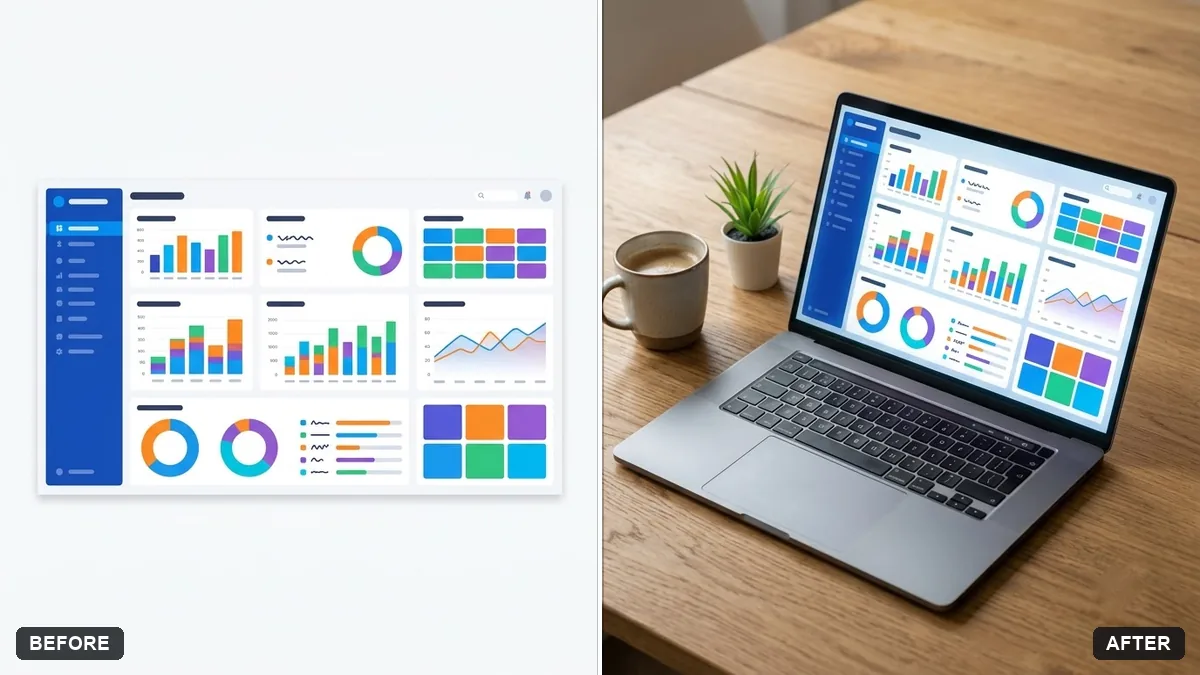
Screenshot on a laptop mockup
This prompt places your screenshot on a laptop screen with correct perspective, a subtle screen glow and realistic reflections, keeping the screenshot content exactly as it is.
Place the screenshot from this image on the screen of a modern laptop sitting on a [WOODEN DESK / WHITE TABLE], with a plant and a coffee cup beside it. Correct perspective, subtle screen glow and realistic reflections.

Keep the screenshot content exactly as it is.
Use a screenshot with a clear edge and the correct aspect ratio for the sharpest result.
Your photo goes to the AI app you choose, never to PromptUp.
Get a better result
Your screenshot on the screen of a modern laptop, set on a wooden desk or white table with a plant and a coffee cup, correct perspective, a faint screen glow and realistic reflections.
Mockups help people imagine your product in use, so the screenshot goes on a laptop beside a plant and coffee. Correct perspective, a slight glow and reflections make it look real. The screenshot content stays exactly as it is.
The screenshot is cropped or stretched.
Fix: Use an image with the same ratio as a laptop screen, about 16:10, and say “do not crop or stretch the screenshot”.
- Text on the screen turns blurry. Use a high-resolution screenshot with big text, and ask for “screen content sharp and readable”.
- Reflections cover the screen. Ask for “soft, faint reflection only at the edges, no glare across the middle”.
Ask for the same screenshot on a laptop and a phone side by side, with matching light, for a responsive-design look.
Keep the desk. Tilt the laptop slightly and add a notebook beside it for a more lived-in feel.
Guides on this topic
More photo editing prompts
See all 334 →
More like this
- App store screenshot with captionIdeogram · ChatGPT · Gemini
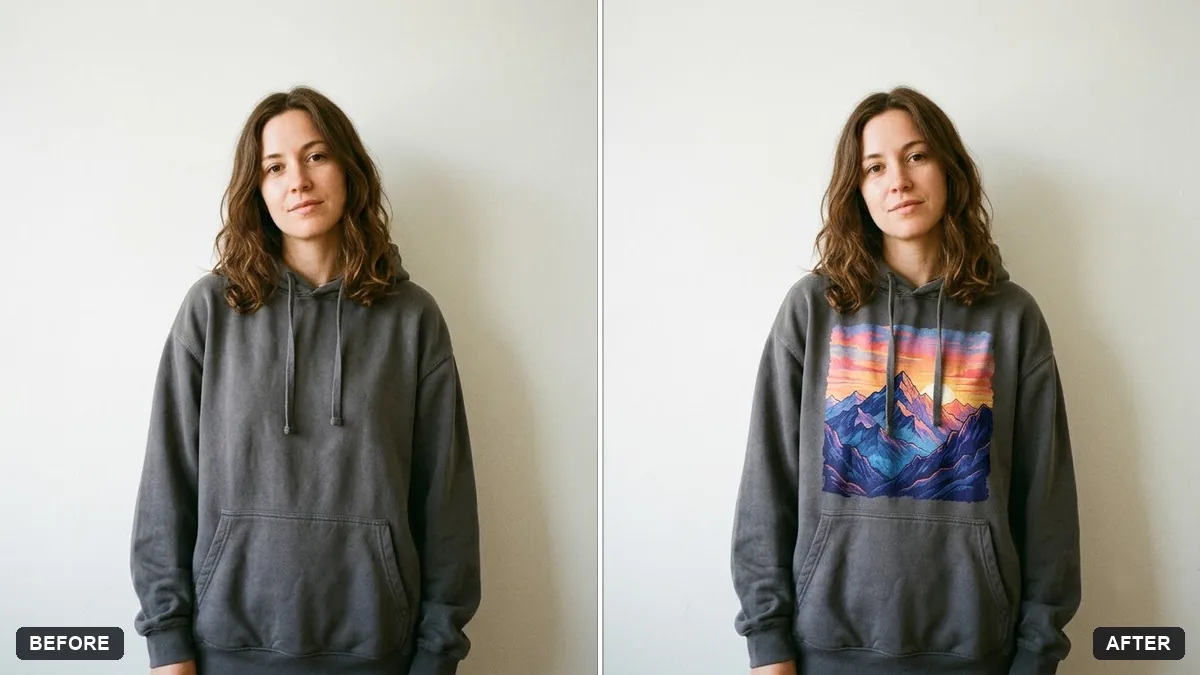
- T-shirt design mockup on a personGemini · ChatGPT
- Wall art in a room mockupGemini · ChatGPT
- Billboard advertising mockupGemini · ChatGPT
- Laptop on a styled deskGemini · ChatGPT · Midjourney