- Updated
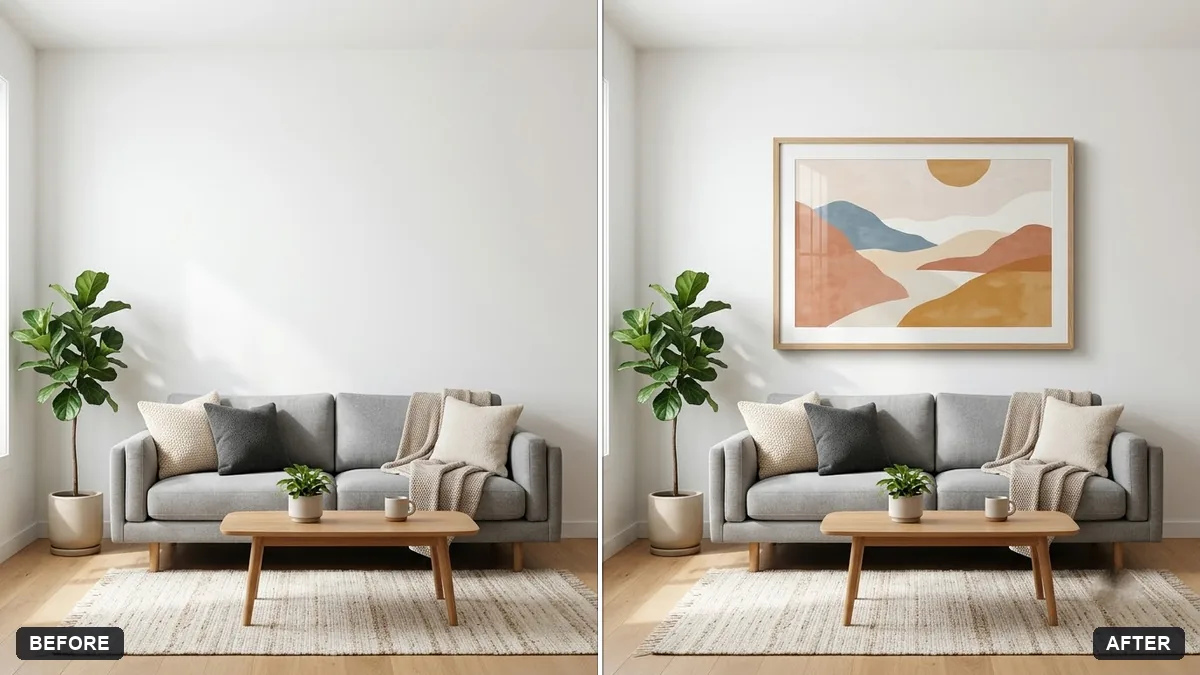
Wall art in a room mockup
This prompt places your artwork, the first image, as a framed print on the wall of the room in the second image.
Place my artwork (the first image) as a framed print on the wall above the [SOFA / BED / DESK] in the room photo (the second image). Keep the room exactly as it is.

Frame: [BLACK / WOOD / WHITE], size around [SIZE], correct perspective, matching light and shadow, realistic scale.
Try several sizes to help you decide before printing.
Your photo goes to the AI app you choose, never to PromptUp.
Get a better result
Your artwork hung as a framed print on the wall above a sofa, bed or desk in your own room photo, with the frame you chose, correct perspective and light and shadow matching the room.
The art is the wrong size for the wall.
Fix: Give real numbers, such as “60 by 90 cm, centred two-thirds of the sofa width”, and test two or three sizes.
- The artwork is cropped or altered. Say “show the whole artwork, do not crop, recolour or add elements”.
- The frame looks pasted on, with no shadow. Add “subtle shadow on the wall behind the frame, same light direction as the room”.
Make one version each in black, wood and white frames on the same wall and pick the one that fits the room best.
Keep the room. Lower the frame so the gap above the sofa is about 15 cm and try a wider white mat.
Guides that use this prompt
More photo editing prompts
See all 334 →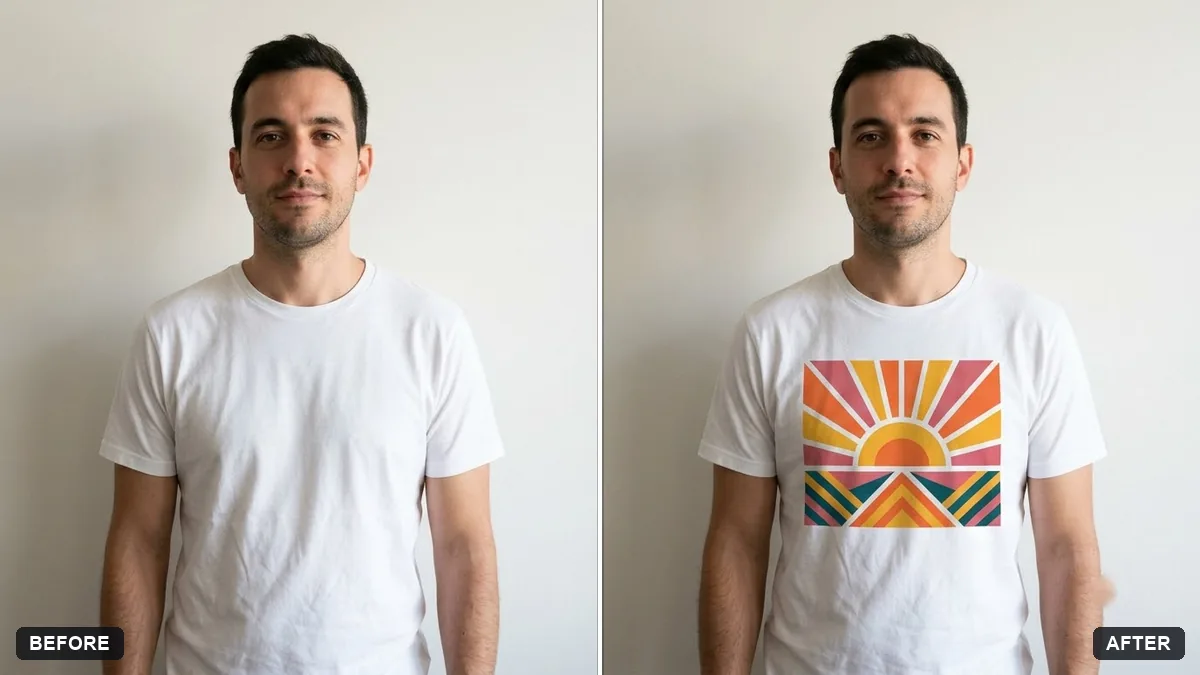
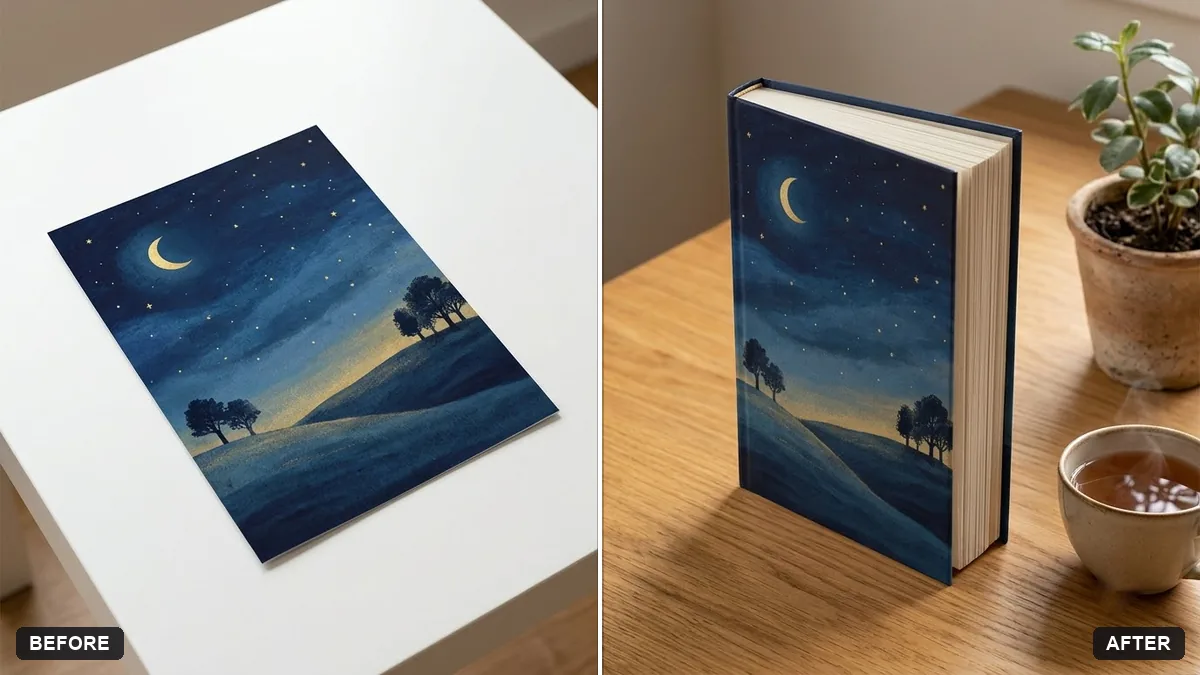
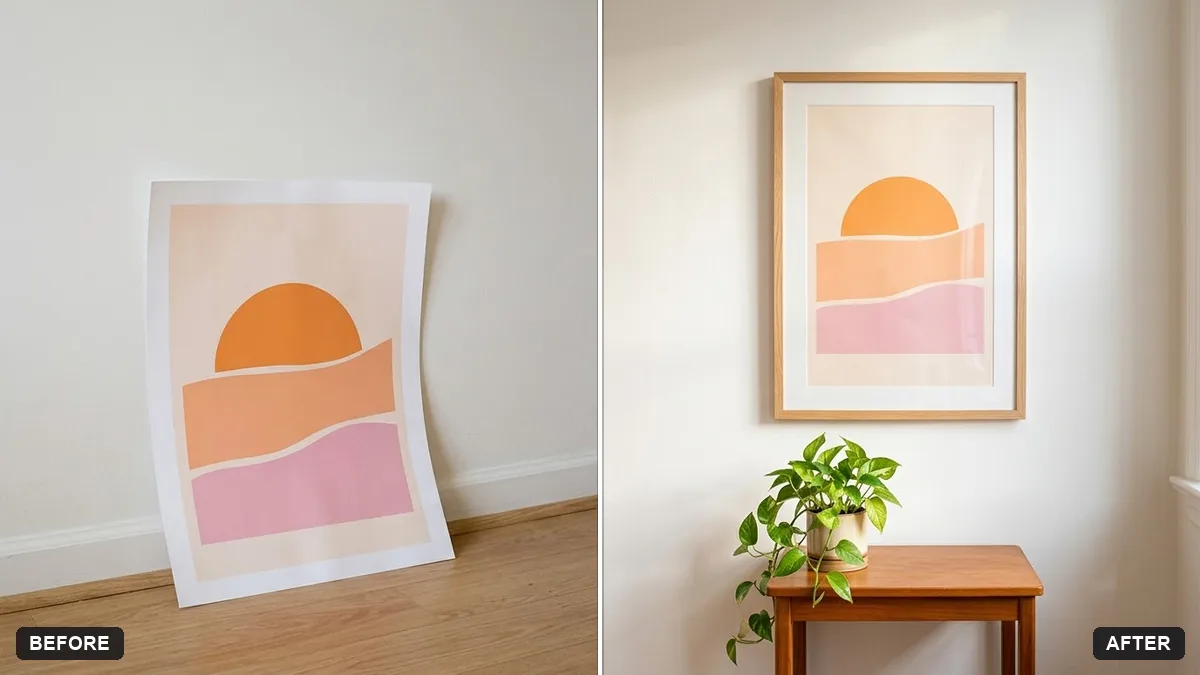
More like this
- Screenshot on a laptop mockupGemini · ChatGPT
- Logo on a ceramic mug mockupGemini · ChatGPT
- Storefront signage mockupGemini · ChatGPT
- Hoodie design mockupGemini · ChatGPT
- Tote bag design mockupGemini · ChatGPT