- Updated
Poster in a frame mockup
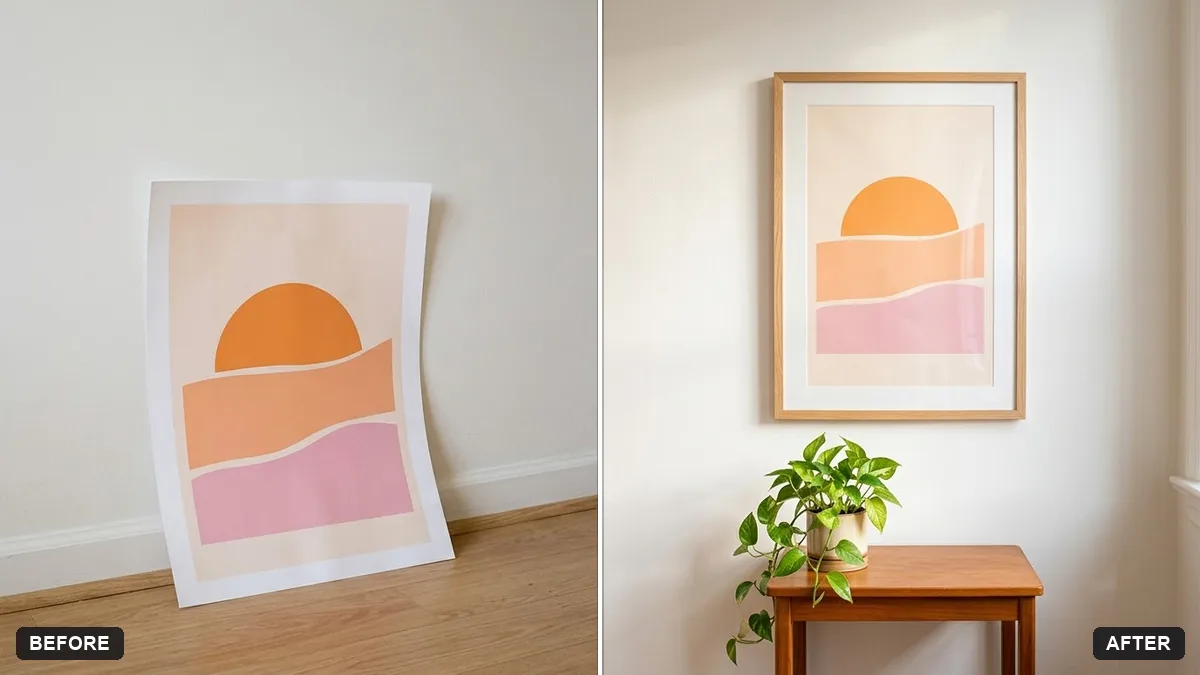
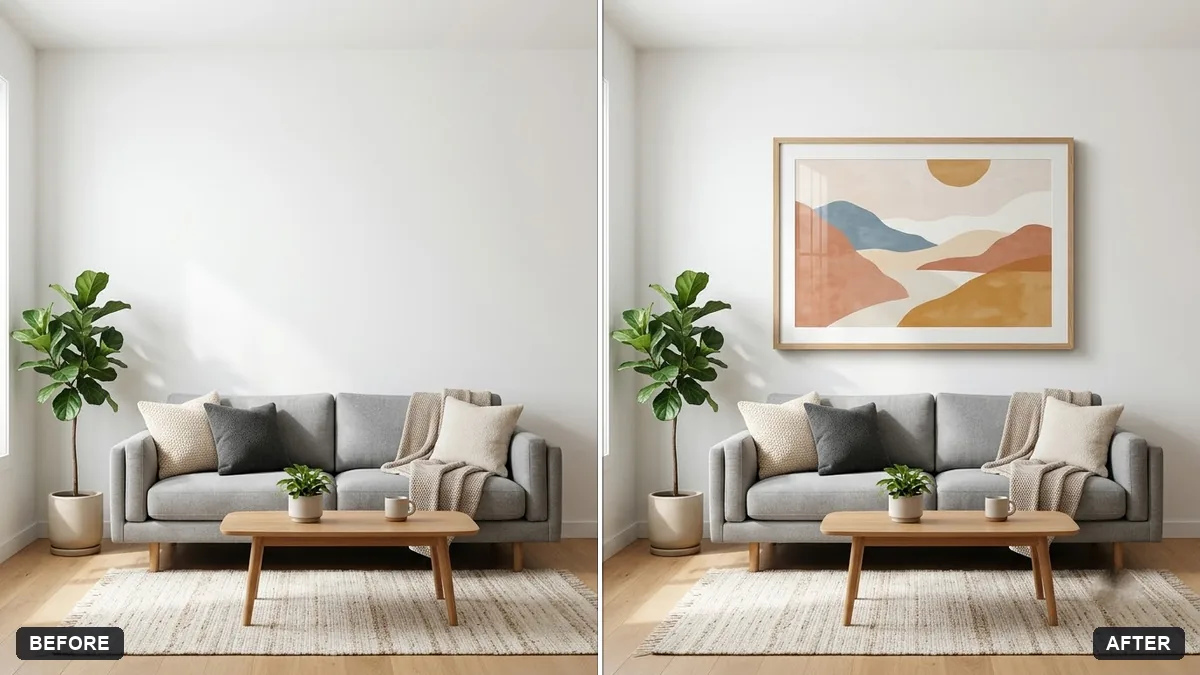
This prompt places your poster in a frame of your choice on a light wall with a small plant and soft light.
Put my poster (the uploaded image) in a [BLACK / OAK] frame hanging on a [WHITE / LIGHT GREY] wall with a small plant and side table below it. Keep the poster exactly the same.

Soft natural light, subtle shadow, realistic wall texture, straight-on view, interior magazine style.
Use the same mockup on your shop for all designs.
Your photo goes to the AI app you choose, never to PromptUp.
Get a better result
Your uploaded poster shown unchanged in a frame on a plain wall, with a small plant and side table below, soft natural light, a subtle shadow and a straight-on interior-magazine view.
The artwork is redrawn and the text on it changes.
Fix: Say “do not redraw the poster, place the uploaded image exactly as it is, with the same proportions”, then compare the lettering.
- The poster is cropped or stretched to fit the frame. Add “the frame matches the poster’s proportions, nothing is cropped”. State the poster size, such as A3 or 18 by 24 inches.
- Light on the glass hides part of the poster. Ask for “no reflections on the glass, the poster fully visible”.
Upload three posters and ask for “a gallery arrangement of three matching frames in a row, equal gaps, centred above the sofa”. Show buyers how a set looks on a wall.
Do not redraw the poster. Place it exactly as uploaded in a frame that matches its proportions, with no glare on the glass.
Guides on this topic
More photo editing prompts
See all 334 →
More like this
- Preview a new shop frontGemini · ChatGPT
- Hoodie design mockupGemini · ChatGPT
- Storefront signage mockupGemini · ChatGPT
- Logo on a ceramic mug mockupGemini · ChatGPT
- Tote bag design mockupGemini · ChatGPT