How to make a festival greeting poster with AI
Published
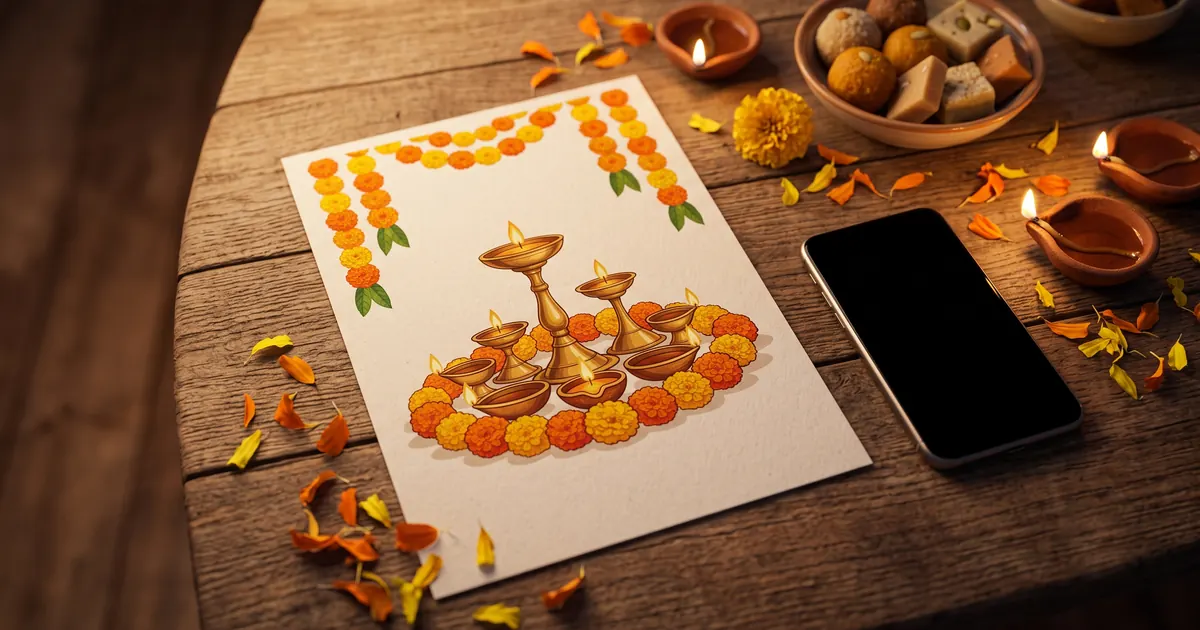
Short answerName the festival, two or three visual elements, a colour palette, the exact words in quotes, and the shape you need. Keep the text short, leave clean space for it, and add longer text yourself in an editor.
The festive season means greetings: a poster for the family WhatsApp group, a post from your business, an offer banner for the shop window. AI image tools can make these in a minute, but "make a Diwali poster" usually gives you something cluttered, with the words spelled wrong.
A good greeting poster prompt answers five questions: which festival, what should be in the picture, which colours, what text exactly, and what shape. This guide shows how, with prompts from the library you can copy.
The five parts of a greeting poster prompt
| Part | Example | Why it matters |
|---|---|---|
| Festival and sender | "Diwali, from Sharma Sweets" | Sets the theme and who it is from |
| Visual elements | "glowing diyas, marigold garlands, rangoli" | Two or three is enough; more gets messy |
| Colours | "deep maroon and gold" | Makes it look designed, not random |
| Exact text in quotes | "Happy Diwali" | Quotes help the AI spell it correctly |
| Shape | "square 1:1" or "16:9" | Fits where you will post it |
A greeting poster prompt
The festival greeting poster prompt covers all five parts. It works in tools such as Gemini, ChatGPT and Ideogram:
Design a festive greeting poster for [FESTIVAL, e.g. Diwali] from [NAME / BRAND].

Visuals: [ELEMENTS, e.g. glowing diyas, marigold garlands, and rangoli] in a rich [COLOURS, e.g. deep maroon and gold] palette — elegant and premium, not cluttered.

Text, spelled exactly: "[GREETING, e.g. Happy Diwali]" as the large headline and "[NAME / BRAND]" small at the bottom. Clean, readable typography. Square 1:1 for WhatsApp and Instagram.
"Elegant and premium, not cluttered" does a lot of work. Without it, many tools fill every corner with sparkles and lamps.
Pick elements that belong to the festival
Generic "festive decorations" give generic results. Name the things people actually see at that festival:
- Diwali: brass diyas, rangoli, marigold garlands, lanterns, sweets on a plate
- Dussehra: a bow and arrow motif, marigolds, a warm sunset sky
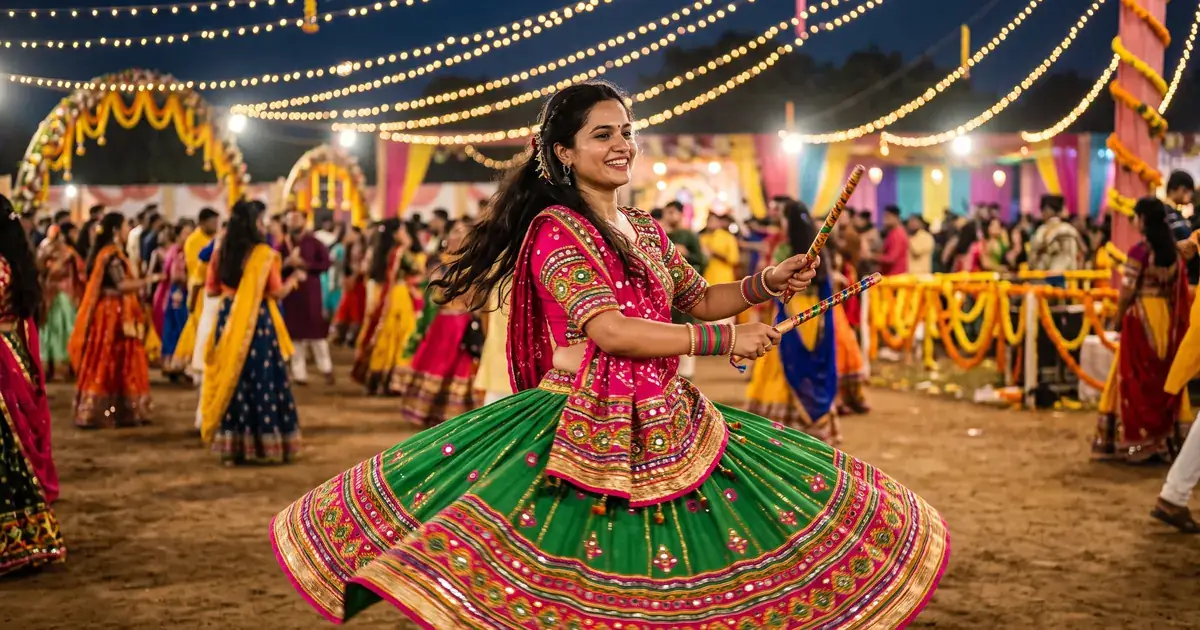
- Navratri: dandiya sticks, mirror-work fabric, string lights
- Durga Puja: a lit pandal, dhak drums, a clay dhunuchi with incense smoke
- Eid: a crescent moon, hanging lanterns, dates on a plate
- Christmas: a decorated tree, fairy lights, a wrapped gift
If you're unsure what fits, ask a chat tool first: "List 6 visual symbols people associate with [FESTIVAL] in [REGION]. One line each." Then pick two or three.
An offer banner for your shop
For a shop or small business, the poster also has to carry an offer. The Diwali offer banner prompt keeps the decoration along the bottom and leaves room for the words:
Festive Diwali offer banner for a [SHOP TYPE] shop. Glowing brass diyas and marigold garlands along the bottom, rangoli pattern in [COLOURS], warm golden bokeh lights, headline "Happy Diwali", subtext "Festival offers up to [PERCENT] off", rich red and gold palette, elegant Indian festive design with plenty of clean space for the offer text. --ar 16:9
The --ar 16:9 at the end is a Midjourney parameter for a wide banner. In Gemini or ChatGPT, write "wide 16:9 banner" in the prompt instead.
Two tips for offer banners:
- Keep the offer honest and simple. One offer, one line. If there are conditions, put them in your caption or on a sign, not in the picture.
- Check every number. Image tools can change digits. Read the percent and any dates carefully before you print or post.
Getting the text right
Text is where most festival posters go wrong. To reduce problems:
- Keep it short. A greeting and a name. Three to six words in total is safest.
- Put every word in quotes and say where it goes: "large headline in the centre", "small at the bottom".
- Ask for plain lettering. "Clean, readable typography" works better than "fancy calligraphy" if you want correct spelling.
- Add other languages yourself. Many tools are less reliable with Hindi, Tamil, Bengali and other scripts. Leave space in the picture and add the greeting in an editor such as Canva, where you can check each letter.
If the text still comes out wrong, remove it from the prompt, ask for "clean empty space at the top for text", and add the words afterwards.
A background you can reuse
If you post greetings every year, make a plain background once and add different text each time. The geometric rangoli prompt gives you a top-down rangoli on a dark floor that works as a background for many festivals:
Top view of a symmetrical geometric rangoli design made of coloured powder in [COLOURS] with a central lotus and concentric petals, small diyas around the edge, dark floor, crisp fine detail, festive Indian art. --ar 1:1
Change the colours to match your brand, then keep that version.
Make it move
A short video greeting stands out in a busy WhatsApp group. If you have a festive photo of yourself or your family, the festival greeting video prompt animates the lamp light and adds a greeting at the end. For a jewellery or clothing shop, the festive jewellery ad prompt gives you slow close-ups in warm diya light.
Quick checklist
- Festival and sender named.
- Two or three elements that belong to that festival.
- A colour palette of two or three colours.
- Every word of text in quotes, three to six words in total.
- "Not cluttered" and "clean space for text" in the prompt.
- The right shape: 1:1 for WhatsApp and Instagram, 16:9 for a banner, 9:16 for a status or story.
- Read every letter and number before you share or print.
For more on getting the wording of a prompt right, see how to use a prompt template.

Comments
No comments yet. Be the first to share what worked for you.