AI mockup prompts for your designs
A mockup shows your design on a real object, which is what buyers and clients want to see. These prompts put your artwork, logo or screenshot on a t-shirt worn by a person, a hoodie, a tote bag, a ceramic mug, a framed poster, a wall in a room, a 3D book cover, a billboard, a shop sign or a laptop screen.
Upload your design as the first image (and a product or scene photo as the second where the prompt asks). The prompts ask for realistic folds, light and perspective and accurate print colours.
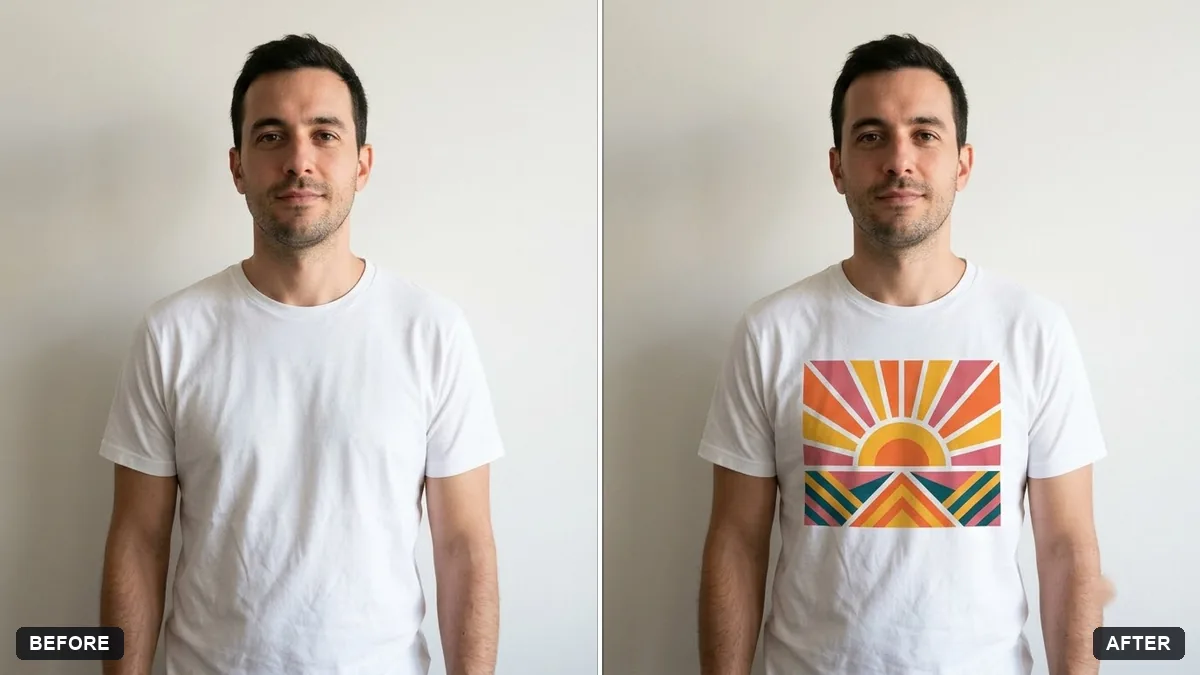
Put my design (the first image) on the [COLOUR] t-shirt worn by the person in the second photo. Keep the person, pose, face and background exactly the same.

Position the design centred on the chest at [SIZE], follow the fabric folds and lighting realistically, keep the print colours accurate.
Three steps, about a minute
- 1
Export your design as a PNG on a plain or transparent background.
- 2
Upload the design first and the product or scene photo second, then paste the prompt and fill in colour and size.
- 3
Zoom in on the print. If text or colours changed, regenerate or fix them in your design app.
Make it yours
- Plain base: a plain t-shirt or mug photo gives the cleanest mockup.
- Size: "centred on the chest, about 25 cm wide" or "small logo on the left chest".
- Scene: put the poster or wall art in a room that matches your buyer: a kids' room, a cafe, a studio.
- Set: make the same design on 3 products for a shop listing.
If it goes wrong
- The design changed
- Reply "keep my design exactly as in the first image: same colours, text and proportions".
- It looks printed on top, not on the fabric
- Ask for "follow the fabric folds and lighting".
- Text is misspelled
- Use a simpler design or add the text in your design app afterwards.
- Wrong perspective on a wall or sign
- Say "match the angle and perspective of the wall".
10 more prompts in this collection
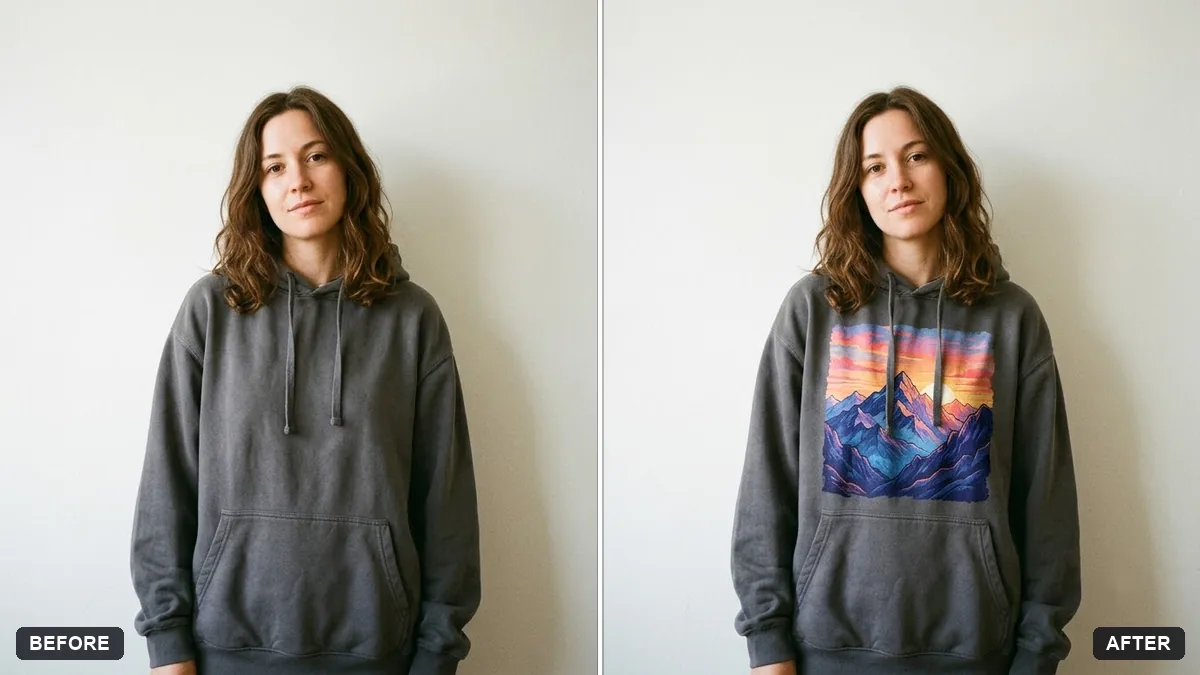 Hoodie design mockupGemini · ChatGPT
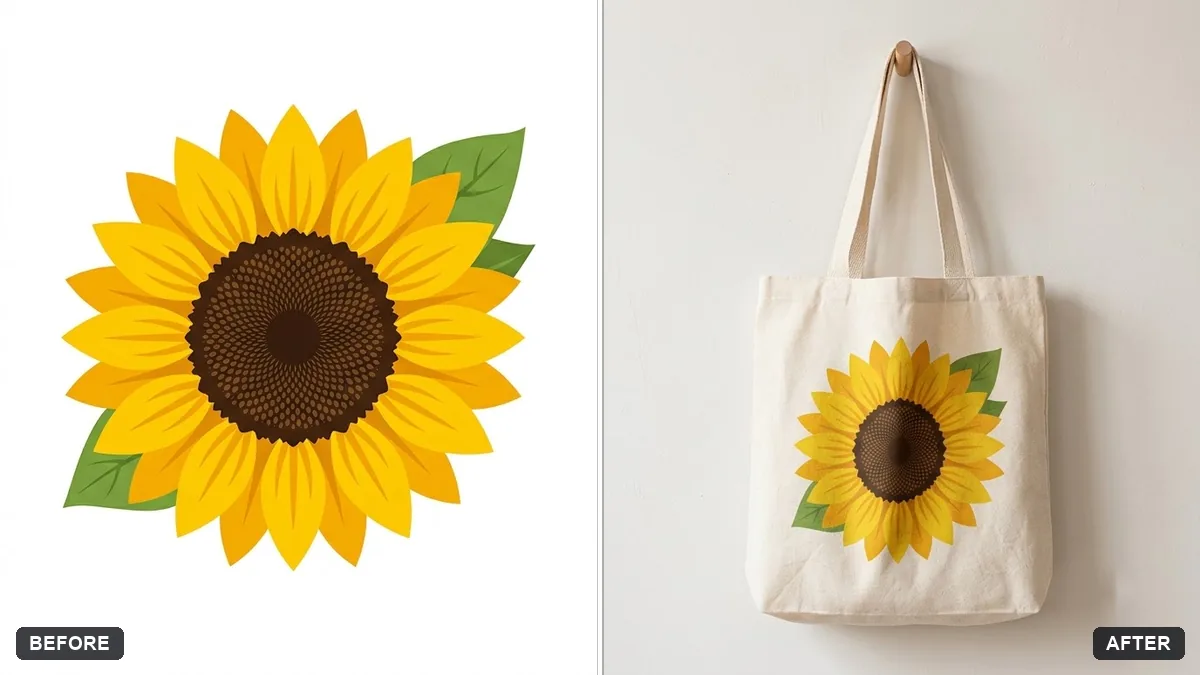 Tote bag design mockupGemini · ChatGPT
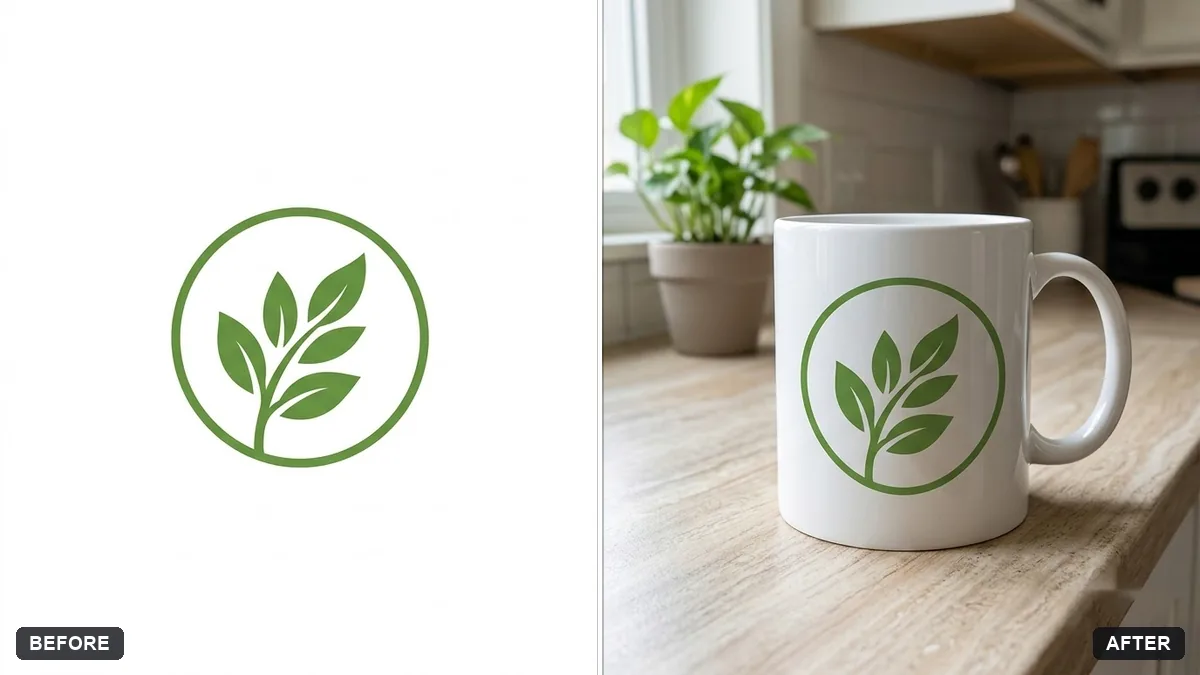 Logo on a ceramic mug mockupGemini · ChatGPT
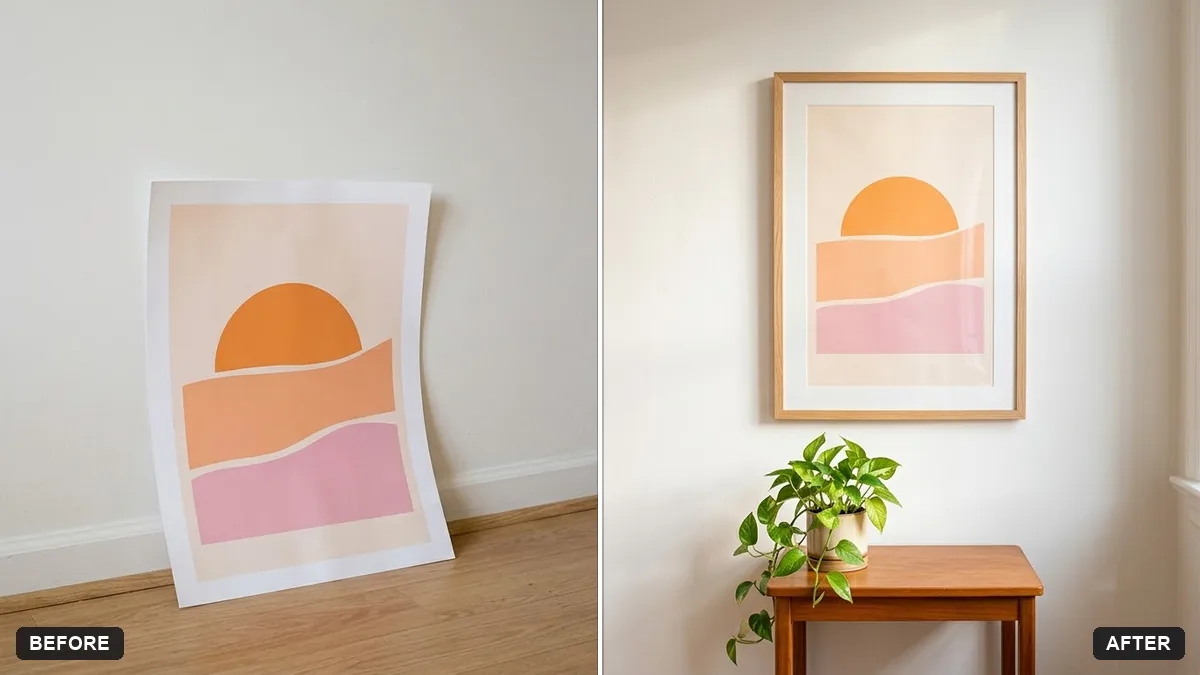 Poster in a frame mockupGemini · ChatGPT
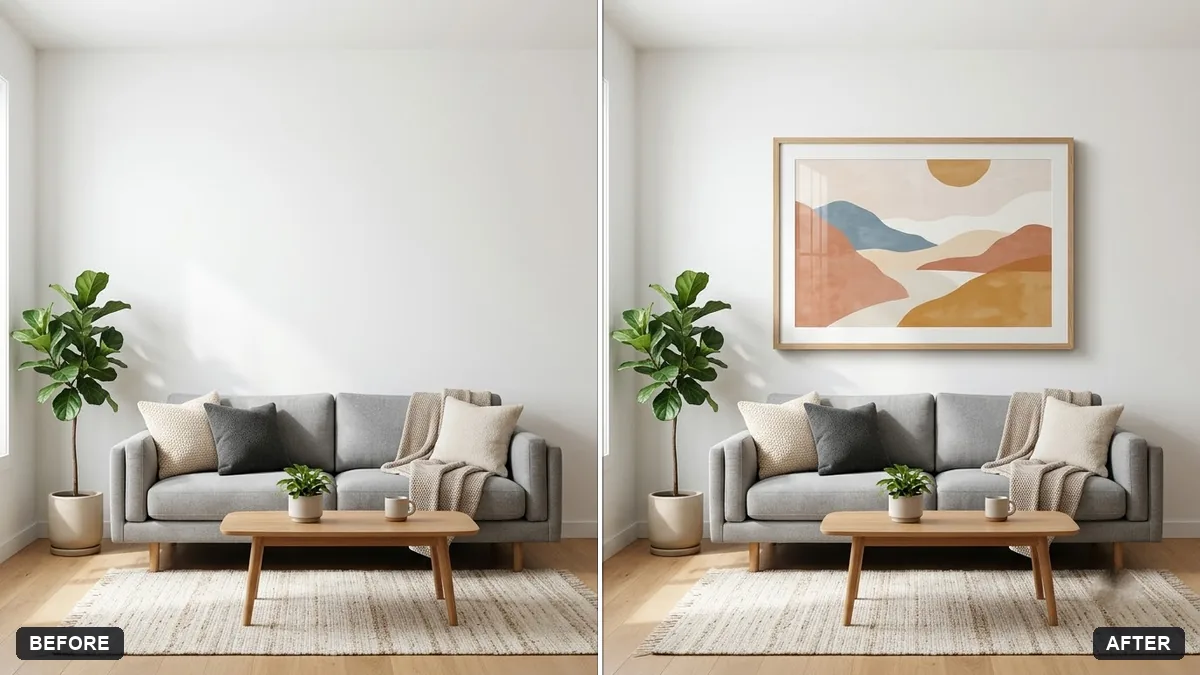 Wall art in a room mockupGemini · ChatGPT
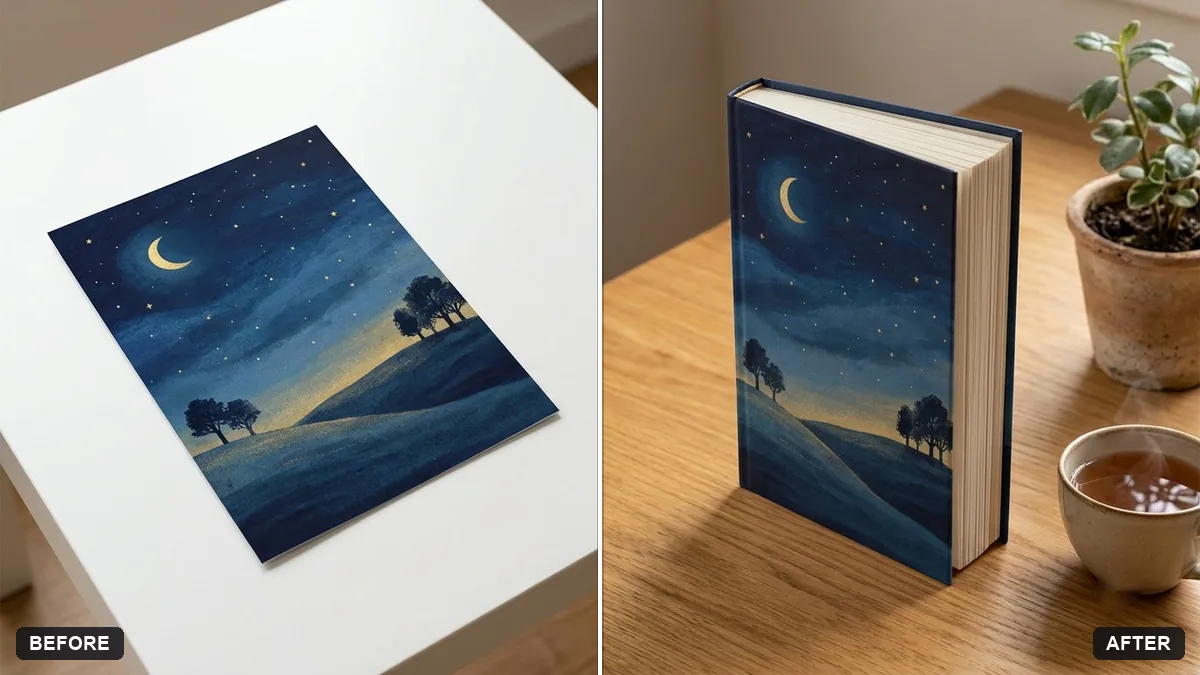 Book cover as a 3D mockupGemini · ChatGPT
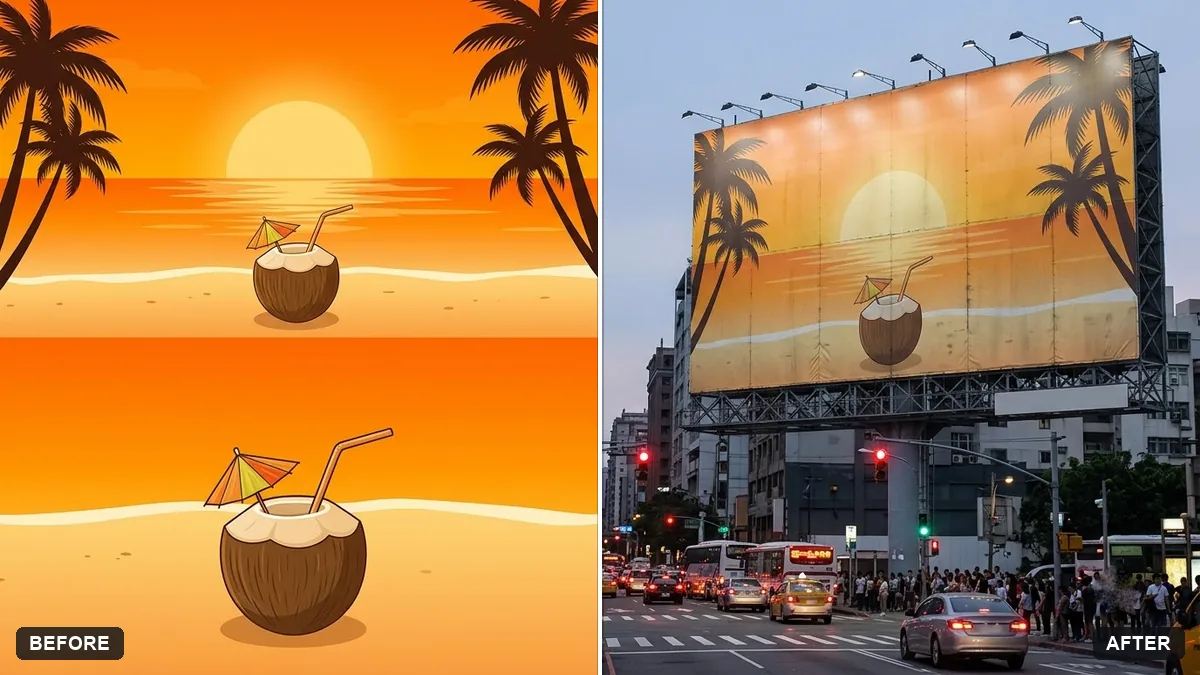 Billboard advertising mockupGemini · ChatGPT
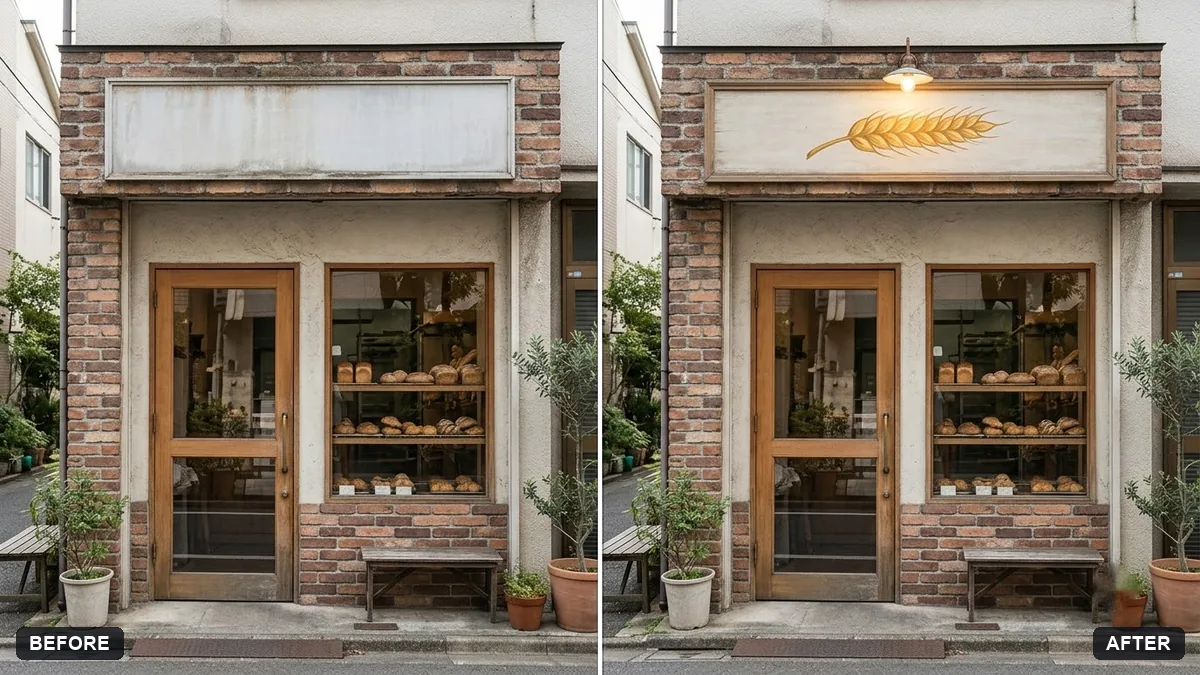 Storefront signage mockupGemini · ChatGPT
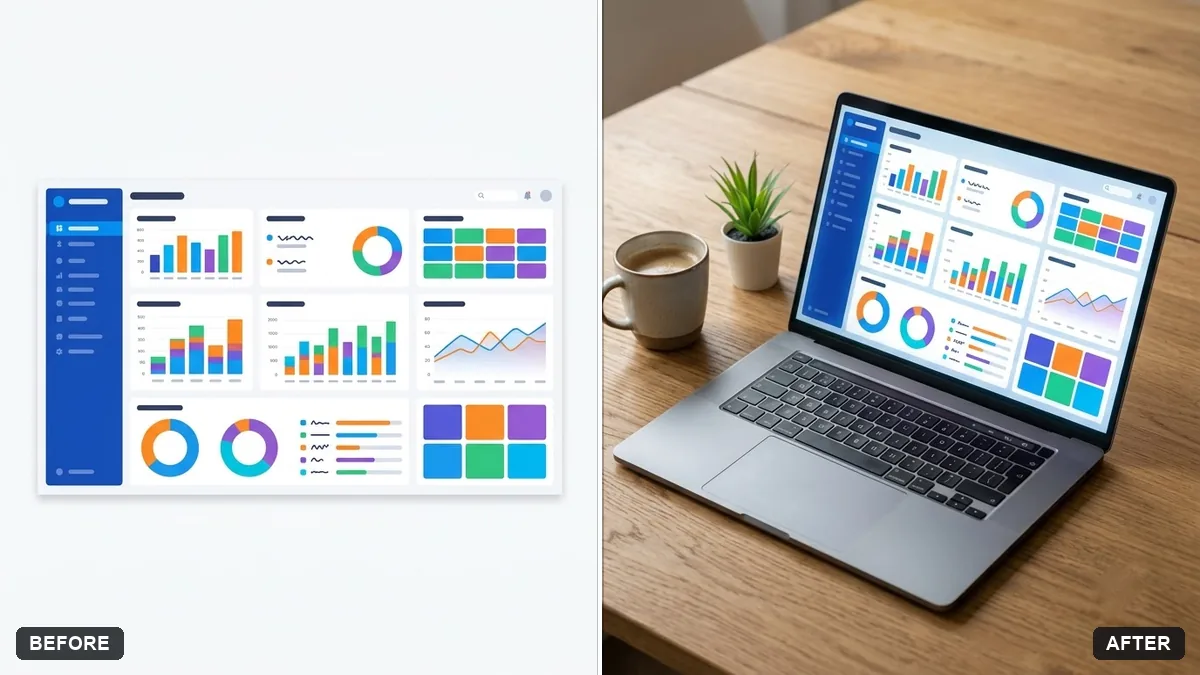 Screenshot on a laptop mockupGemini · ChatGPT
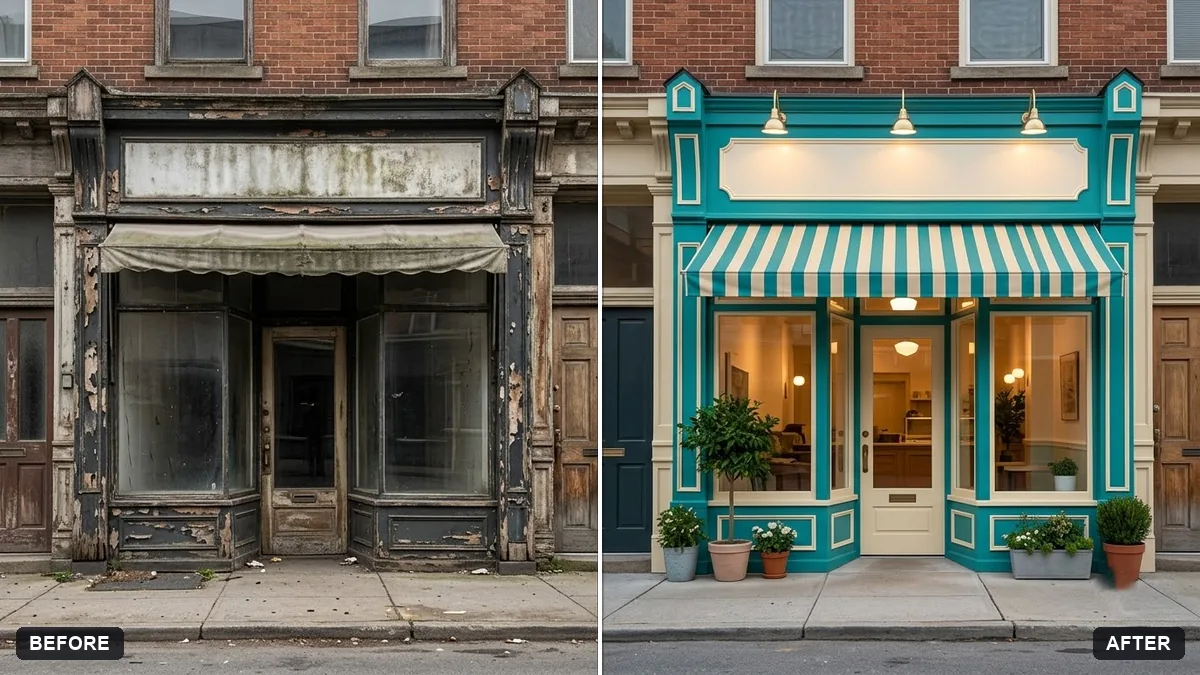 Preview a new shop frontGemini · ChatGPT
Guides that use these prompts
Questions, answered
Can AI make a t-shirt mockup from my design?
Yes. Upload your design and a photo of a plain t-shirt or a person wearing one, then paste the t-shirt mockup prompt with the colour and size.
Will the design stay exactly the same?
Simple designs usually do. Fine text and small details can change, so zoom in and compare with your file before you use the mockup to sell.
Can I use AI mockups in my shop?
Yes, as previews of your design. Make sure the real product looks the same, and check the print-on-demand service's colours.