AI portrait and headshot prompts
A good headshot prompt does three things: it keeps your real face, it sets soft, flattering light, and it sets the clothes and background for your work. These prompts cover the headshots people ask for most: a LinkedIn or team-page photo from a selfie, and portraits for jobs such as doctor, nurse, lawyer, teacher, chef, real estate agent, founder, developer, speaker and author.
Upload one clear photo where your face is well lit and facing the camera, then paste the prompt. If the face changes, reply "keep my exact face from the original photo" and try again. For a natural result, add the natural skin prompt as a second step instead of asking for heavy smoothing.
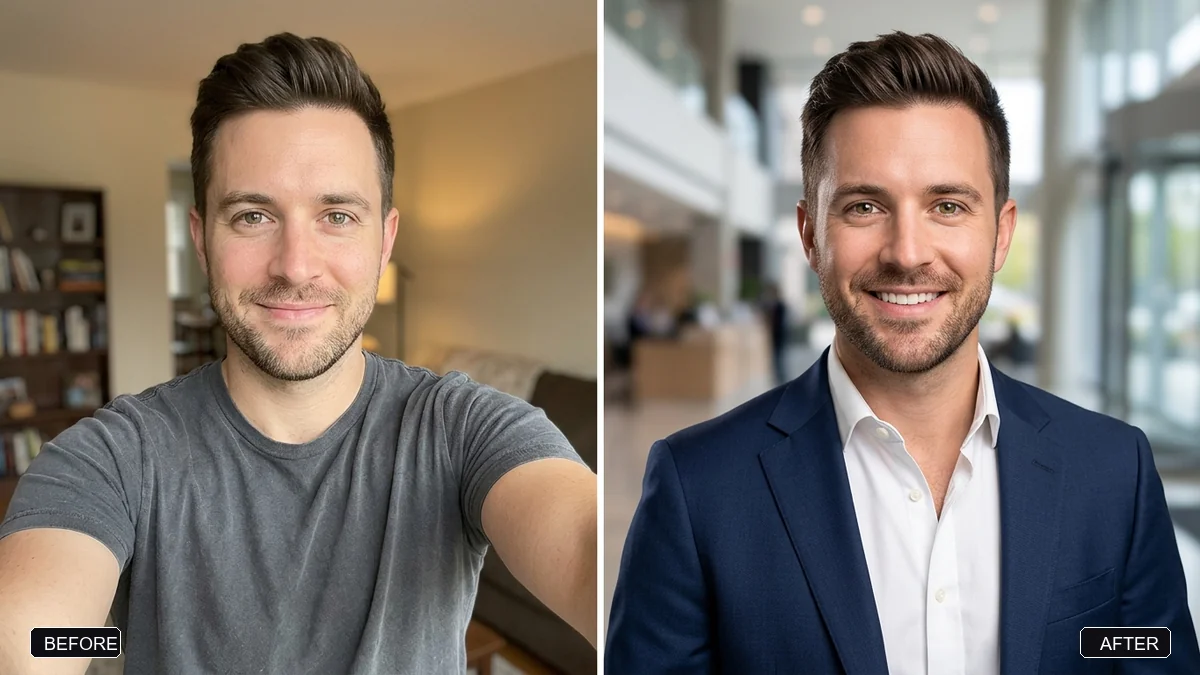
Turn this selfie into a professional LinkedIn headshot. Keep my face, facial features, skin tone, hairstyle, and expression exactly the same — it must clearly be me.

Change my outfit to [OUTFIT, e.g. a navy blue blazer with a white shirt]. Use a clean, softly blurred [BACKGROUND, e.g. light grey studio] background. Flattering soft studio light, natural skin texture (not plastic).
Three steps, about a minute
- 1
Take a front-facing selfie in daylight, at eye level, with no beauty filter. Face the window, not away from it.
- 2
Upload it to Gemini or ChatGPT, paste the prompt and fill in the outfit and background.
- 3
Check it still looks like you, then crop it square for LinkedIn or keep 4:5 for a team page.
Make it yours
- Outfit: "a charcoal suit", "a cream kurta", or "a white lab coat" for doctors.
- Background: "an office window with soft daylight" feels warmer than a plain grey studio.
- Light: add "soft window light from the left" for a more natural look.
- Crop: ask for "square, head and shoulders" if it is for a profile picture.
If it goes wrong
- My face looks different
- Reply "keep my exact face from the original photo" and generate again. A sharper, front-facing photo helps most.
- Skin looks plastic
- Add "natural skin texture, visible pores, no smoothing", or run the natural skin prompt as a second step.
- The outfit looks fake at the collar
- Ask for a "head and shoulders crop" so less of the outfit has to be drawn.
- Background is too busy
- Say "plain, softly blurred background, no objects".
21 more prompts in this collection
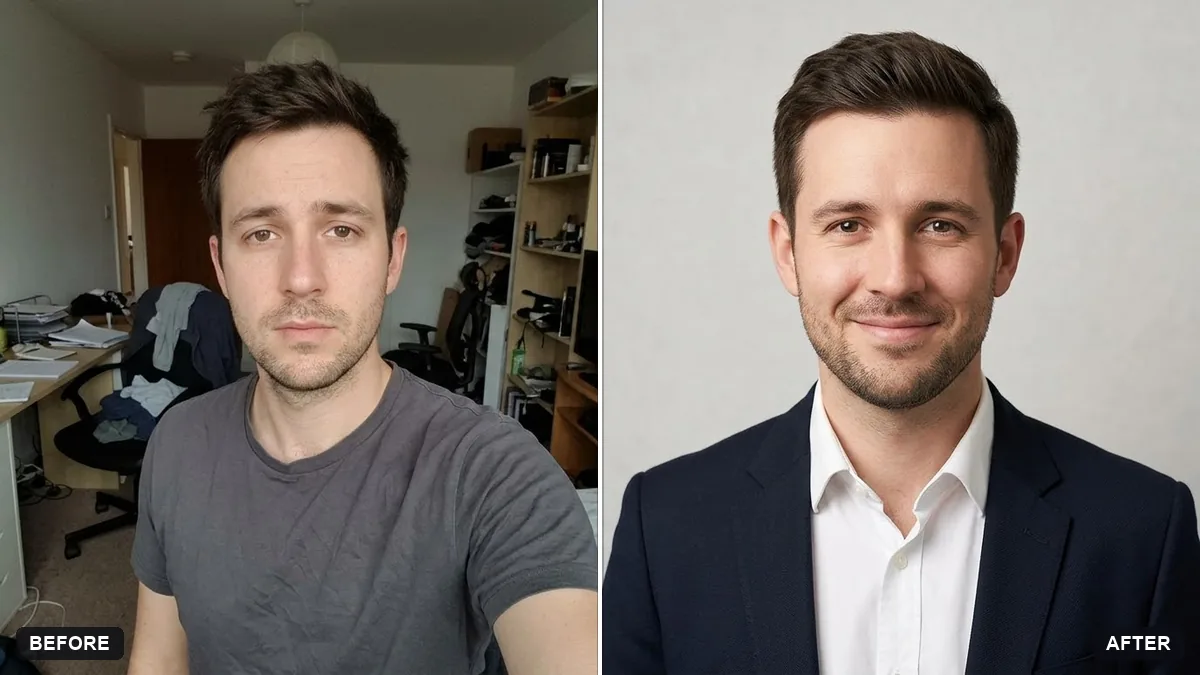 Matching team page headshotGemini · ChatGPT
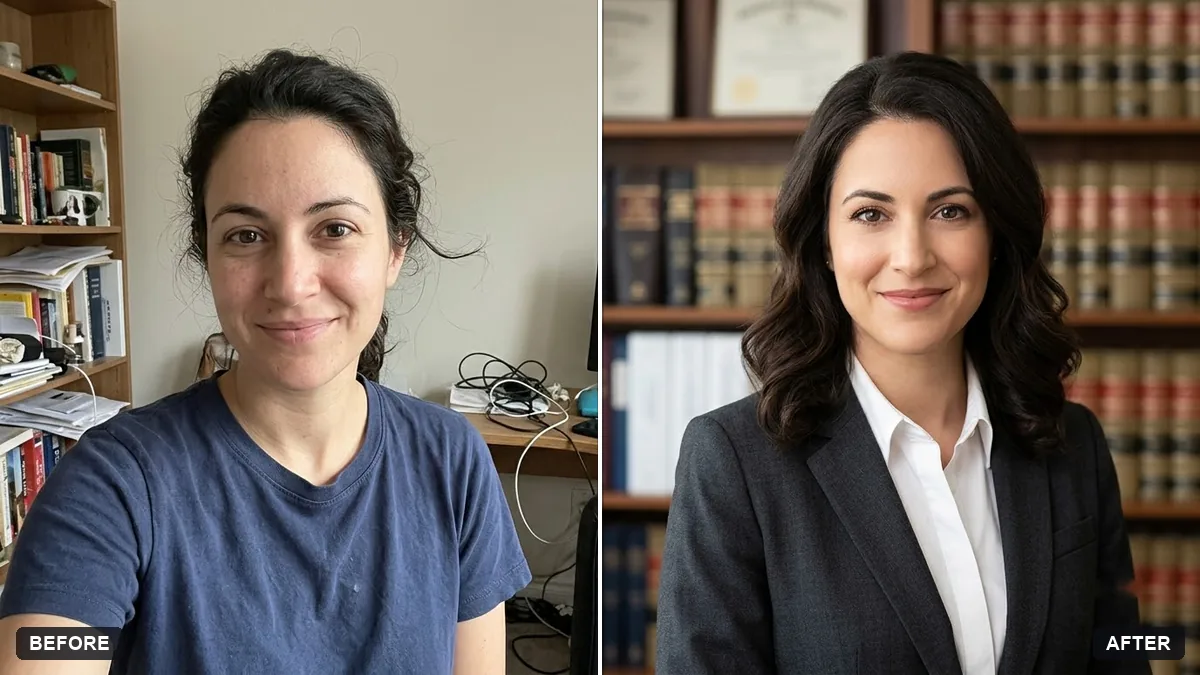 Confident lawyer headshotGemini · ChatGPT
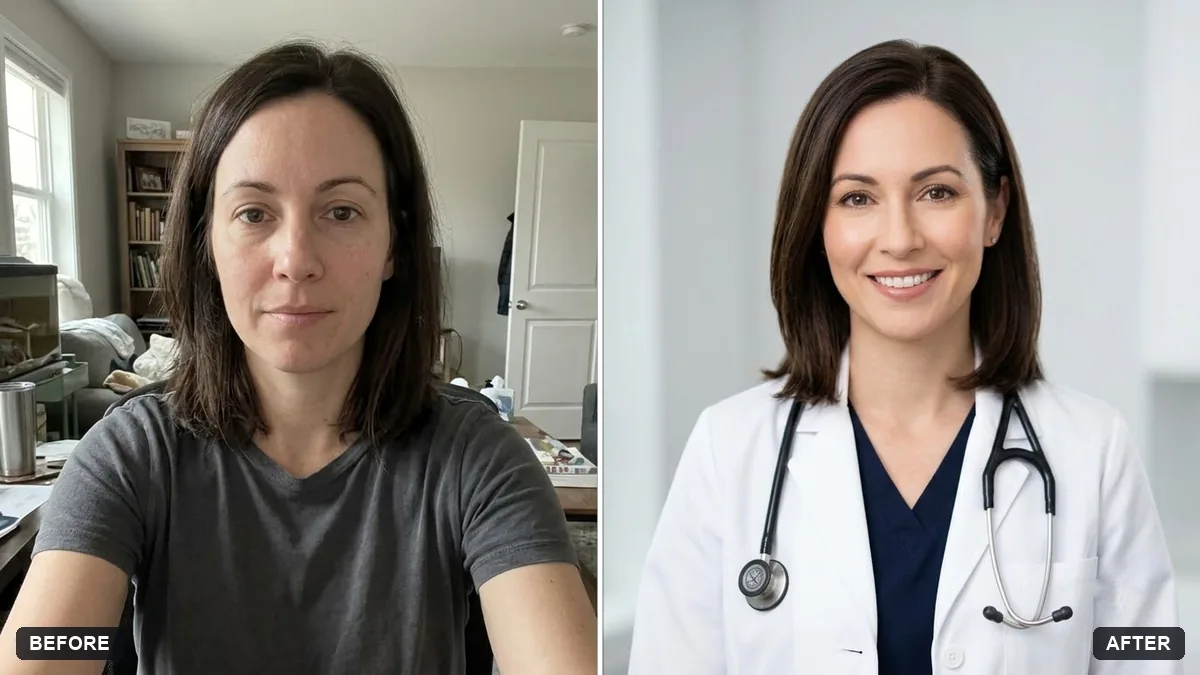 Professional profile for a clinic websiteGemini · ChatGPT
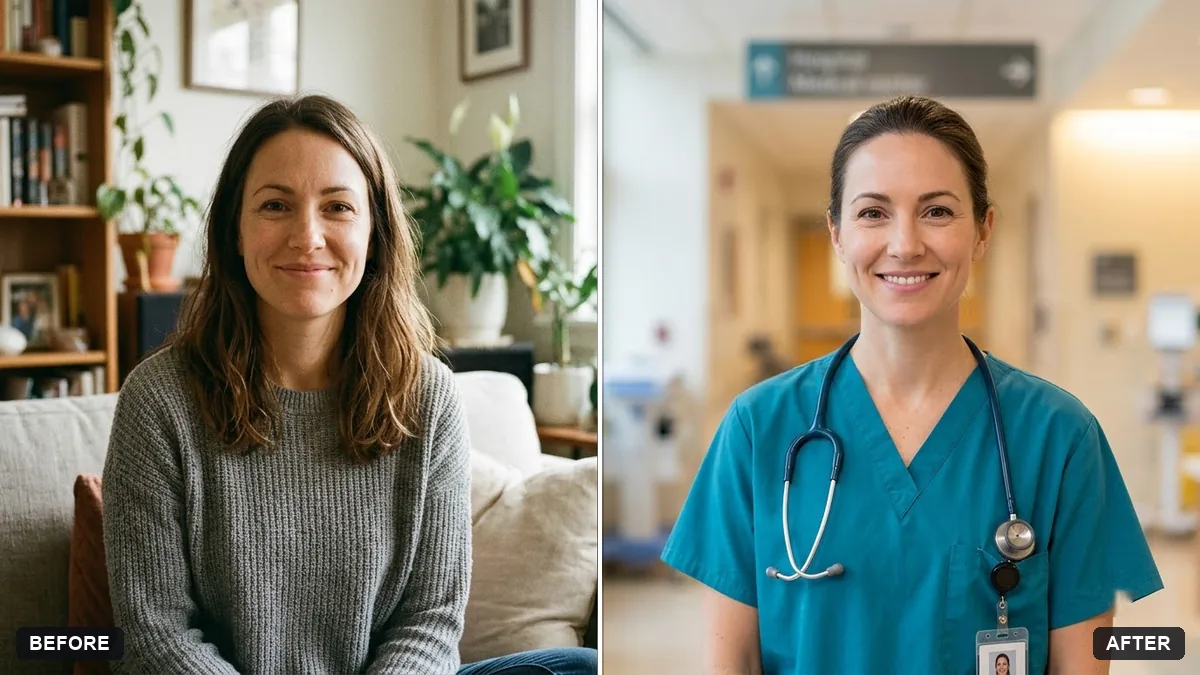 Healthcare professional portraitGemini · ChatGPT
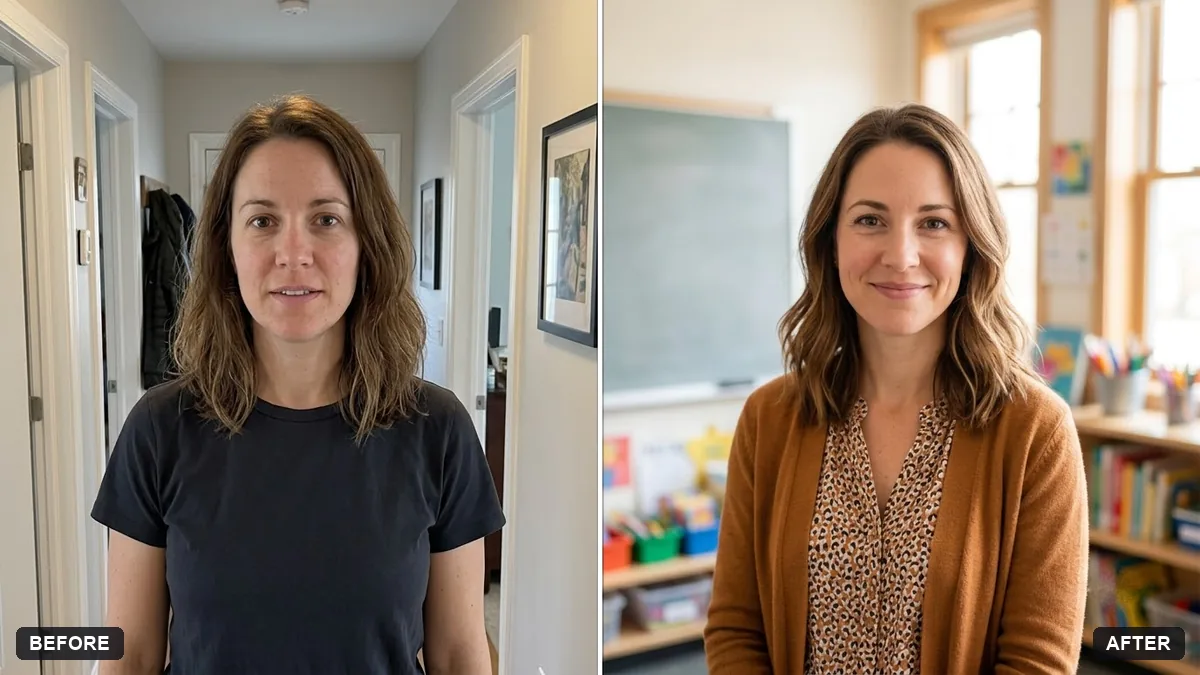 Teacher portrait in a classroomGemini · ChatGPT
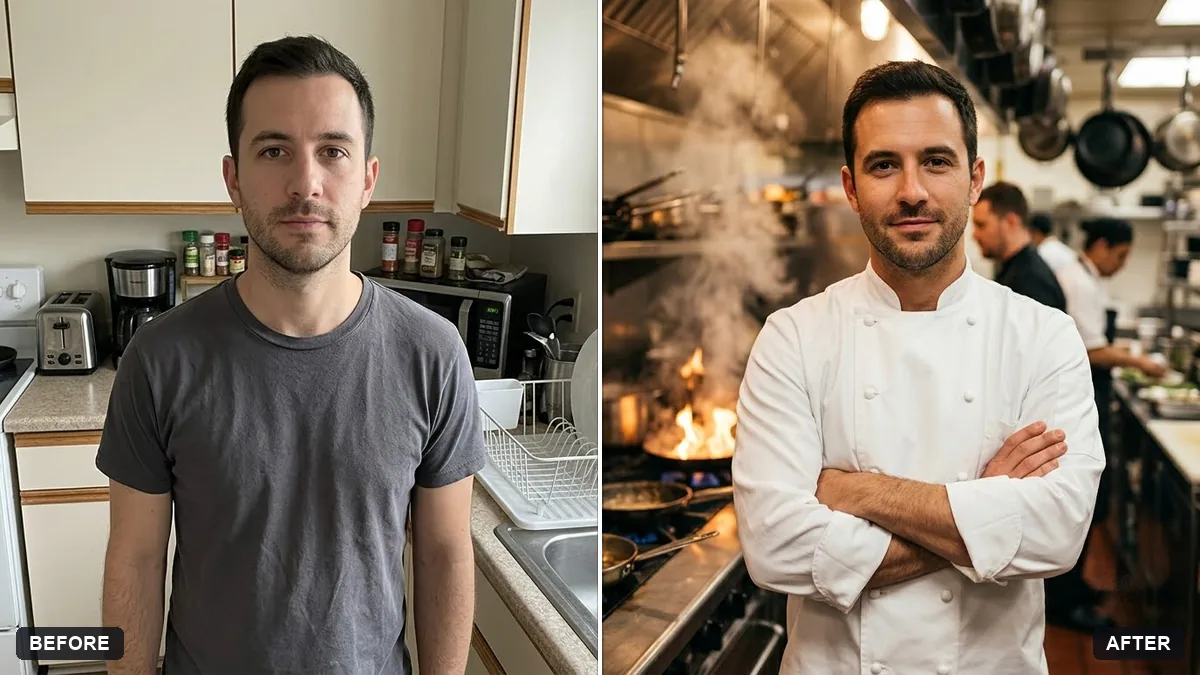 Chef portrait in a professional kitchenGemini · ChatGPT
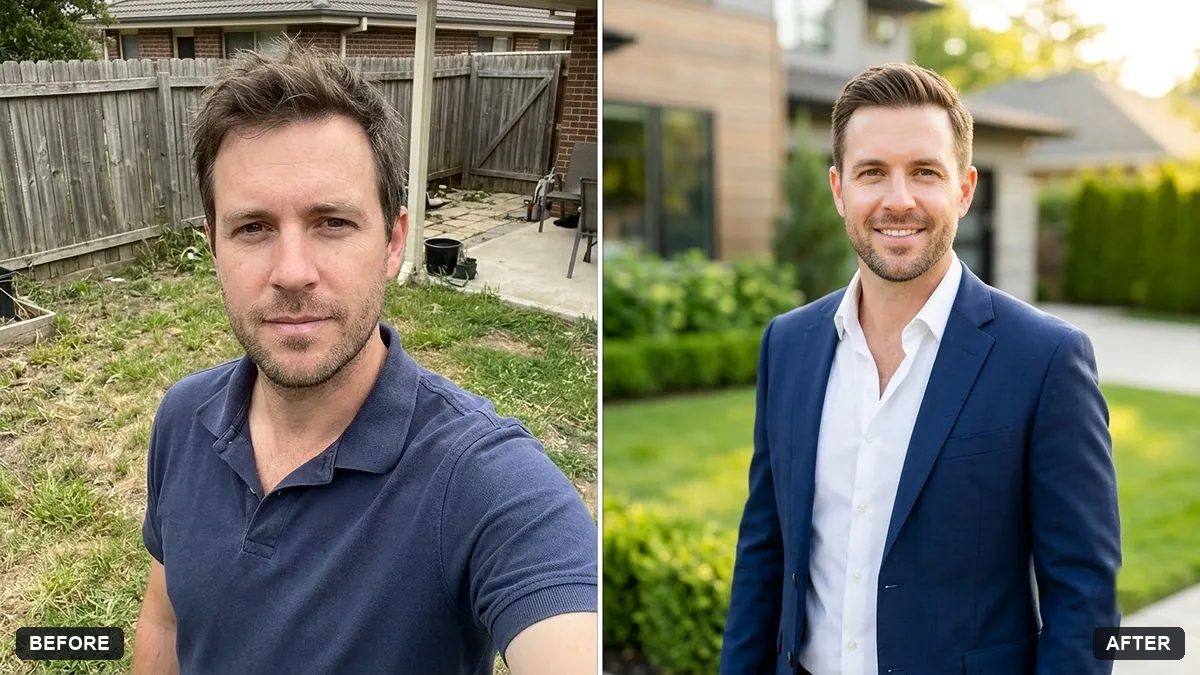 Real estate agent portraitGemini · ChatGPT
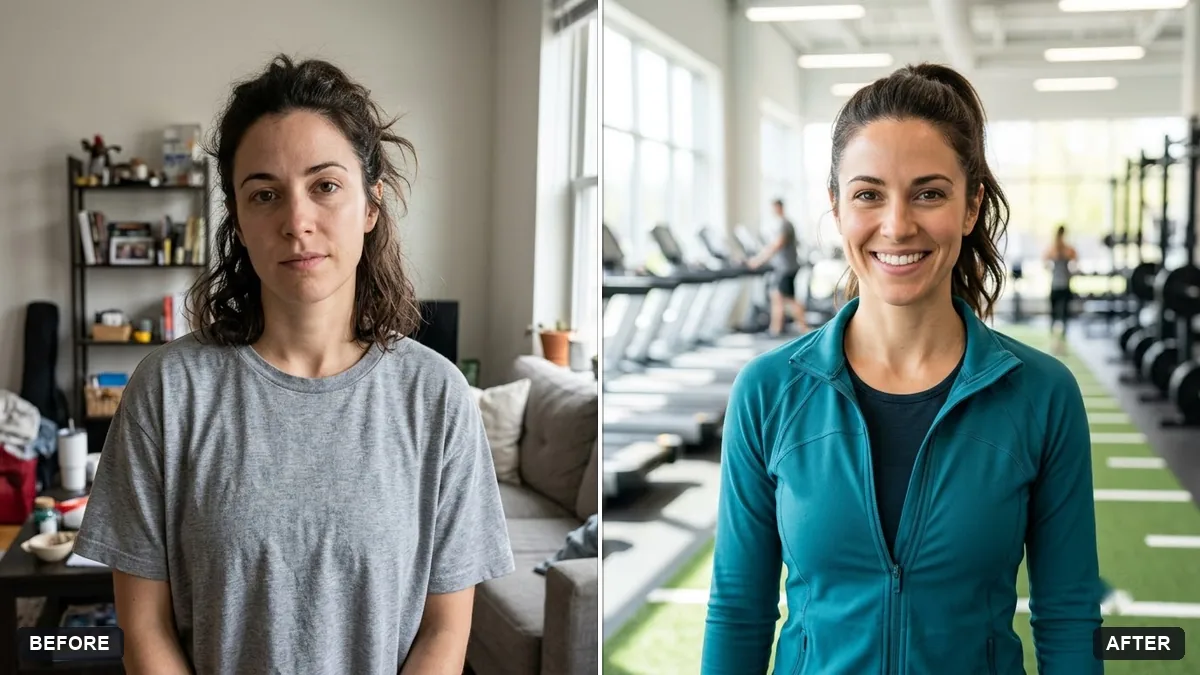 Fitness coach portraitGemini · ChatGPT
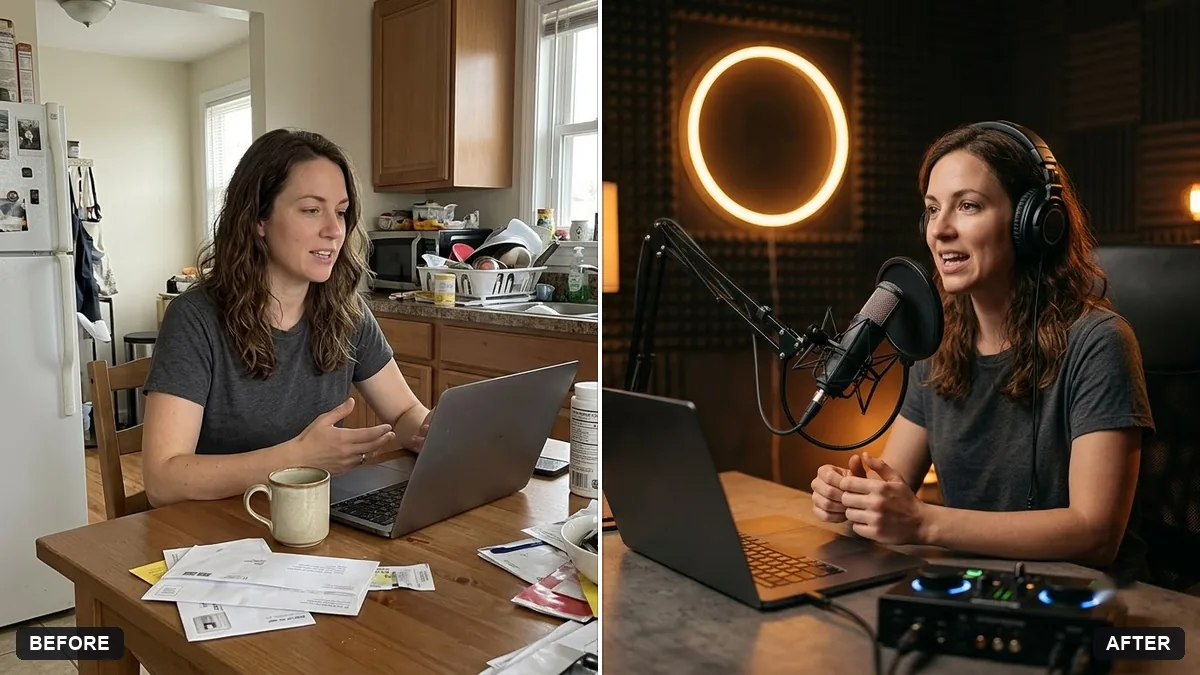 Podcast host in the studioGemini · ChatGPT
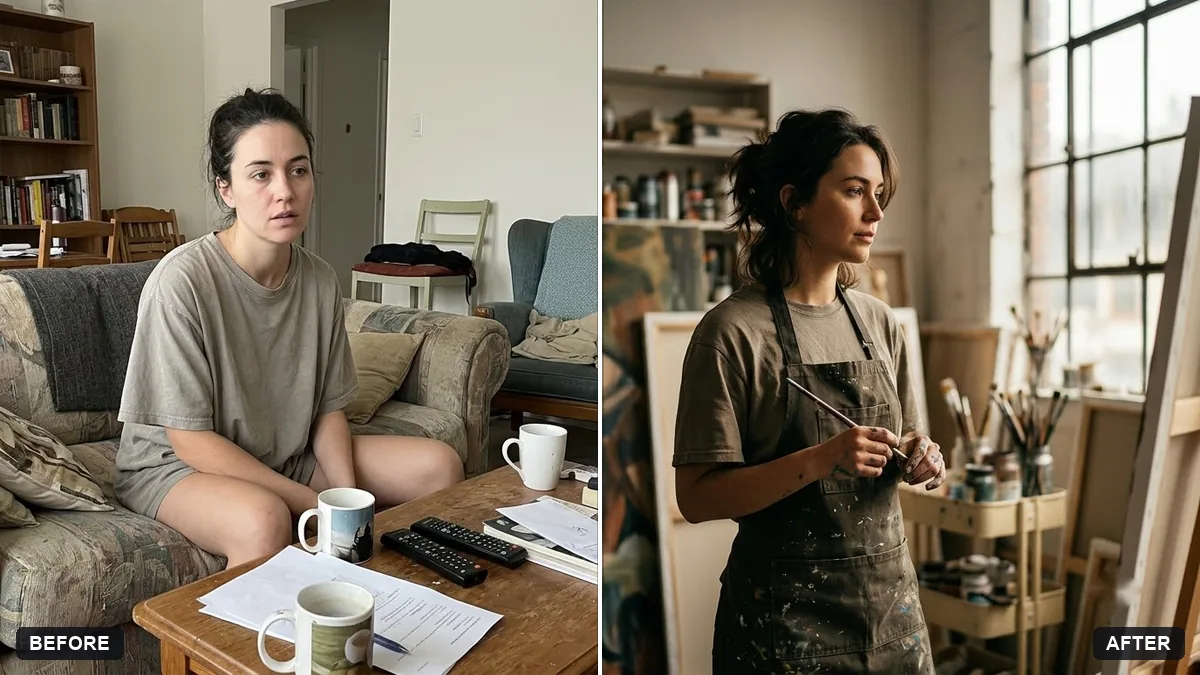 Creative portfolio portraitGemini · ChatGPT
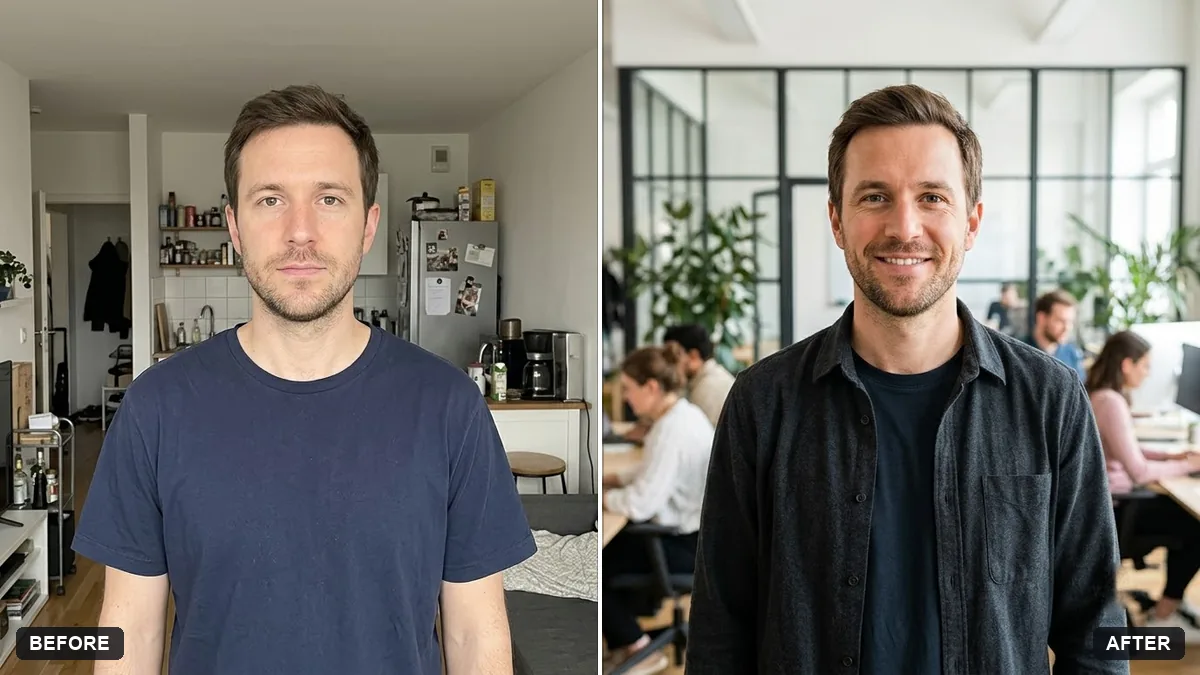 Startup founder portraitGemini · ChatGPT
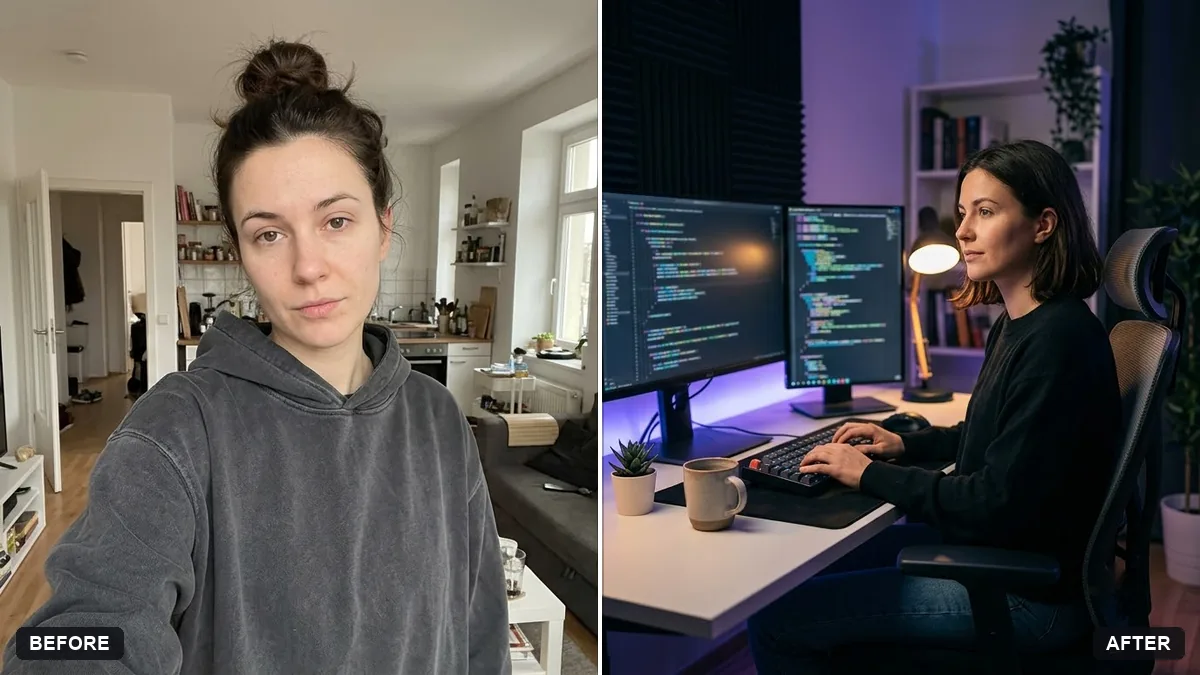 Developer workspace portraitGemini · ChatGPT
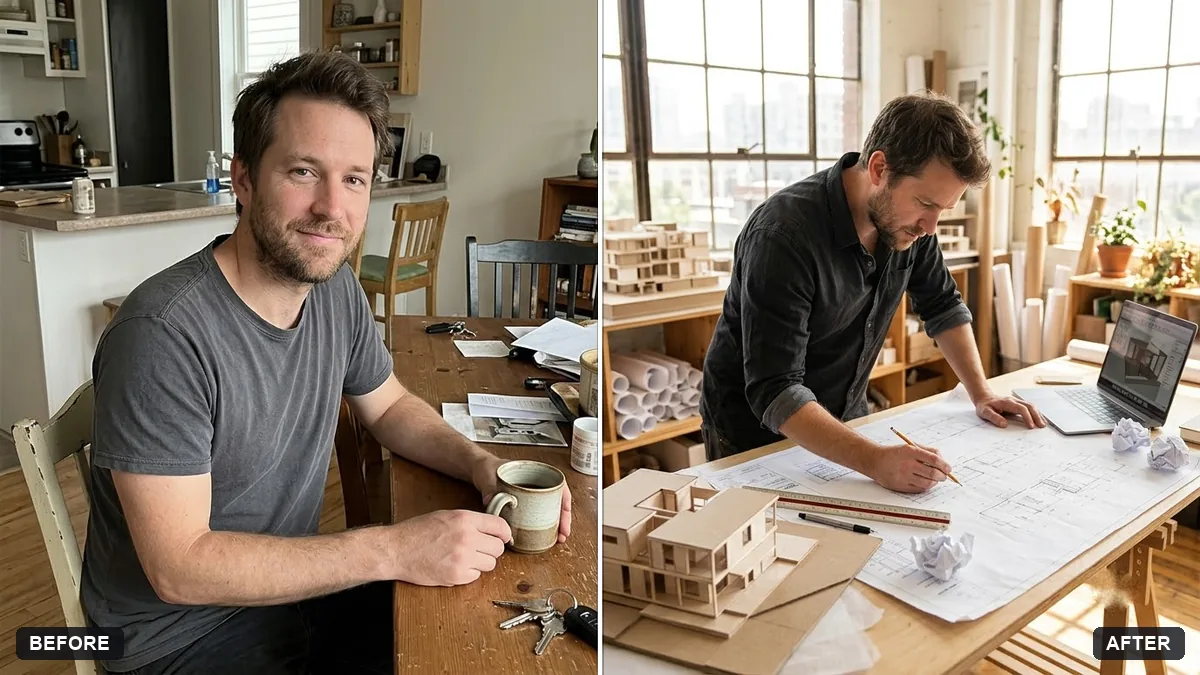 Architect at work portraitGemini · ChatGPT
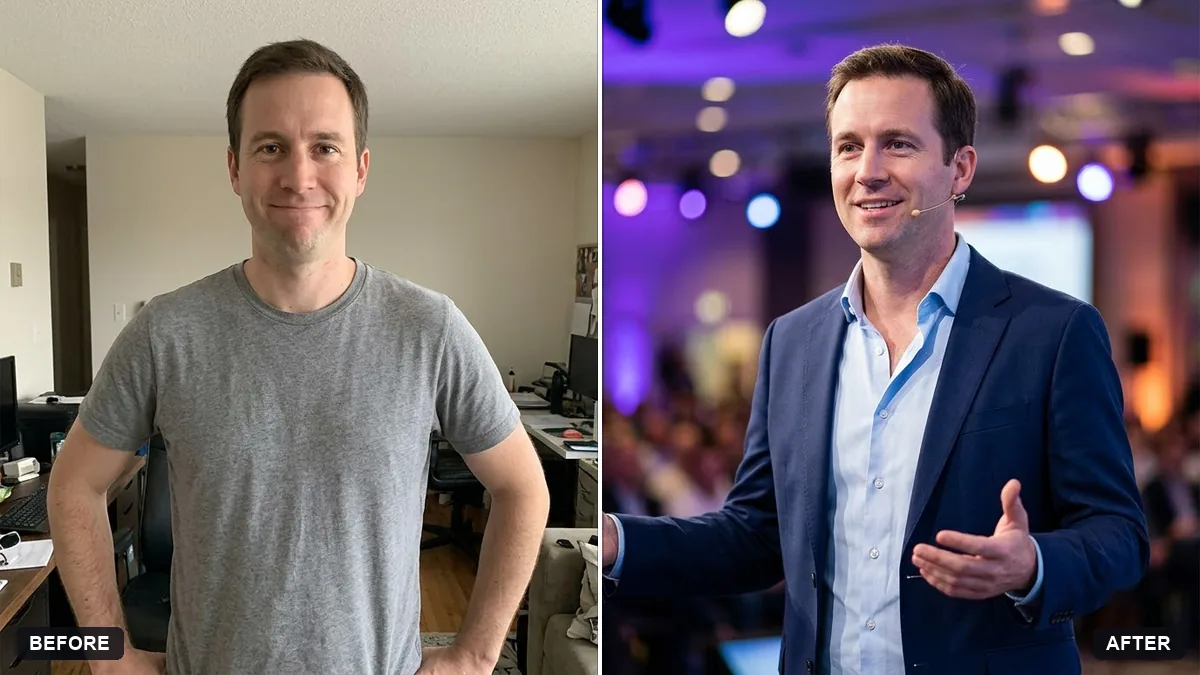 Speaker photo for a conference pageGemini · ChatGPT
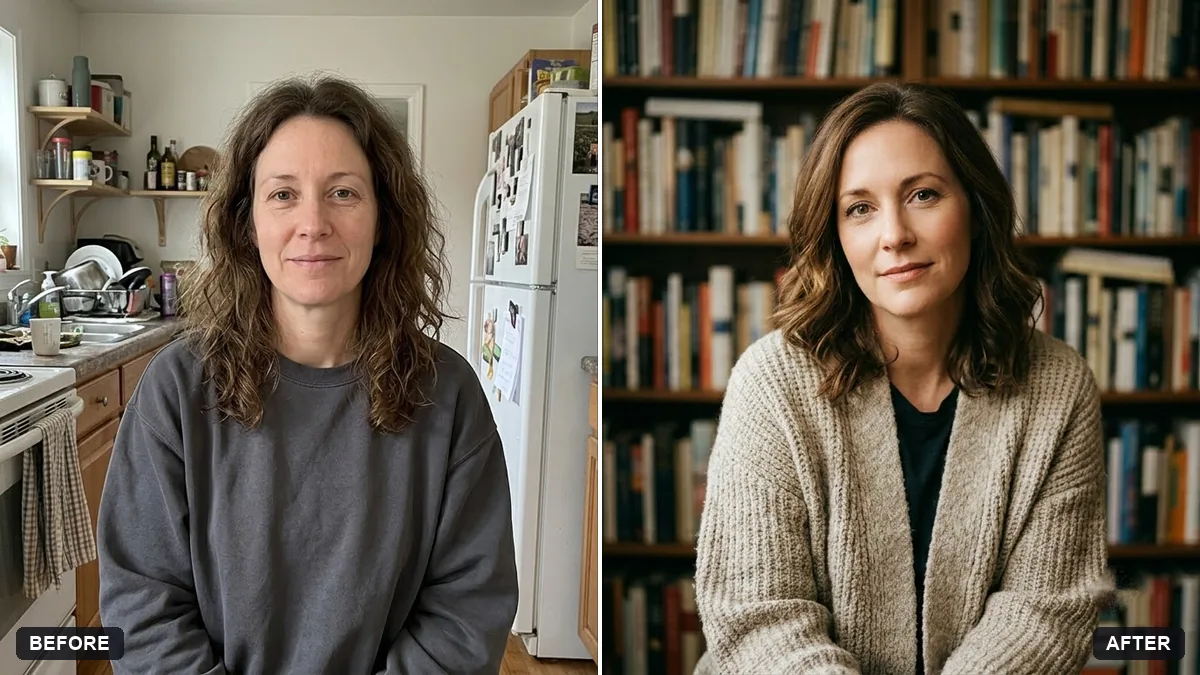 Author photo for a book back coverGemini · ChatGPT
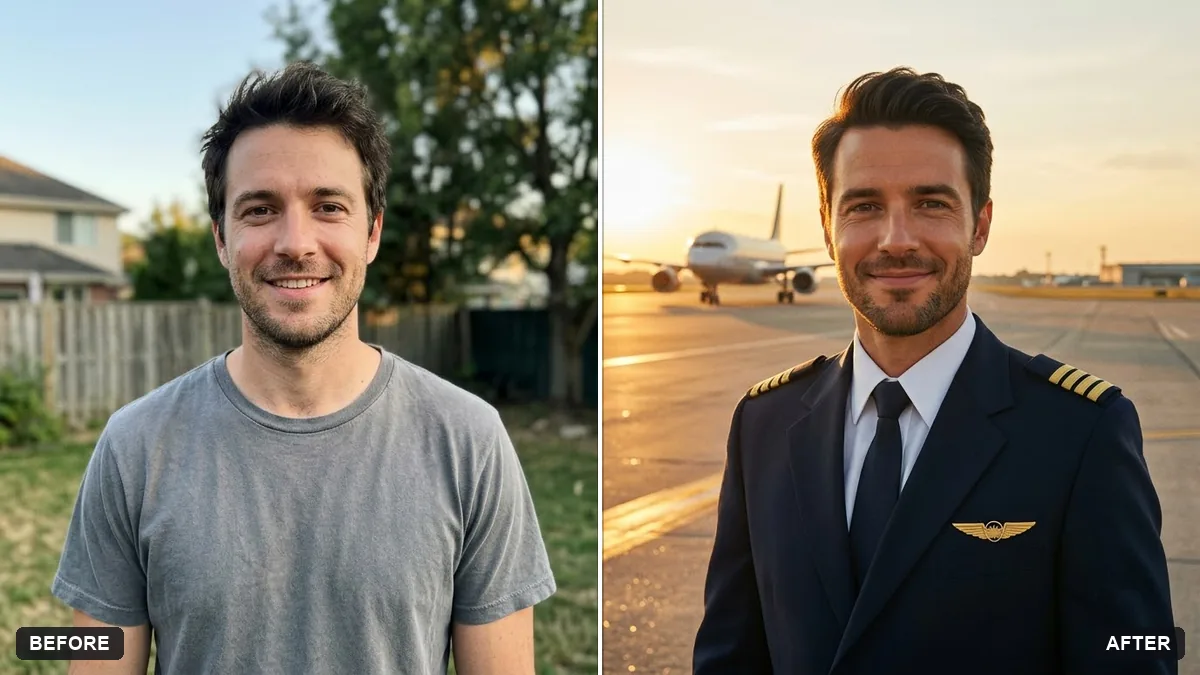 Airline pilot portraitGemini · ChatGPT
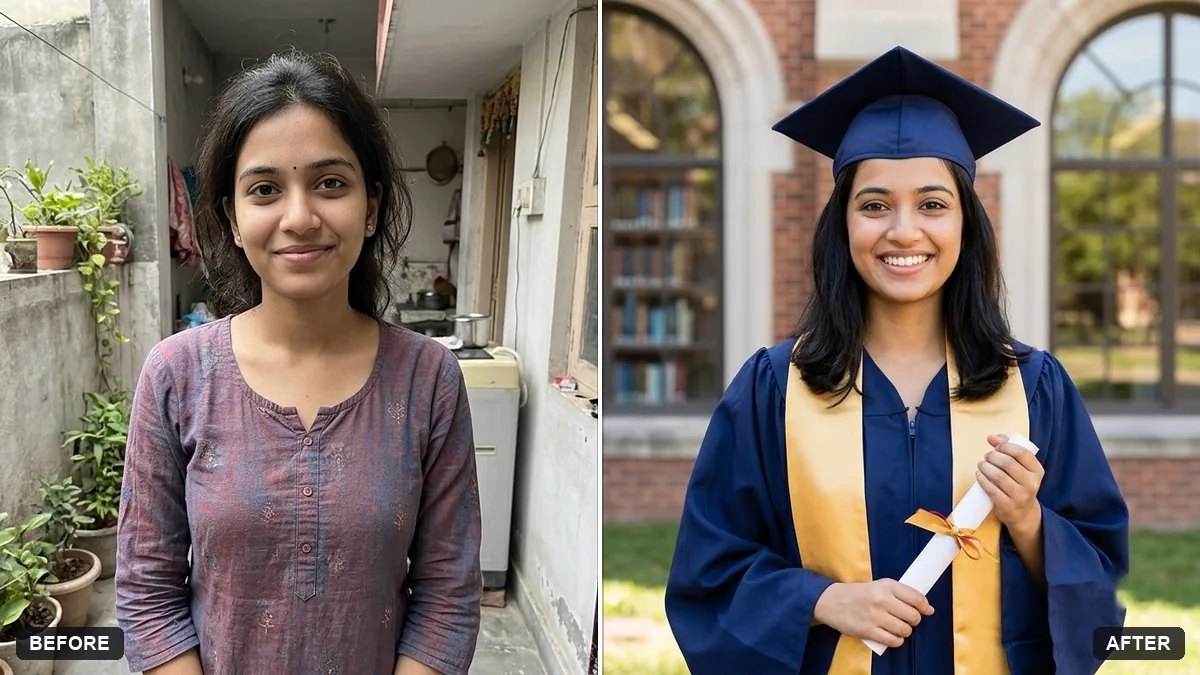 Graduation portrait in gown and capGemini · ChatGPT
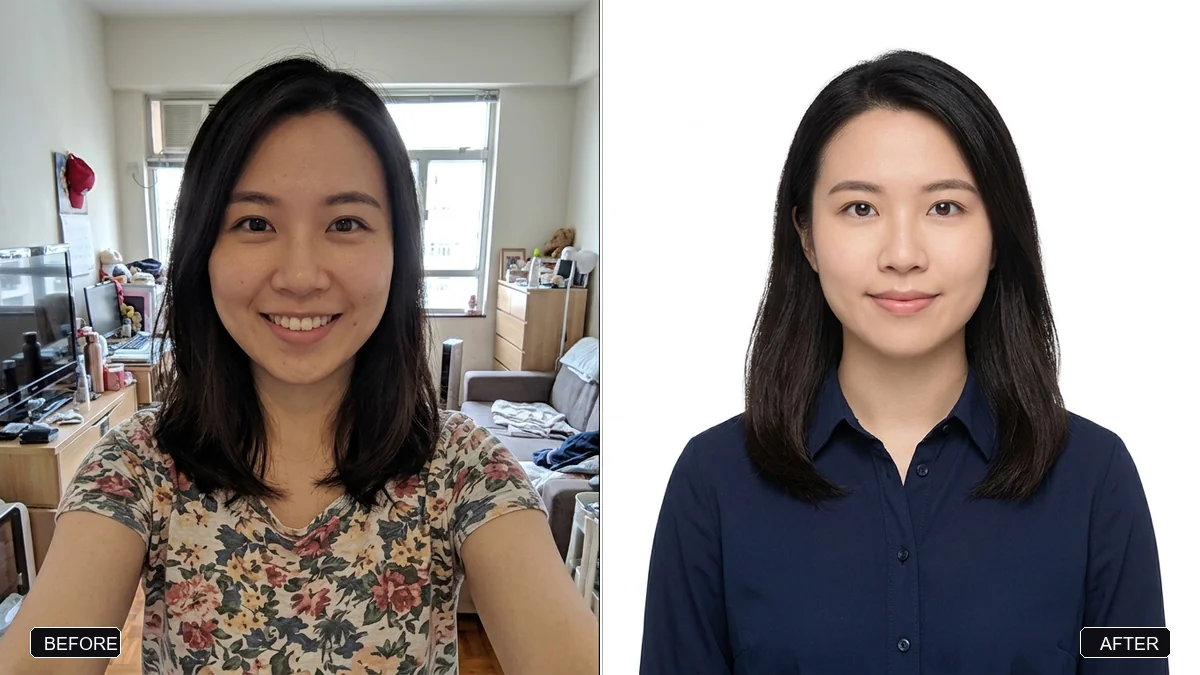 Passport / ID photo from a selfieGemini · ChatGPT
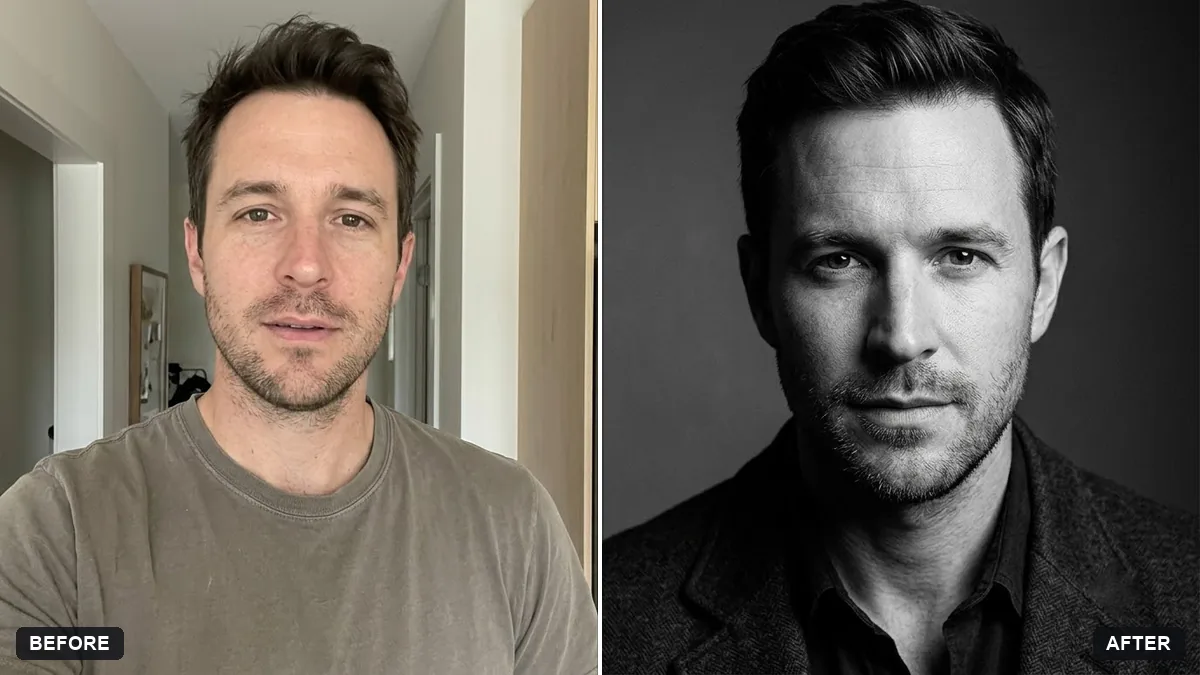 Actor-style black-and-white headshotGemini · ChatGPT
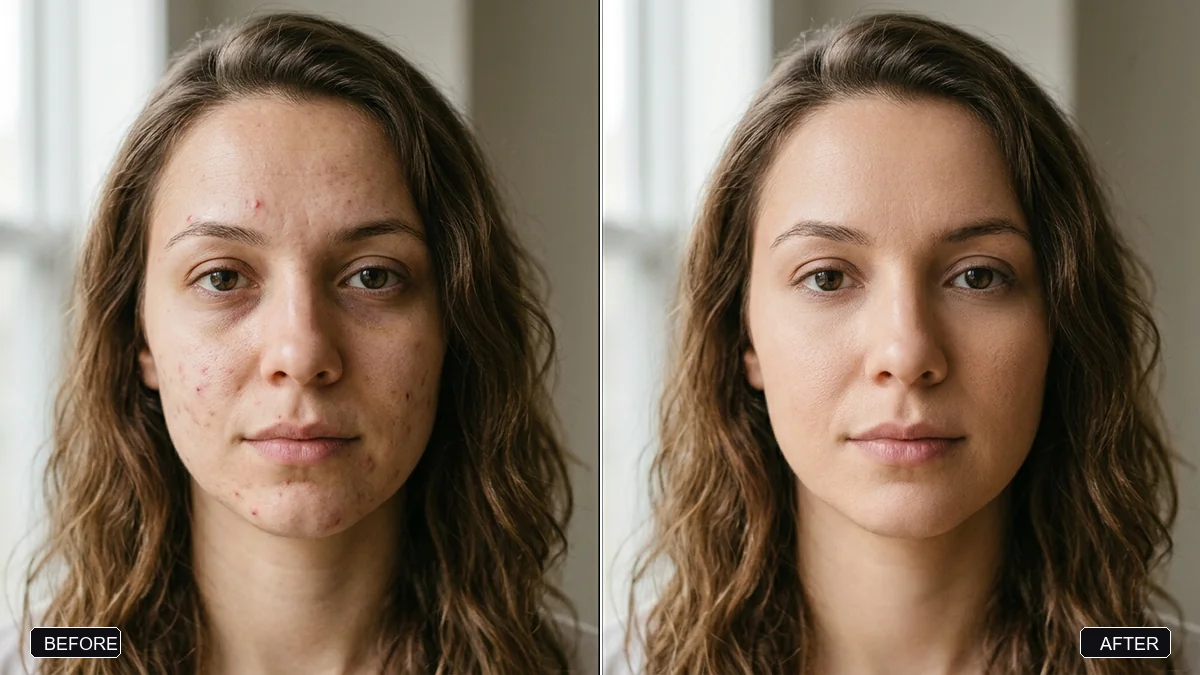 Natural skin retouch (no plastic look)Gemini · ChatGPT
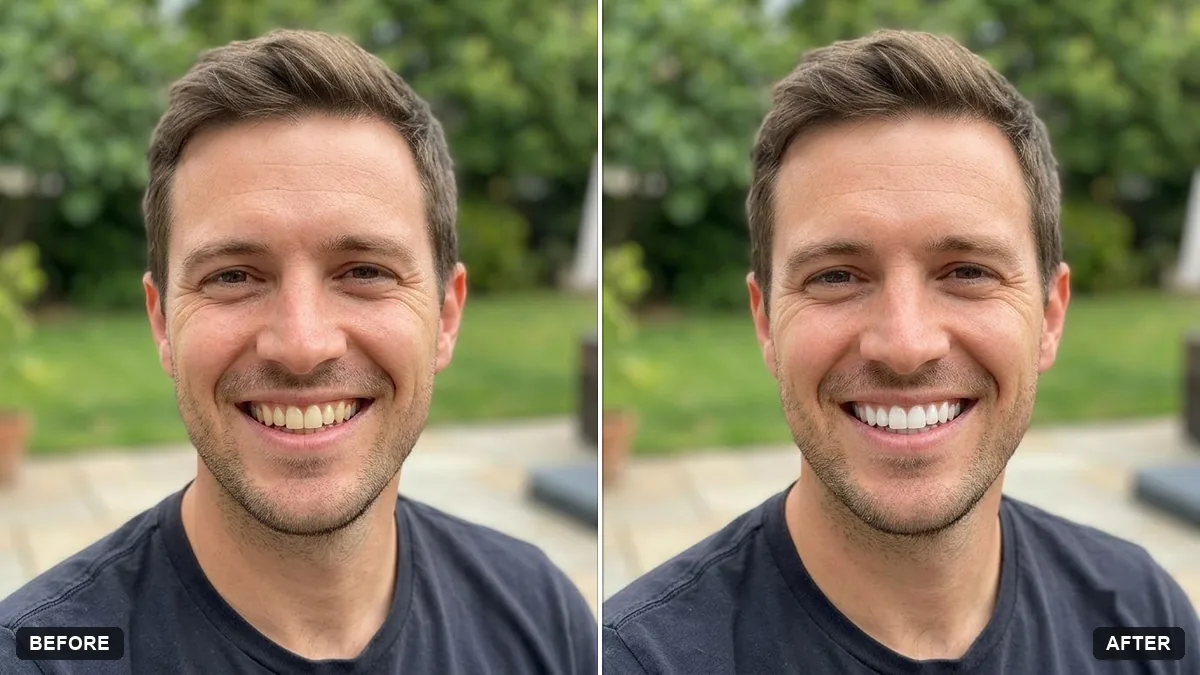 Natural teeth brighteningGemini · ChatGPT
Guides that use these prompts


Questions, answered
Can Gemini or ChatGPT make a professional headshot from a selfie?
Yes. Upload a clear, front-facing selfie and use the LinkedIn headshot prompt. It changes the clothes, light and background and asks the AI to keep your face. Check the result looks like you before you use it at work.
Why does the AI change my face?
Image models redraw the whole picture, so faces can drift. Use a sharp, well-lit photo, keep the "keep my face exactly the same" line, and change only one or two things at a time.
Can I use an AI headshot for a passport or ID?
No. Official photos usually must be real, unedited photographs. The passport prompt only crops and cleans the background of your own photo; check your country's rules before you use it.