- Updated
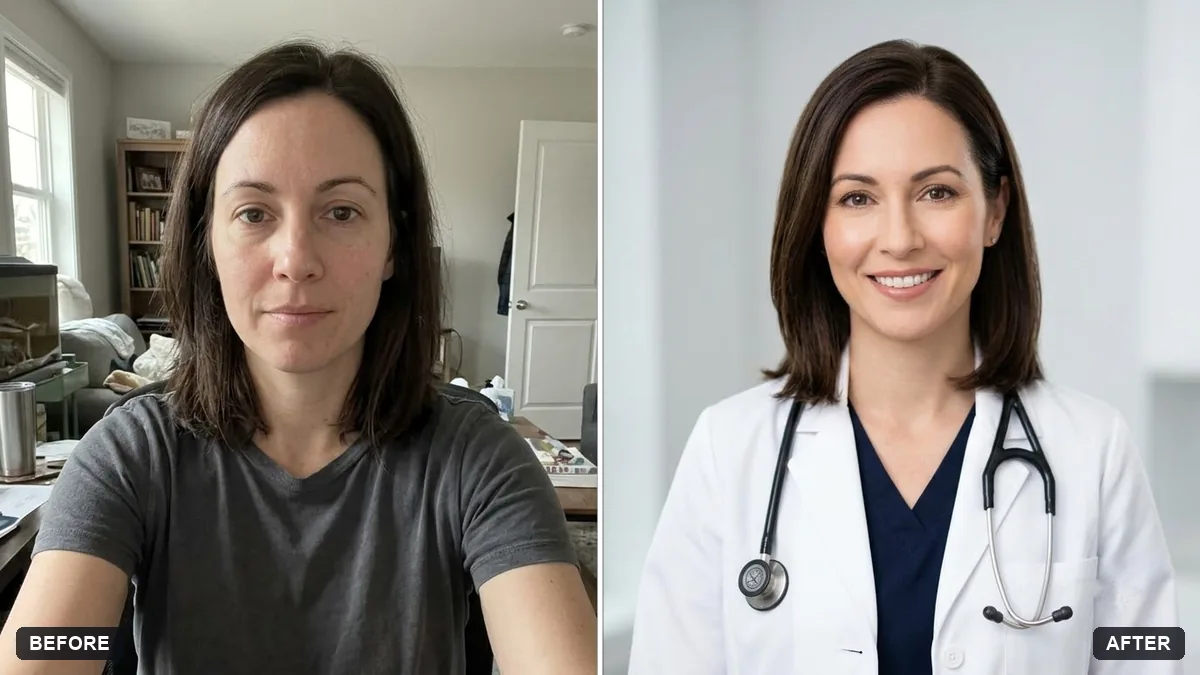
Professional profile for a clinic website
This prompt makes a professional, trustworthy profile picture for a clinic website for your specialty, keeping your face and features exactly the same.
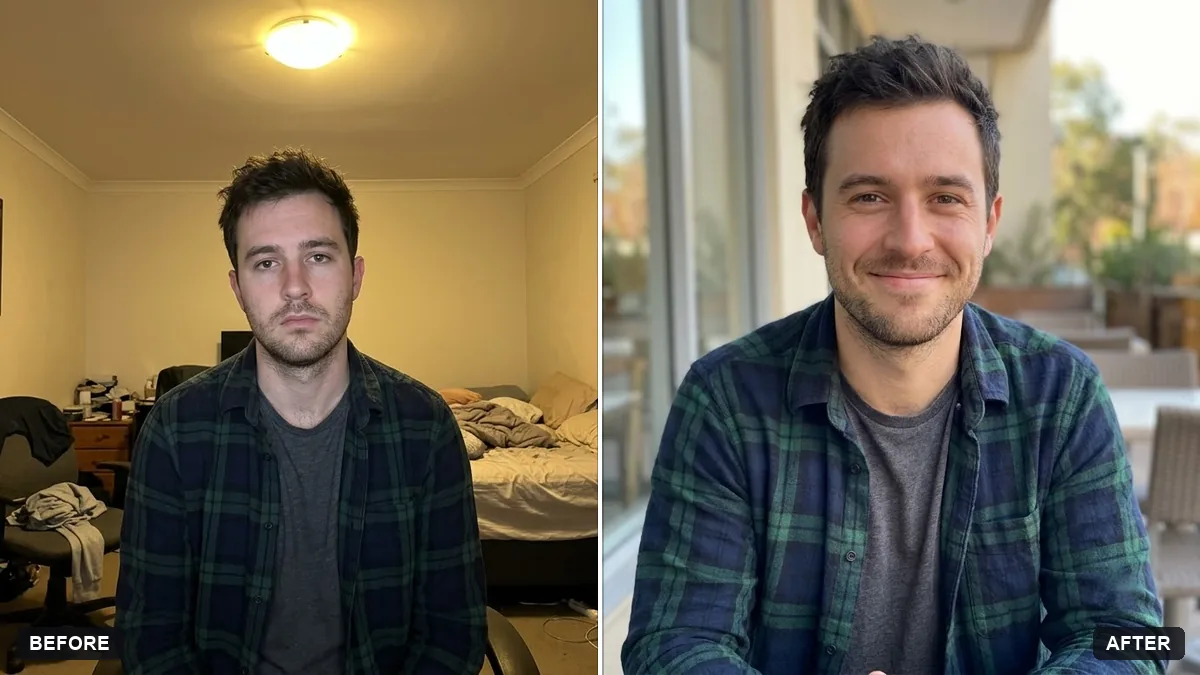
Turn this photo into a trustworthy clinic-website profile picture. Keep my face and features exactly the same.

I am a [SPECIALITY]. Wear a [WHITE COAT / SMART CASUAL] outfit, bright clean light-grey background, soft even lighting, warm reassuring expression, shoulders-up. No stethoscope, badge or text unless it is already in my photo.
Keep it friendly and simple. Patients trust natural, kind faces.
Your photo goes to the AI app you choose, never to PromptUp.
Get a better result
A shoulders-up clinic profile picture on a clean light-grey background, with soft even light, a warm reassuring expression and the outfit you chose, and nothing added that was not already in your photo.
The picture adds a stethoscope, badge or lettering.
Fix: Keep the “no stethoscope, badge or text” line. Use a real badge or logo only when you add it yourself afterwards.
- The face looks smoother, younger or like a different person. Say “keep natural skin and my true age, only even out the lighting”. Patients should recognise you when they meet you.
- The background is a harsh pure white. Ask for “light warm grey with a soft gradient”. Pure white can make the edges of the hair look cut out.
Ask for “a square crop for the clinic site and a wider one with space on the left for a name and speciality”. Add the text in your own editor so it is spelled correctly.
Keep my face and expression exactly the same. Make the light softer, the grey background a little warmer and the coat slightly less bright.
Guides on this topic
More photo editing prompts
See all 334 →
More like this
- Confident lawyer headshotGemini · ChatGPT
- Friendly dental clinic promoVeo · Kling · Seedance
- Matching team page headshotGemini · ChatGPT
- Startup founder portraitGemini · ChatGPT
- Fitness coach portraitGemini · ChatGPT