AI profile picture prompts: the right look for LinkedIn, WhatsApp and Instagram
Published
Short answerA profile picture that works on LinkedIn usually looks wrong on WhatsApp, and the other way round. Match the crop, the light and the background to the app: tight square crop and a simple backdrop for chat apps, a wider professional look for LinkedIn, a bold background for a creator profile.
Full collectionAI profile picture prompts13 prompts with examples, steps and fixes →The same photo rarely works as a profile picture everywhere. A LinkedIn headshot that looks professional at a normal size looks stiff as a tiny WhatsApp circle, and a fun, bold creator avatar looks out of place next to a CV. The fix isn't a different photo each time, just a different prompt built for where the picture is going.
These prompts start from one selfie or photo and shape it for five common places.
1. LinkedIn and professional profiles
LinkedIn crops to a circle but shows it fairly large, so detail and a clean background both matter.
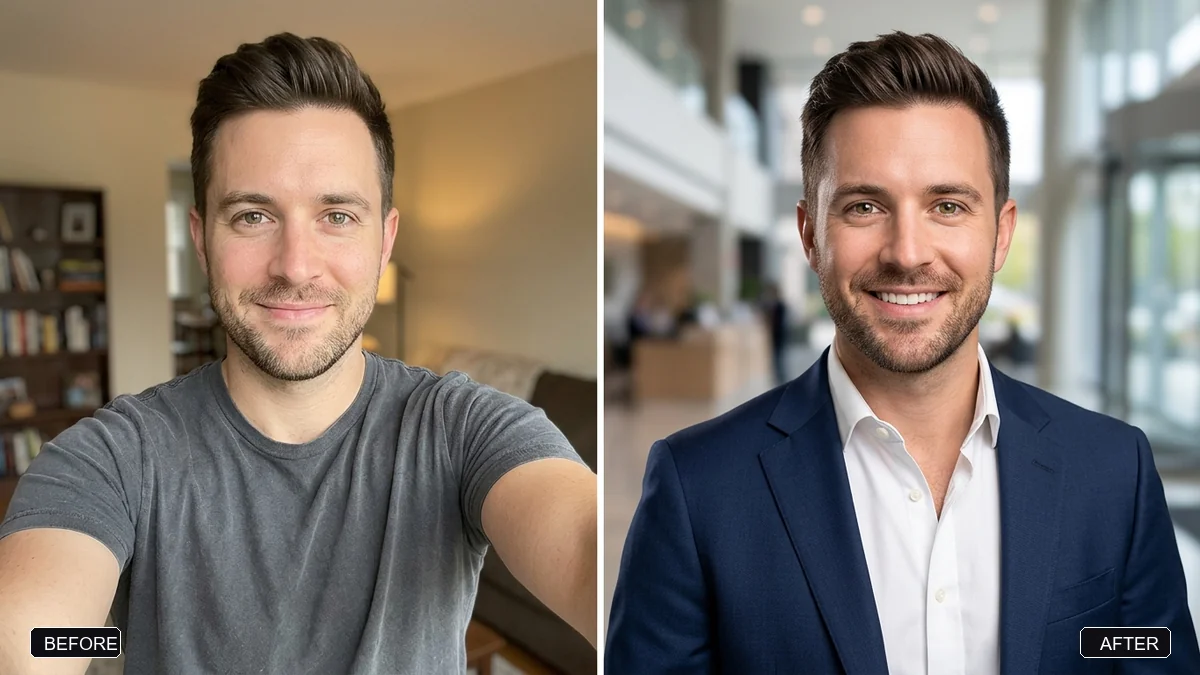
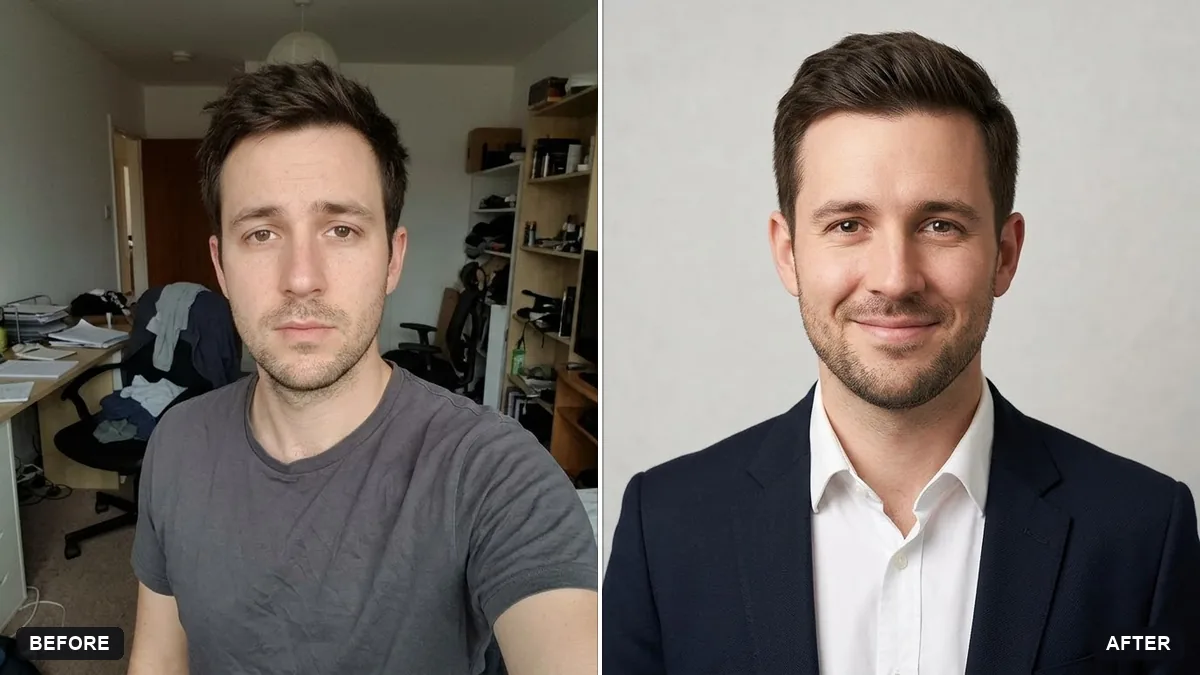
Turn this selfie into a professional LinkedIn headshot. Keep my face, facial features, skin tone, hairstyle, and expression exactly the same — it must clearly be me.

Change my outfit to [OUTFIT, e.g. a navy blazer with a white shirt]. Use a clean, softly blurred [BACKGROUND, e.g. light grey studio] background. Flattering soft studio light, natural skin texture, not plastic.
This matches our LinkedIn headshot prompt. Use a front-facing photo taken in daylight with no filters for the most accurate result, since the AI keeps whatever it can clearly see.
2. WhatsApp and Instagram DP
A WhatsApp or Instagram profile photo is almost always seen as a small circle, so the crop matters more than the styling.
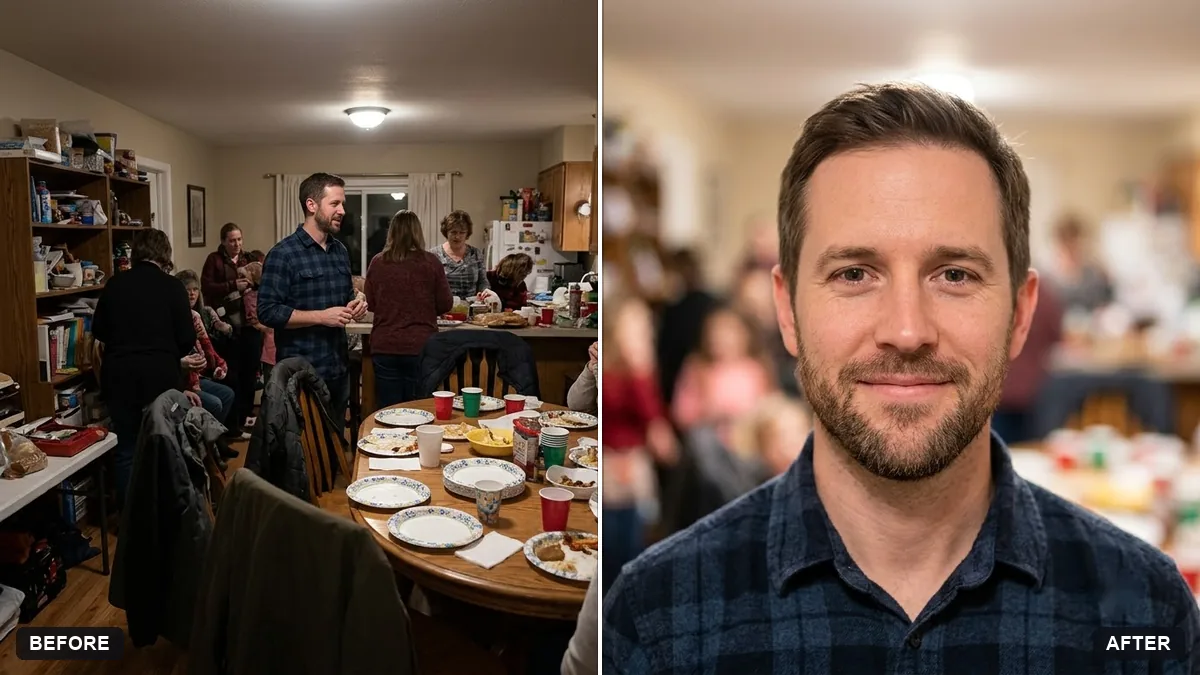
Crop and edit this photo into a square profile picture with my face centred and filling about 60 percent of the frame. Slightly blur and simplify the background, brighten the face a little, and keep the look natural, not over-edited.
Our WhatsApp or Instagram DP crop prompt does exactly this. The "60 percent of the frame" detail matters: a photo where your face is small in the middle of a busy background turns into an unrecognisable blur once it's shrunk to a circle.
3. A creator or channel avatar
A YouTube, podcast or Instagram creator profile can be louder than a professional one, since the job is to stand out in a feed, not blend into a team page.
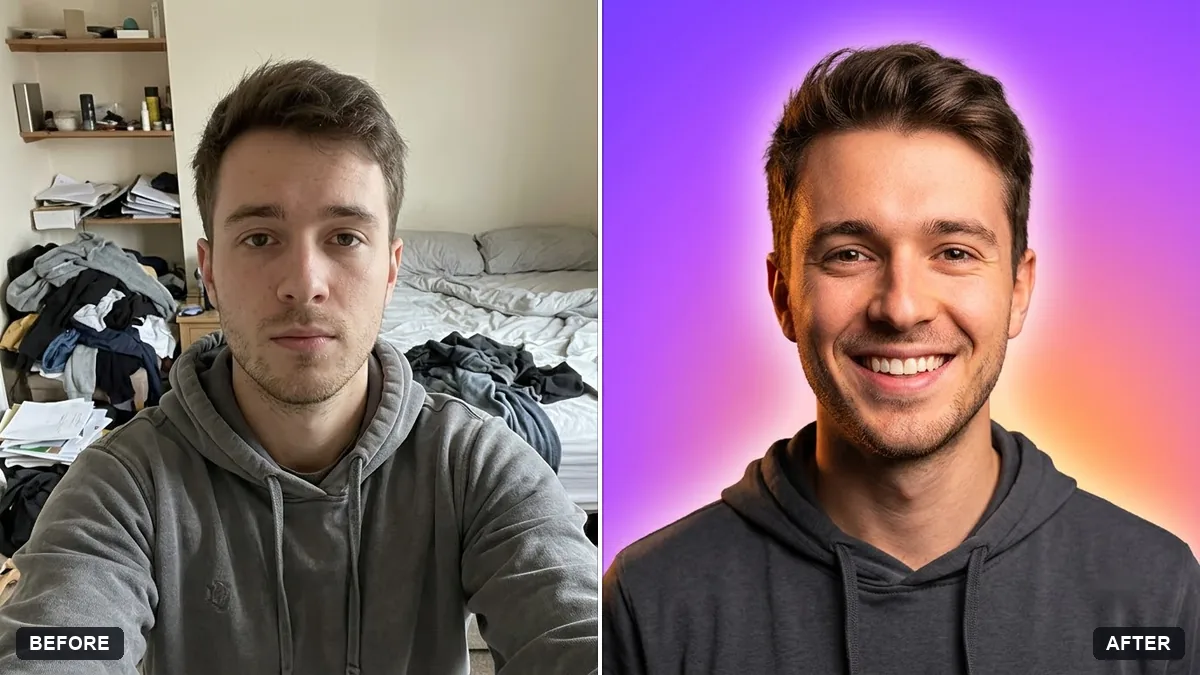
Turn this photo into a profile picture for my [YOUTUBE / INSTAGRAM / PODCAST] channel. Keep my face exactly the same.

Style: head and shoulders, big genuine smile, bold [COLOUR] gradient background, slightly stylised lighting, high contrast, eye-catching at a small size.
This follows our creator profile picture prompt. Test it at the actual small size it will show at (most apps display these under 100 pixels wide) before you commit, since detail that looks great full-size can disappear at a glance.
4. A matching team page
If several people need headshots that look like they belong on the same page, consistency across photos matters more than any one photo being perfect.
Turn this photo into a headshot for a company team page. Keep my face, hairstyle and features exactly the same.

Style to match the whole team: plain [COLOUR] background, soft even studio light, shoulders square to the camera, same crop and distance as our other team photos.
Our team page headshot prompt is built for this. Run the same prompt, with the same background colour and framing, for every person on the team, and the page will look like one proper shoot even if everyone sent in a different selfie from a different day.
5. A plain black-and-white portrait
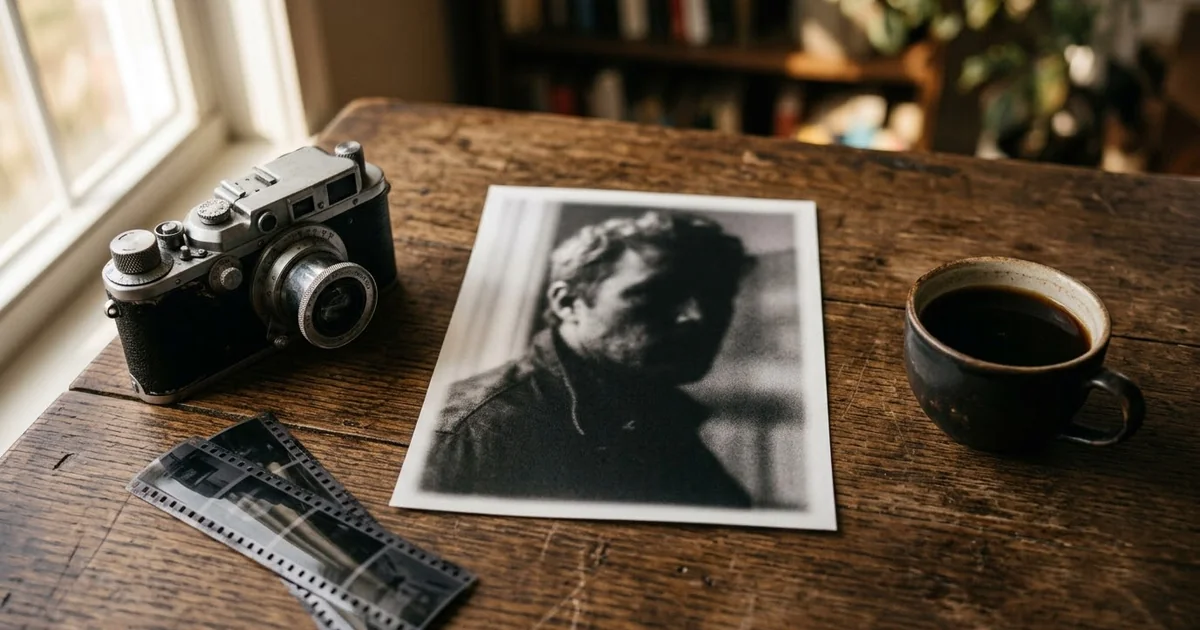
For a CV, a speaker bio or anywhere a colour photo feels too casual, black and white with dramatic light reads as more serious without needing a studio.
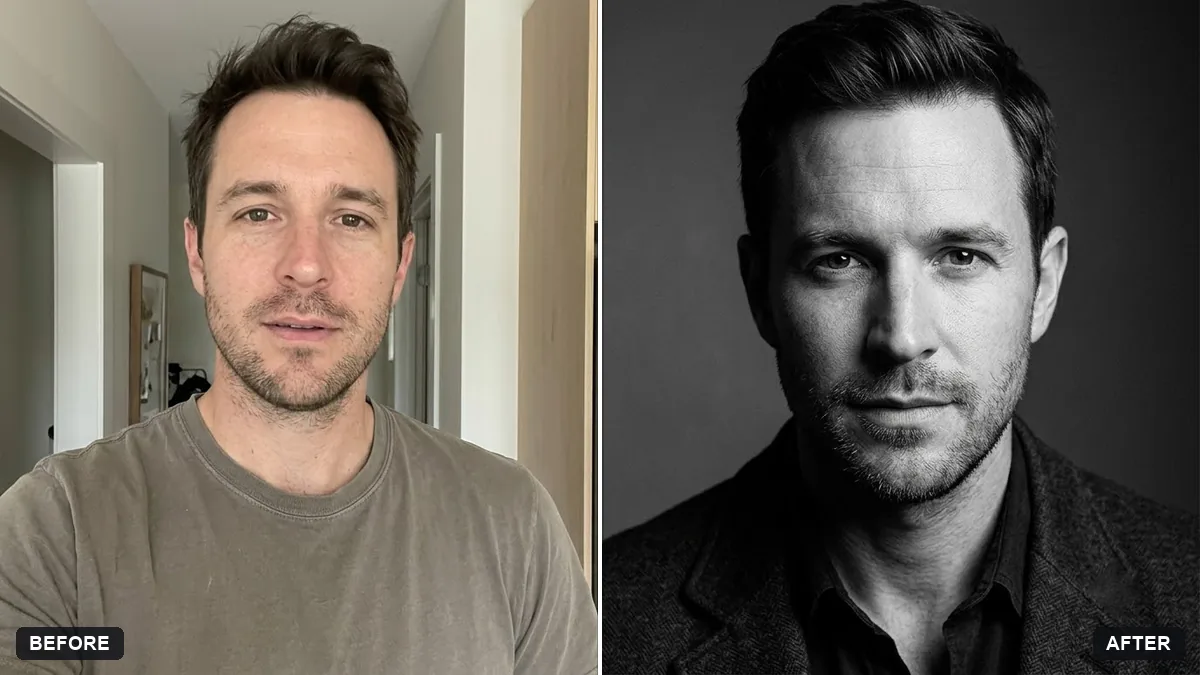
Turn this photo into a black-and-white actor-style headshot. Keep my face, features and expression exactly the same.

Dramatic soft light from one side, deep shadows, sharp eyes, subtle skin texture, no colour.
This matches our black-and-white actor headshot prompt. It works especially well if your current profile photo is a casual snap and you need something that reads as more considered without a full LinkedIn-style retouch.
Getting a good starting photo
Whichever version you need, the same two things make every result better:
- Good, even light on your face. Daylight near a window beats most indoor lighting. Avoid strong light from directly above, which casts shadows under the eyes.
- A clear, front-facing shot with no filter. The AI copies whatever it can see clearly. A blurry or heavily filtered starting photo gives a blurry or odd result, however good the prompt is.
Where to go from here
If you're updating your CV at the same time, see our AI prompts for writing a UK CV or the broader LinkedIn prompts guide. All five prompts above sit in the AI profile picture prompts collection, and the prompt builder can adjust any of them to your outfit, background or platform.
Quick checklist
- Match the style to the platform: tight crop for chat apps, wider professional look for LinkedIn.
- Start from a clear, front-facing, unfiltered photo in good light.
- Test creator or chat avatars at the small size they'll actually show at.
- Keep team headshots consistent: same background colour, light and crop for everyone.
- Ask to keep your face, features and expression exactly the same every time.
Prompts to try
More prompts on this topic
- Flat vector illustrated avatarGemini · ChatGPT
- Pixel art avatarGemini · ChatGPT
- Professional profile for a clinic websiteGemini · ChatGPT
- LinkedIn banner for your profileGemini · ChatGPT · Canva AI
- LinkedIn cover from a photoGemini · ChatGPT
- Emoji-style 3D avatarGemini · ChatGPT
Comments
No comments yet. Be the first to share what worked for you.