- Updated
Emoji-style 3D avatar
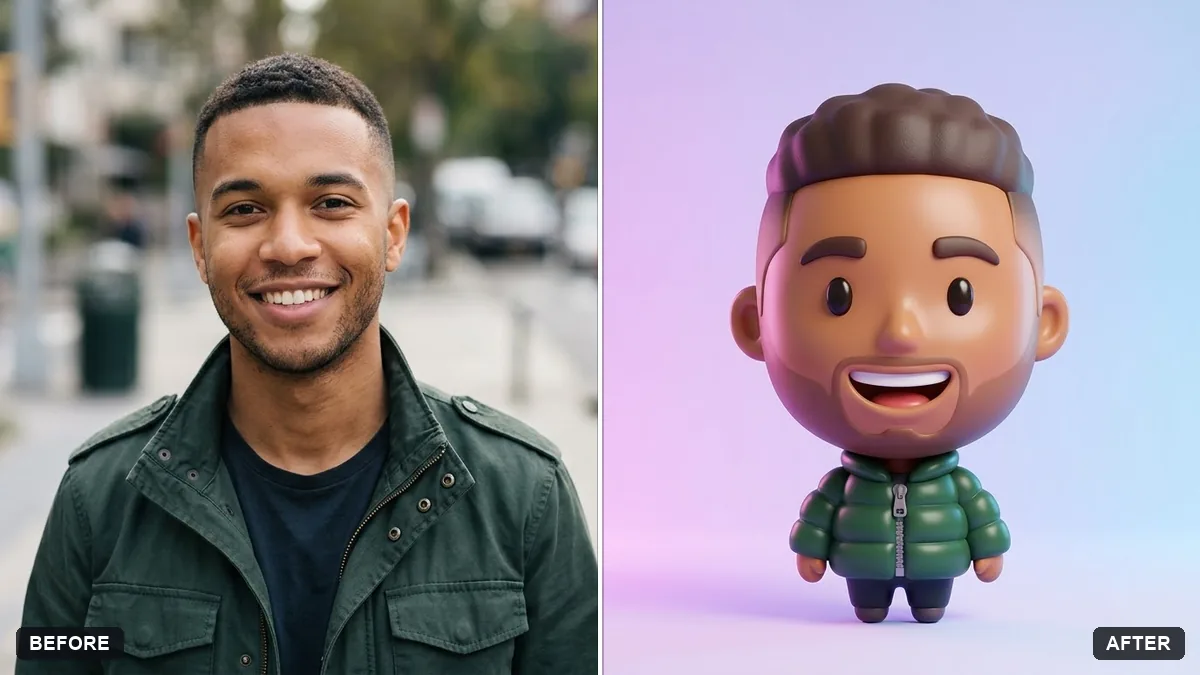
This prompt turns your photo into a glossy 3D emoji-style avatar that keeps your hairstyle, skin tone, glasses and outfit colours recognisable.
Turn this photo into a glossy 3D emoji-style avatar of me. Keep my hairstyle, skin tone, glasses and outfit colours recognisable.

Big round head, small body, soft studio lighting, smooth plastic look, cheerful expression, plain [COLOUR] background, front view, sticker-friendly.
Try different expressions in follow-up prompts.
Your photo goes to the AI app you choose, never to PromptUp.
Get a better result
A glossy 3D emoji-style character with a big round head, small body and cheerful face, wearing your hair, glasses and outfit colours on a plain background, ready to use as a sticker or profile picture.
Emoji-style avatars work because they keep a few personal details on a simple, cute form. The prompt keeps your hairstyle, skin tone, glasses and outfit colours, then gives you a big round head, a small body and a glossy plastic finish. A plain background and front view make it easy to cut out as a sticker, and trying different expressions builds a whole set from one photo.
The avatar loses your glasses or hairstyle.
Fix: List them in your own words in an extra line: “round black glasses, short curly hair, green hoodie”. The AI keeps what you name.
- The look turns into a flat cartoon, not a glossy 3D one. Repeat “glossy 3D render, smooth plastic, soft studio lighting” and add “not a flat illustration”.
- The edges are messy when you use it as a sticker. Choose a plain, single-colour background in the blank and ask for “clean outline, centred, plenty of margin”. A busy backdrop makes cutting it out hard.
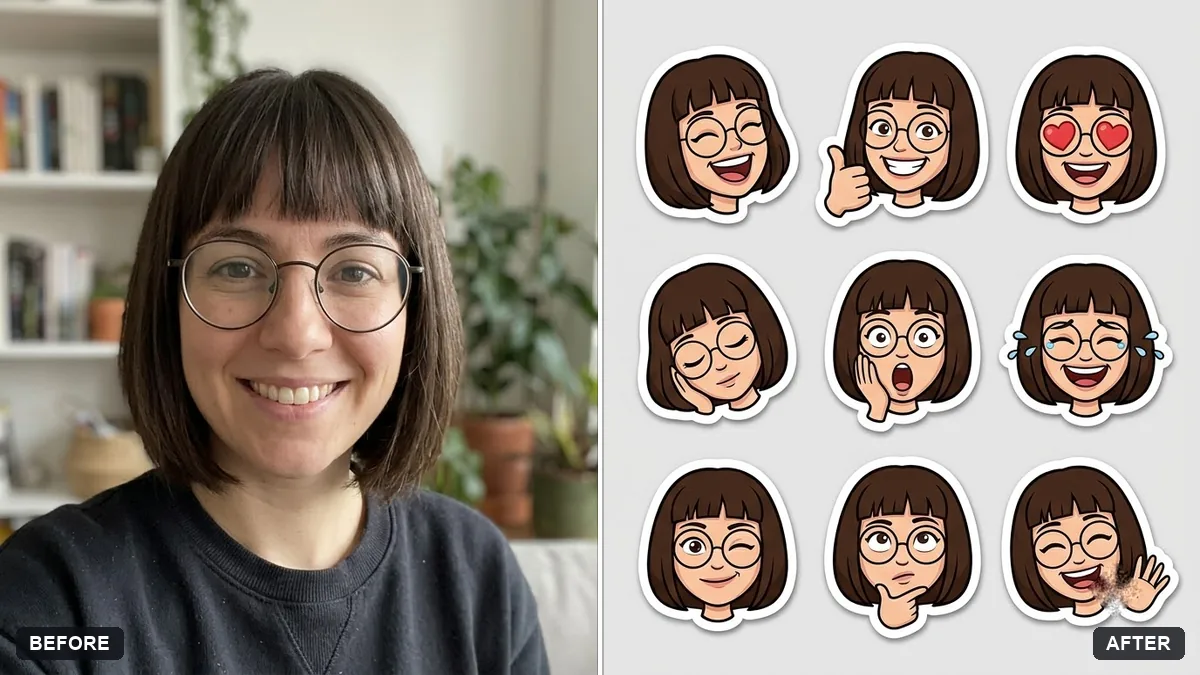
After you like one, reply “same avatar, now laughing”, then “winking”, then “surprised”. Keep everything else identical so the set reads like real emoji.
Keep everything else exactly as in the original photo. Only change what I asked for.
Guides that use this prompt
More photo editing prompts
See all 334 →
More like this
- Panda emoji setMidjourney · Gemini · ChatGPT
- Natural, honest photo for a dating profileGemini · ChatGPT
- Crop a photo for a WhatsApp or Instagram DPGemini · ChatGPT
- LinkedIn banner for your profileGemini · ChatGPT · Canva AI
- Watercolour painting from your portraitGemini · ChatGPT