- Updated
Crop a photo for a WhatsApp or Instagram DP
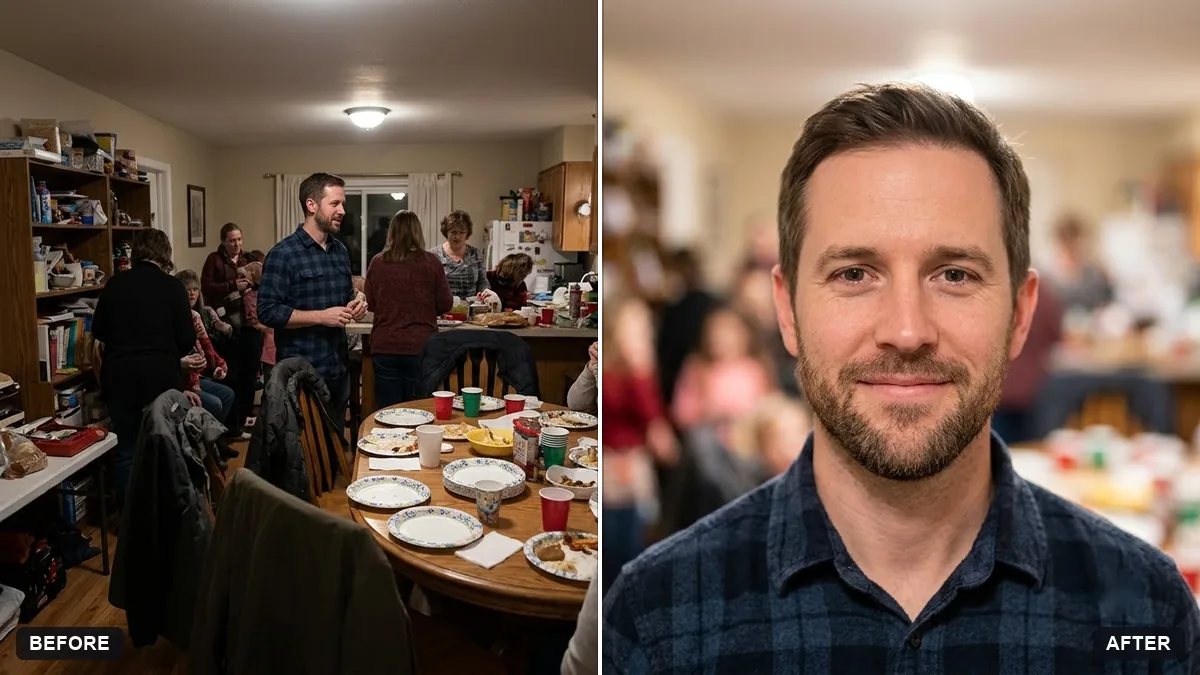
This prompt crops and edits your photo into a square profile picture with your face centred and filling about 60 percent of the frame, with a simplified background.
Crop and edit this photo into a square profile picture with my face centred and filling about 60 percent of the frame. Slightly blur and simplify the background, brighten the face and keep the look natural.

Do not change my face or features. Extra instructions: [ANY DETAIL TO KEEP OR AVOID].
Keep the face centred and large since profile photos display very small.
Your photo goes to the AI app you choose, never to PromptUp.
Get a better result
A square profile picture with your face centred and filling about 60 percent of the frame, the background softened and simplified, a slightly brighter face and a natural look.
Profile photos show tiny, so the prompt centres your face and makes it fill about 60 percent of the square. A softer background and a brighter face help it read small. Your face and features stay the same, so it still looks like you.
The face is changed or smoothed.
Fix: Repeat “do not change my face or features, brighten only”, and add what to avoid in the extra-instructions bracket.
- The crop cuts the top of the head. Ask for “leave a small gap above the hair and include the shoulders”, and use a photo with some space around you.
- The picture is unclear in the tiny circle. View it at thumbnail size before you upload, and choose a bigger crop or a plainer background if it is hard to read.
Create two versions, one in a shirt on a plain background for work apps, and one relaxed and smiling for friends and family.
Keep the crop. Raise the brightness a little and make the background a single soft colour.
Guides that use this prompt
More photo editing prompts
See all 334 →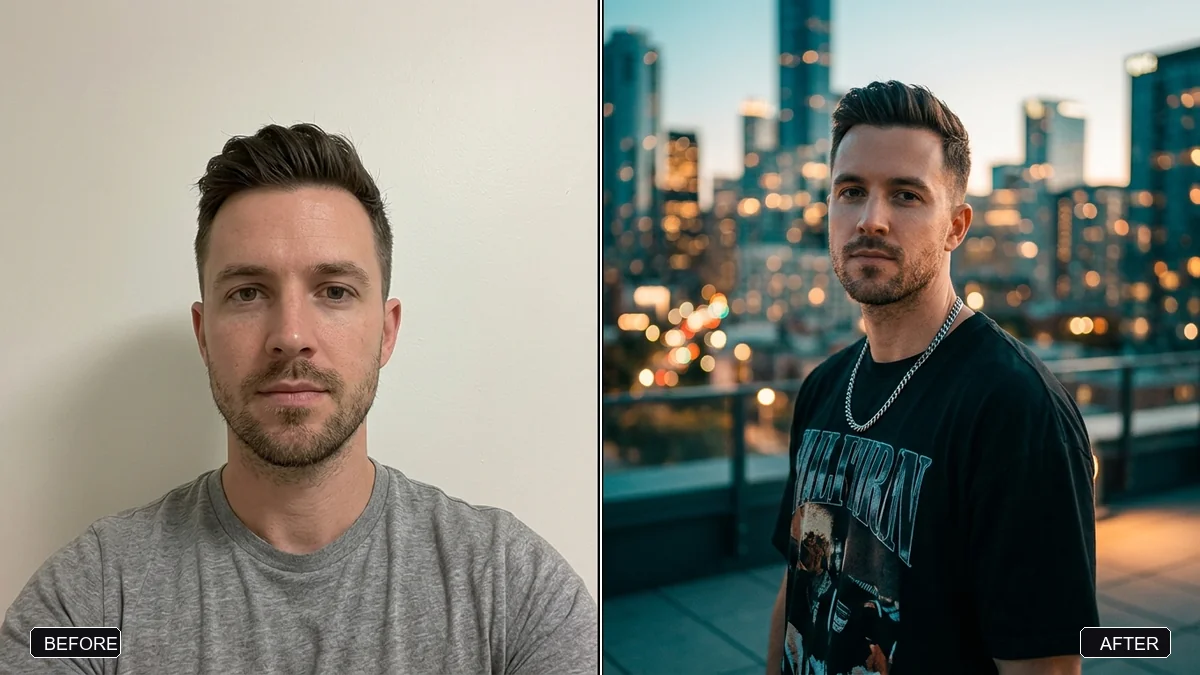
More like this
- Bold creator profile pictureGemini · ChatGPT
- Natural, honest photo for a dating profileGemini · ChatGPT
- LinkedIn banner for your profileGemini · ChatGPT · Canva AI
- Pixel art avatarGemini · ChatGPT
- Flat vector illustrated avatarGemini · ChatGPT