AI real estate and rental listing photo prompts
Listing photos sell the first visit. These prompts improve real estate, rental and hotel photos: virtually stage an empty room, turn a daytime exterior into a twilight shot, balance a bright window with a dark room, fix wide-angle distortion and make a living room or hotel room look warm and inviting.
They are written to stay honest. The staging prompt tells the AI not to hide damage, and you should label virtually staged or edited photos on your listing, which many listing sites and local rules expect.
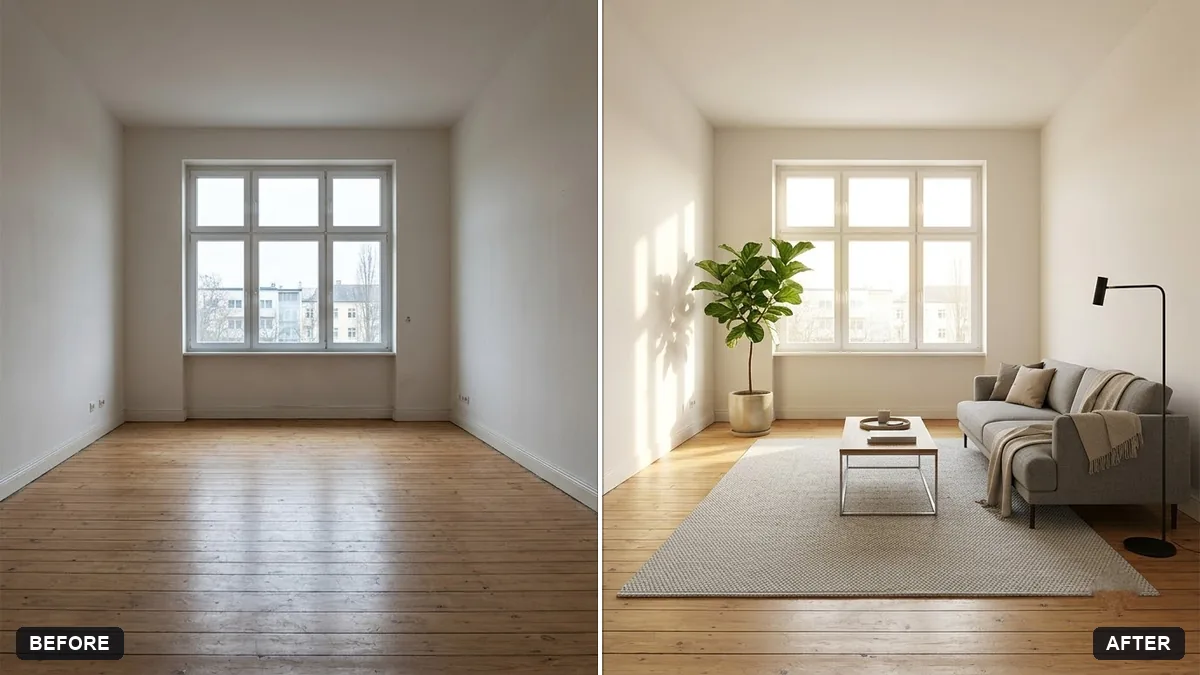
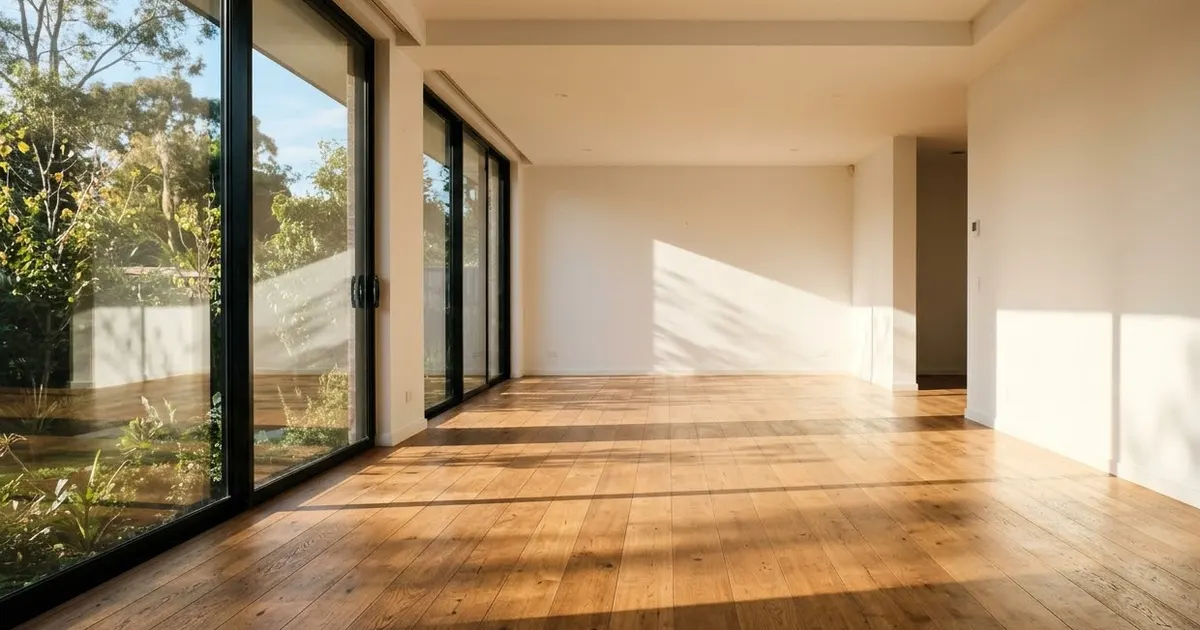
Virtually stage this empty room for a property listing. Keep the walls, floor, windows, doors and room layout exactly the same.

Add [STYLE, e.g. modern minimalist] furniture: [ITEMS, e.g. sofa, rug, coffee table, plant, lamp]. Warm natural daylight, realistic scale and shadows, tidy and inviting. Do not hide any damage that exists in the room.
Three steps, about a minute
- 1
Shoot from a corner at chest height in daylight, with every light on and the phone held level.
- 2
Upload to Gemini or ChatGPT, paste the prompt and fill in the style and furniture.
- 3
Label the edited photo as "virtually staged" or "edited" on your listing.
Make it yours
- Style: match the buyer: modern minimalist for city flats, warm traditional for family homes.
- Furniture list: name the pieces and keep it simple: "sofa, rug, coffee table, plant, lamp".
- Cover photo: the twilight exterior often makes the strongest first picture.
- Straight lines: run the lens distortion fix on wide-angle shots so walls look straight.
If it goes wrong
- The room looks bigger than it is
- Add "realistic scale; do not change the room size or proportions".
- Windows are blown out
- Use the HDR blend or exposure balance prompt.
- Walls or floor changed
- Reply "keep the walls, floor, windows and doors exactly the same".
- It hid a problem
- Remove that edit. The prompt says "do not hide any damage", and buyers will see it anyway.
9 more prompts in this collection
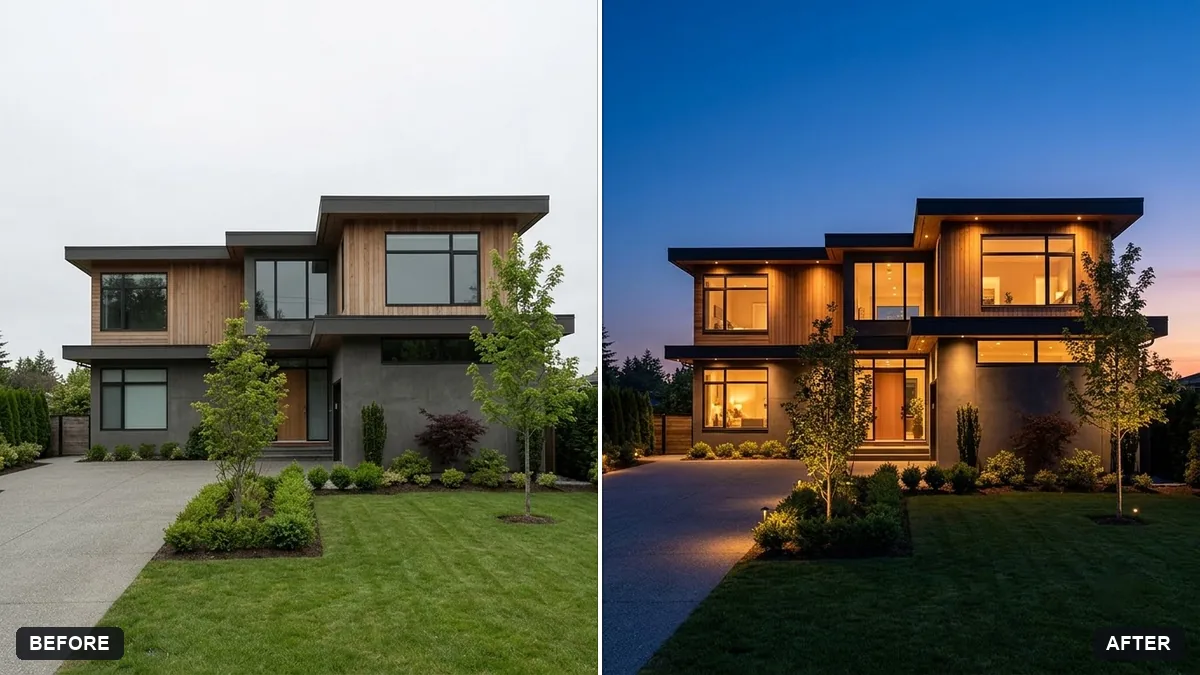 Property exterior at twilightGemini · ChatGPT
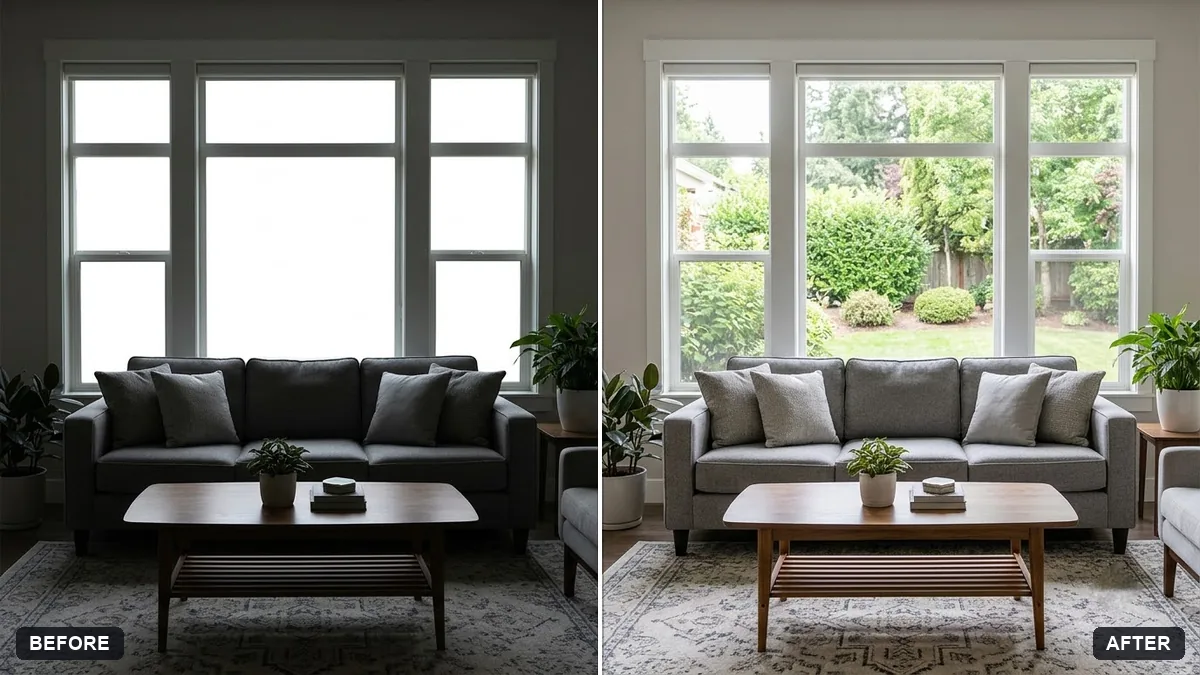 HDR blend for a bright window roomGemini · ChatGPT
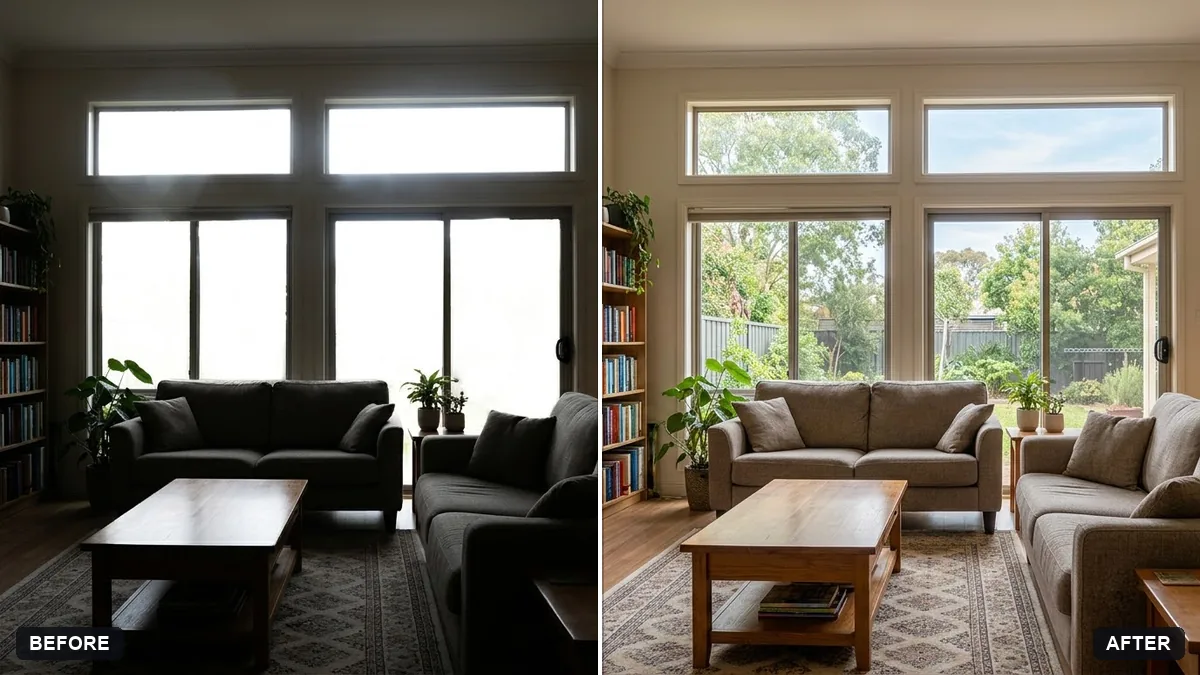 Balance a bright window and a dark roomGemini · ChatGPT
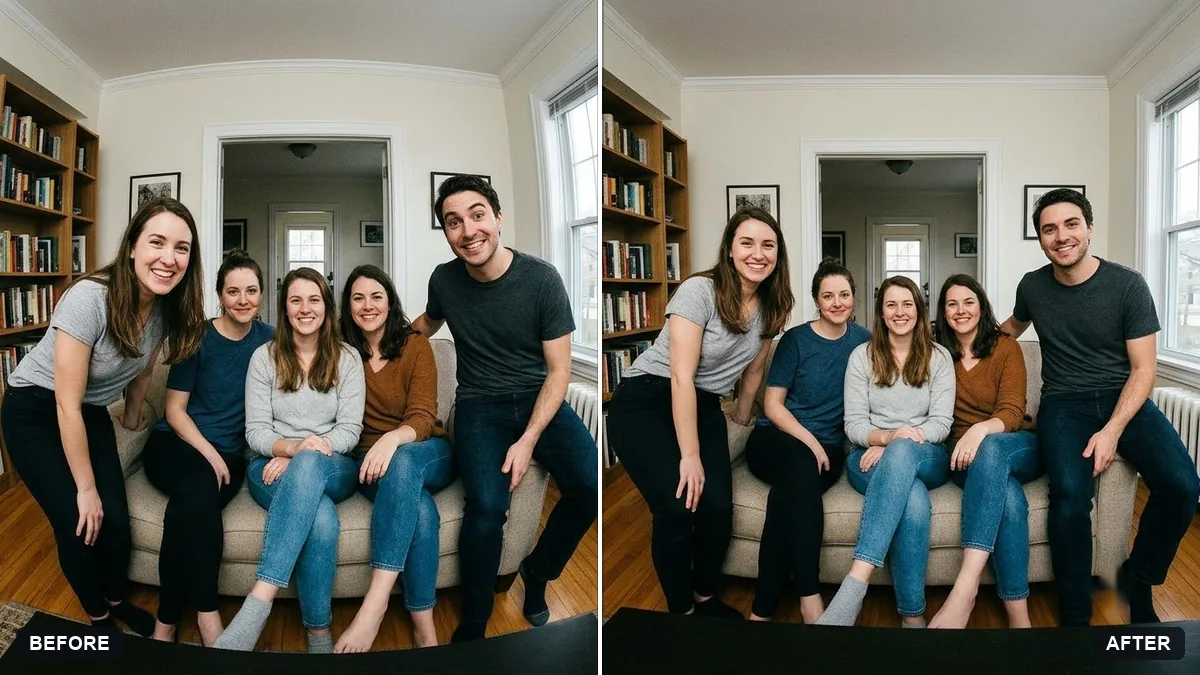 Fix wide-angle lens distortionGemini · ChatGPT
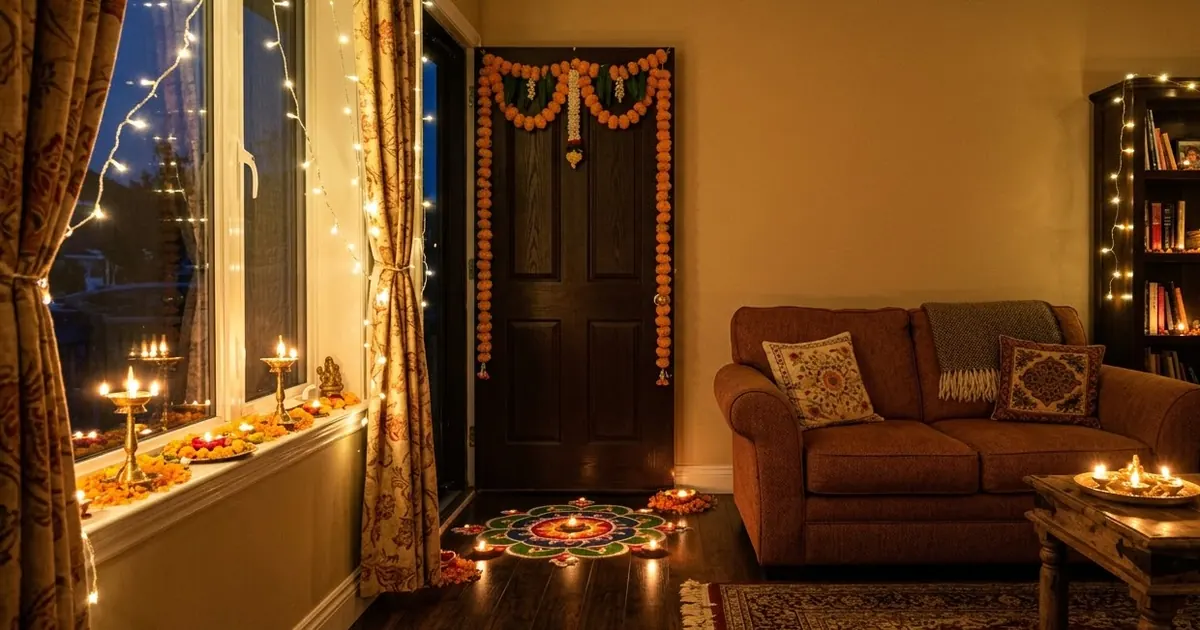
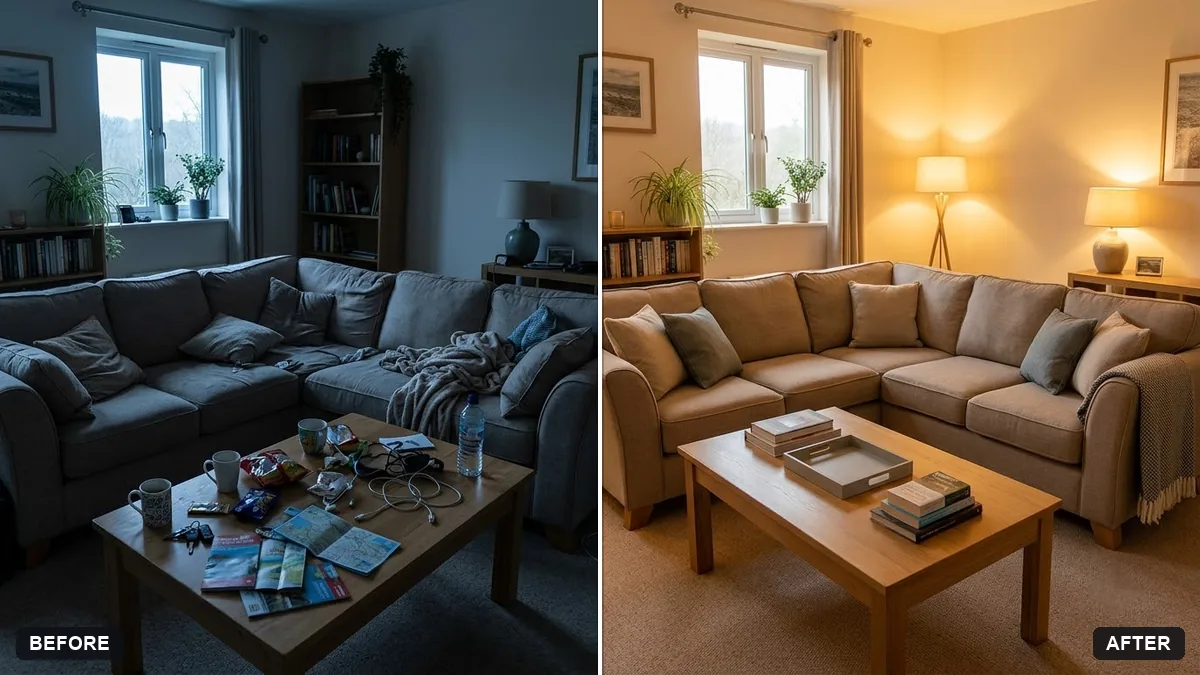 Warm up a living room for a rental listingGemini · ChatGPT
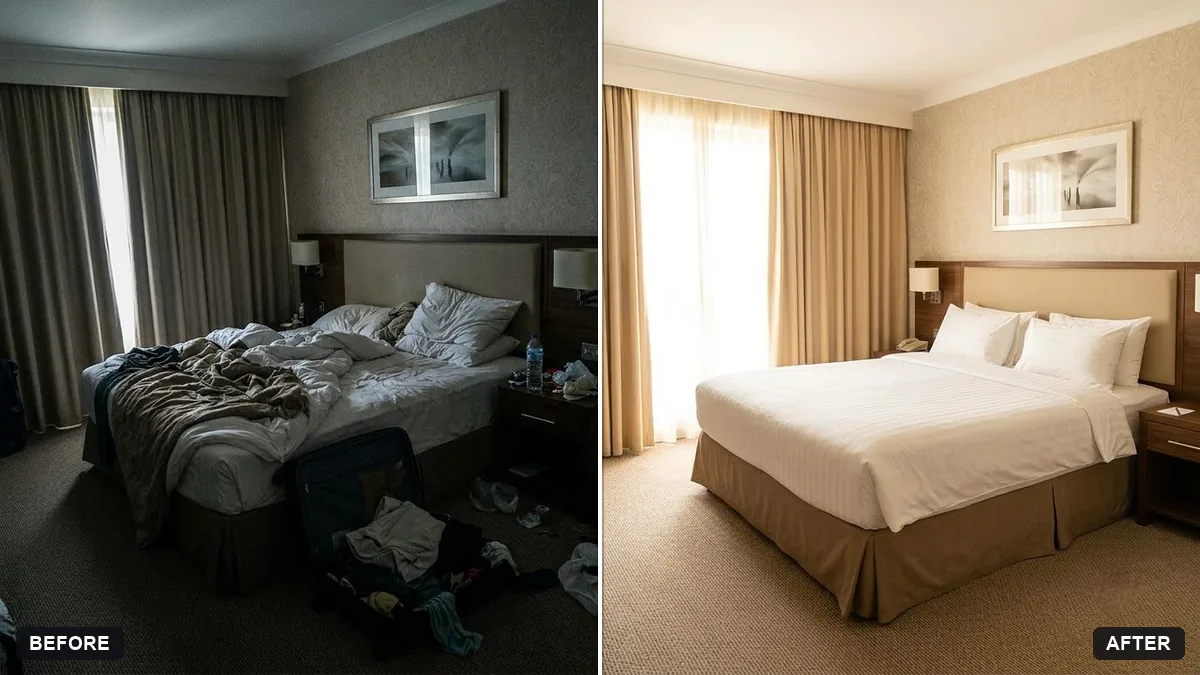 Hotel room photo for a listingGemini · ChatGPT
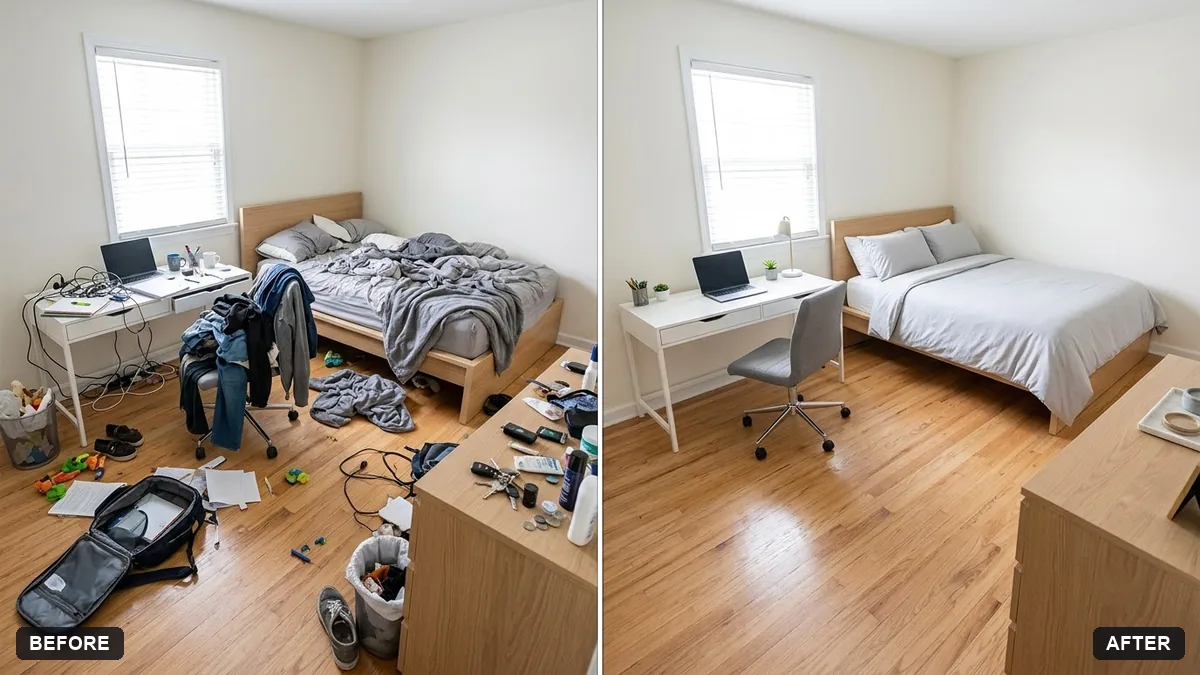 Declutter a room virtuallyGemini · ChatGPT
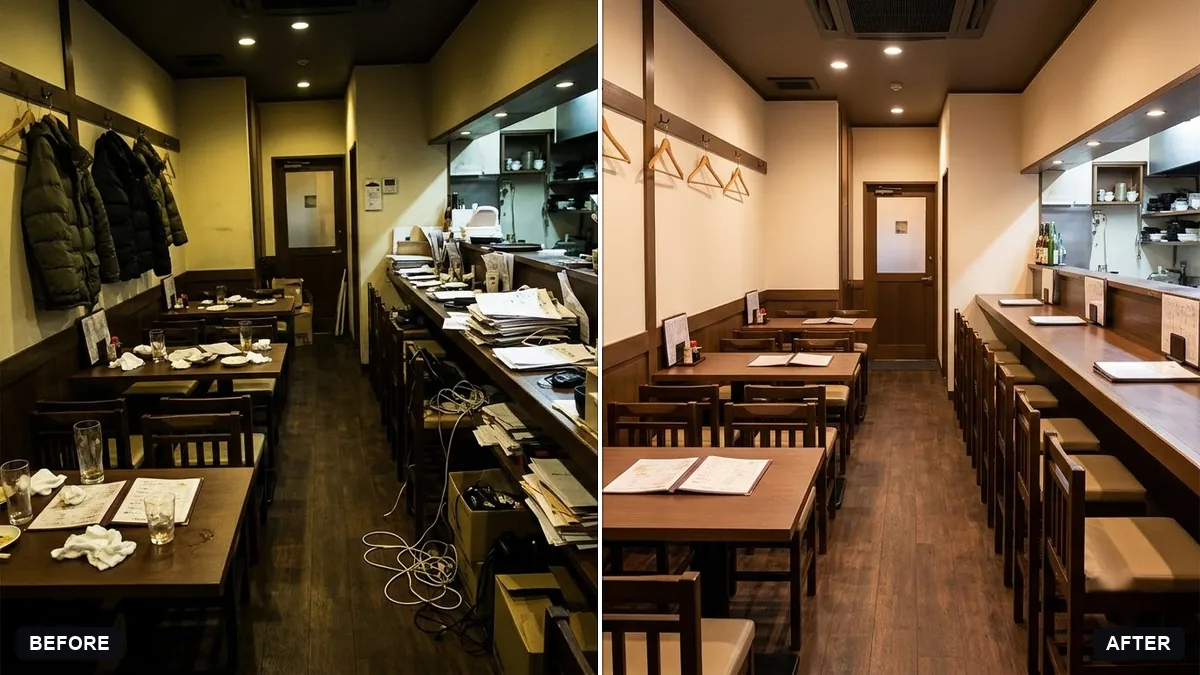 Brighten a restaurant interior photoGemini · ChatGPT
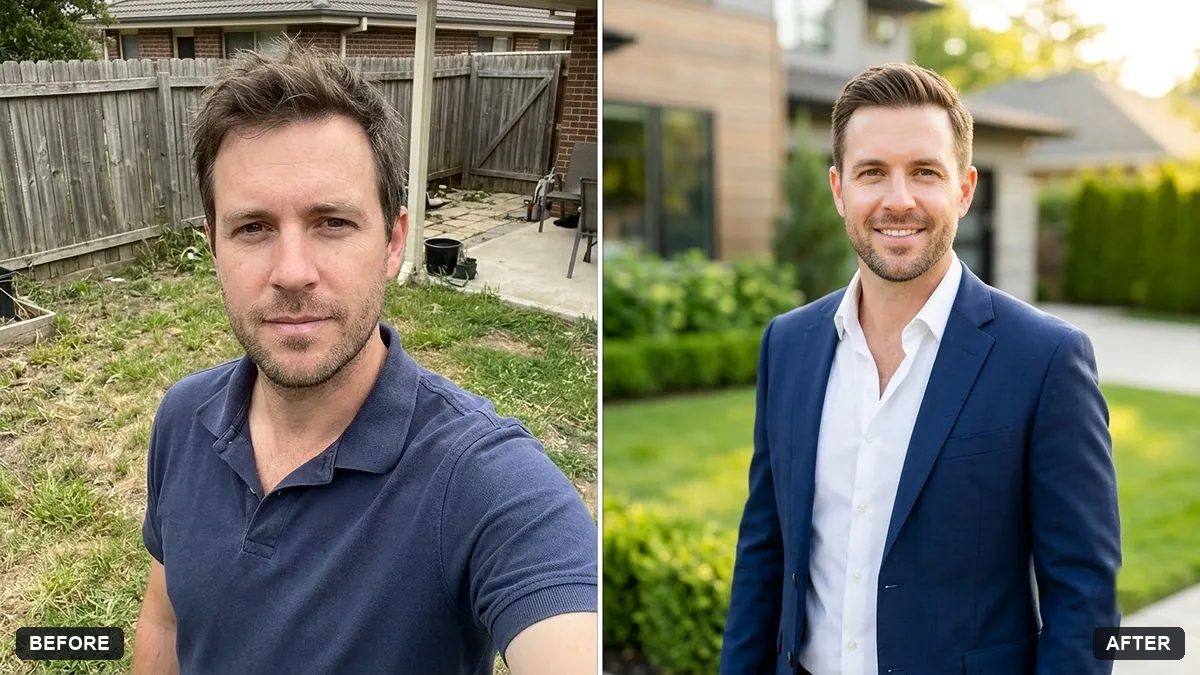 Real estate agent portraitGemini · ChatGPT
Guides that use these prompts
Questions, answered
Is virtual staging allowed on listings?
Usually yes, if you say the photo is virtually staged. Do not remove damage, change views or add features the property does not have. Check your listing site's rules.
Can AI make a twilight photo from a daytime shot?
Yes. The twilight prompt adds a dusk sky and warm window light. Label it as edited if your listing site asks.
Which photos should I edit first?
The cover photo and the living room. Those are the pictures most people see before they decide to visit.