- Updated
Virtually stage an empty room for listings
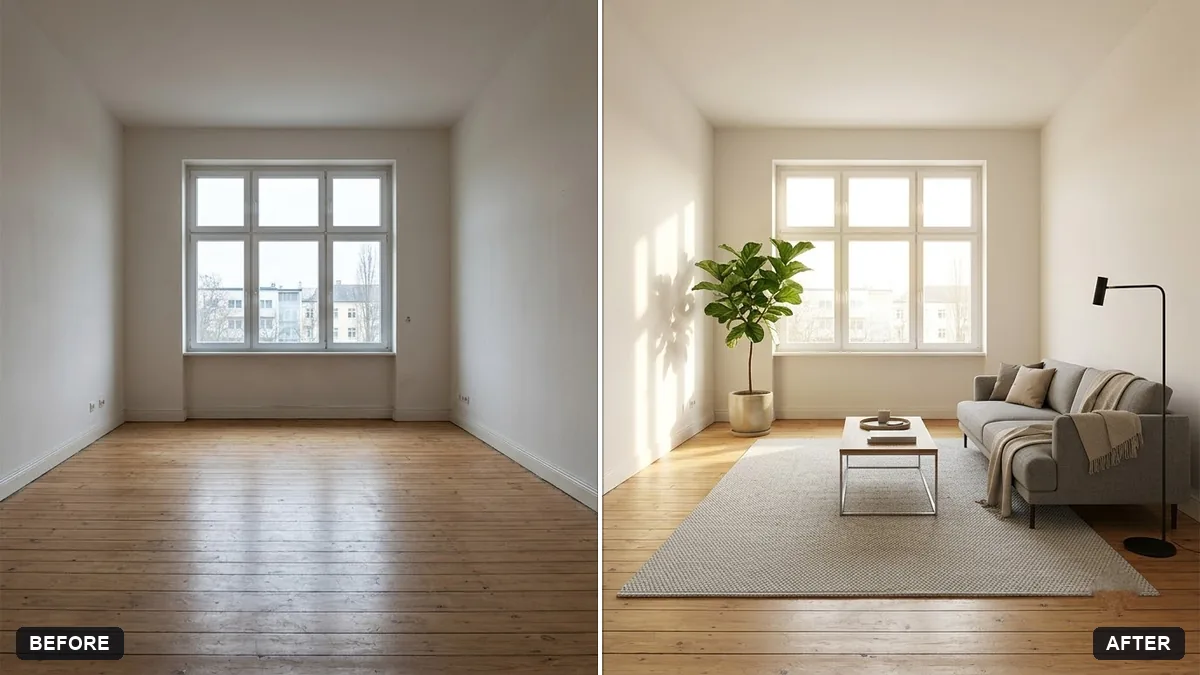
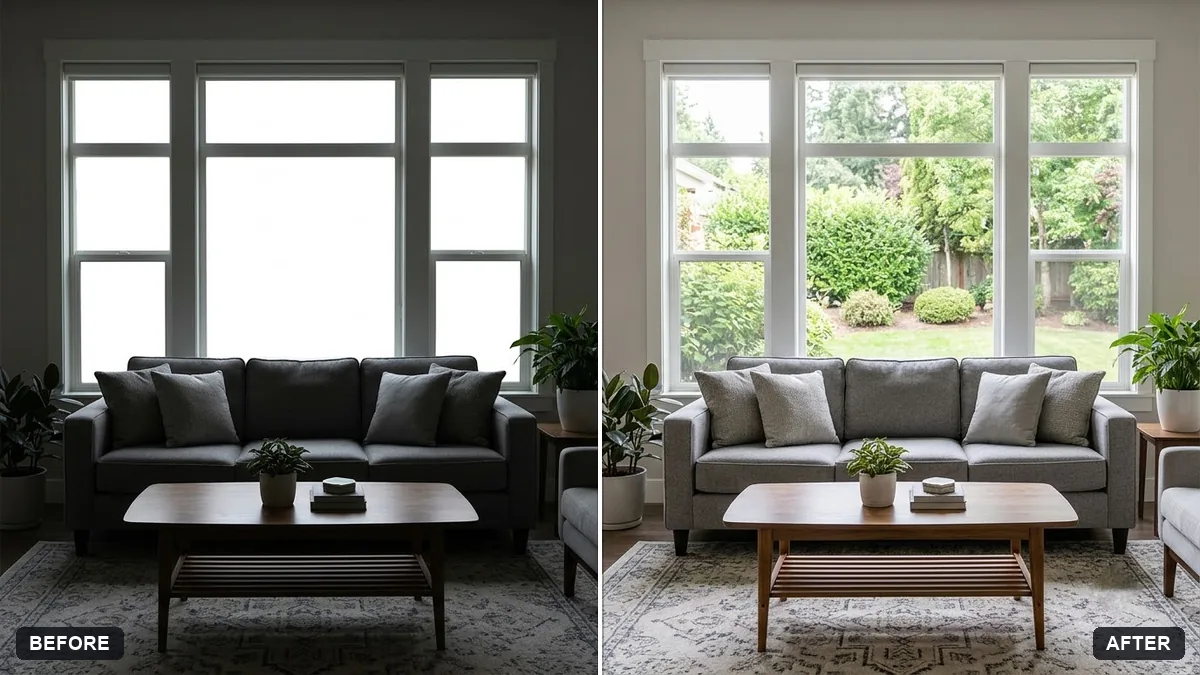
This prompt stages an empty room for a listing. The walls, floor, windows, doors and layout stay exactly the same, and it adds furniture in a style such as modern minimalist. Disclose staging in listings.
Virtually stage this empty room for a property listing. Keep the walls, floor, windows, doors and room layout exactly the same.

Add [STYLE, e.g. modern minimalist] furniture: [ITEMS, e.g. sofa, rug, coffee table, plant, lamp]. Warm natural daylight, realistic scale and shadows, tidy and inviting. Do not hide any damage that exists in the room.
Label staged images as "virtually staged" on listings to stay honest.
Your photo goes to the AI app you choose, never to PromptUp.
Get a better result
Your empty room furnished in the style you pick, with the walls, floor, windows and doors left exactly as they are, plus a sofa, rug, table and plant at realistic scale in soft daylight.
The AI changes the room, such as the windows or floor.
Fix: Repeat “keep the walls, floor, windows, doors and layout unchanged”, and compare the corners with the original.
- Furniture is too big for the room. Give sizes, for example “a two-seat sofa about 1.6 m wide”, and ask for clear walking space.
- Damage is hidden by the furniture. Keep the instruction not to hide damage, and mention any issues honestly in the listing text.
Stage the same room as a warm traditional look beside the modern one, so buyers can see more than one way to use the space.
Keep the layout. Cut the furniture list to three items and make the rug a quieter colour.
Guides that use this prompt
More photo editing prompts
See all 334 →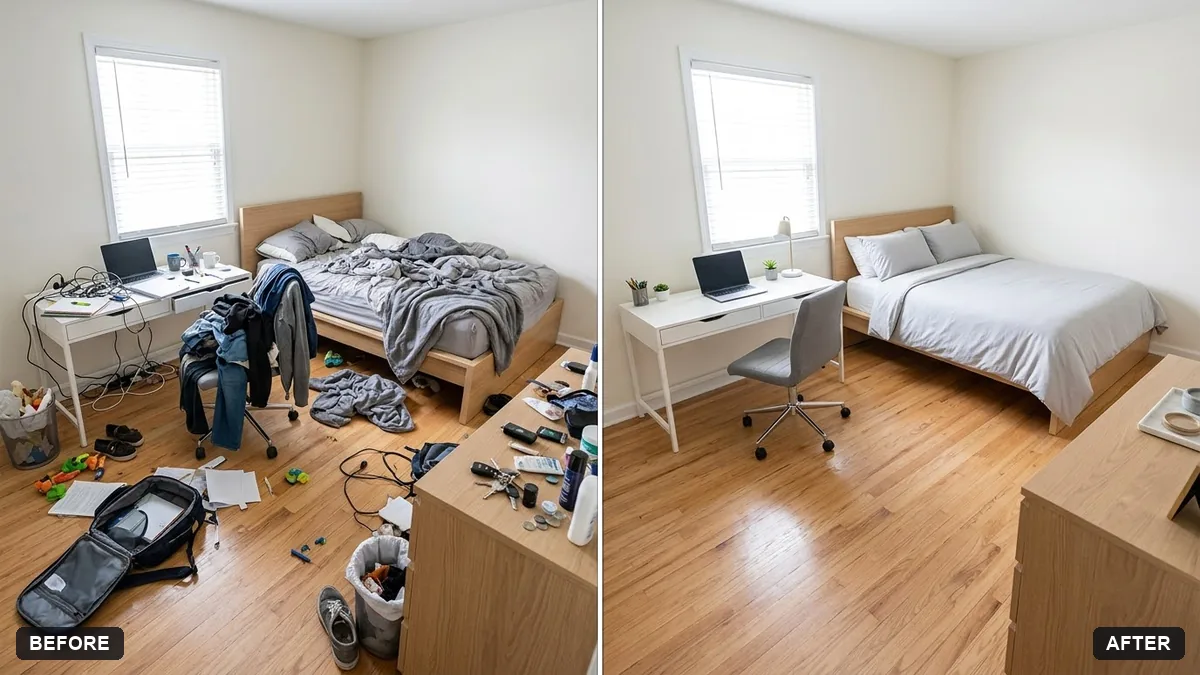
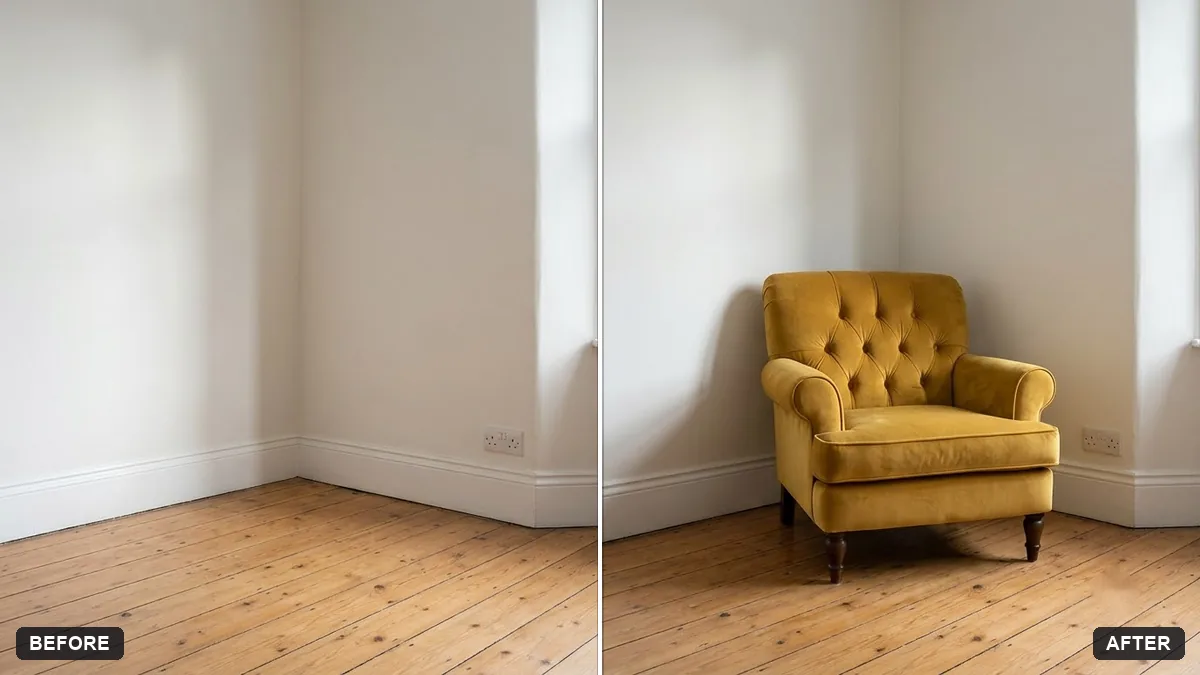
More like this
- Hotel room photo for a listingGemini · ChatGPT
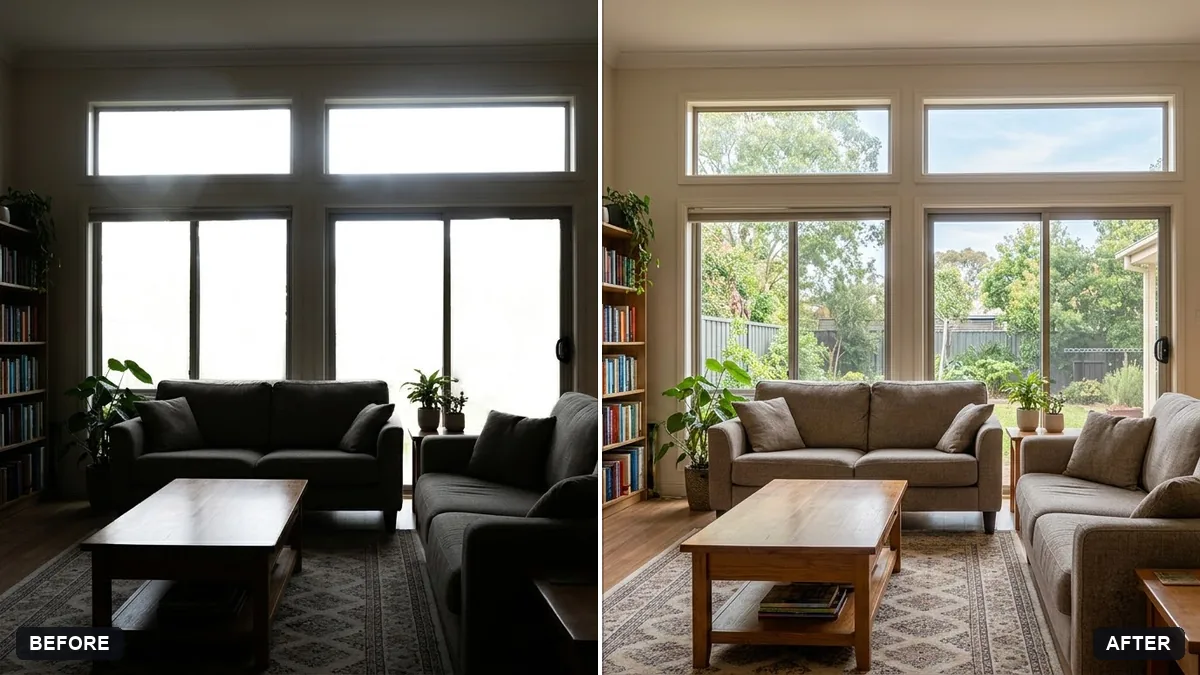
- Warm up a living room for a rental listingGemini · ChatGPT
- Virtually try on an outfitGemini · ChatGPT
- Property exterior at twilightGemini · ChatGPT
- Musician stage portraitGemini · ChatGPT