- Updated
Balance a bright window and a dark room
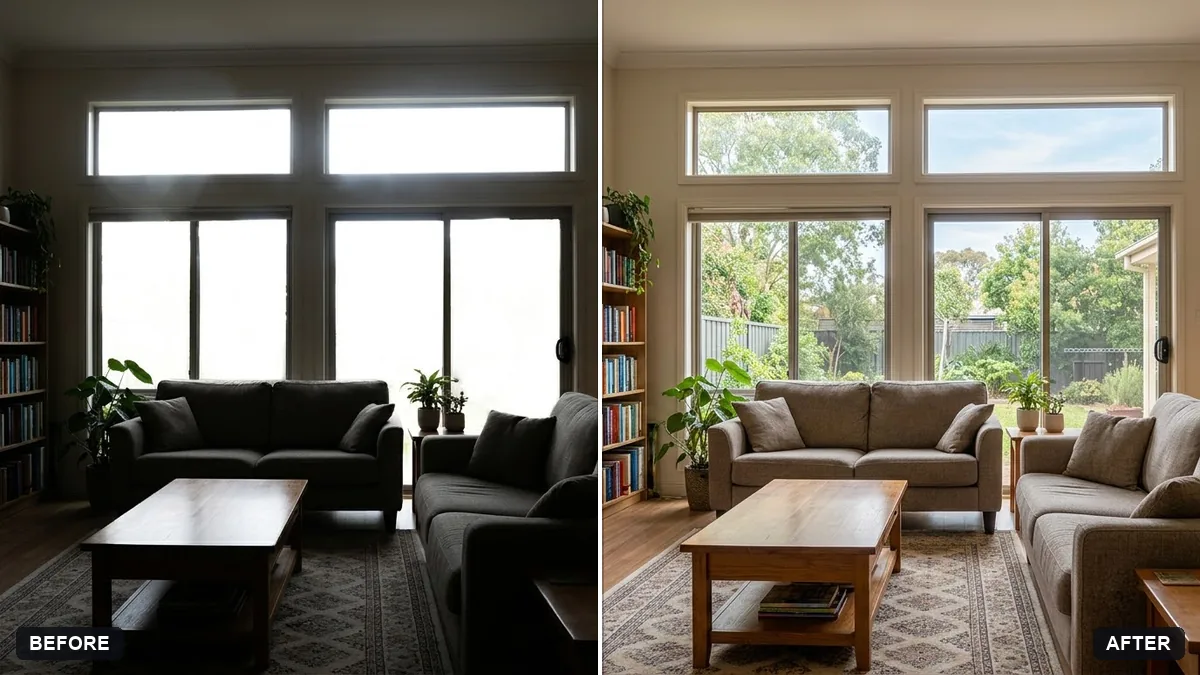
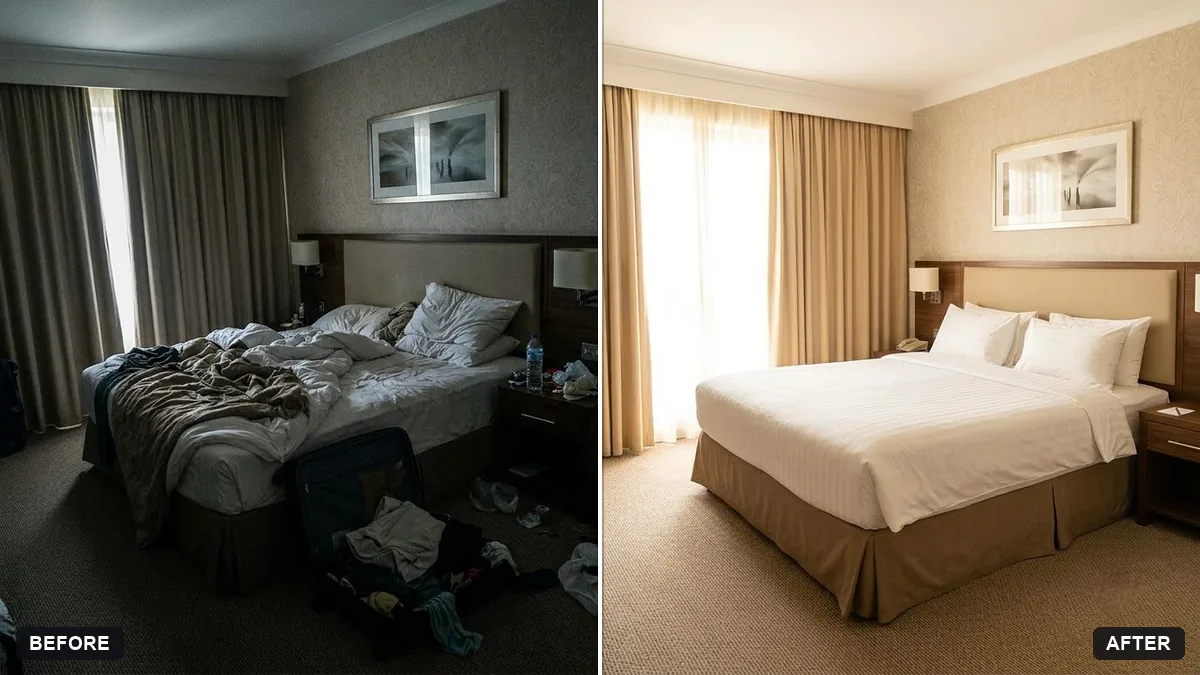
This prompt balances the exposure of an interior photo so both the view through the windows and the darker room are visible, as in a real-estate photo.
Balance the exposure of this [ROOM, e.g. living room] photo so the view through the windows and the dark room are both clearly visible.

Brighten the room evenly, recover the window view, correct the colour cast from mixed lighting, straighten vertical lines and keep every object and detail exactly as it is. Realistic, not HDR.
Use for real-estate and Airbnb photos, but never hide flaws or change the space.
Your photo goes to the AI app you choose, never to PromptUp.
Get a better result
Your room photo with the view through the windows and the darker room both visible, even brightness, the colour cast from mixed lighting corrected, vertical lines straightened and every object unchanged.
The windows are still blown out to white.
Fix: Say “recover the sky and trees outside the windows”. If the window is pure white in the original, nothing exists to recover, so retake the shot with the exposure lowered.
- It looks like an over-processed HDR picture. Add “natural, like a professional real-estate photo, no glow around edges”, and reduce the request to “slightly” if needed.
- A lamp or a flaw gets removed. List what must remain, and for a listing keep honest details such as marks, wear and room size. Do not alter the space.
Ask for one version with “bright natural daylight” and another with “warm evening lamp light, with the window view dimmed”. Choose the one that matches how the room feels.
Keep every object and the room size the same. Lift the shadows by a little more and remove the orange cast from the ceiling lights.
Guides on this topic
More photo editing prompts
See all 334 →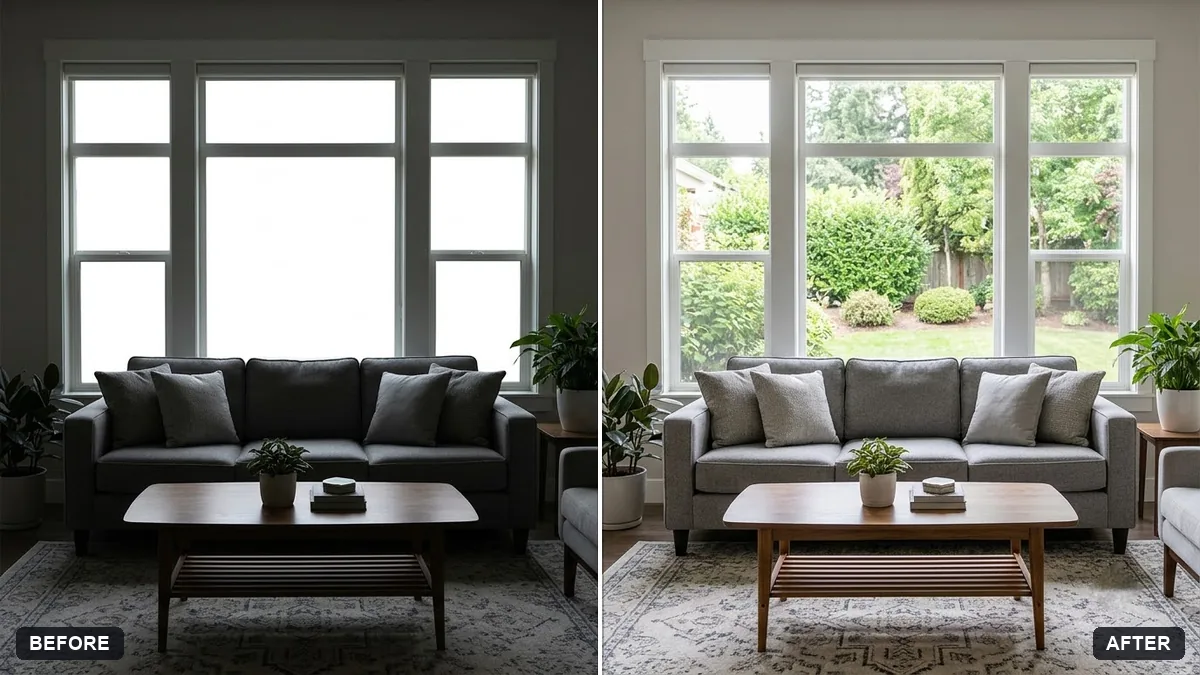
More like this
- Warm up a living room for a rental listingGemini · ChatGPT
- Brighten a restaurant interior photoGemini · ChatGPT
- Real estate agent portraitGemini · ChatGPT
- Property exterior at twilightGemini · ChatGPT
- Open house real estate signGemini · ChatGPT · Midjourney