- Updated
Reduce noise in a high-ISO photo
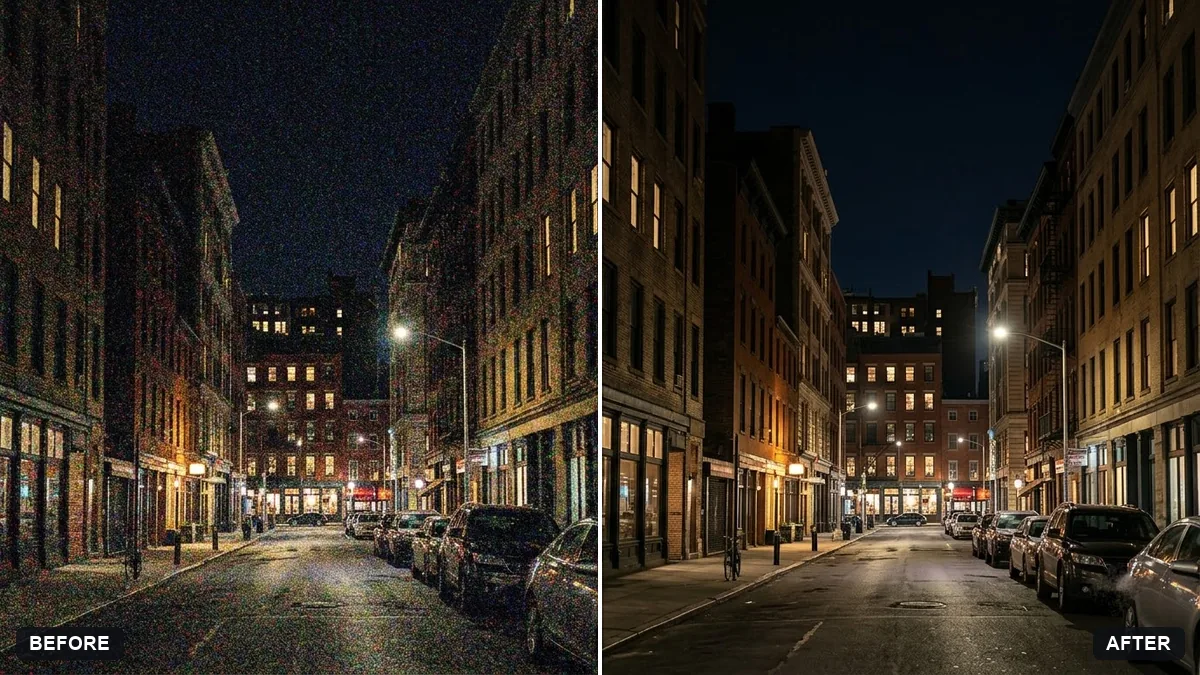
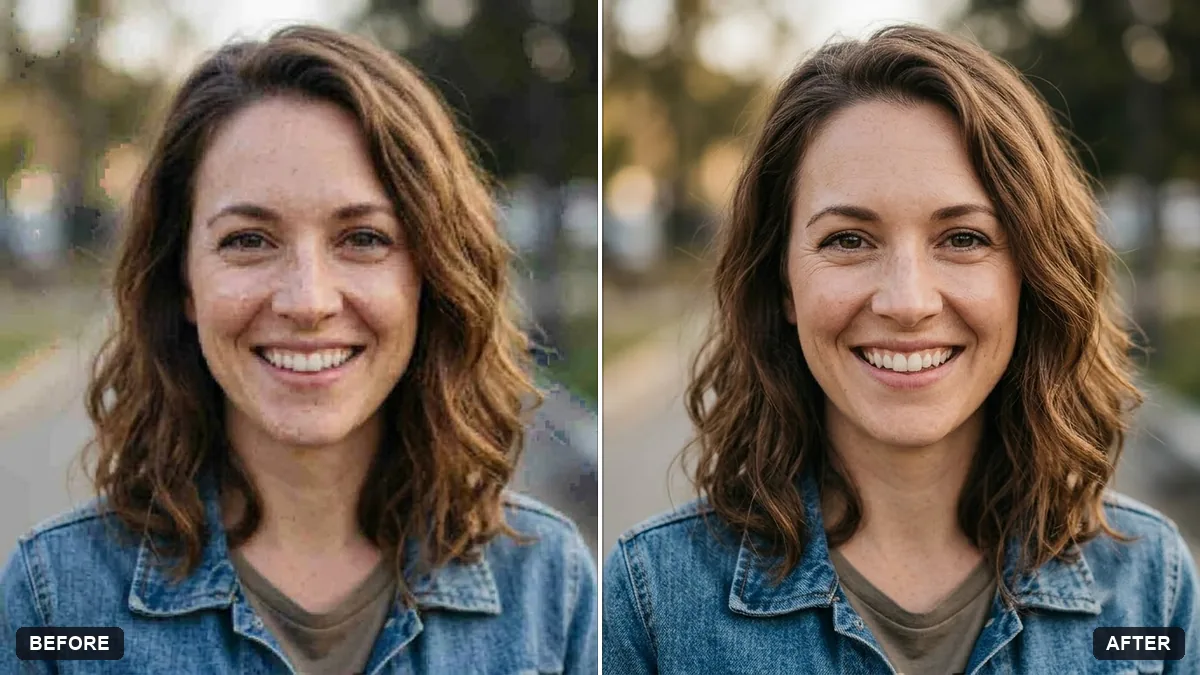
This prompt reduces noise and colour speckles in the shadows, sky or skin of a high-ISO photo while keeping fine detail.
Reduce the noise and colour speckles in this high-ISO photo, especially in [SHADOWS / SKY / SKIN].

Keep fine detail like hair, fabric and eyelashes sharp, and preserve a light natural film grain. Do not smooth the image into a waxy look, and keep everything exactly the same otherwise.
Take the next photo in more light or with a lower ISO for a cleaner start.
Your photo goes to the AI app you choose, never to PromptUp.
Get a better result
A cleaner version of your grainy photo, with colour speckles gone from the shadows or sky, hair and fabric still sharp, and a faint natural grain kept so it does not look plastic.
Skin turns waxy and smooth.
Fix: Add “preserve skin pores and fine texture, keep light film grain”, and name skin in the area bracket only if it needs it.
- Details disappear with the noise. List what to protect: “eyelashes, hair strands, fabric weave, text on signs”.
- Colour blotches remain in the dark areas. Name the zone in the bracket, such as shadows, and ask for “remove colour noise first, then luminance noise”.
Zoom in to 100 percent on the eyes and the darkest area, and compare with the original before you pick the final version.
Keep the clean version. Add a little contrast back into the shadows without raising the noise.
Guides that use this prompt
More photo editing prompts
See all 334 →
More like this
- Rescue an underexposed concert photoGemini · ChatGPT
- Recover blown-out highlightsGemini · ChatGPT
- Rescue a dark, noisy night photoGemini · ChatGPT
- Enhance a hazy drone photoGemini · ChatGPT
- Y2K digital camera snapshotGemini · ChatGPT