Bonfire Night 2026: AI photo prompts, sparkler portraits and how to shoot them for real
Published
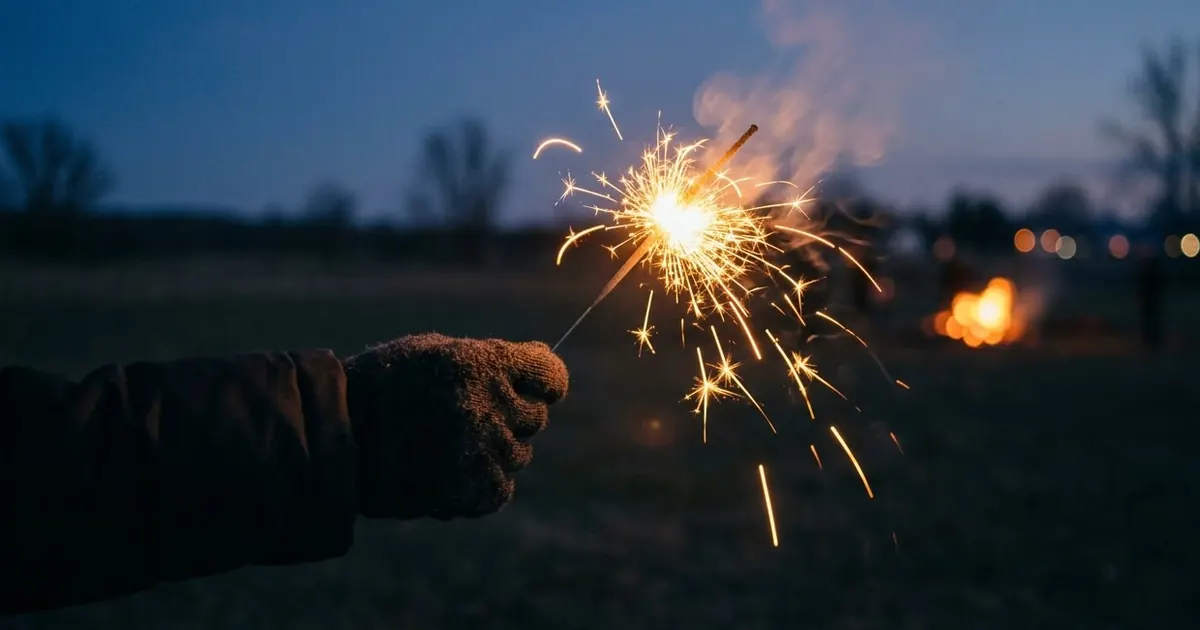
Short answerBonfire Night falls on Thursday 5 November 2026, and many UK displays are held on the weekends either side (Saturday 31 October and Saturday 7 November). Use AI to rescue dark phone photos, add a firework sky behind a portrait or design a poster, and take the real photos with a steady phone and the sparklers held well away from faces.
Full collectionAI photo enhancer prompts19 prompts with examples, steps and fixes →Bonfire Night is on Thursday 5 November 2026. Because it's a weeknight, Galactic Fireworks' events guide says the two big nights for organised displays are Saturday 31 October and Saturday 7 November, with a few events, such as Lewes, keeping to the 5th. It also warns that many well-known free council displays no longer run, so check that your event is on before you travel.
That gives photographers a month to get ready. This guide covers the real-camera tricks that make the best pictures, and AI prompts for the shots that are hard to get on a cold, dark night.
Take the real photos first
AI is a good rescuer, but a decent original gives it more to work with.
- Hold the phone steady. Lean on a wall or fence post. Night mode takes a longer exposure, and any shake blurs it.
- Light the face from the side. A nearby lamp, a bonfire glow or a friend's phone torch held out of shot looks far better than the phone's flash.
- Sparkler writing. Put the phone on something solid, switch to a long-exposure or "light trail" mode if yours has one, and let a friend draw a shape or a name with a sparkler. Ask them to keep their arm moving smoothly.
- Photograph the people, not just the sky. Fireworks alone are hard to shoot well. Faces lit by the glow tell the story.
Sparkler safety
UK fire-safety advice generally says sparklers should be held at arm's length, in gloves, by older children and adults, and not by under-fives. Keep a bucket of water for used sparklers, and keep them away from hair, coats and anyone's face. If you're shooting a portrait with a sparkler, hold it at the side, well out of reach of the face, and take the closer glow shot with the AI prompts below instead.
Prompt 1: rescue a dark phone photo
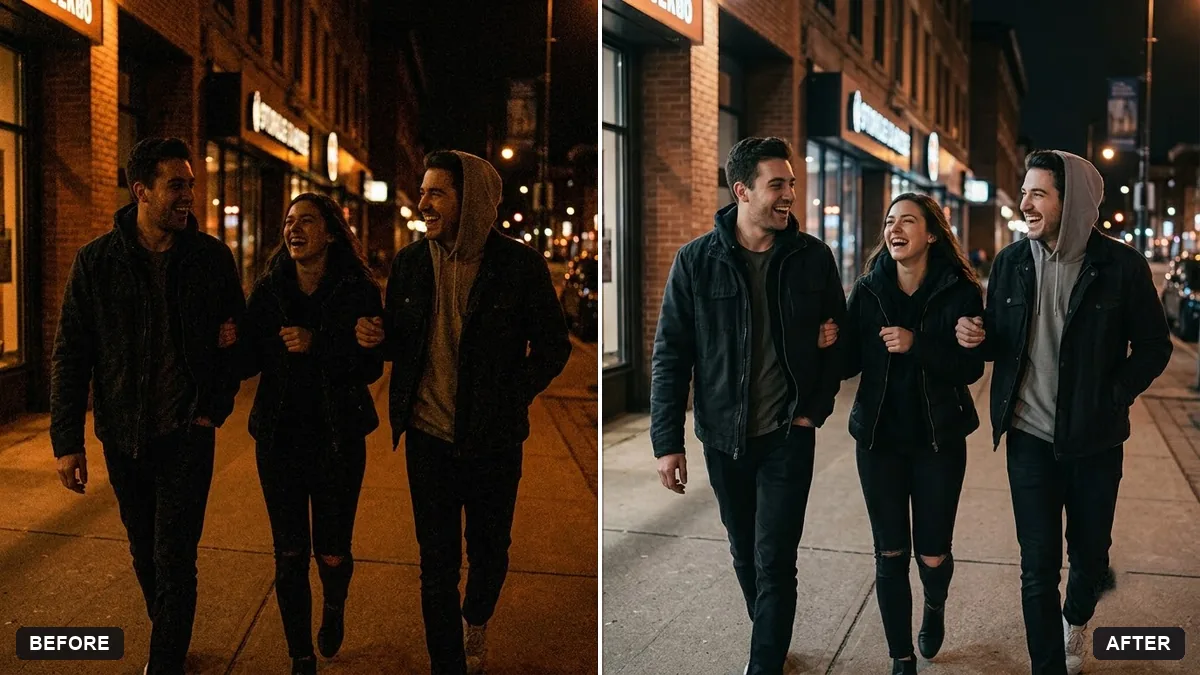
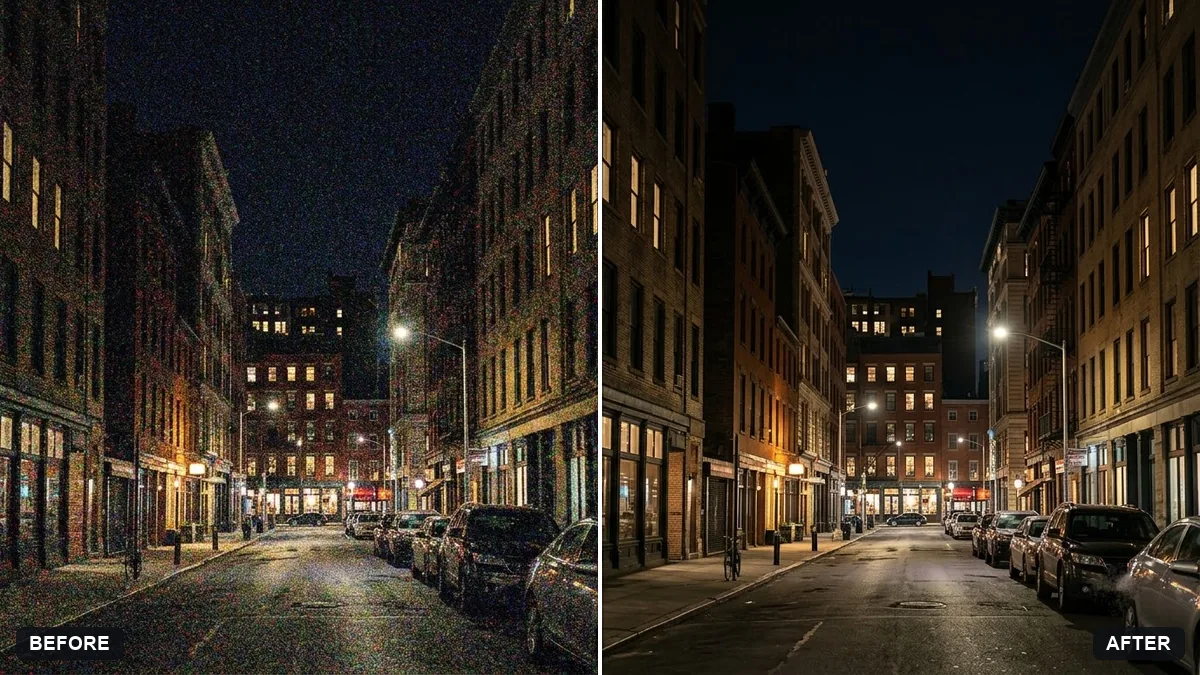
Improve this night photo of [PEOPLE / SCENE] at a bonfire display. Brighten the faces gently and recover detail in the shadows without making the sky look washed out. Reduce the noise and colour speckle. Keep the warm orange bonfire glow and the natural skin tones. Do not change anyone's face, clothing or pose.
Our low-light rescue prompt is the full version of this, and the reduce noise in a high-ISO photo prompt helps with grainy phone shots.
Prompt 2: a firework sky behind a portrait
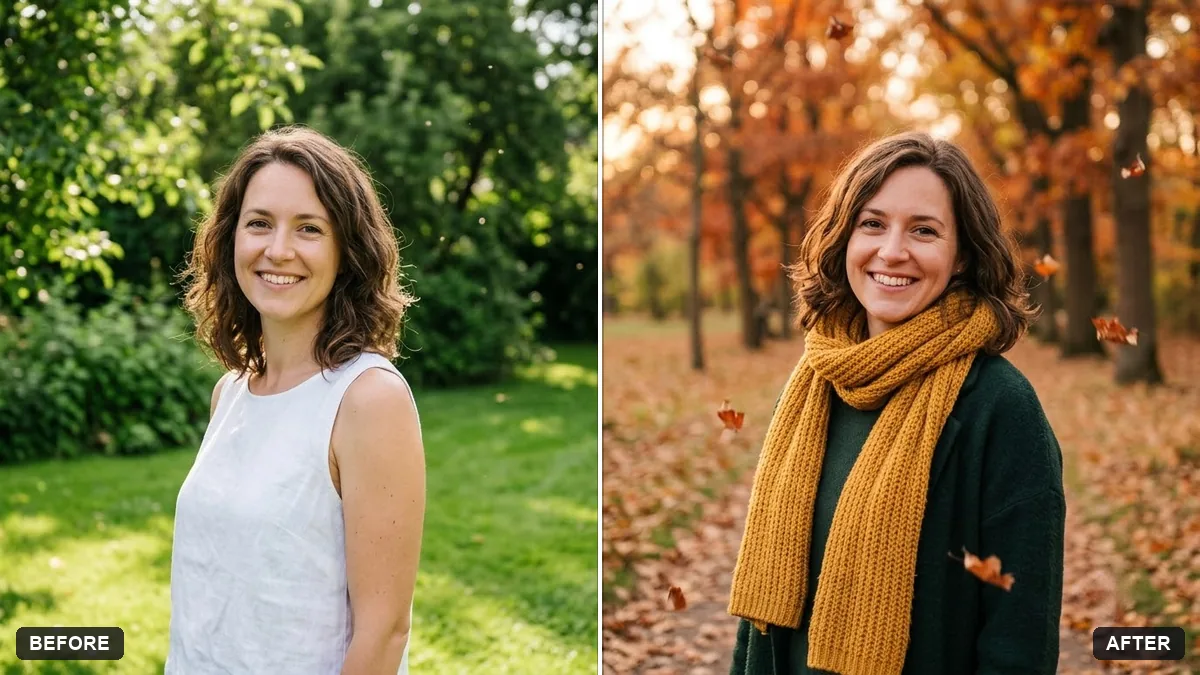
Using this portrait, change only the background to a dark blue November night sky with a soft burst of [COLOUR] fireworks high behind the person, slightly out of focus. Add a gentle warm glow on the side of the face as if from a nearby bonfire. Keep the face, hair, clothes and pose exactly the same, natural skin, realistic.
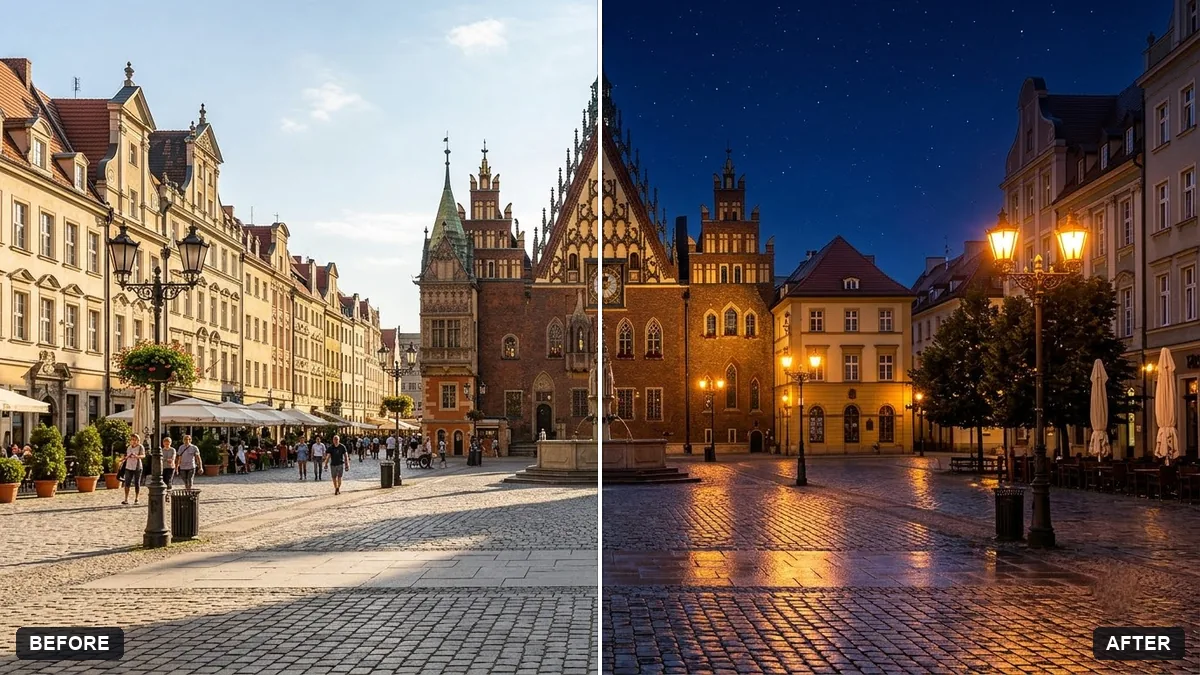
If your photo was taken in daylight, the day to night scene prompt is the right place to start.
Prompt 3: a sparkler glow portrait
Edit this portrait so it looks like the person is holding a lit sparkler just out of frame to the right. Add warm gold light spilling softly on the right cheek and the edge of the hat, a few tiny floating sparks, and a dark blurred night background with small bokeh lights. Keep the face and expression untouched, natural colours, fine film grain.
Turning an existing photo into a sparkler look is safer than posing a real one up close, and it gives you the glow without the risk.
Prompt 4: an autumn bonfire family portrait
Create a warm autumn evening portrait of [NUMBER] people in coats, scarves and woolly hats, standing close and laughing, lit by the glow of a bonfire just out of frame, with fallen leaves at their feet and a dark blurred field behind. Keep each person's real face and features from the reference photos. Soft orange light, shallow depth of field, natural.
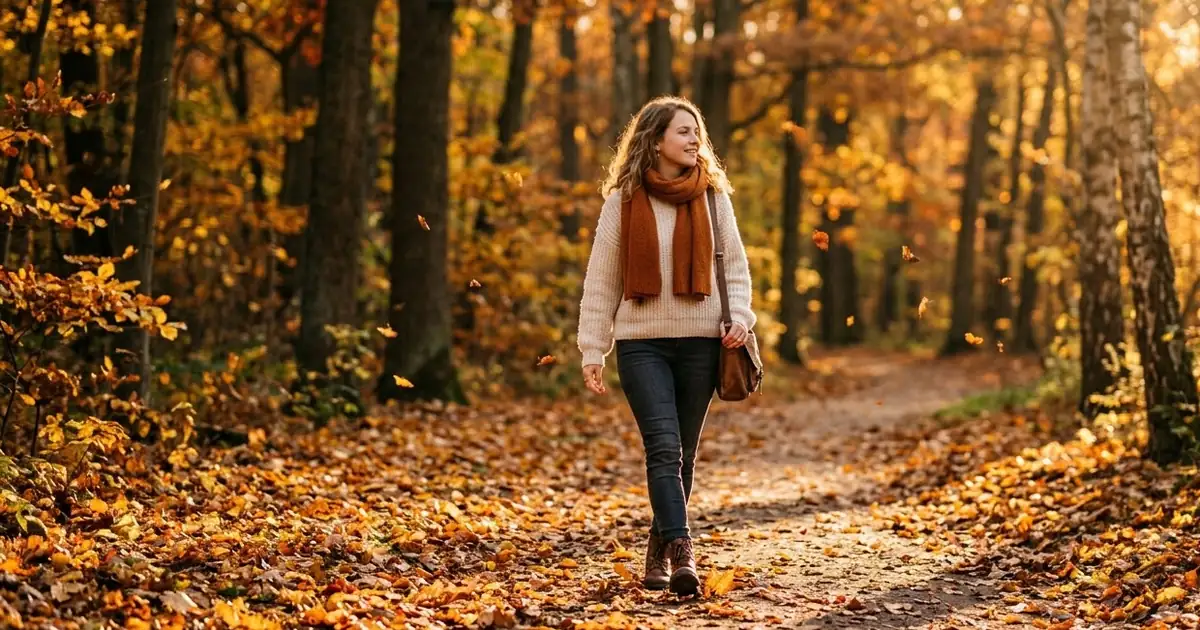
For a gentler seasonal look, try the autumn leaves portrait prompt.
Prompt 5: a poster for your street or school event
Design a poster for a community Bonfire Night on [DATE] at [PLACE]. Dark navy sky, a glowing bonfire and sparkler trails, bold readable white and orange text. Headline, spelled exactly: "BONFIRE NIGHT". Smaller line, spelled exactly: "Gates open [TIME], family-friendly, bring a torch". A4 portrait, clean, no clutter.
Check every letter in the result, and fill in the real time, place and any ticket details yourself.
A short video idea
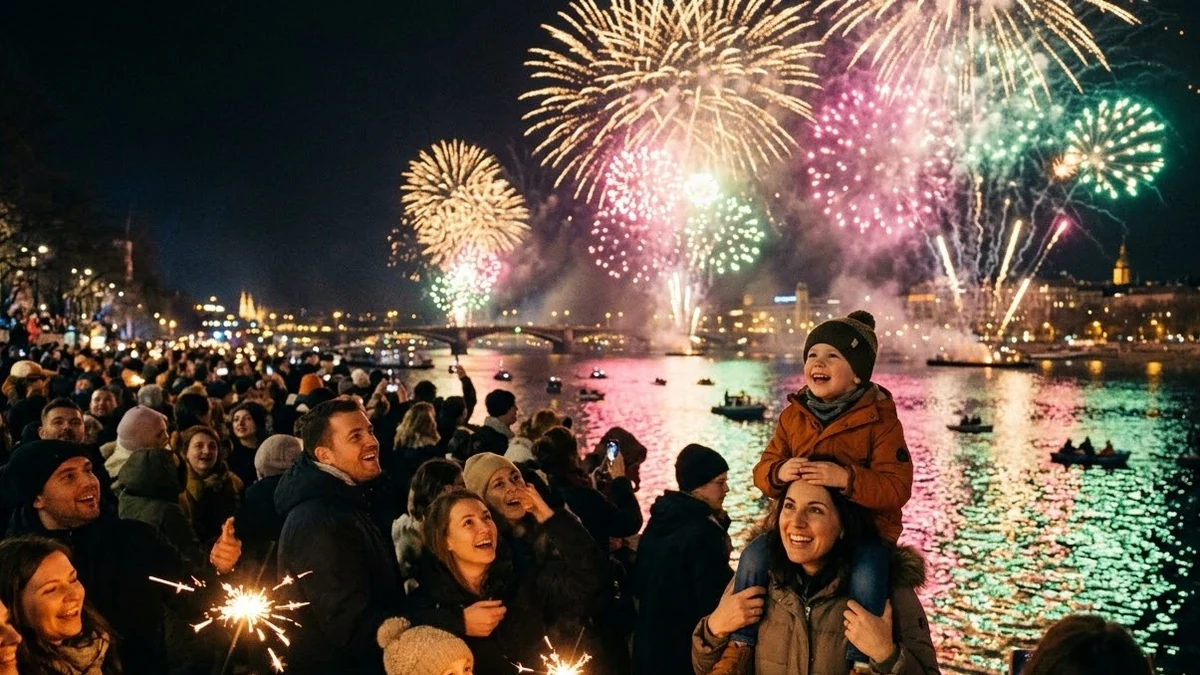
Bring a still photo to life with a drifting spark effect, or use the festival fireworks over a crowd prompt to make a 5-second clip for a school or club page. Don't use someone's real photo without their say-so.
Be honest in captions
If a firework backdrop or a sparkler glow was added with AI, say so in the caption. It avoids confusion, and it helps people learn that the picture wasn't taken at the display itself.
Where to go from here
For more seasonal ideas, see our autumn aesthetic AI photo prompts, the Halloween AI photo prompts and the Christmas and New Year photo prompts. The photo editing prompts collection has more rescue and relight prompts, and the prompt builder can adapt any of them to your own photo.
Quick checklist
- Bonfire Night is Thursday 5 November 2026; big displays are often on Saturday 31 October and Saturday 7 November.
- Check that your local display is actually running.
- Steady the phone, light faces from the side, and shoot sparkler writing with a long exposure.
- Keep sparklers at arm's length, in gloves, away from faces, and away from under-fives.
- Use AI to brighten dark photos, add a firework sky or a sparkler glow, and keep faces unchanged.
- Say in the caption when AI added anything.
Prompts to try
More prompts on this topic
- Rescue an underexposed concert photoGemini · ChatGPT
- Lohri bonfire nightVeo · Kling · Seedance
- Fireworks behind you video promptHiggsfield · Kling · Veo
Comments
No comments yet. Be the first to share what worked for you.