- Updated
Turn a day scene into a night scene
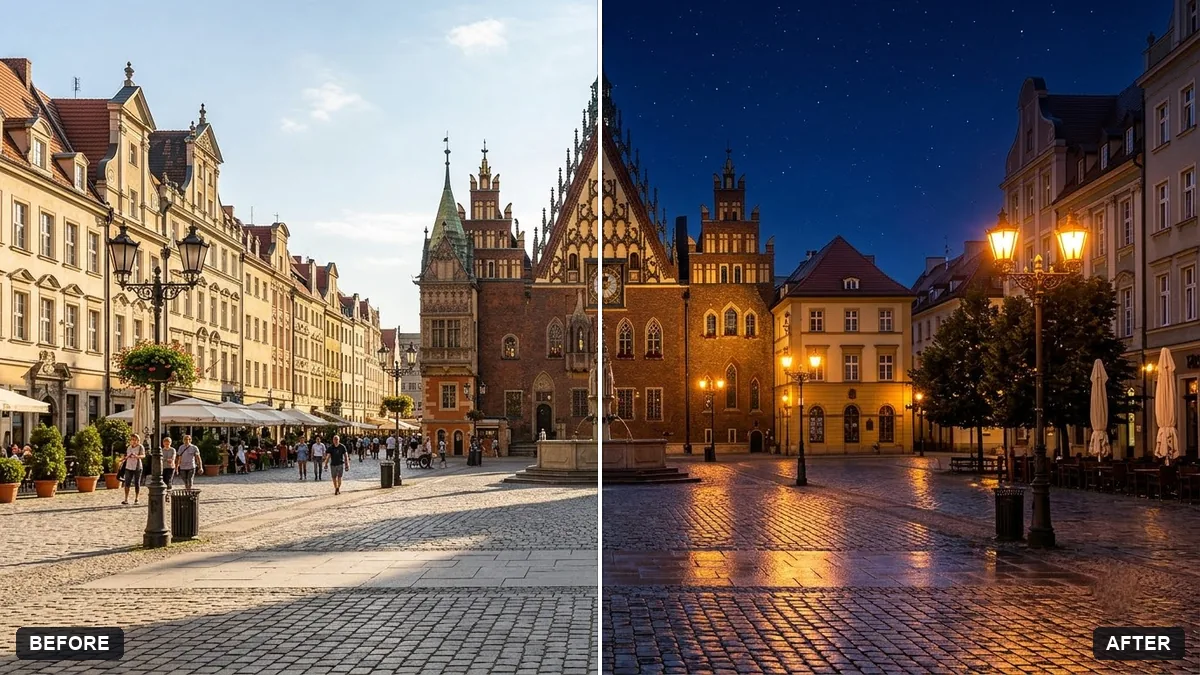
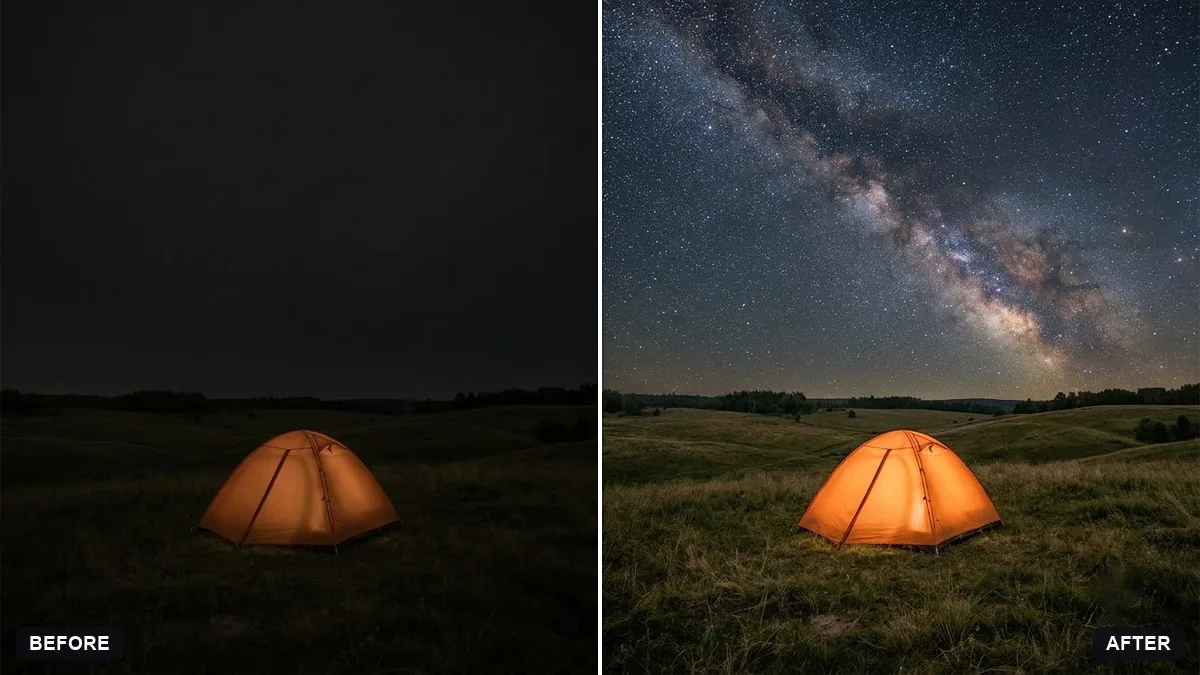
This prompt changes a daytime photo into a night scene, keeping all buildings, people and objects exactly the same and adding a deep night sky.
Change this daytime photo into a night scene. Keep all buildings, people and objects exactly the same.

Deep [COLOUR, e.g. blue] sky with stars, glowing windows and street lights, warm light spilling onto the ground, cool shadows, subtle reflections on wet surfaces. Realistic and moody, not too dark.
Ask for "blue hour" for a softer, more natural twilight look.
Your photo goes to the AI app you choose, never to PromptUp.
Get a better result
Your daytime photo turned into a night scene, with the same buildings, people and objects, a deep starry sky, glowing windows, street lights, warm light on the ground and cool shadows.
It is almost black and the details vanish.
Fix: Say “blue hour, with enough light to see the building details”. Fully dark nights lose too much of the photo.
- Shadows from the sun are still on the ground. Ask to “remove the sun’s long shadows and use soft glow from lamps and windows instead”.
- The lights are in odd places. Say where they belong, such as “lights in the shop windows and on the lamp posts on the left”.
As the prompt hints, ask for “recent rain so the road reflects the lights”. Wet ground gives a night photo depth, and it hides small errors on the pavement.
Keep every building and person. Make it blue hour, with the sky a deeper blue and the windows glowing warm yellow.
Guides that use this prompt
More photo editing prompts
See all 334 →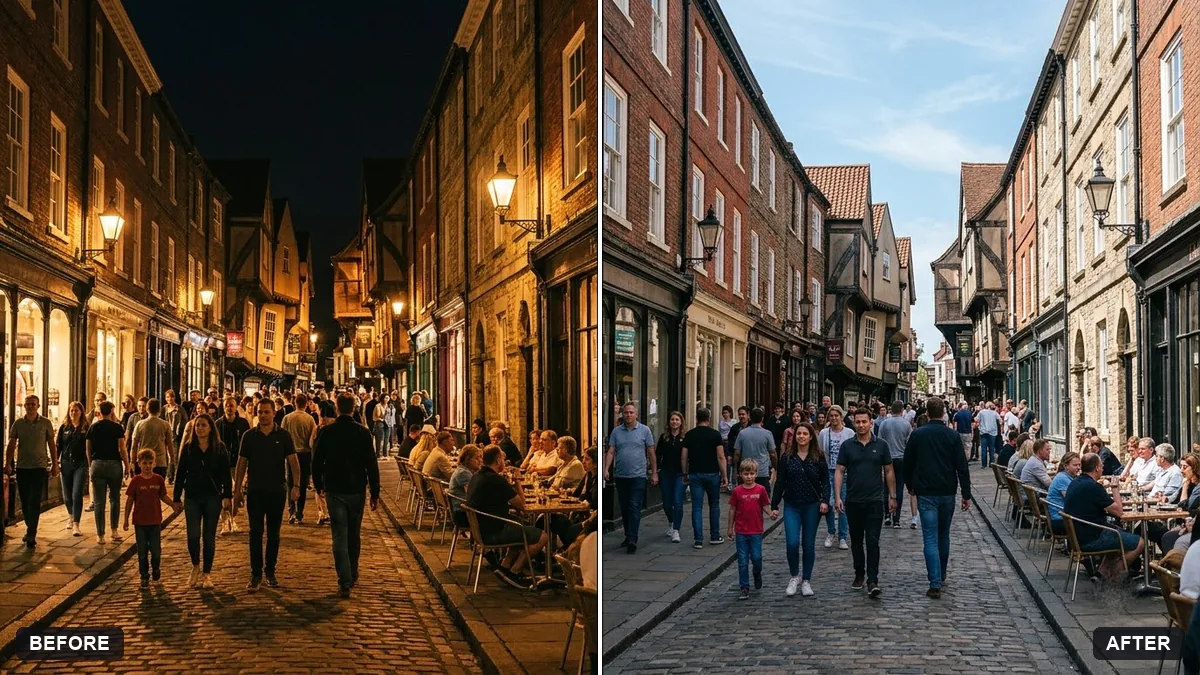
More like this
- Add falling snowGemini · ChatGPT
- Change the season in a photoGemini · ChatGPT
- Add a dramatic stormy skyGemini · ChatGPT
- Add a rainbow after rainGemini · ChatGPT
- Boost a dull sunsetGemini · ChatGPT