- Updated
Add stars to a night sky
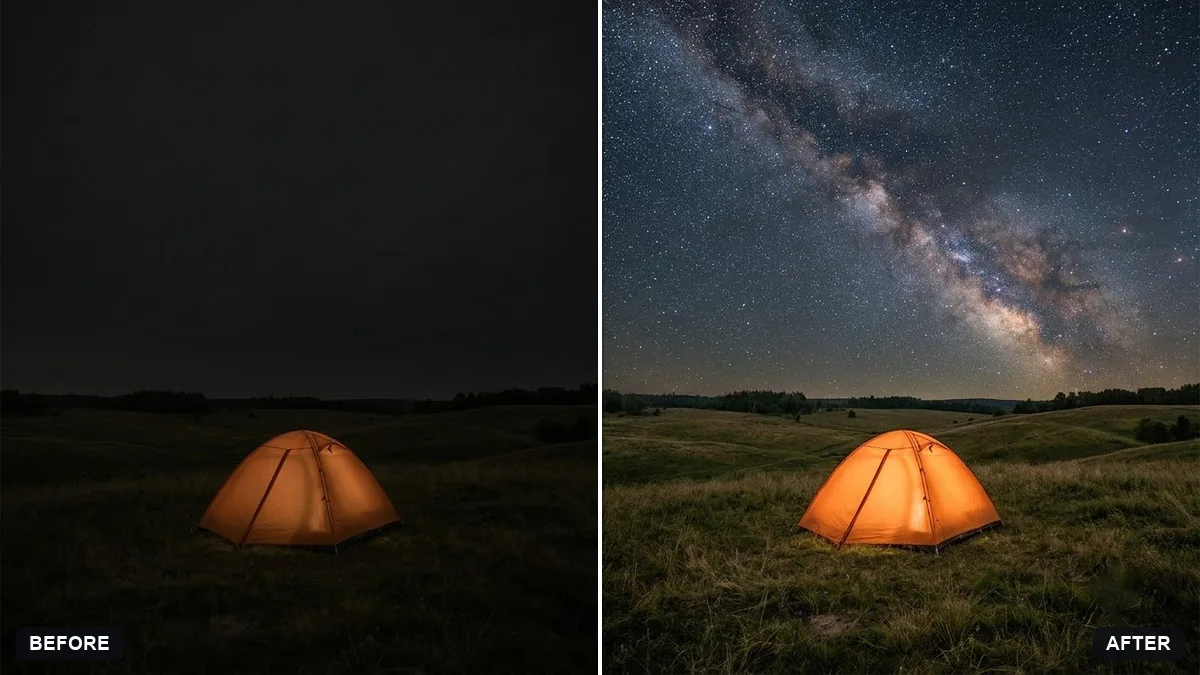
This prompt adds a starry sky with a faint Milky Way and soft starlight on the landscape below, reducing city glow near the horizon if needed.
Add a natural starry night sky with a faint Milky Way to the sky in this photo, and soft starlight on the landscape below. Reduce city glow near the horizon if needed.

Keep the foreground, subject and composition unchanged. Extra instructions: [ANY DETAIL TO KEEP OR AVOID].
Keep the stars natural, not too many, to avoid a fake look.
Your photo goes to the AI app you choose, never to PromptUp.
Get a better result
Your night landscape with a natural, slightly faint Milky Way across the sky and a little starlight on the ground, while the foreground and the composition stay exactly as you shot them.
The sky is crowded with stars and looks like a wallpaper.
Fix: Follow the tip: ask for “a natural number of stars, mostly faint, with only a few bright ones”. Fewer stars always read as more real.
- Stars appear in front of trees, rooftops or other foreground edges. Say “stars only in the open sky, never overlapping the silhouettes of trees and buildings”. Start from a photo with a clear horizon line.
- The ground stays lit by city lights, so the sky and land do not match. Keep the instruction about reducing glow, and add “make the light on the ground cool and dim, as if lit only by starlight”.
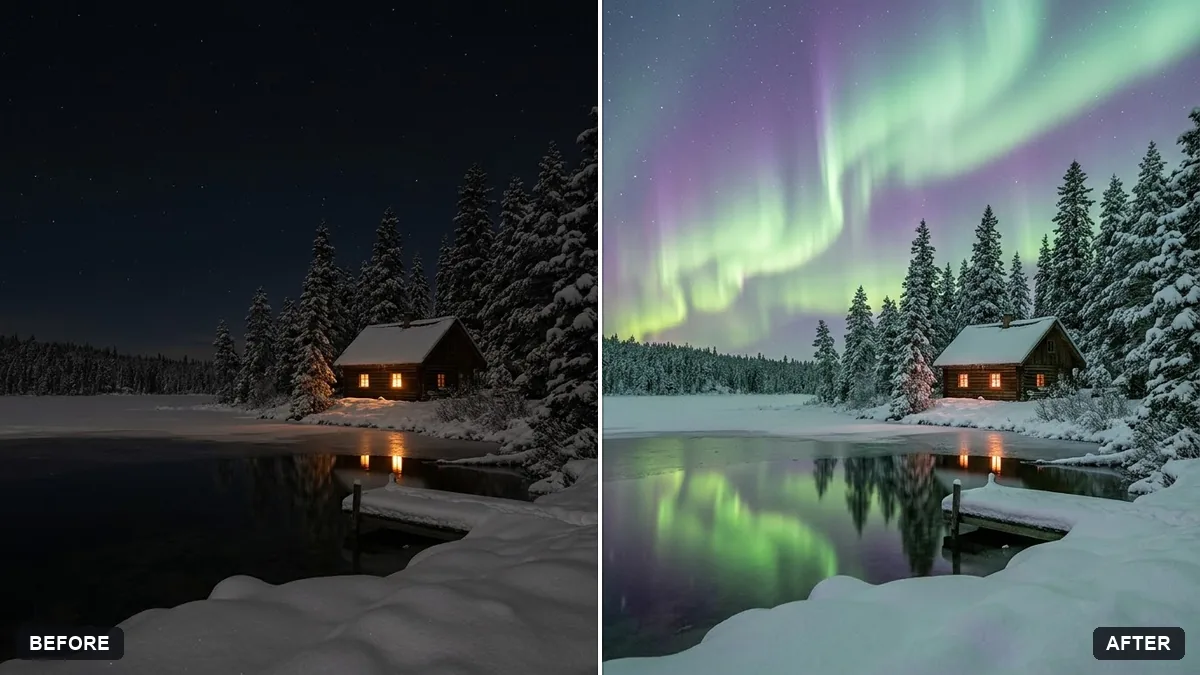
Add “a faint green aurora low on the horizon” in the extra instructions field and ask for stars to stay visible through it. Keep it subtle, since a strong aurora fights the Milky Way.
Keep the foreground and the composition exactly the same. Make the stars fainter and fewer, and keep the Milky Way soft.
More photo editing prompts
See all 334 →
More like this
- Turn a day scene into a night sceneGemini · ChatGPT
- Turn a night scene into daytimeGemini · ChatGPT
- Replace a dull sky with a sunsetGemini · ChatGPT
- Add a rain effect to a photoGemini · ChatGPT
- Boost a dull sunsetGemini · ChatGPT