- Updated
Turn a night scene into daytime
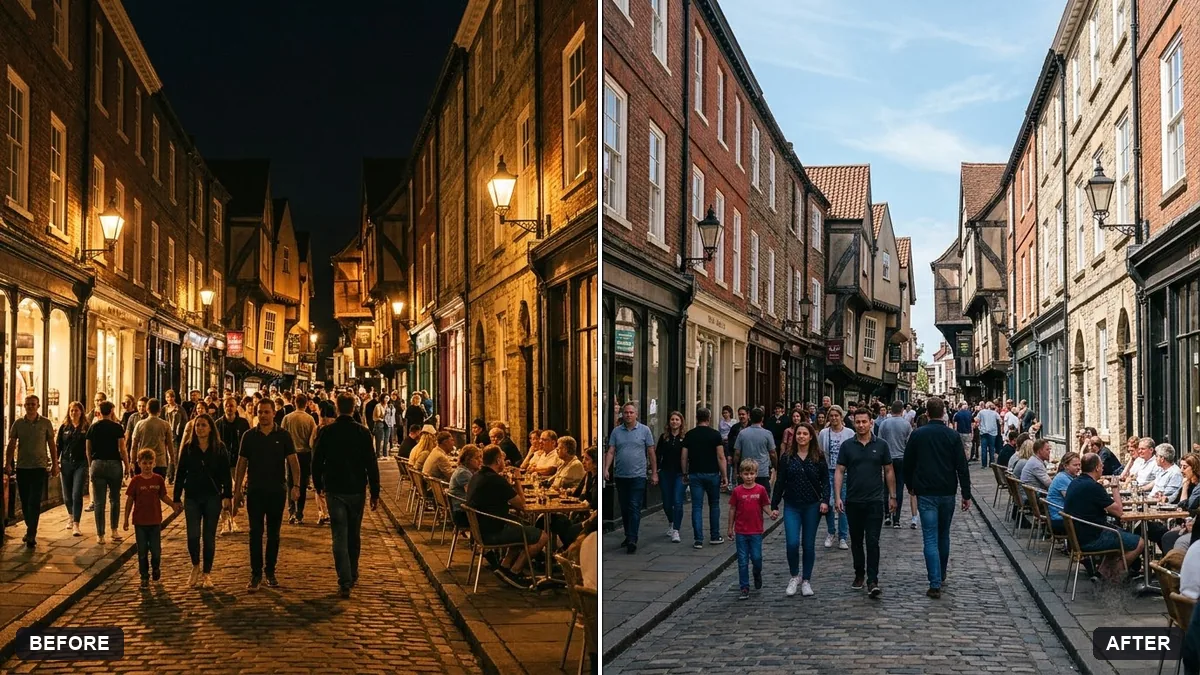
This prompt changes a night scene into a daytime scene, sunny or overcast, keeping all buildings, people and objects exactly the same.
Change this photo from night to a bright [SUNNY / OVERCAST] daytime scene. Keep all buildings, people and objects exactly the same.

Update the sky, lighting, shadows and reflections, turn off artificial lights and keep the colours natural and realistic.
Small changes to lighting look more real than big changes to the scene.
Your photo goes to the AI app you choose, never to PromptUp.
Get a better result
The same scene in believable daylight, with a new sky, matching light, shadows and reflections, artificial lights turned off and the buildings, people and objects unchanged.
Turning night into day means rethinking every light source, so the prompt lists what must change: sky, lighting, shadows and reflections, with artificial lights turned off. It also lists what must not change: buildings, people and objects. Choosing sunny or overcast decides how hard the shadows are. Natural, realistic colour keeps it looking like a real daytime photo.
Windows still look lit.
Fix: Ask for glass to show daytime reflections, and for lamps and signs to look switched off.
- Shadows point nowhere. Choose the sun direction in the prompt, and check that the shadows under people and cars fall consistently.
- Noise shows in the shadows. Start from the sharpest night photo you have, since small details are easy to lose.
Ask for late afternoon light with long warm shadows and a soft peach sky, instead of flat midday sun.
Keep the change modest. Keep every building, person and object exactly the same and only change the sky, light and shadows.
More photo editing prompts
See all 334 →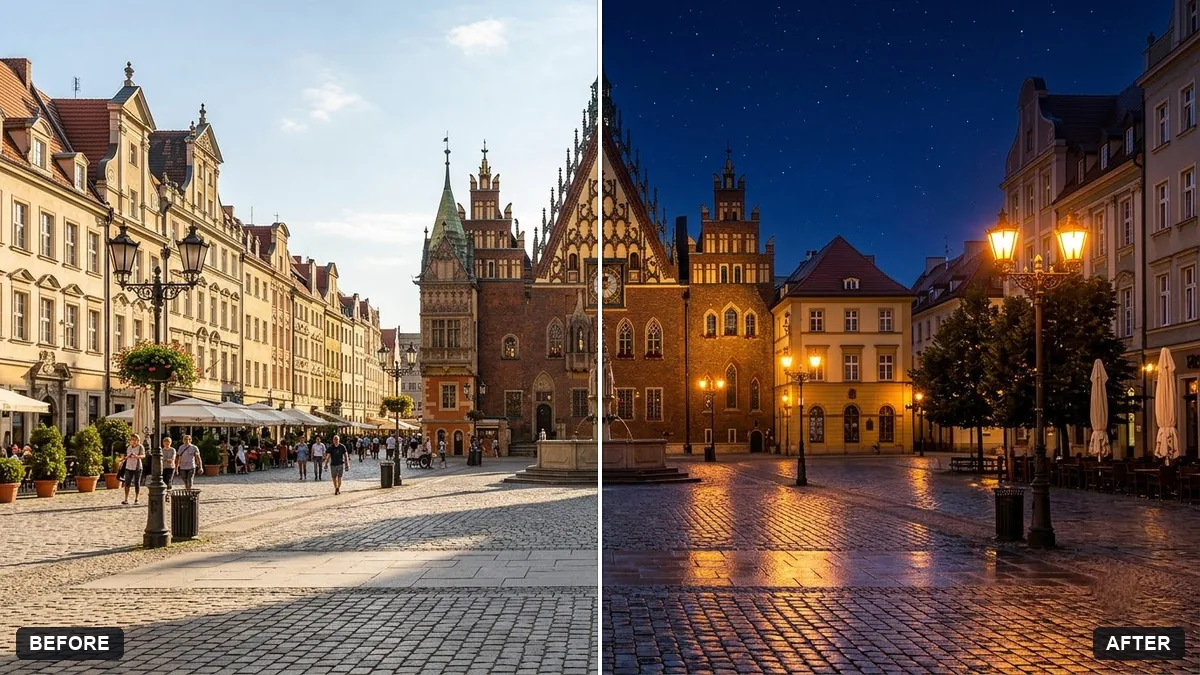
More like this
- Change the season in a photoGemini · ChatGPT
- Add a dramatic stormy skyGemini · ChatGPT
- Replace a dull sky with a sunsetGemini · ChatGPT
- Boost a dull sunsetGemini · ChatGPT
- Add a rainbow after rainGemini · ChatGPT