- Updated
Turn your photo into an anime scene
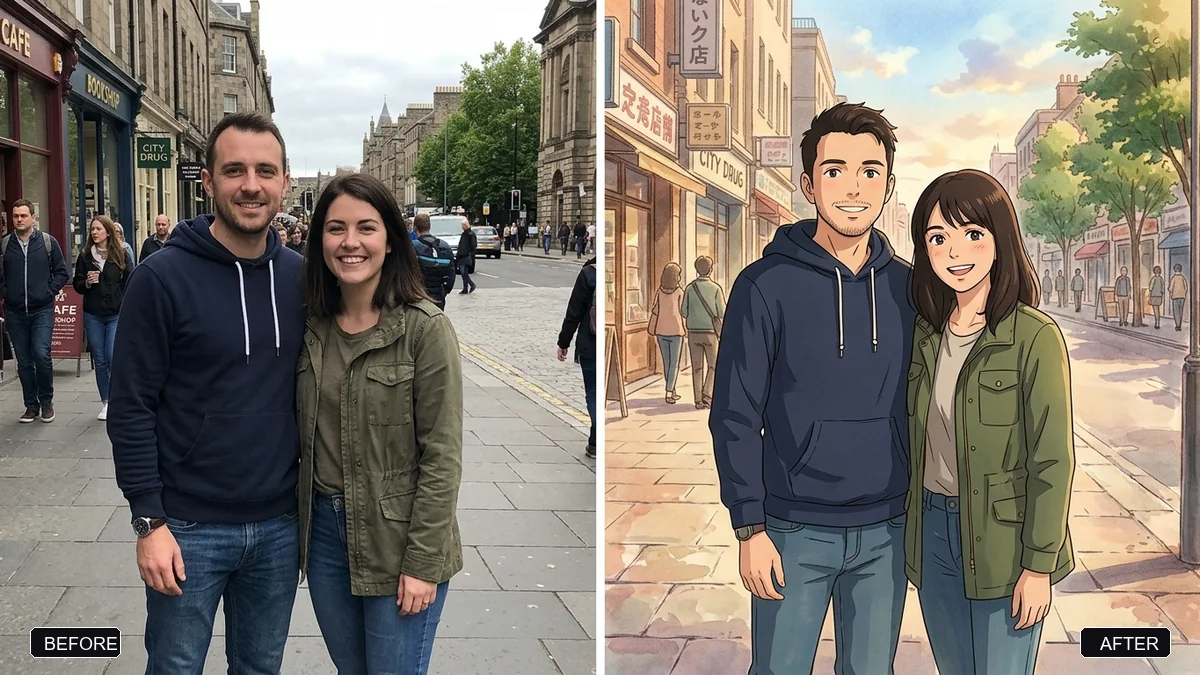
This prompt redraws a photo as a hand-painted anime scene. People keep their hairstyles, clothing, poses and expressions and the original composition stays. You describe the style you want, such as soft watercolour backgrounds.
Redraw this photo as a hand-painted anime film scene. Keep the people recognisable — same hairstyles, clothing, poses, and expressions — and keep the original composition.

Style: [STYLE, e.g. soft watercolour backgrounds and warm nostalgic light like a classic Japanese animated film], clean line art, gentle colours, and detailed scenery.

No text and no extra people. Same aspect ratio as the original.
Describe the style in words instead of naming a studio — results are more consistent.
Your photo goes to the AI app you choose, never to PromptUp.
Get a better result
Your photo redrawn as a hand-painted anime film scene: the same people, poses and composition, with soft watercolour backgrounds, clean line art and warm nostalgic light.
The people turn into generic anime characters.
Fix: Keep “same hairstyles, clothing, poses and expressions” in the prompt, and describe the style in words instead of naming a studio.
- The background becomes a different place. Name what is in your photo: “the same beach, the same boat on the left”. A redraw can swap the setting for a generic one.
- The line art is so heavy that it looks like a colouring book. Add “thin delicate lines, soft painted shading”. The prompt asks for clean lines, and this sets their weight.
- Faces lose their age, so children look older. State ages: “the girl is about eight years old”. Anime styling tends to make faces look more grown up.
Add one sentence about the sky, such as “towering summer clouds and a deep blue sky”. A dramatic sky is the quickest way to make a redraw feel cinematic.
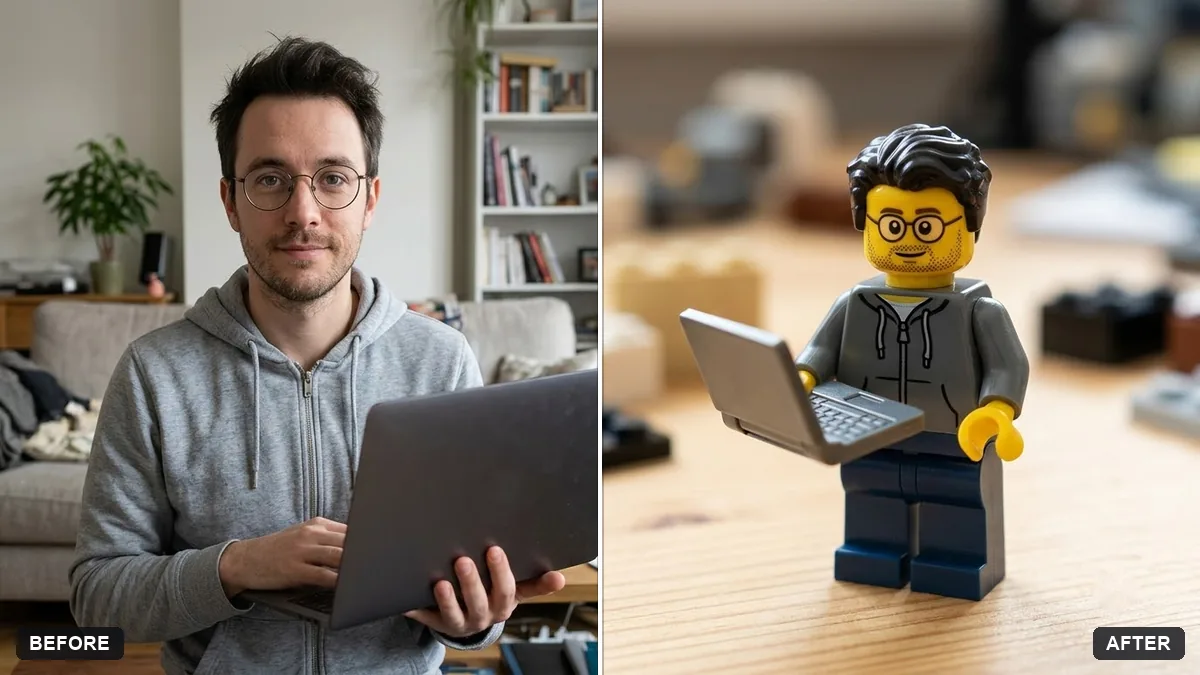
Keep each person recognisable: same hairstyle, clothes, glasses and pose as in the photo. Keep the anime style.
Guides that use this prompt
More photo editing prompts
See all 334 →
More like this
- Hand-painted animated film styleGemini · ChatGPT
- Chibi 3D figurine of yourself on a deskGemini · ChatGPT
- Video game character versionGemini · ChatGPT
- Comic book cover with youGemini · ChatGPT
- Friendly caricature of youGemini · ChatGPT