AI anime portrait prompts: turn your photo into an anime character
Published
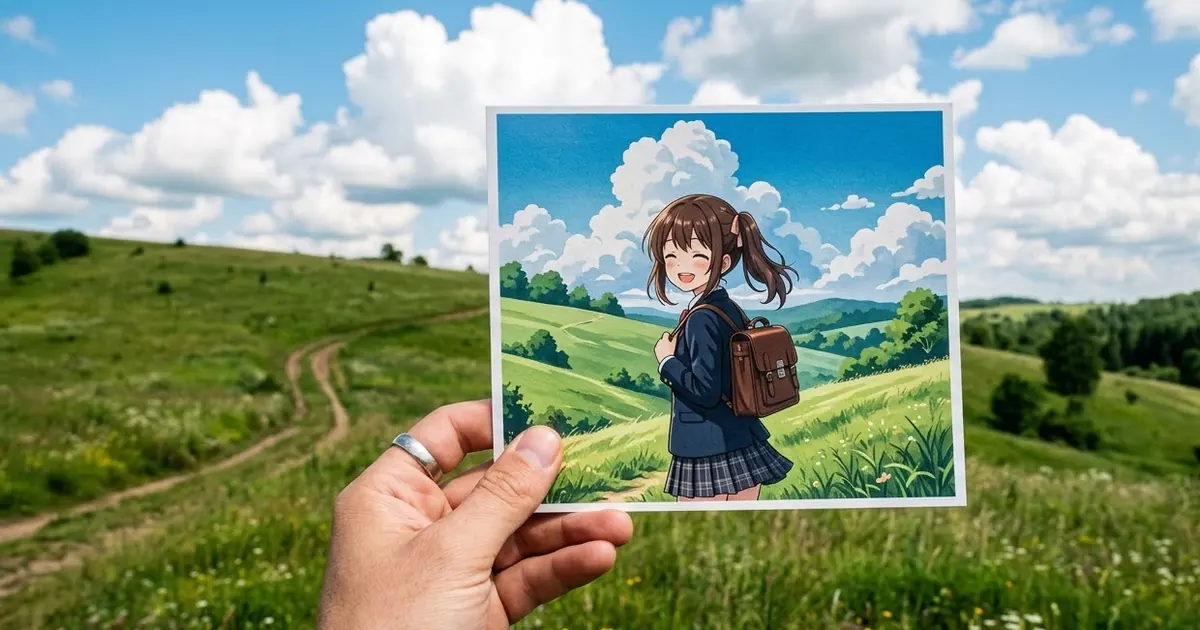
Short answerDescribe the anime look instead of naming a studio: soft hand-painted backgrounds, clean line art, big expressive eyes, warm light. Keep your hairstyle, outfit colours and glasses so friends recognise you.
Anime portraits have been one of the most popular AI edits since image tools learned to keep faces. TechCrunch reported that Indians were using Nano Banana to turn themselves into "anime icons" alongside retro Bollywood looks, and Media.io lists fantasy avatars among the top social effects in 2026.
The key to a good result is describing the look, not naming a studio or a show. Tools often refuse or weaken prompts that copy a specific studio's style, and a description gives you more control anyway.
The main prompt
This is based on our hand-painted anime style prompt:
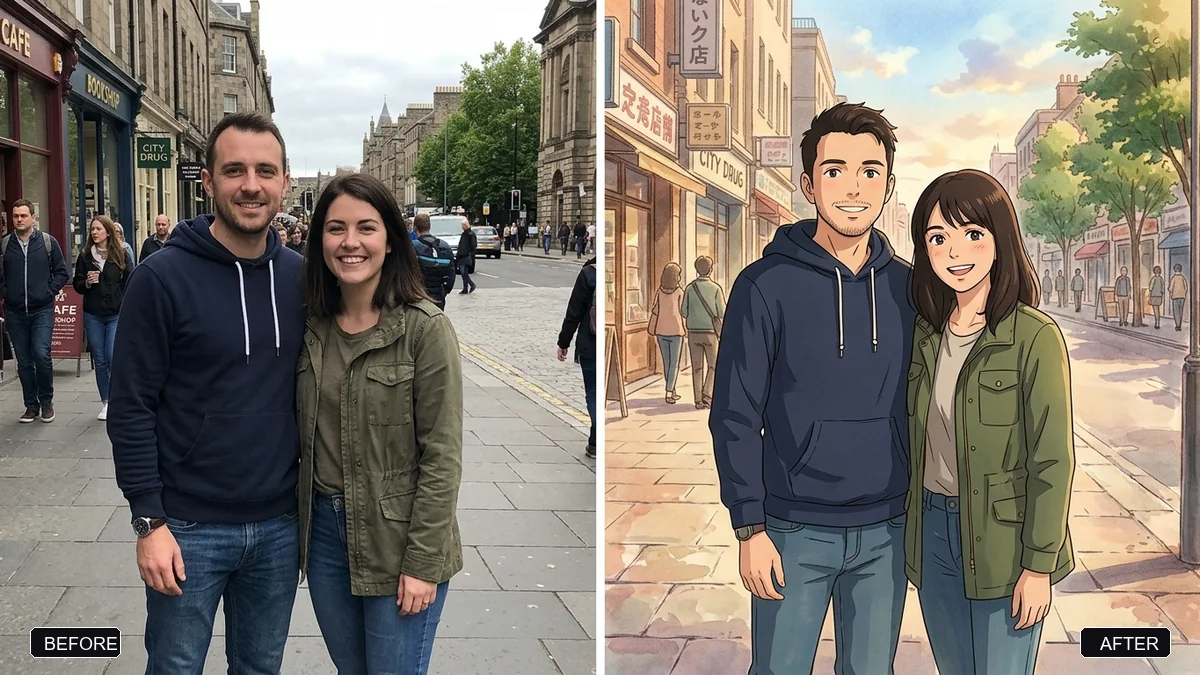
Turn this photo into an anime-style illustration. Keep what makes me recognisable: hairstyle and colour, glasses (if any), outfit colours, and my expression.

Style: soft hand-painted backgrounds, clean thin line art, gentle cel shading, large expressive eyes, warm natural light.
Scene: [SCENE, e.g. the same street as the photo, with summer clouds and green trees].
Mood: [MOOD, e.g. calm and nostalgic].
No text.
"Keep the same scene as the photo" is a good default. It makes the anime version feel like your real life, which is the charm of this trend.
Four anime looks
Swap the style line for one of these:
- Soft film look: "watercolour-like painted skies, lush greenery, gentle warm light, cosy slice-of-life feeling".
- 90s cel anime: "flat cel colours, thick outlines, slight film grain and colour fade, like a 1990s TV anime frame".
- Action hero: "dynamic pose, speed lines, dramatic lighting, sharp shading, intense eyes". The anime scene prompt is good for this.
- Chibi: "tiny body, big head, cute simple features". Great for stickers, see our sticker avatar set.
Make your own character sheet
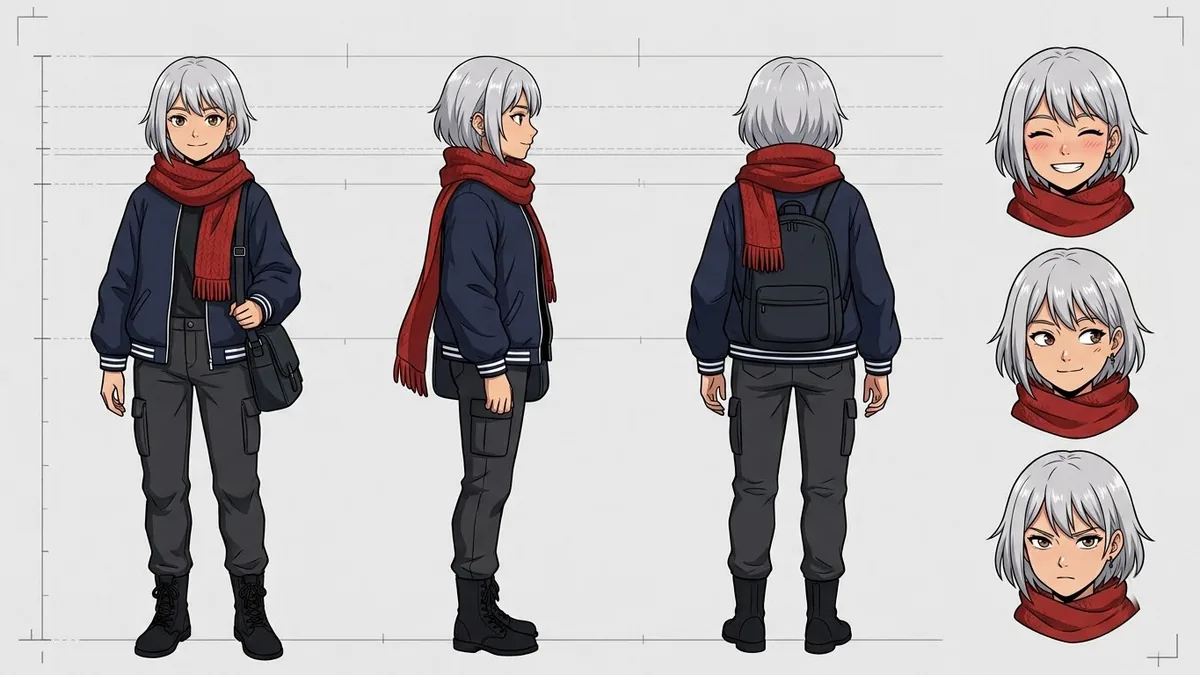
For artists or people building a profile picture set, the anime character sheet prompt gives front, side and back views plus expressions. Upload your anime portrait as the reference:
Using this anime character as the reference, create a character sheet: front, side and back views in a row, plus four facial expressions (happy, angry, surprised, sleepy). Same outfit and colours in every view. Plain white background. No text.
Make it move
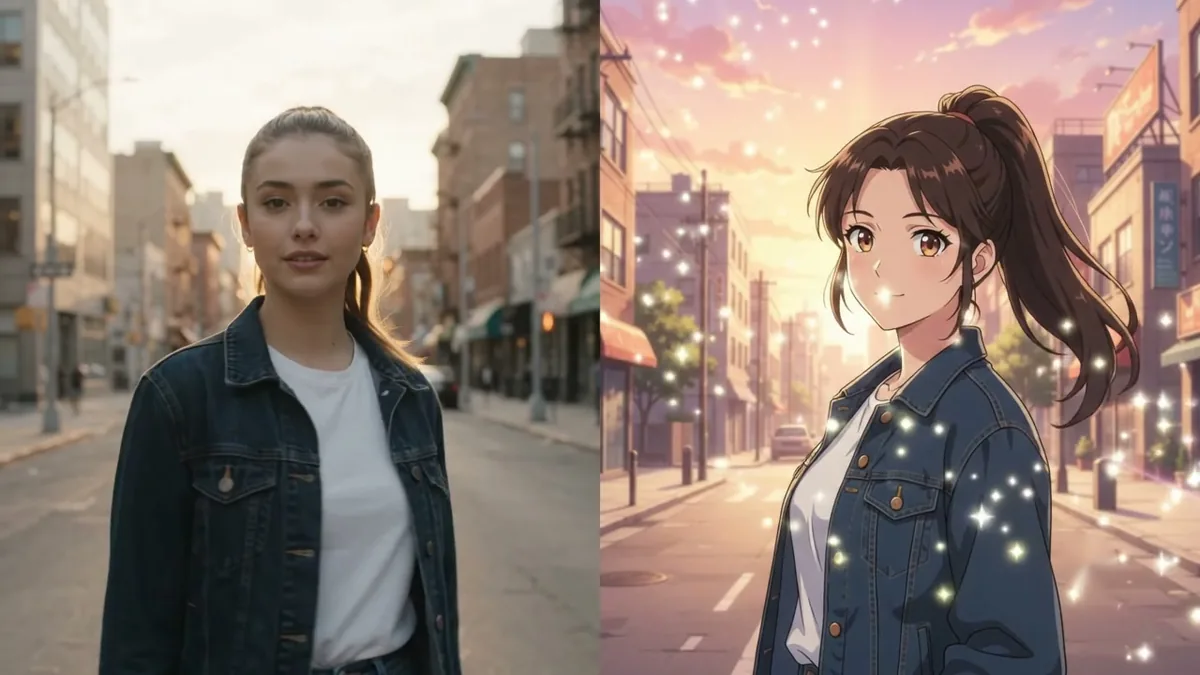
Anime clips are huge on Reels. Take your photo into a video tool with the anime transformation prompt:
Start with the real photo, then transform smoothly into the anime version over 3 seconds: line art draws itself, colours fill in, hair starts moving in the wind. Keep the same pose and face. 9:16, 5 seconds.
Fixing common problems
It doesn't look like me. Say which features to keep: hair parting, glasses shape, a beard, a nose ring. Anime simplifies faces, so accessories do the recognising.
The skin tone got lighter. This is common. Add "keep my exact skin tone".
It looks like a 3D render. Add "2D illustration, flat shading, no 3D".
The tool refuses. You probably named a studio or show. Describe the look instead.
Where to go from here
For more art styles, read the cartoon in real life guide and the ChatGPT Images 2.5 Sketch guide. All the prompts here are free in the image generation collection, and the prompt builder can write one for your photo and scene.
Quick checklist
- Describe the look, don't name a studio.
- Keep hair, glasses, outfit colours and skin tone.
- Use the same scene as your photo.
- "2D illustration" if it looks 3D.
- Try the video version for Reels.
Comments
No comments yet. Be the first to share what worked for you.