Cartoon in real life: AI prompts for the viral mascot-in-your-photo trend
Published
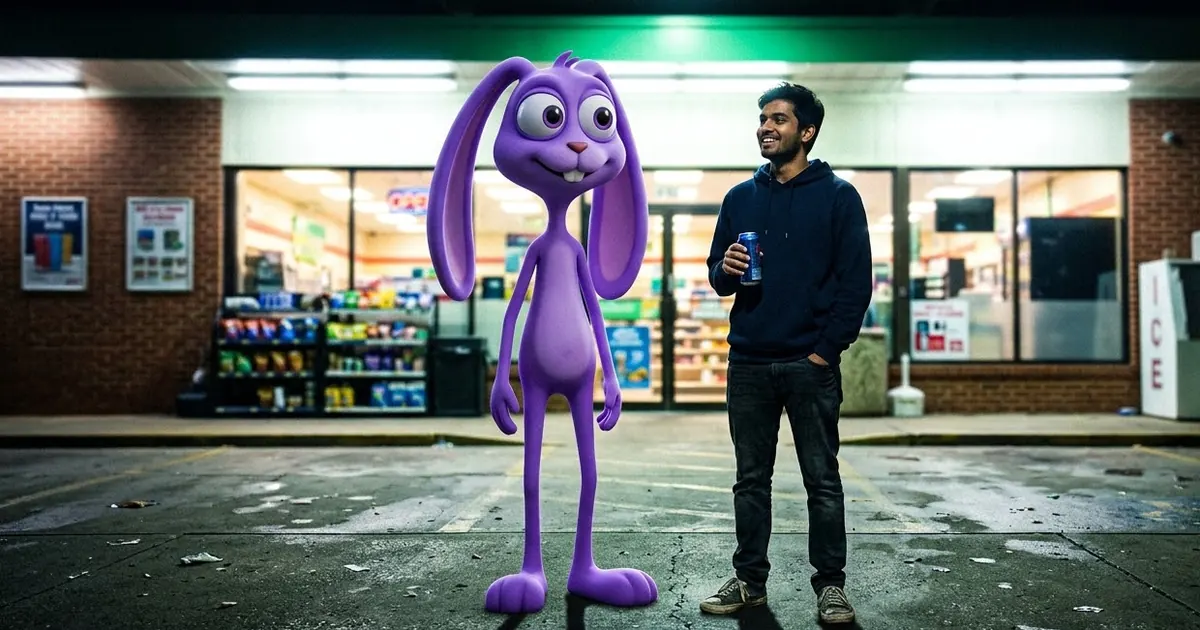
Short answerStart from a real photo, describe the cartoon character in plain words (shape, colour, eyes, height), then tell the AI to match the photo's light, shadows, grain and camera angle. The trick is making the cartoon look photographed, not pasted on.
One of the fastest-moving AI photo trends this month puts a cartoon character into an ordinary photo. The usual version is a night-time selfie outside a petrol station or a convenience store, with a tall, big-eyed 3D cartoon standing next to you as if it had always been there. Much of it started with fans of the animated series The Amazing Digital Circus, and TikTok is full of "Digital Circus photo" searches. The format now works with any character, including one you invent yourself.
What makes these pictures work is the mix. A cartoon on a cartoon background is just fan art. A cartoon lit by the same flickering shop sign as you, with the same camera grain, looks strange and funny, and that's why people share it.
A quick note on characters
Characters from shows and films belong to their studios. Making a picture for your own feed is how most fan content works, but don't sell prints or use a studio's character to promote a business. For anything commercial, invent your own mascot. The prompts below describe characters in plain words, so they work for both.
The main prompt
Upload a real photo of yourself (a night photo works best) and use this. It builds on our 3D animated character prompt:
Keep this photo exactly as it is: same people, same faces, same place, same camera angle.

Add a 3D cartoon character standing next to me: [DESCRIBE IT, e.g. a very tall, thin purple rabbit with huge round eyes, long floppy ears and a small bow tie]. It stands about [HEIGHT, e.g. a head taller than me], relaxed, as if posing for the photo.

Match it to the photo: same light from the shop sign, same colour cast, same shadows on the ground, same phone-camera grain and slight blur. The character should look photographed in this place, not pasted on.
Mood: slightly eerie, late-night, funny.
No text.
Describe the character by shape and colour, not only by name. Names alone often give you a generic mascot or a wrong copy. Height matters too. A character that looks the wrong size for the scene is what most often makes the picture look fake.
Three versions people are sharing
The midnight snack run. Real photo outside a shop at night, cartoon holding a packet of crisps or a cold drink. Add "harsh white shop lights, green tint, a little noise".
The imaginary friend. Candid photo on a bus, a sofa or a park bench, with the cartoon sitting beside you and looking at the camera. Add "the character is slightly out of focus, like the phone focused on me".
The surround selfie. Several small cartoon characters peeking around you from the edges of the frame. Add "four small characters peeking in from the edges, partly cropped, all lit like the rest of the photo".
Make your own mascot
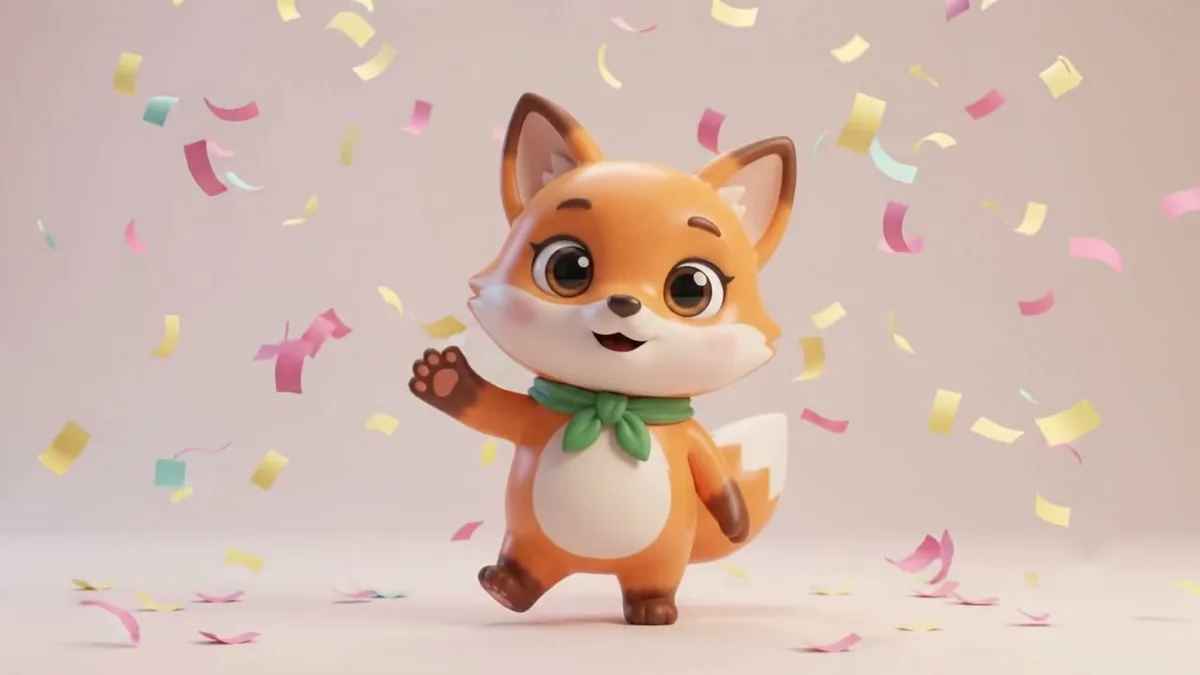
If you run a shop, a YouTube channel or a college club, this trend is a free way to show off a mascot. Design it first with the brand mascot prompt or the friendly cartoon owl mascot prompt, and then use the main prompt above to put it into real photos of your shop or your team. People remember a character they keep seeing in real places.
Fixing common problems
It looks like a sticker. Ask for "contact shadows under its feet" and "the same grain and blur as the rest of the photo". A sharp character in a soft photo always looks pasted.
The AI changed your face. Start the prompt with "Keep this photo exactly as it is". Then say "only add the character".
The character is off-model. List three details: colour, eye shape and one accessory. Three clear details beat a long paragraph.
Too scary. Swap "eerie" for "cheerful" and ask for "warm light".
Make it move
A still picture is enough for most people. For a 5-second clip, take the result into a video tool with the mascot comes alive prompt: the character slowly turns its head to the camera and waves. Keep movements small. Big movements break the look.
Where to go from here
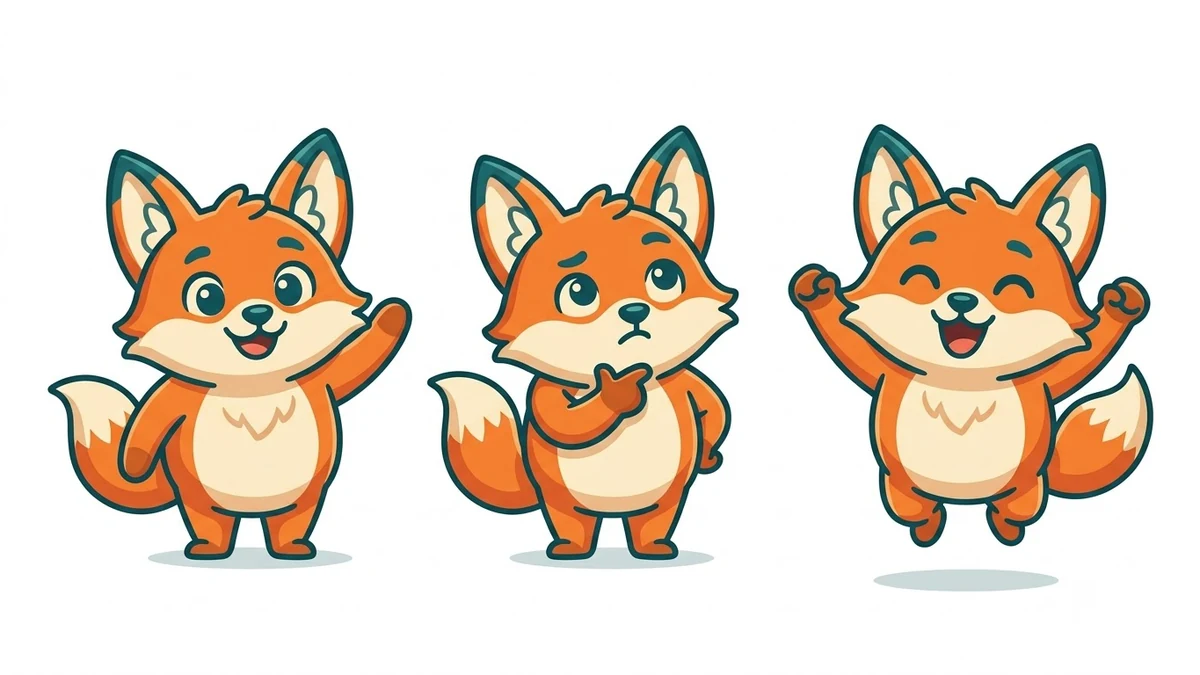
For more trend edits, see our AI action figure prompts and the viral AI photo trend collection. If you want to design a character from scratch, the image generation prompts have mascot and character-sheet ideas, and the prompt builder will write a custom one for you.
Quick checklist
- A real photo, ideally at night.
- "Keep this photo exactly as it is" first.
- Describe the character by shape, colour, eyes and height.
- Match light, shadows, grain and blur.
- Invent your own character for anything commercial.
Comments
No comments yet. Be the first to share what worked for you.