- Updated
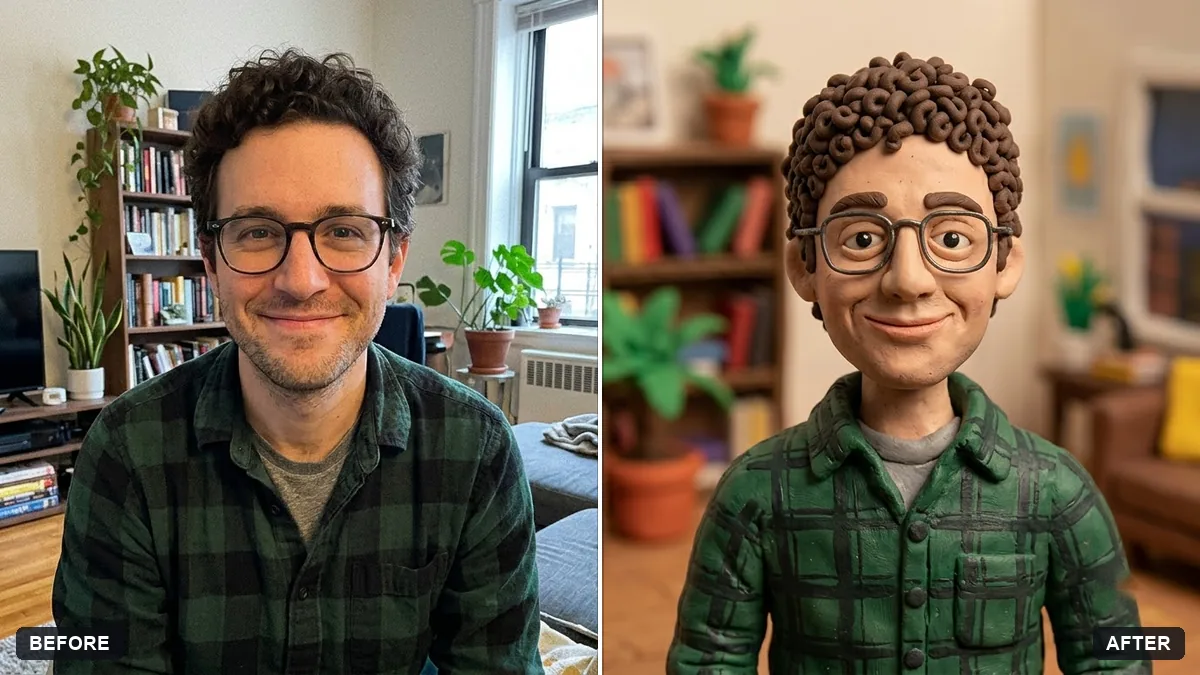
Claymation character version
This prompt makes a claymation-style character of you. Your hairstyle, glasses, skin tone and expression stay recognisable.
Turn this photo into a stop-motion clay character of me. Keep my hairstyle, glasses, skin tone and expression recognisable.

Visible thumbprints in the clay, slightly lumpy handmade shapes, bright toy-set lighting, a small miniature set of [SETTING], tilt-shift depth of field, cheerful mood.
Mention 2 or 3 features you want kept, such as glasses or a beard.
Your photo goes to the AI app you choose, never to PromptUp.
Get a better result
A stop-motion clay version of you with visible thumbprints, slightly lumpy handmade shapes, bright toy-set light, a tiny miniature set and a tilt-shift look, keeping your hair, glasses and skin tone.
It looks like smooth 3D animation, not clay.
Fix: Say “matte plasticine with fingerprints, tiny seams and uneven edges, no glossy plastic”.
- A feature you care about, such as glasses, goes missing. Name two or three features in the prompt, like “round red glasses, curly hair, a gap-toothed grin”.
- The miniature set is empty or blurry. List three objects for the set, for example “a tiny kitchen, a cooker and a teapot”. Small named things give the scene its charm.
Run it once per person with the same set and lighting words, then ask for a group shot using all the characters. The matching style makes a fun card or poster.
Keep my glasses, hair and smile. Make the clay look more handmade with visible fingerprints, and put a tiny garden set behind me.
Guides on this topic
More photo editing prompts
See all 334 →
More like this
- Flat vector illustrated avatarGemini · ChatGPT
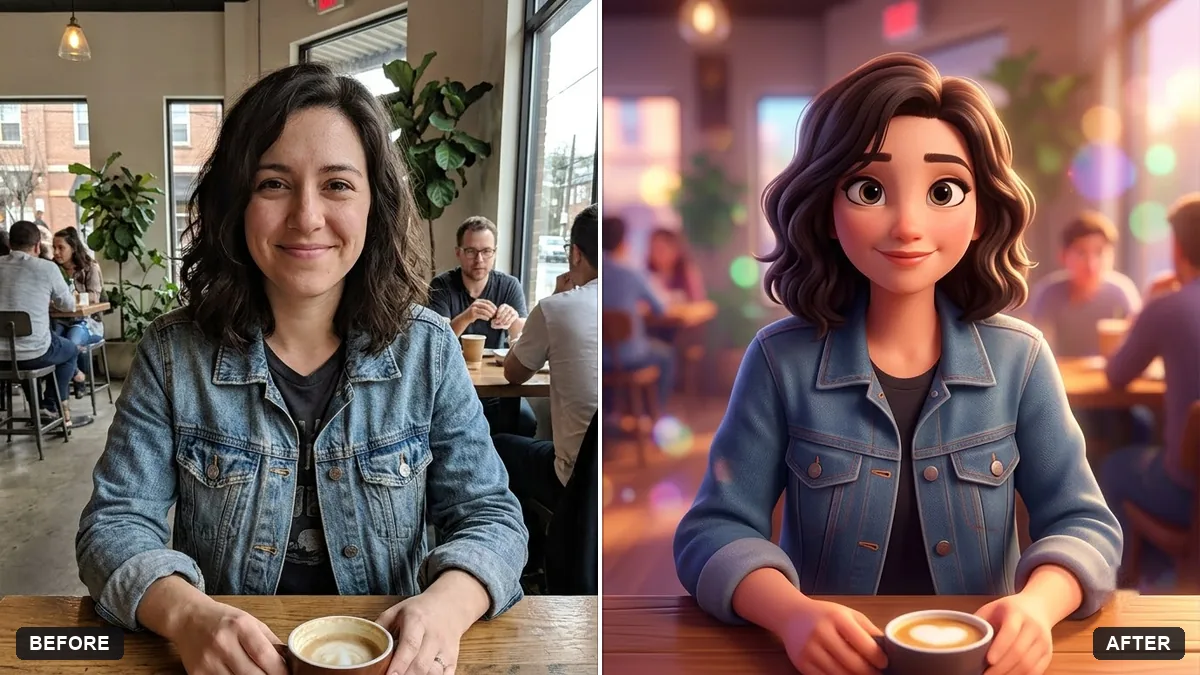
- Hand-painted animated film styleGemini · ChatGPT
- Turn yourself into a toy brick minifigureGemini · ChatGPT
- Friendly caricature of youGemini · ChatGPT
- Preview a beard or moustache styleGemini · ChatGPT