- Updated
Superhero version of your pet
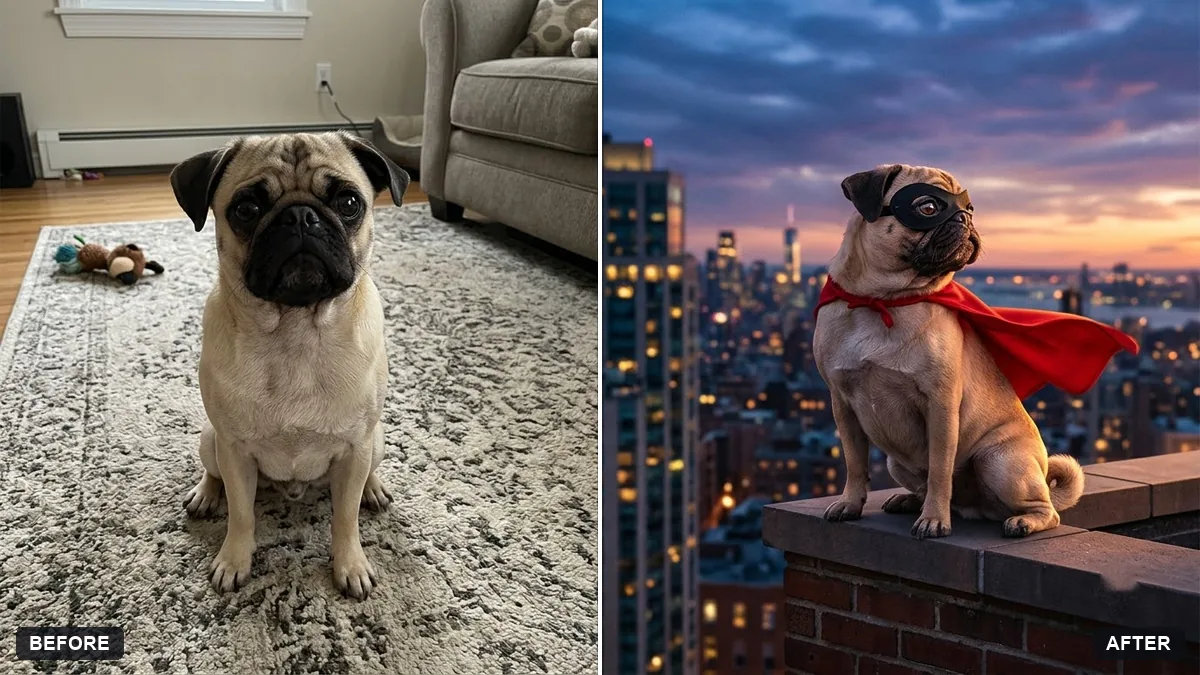
This prompt turns your pet into a superhero with a small cape in a colour you choose. Its face, fur colour and markings stay exactly the same.
Turn my [PET TYPE] in this photo into a superhero pet. Keep its face, fur colour and markings exactly the same.

Add a small cape in [COLOUR], a tiny mask, a dramatic pose on a city rooftop at sunset, wind in the fur, comic-book cinematic lighting, and the caption "[HERO NAME]" in bold lettering at the top.
Choose a fun name based on its personality for a shareable post.
Your photo goes to the AI app you choose, never to PromptUp.
Get a better result
Your pet in a small cape and mask, striking a heroic pose on a rooftop at sunset in comic-book lighting, with its own face and markings and a bold hero name across the top.
Your pet must still look like itself, so face, fur colour and markings stay exactly the same. A small cape, a tiny mask and a rooftop at sunset make the superhero. A name based on its personality, as the tip says, makes it shareable.
Your pet’s markings or fur colour change.
Fix: Name them in an extra line, such as “white chest patch and one brown ear”. Use a sharp, well-lit photo where the face fills the frame.
- The hero name is misspelt or the lettering is warped. Keep the name to one or two short words in capitals. If a letter breaks, reply “spell it exactly as HERO NAME”, or add the caption yourself afterwards.
- The cape and mask look huge or cover the face. Say “small, light cape and a tiny mask that leaves the eyes and nose clear”.
Change the cape colour to black and the setting to a stormy night, and swap the caption for a playful villain name. Keep “keep its face exactly the same” so it still looks like your pet.
Keep the same pet, face and markings. Make the cape smaller, keep the mask off the eyes, and spell the caption exactly as I wrote it.
Guides that use this prompt
More photo editing prompts
See all 334 →
More like this
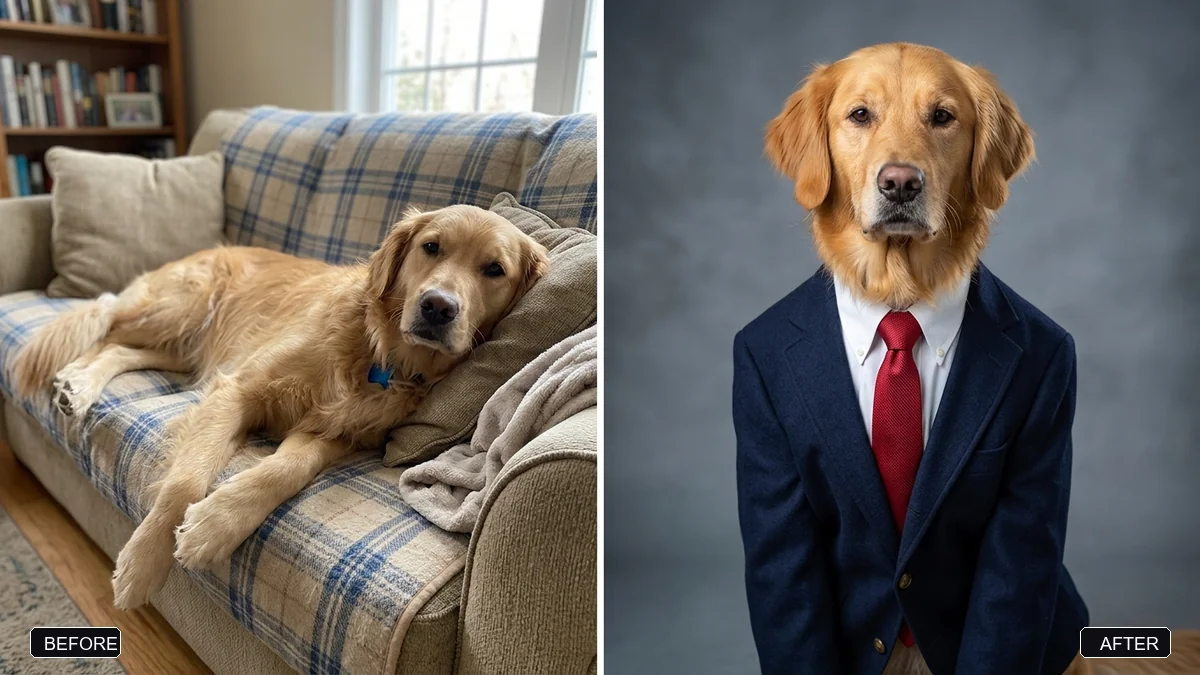
- Pet on a studio backdropGemini · ChatGPT
- Original superhero characterMidjourney · Gemini · ChatGPT
- Dress your pet for the holidaysGemini · ChatGPT
- Make your pet photo come aliveKling · Veo · Seedance
- Lost pet flyerGemini · ChatGPT · Midjourney