- Updated
Make your pet photo come alive
This prompt animates your pet photo with a small natural action such as tilting its head, blinking and wagging its tail.
Animate this photo of my [PET TYPE]. It [ACTION, e.g. tilts its head, blinks, and wags its tail], with natural fur movement and ear twitches. Keep the fur colour, markings and background exactly the same. Warm light, static camera, heartwarming, 5 seconds.
Pick actions typical for the pet. Unusual movements look odd.
Get a better result
A 5-second clip in which your pet photo comes alive with one natural action, a head tilt, a blink or a tail wag, with fur and ear movement, the same markings and the same background.
Asking for several actions makes the head, body or tail split into odd parts.
Fix: Pick one action, for example “tilts its head slowly and blinks”, and nothing else. A simple movement keeps the animal’s shape.
- The background drifts or changes while the pet moves. Add “everything except the pet stays perfectly still, the camera is locked”.
- The markings shift, such as a patch changing side. Check the clip frame by frame against your photo. If a marking moves, describe it in the prompt: “white patch on the left ear stays on the left ear”.
Reduce the clip to “the pet only blinks slowly once and its ears twitch, everything else is still”. A tiny movement often looks the most alive and is the safest for the face.
Use one action only, a slow head tilt and a blink. Lock the camera, freeze the background and keep every marking in the same place.
Guides that use this prompt
More video generation prompts
See all 489 →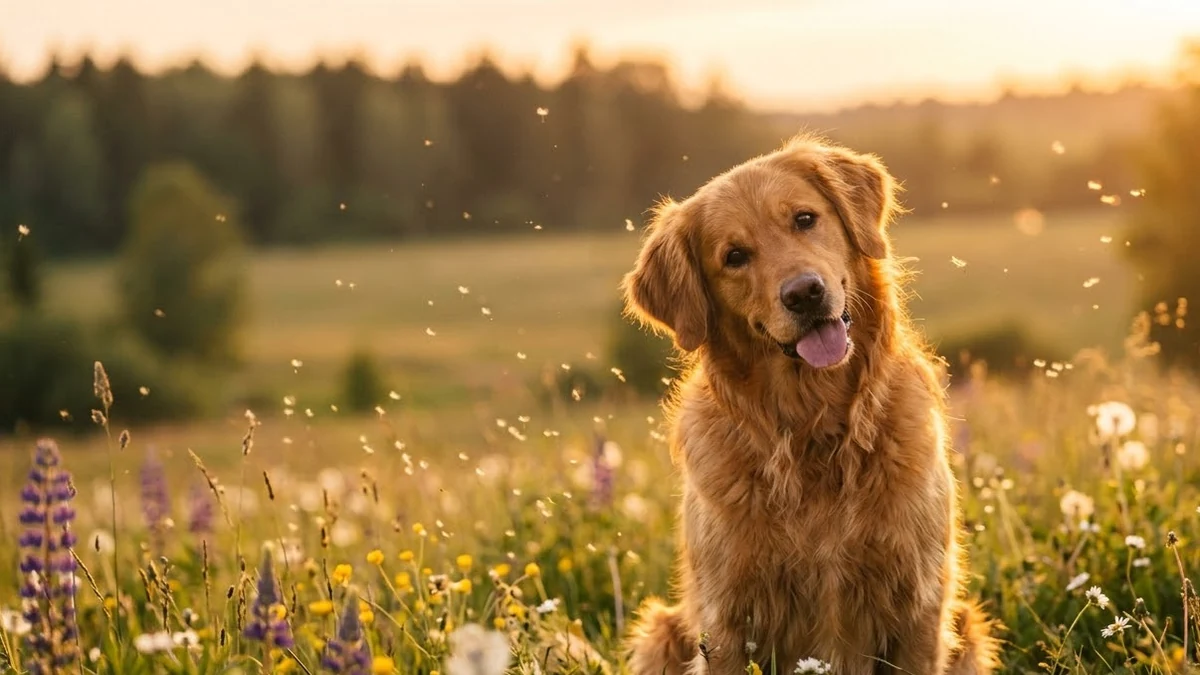
More like this
- Pet watercolour portraitGemini · ChatGPT
- Pet spa day ASMRSeedance · Veo
- Indian miniature painting that comes aliveVeo
- Royal portrait of your petGemini · ChatGPT
- Dress your pet for the holidaysGemini · ChatGPT