How to animate a photo with AI: prompts that keep faces steady
Published
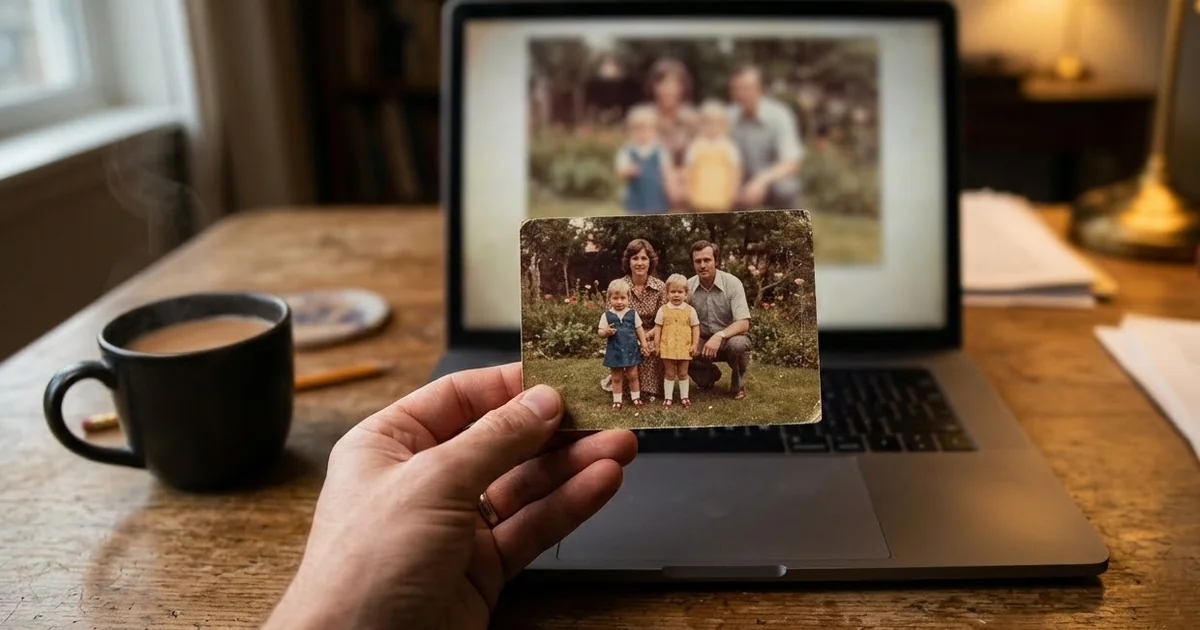
Short answerUpload the photo to a video tool, say what must stay exactly the same, then describe one or two small movements, the camera and the length. Small, natural motion like a blink, a breeze or drifting clouds looks real; big movements warp faces.
A still photo can become a few seconds of video: your grandmother blinks and smiles, steam rises from a cup of chai, clouds drift over a mountain you climbed last year. Video tools such as Veo, Kling and Seedance can do this from a single picture. This is often called image-to-video.
The hard part is not the motion. It is keeping everything else the same. A vague prompt gives you a clip where the face slowly turns into someone else. This guide shows how to write image-to-video prompts that move the right things and leave the rest alone.
How an image-to-video prompt is different
When you write a video prompt from text alone, you describe the whole scene. When you start from a photo, the scene is already there. Your prompt only needs to do three jobs:
- Say what must not change. Faces, clothes, colours, the background.
- Describe the motion. One or two small, specific movements.
- Set the camera and length. Static or a slow push-in, and a few seconds.
Leave out the description of the scene itself. If you describe the photo again in different words, the tool may "correct" the picture to match your words, and faces drift.
Choose the right photo
- Sharp and well lit. Blur and noise turn into flicker when the picture moves.
- Faces facing the camera, or close to it. A face in full profile has less for the tool to hold on to.
- Some space around the subject. Hair, a dupatta or a tail that is cut off at the edge has nowhere to move.
- Restore old prints first. Scratches and dust move strangely. Run the photo through the photo restoration prompt before you animate it.
Only animate photos of people who would be happy to see it, and be careful with photos of people who have died. For many families that is a lovely memory; for others it can be upsetting. Ask first.
Portraits: keep the motion small
The gentle smile and blink prompt is a safe starting point for any portrait:
Animate this portrait photo. The person slowly blinks, gives a soft natural smile, and turns their head very slightly toward the camera. Keep the face, hair, clothing and background exactly the same. Subtle breathing motion, static camera, gentle [WARM / SOFT] light, 5 seconds, no distortion of the face.
Notice how small every movement is: a blink, a soft smile, a very slight turn. People are very good at spotting a face that is wrong. A big laugh or a full head turn is where most clips start to warp. If you want more life, add movement around the person instead, such as "a light breeze moves the hair" or "the curtain behind sways gently".
Old family photos
For an old photo, the aim is respect, not a modern makeover. The old photo prompt keeps the era intact:
Animate this old photo with subtle, respectful, realistic motion. Keep every face and identity exactly the same.

Motion: the people gently blink, breathe, and give a soft natural smile; [EXTRA MOTION, e.g. a light breeze moves the edge of the saree]. The camera slowly pushes in.

Keep the original photo's colours, grain, and era — no modern look. No talking and no big movements. 5 seconds.
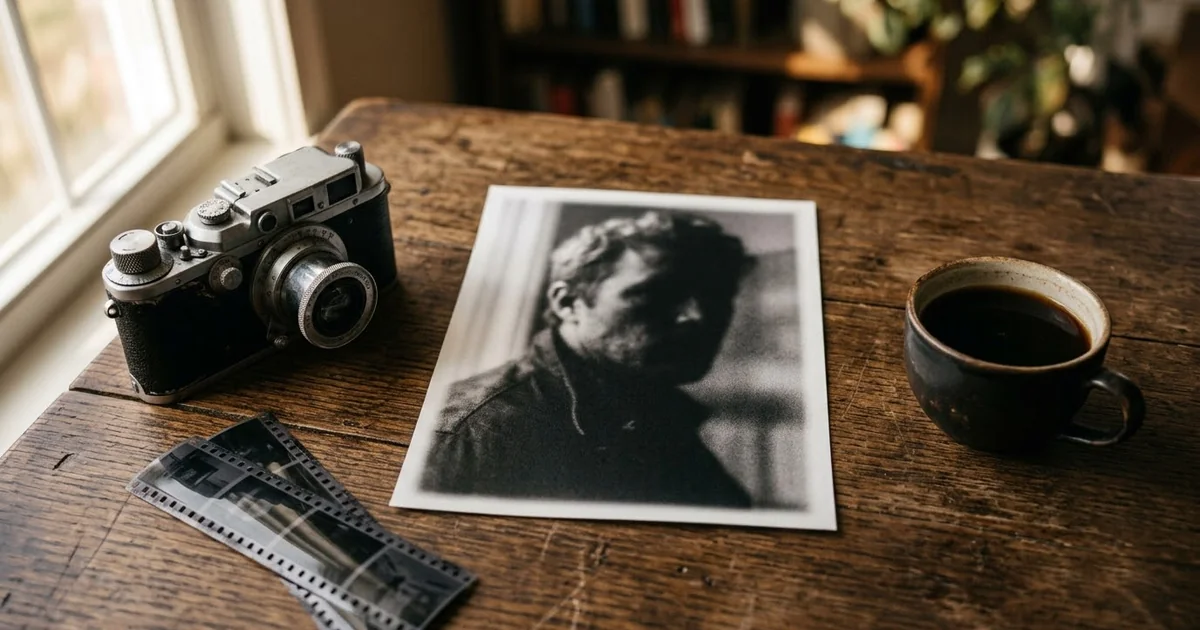
"Keep the original photo's colours, grain, and era" is the important line. Without it, many tools sharpen and brighten the picture until it looks like a phone photo. "No talking" matters too, because mouth movement is where old faces change most. For black-and-white pictures, the black-and-white photo prompt works the same way.
Move one thing: the cinemagraph
A cinemagraph is a photo where just one element moves in a loop, while everything else stays frozen. It is one of the most reliable image-to-video tricks, because there is so little to go wrong. Use the cinemagraph prompt:
Create a cinemagraph from this photo: everything stays perfectly still except [ONE ELEMENT, e.g. steam from the cup / flowing water / flickering candle], which moves in a smooth seamless loop. Locked camera, subtle and elegant, 4 seconds, perfect loop.
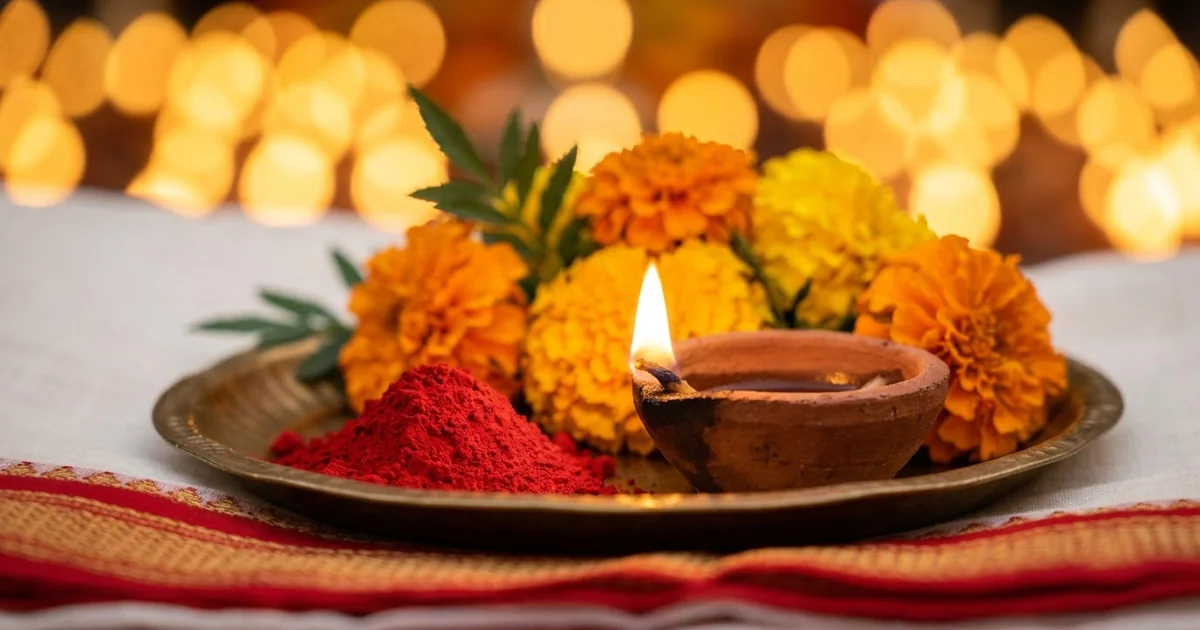
Good choices: steam from tea, a diya flame, a waterfall, rain on a window, a flag in the wind. Pick exactly one. Two moving elements often turn into a whole moving scene.
Pets and landscapes
Pets work well if the action suits the animal. The pet photo prompt asks for things like a head tilt, a blink and a wagging tail, with natural fur movement. A cat doing a dog's happy wag looks wrong, so describe what your pet really does.
For landscapes, the camera does most of the work. The landscape parallax prompt asks for a slow push forward with the foreground moving faster than the mountains, which gives a sense of depth. Clouds, water and grass are the most convincing things to move.
A template for any photo
When none of the cards fits, fill in this one:
Animate this photo. Keep [WHAT MUST NOT CHANGE, e.g. every face, the clothes, the colours and the background] exactly the same.

Motion: [ONE OR TWO SMALL MOVEMENTS, e.g. the woman blinks and smiles softly; her dupatta moves in a light breeze].
Camera: [STATIC / SLOW PUSH-IN / SLOW PAN LEFT].
Mood and light: [e.g. warm evening light, calm and gentle].
Avoid: [e.g. talking, fast movement, extra people, a modern look].
Length: [4-6] seconds.
Fixing common problems
The face changes during the clip. Make the motion smaller, use a static camera, and add "no distortion of the face". A sharper, front-facing photo helps most.
Nothing moves, or it barely moves. Name the moving part directly: "the steam rises", "the leaves flutter". "Bring this to life" alone is too vague.
Extra hands, people or objects appear. Add "no new people or objects", and remove actions that need new things in the frame, such as picking something up.
The photo looks too modern. Add "keep the original colours, grain and softness".
The motion looks jerky. Ask for "slow, smooth motion" and shorten the clip.
Change one thing per try so you can tell what worked. Our AI video prompts for beginners guide covers camera words and length in more detail.
Quick checklist
- A sharp, well-lit photo with space around the subject.
- Restore damaged prints before animating them.
- Say what must stay exactly the same, first.
- One or two small movements, named clearly.
- Static camera or a slow push-in.
- Keep it short, around 4 to 6 seconds.
- Only animate photos of people who are happy for you to do so.
Comments
No comments yet. Be the first to share what worked for you.