Kling 4.0: what's new, and how to write prompts for it
Published
Short answerKling 4.0 doubles clip length to 30 seconds, follows up to 10 keyframes instead of just a start and end frame, and is announced for up to 4K output, with 10-bit HDR listed as coming soon. Prompt it by describing each keyframe moment in order, not just the overall scene.
Kuaishou's Kling AI unveiled Kling 4.0 on 27 September 2026, with a faster version called Kling 4.0 Flash already live for Ultra Yearly subscribers and the full model rolling out through October. It's a bigger jump than most version updates, and it changes how you should write prompts for it.
If you haven't used Kling before, start with our AI video prompts for beginners guide first. This post covers what's specifically new in 4.0.
What changed in Kling 4.0
| What | Kling 4.0 | Before |
|---|---|---|
| Clip length | Up to 30 seconds | Up to 15 seconds |
| Keyframes | Up to 10 | Start and end frame only |
| References | Up to 15, mixing images, video clips, saved elements and voice | A single image or two |
| Resolution | Up to 4K (full model, rolling out in October) | Up to 1080p |
| HDR | 10-bit HDR, listed by Kling as coming soon | Not available |
The two changes that matter most for your prompts are the longer clip length and the jump from 2 keyframes to 10.
Why 10 keyframes changes how you prompt
On the old start-and-end-frame model, you described a beginning and an end, and Kling filled in the movement between them. With up to 10 keyframes, you can now describe a short sequence of moments, not just two points.
That means your prompt should read like a shot list, not one long sentence. For each keyframe, say what's happening and roughly when:
A barista steams milk behind a counter [KEYFRAME 1: hands on the steam wand, close-up]. She pours it into a cup in a slow spiral [KEYFRAME 2: pour starts, medium shot]. The spiral forms a leaf pattern on the surface [KEYFRAME 3: top-down shot of the finished latte art]. She slides the cup across the counter towards the camera [KEYFRAME 4: cup arrives in frame, soft focus background].

Warm café lighting, shallow depth of field, steady handheld camera.
Four or five keyframes is usually enough. Packing in all 10 for a short clip tends to rush each moment rather than improve it.
Prompting for the longer 30-second clips
A 30-second clip is long enough to need a beginning, a middle and an end, rather than one continuous idea repeated for longer. Structure the prompt the same way you'd plan a short ad:
- First third: establish the subject and setting.
- Middle third: the main action or change.
- Final third: a resolution, such as a reveal, a pull-back, or the subject settling into the new state.
The cinematic 360° product reveal prompt already works this way on a shorter clip, so it's a good one to extend if you want to try a longer, slower version with Kling 4.0.
Using multiple references at once
Kling 4.0 takes up to 15 references in one generation, mixing images, video clips, saved "elements" and voice. In practice, this is most useful for keeping a product, outfit or face consistent while the background and camera move. Rather than describing the subject in words, upload a clear reference photo of it and write the prompt around what should happen to it:
Use the uploaded product photo as the exact object. Place it on a rotating marble podium in a dark studio. Camera slowly orbits 360 degrees at eye level. A single soft spotlight sweeps across the surface as it turns.

4K if your plan offers it, no text, no logos added.
Naming the resolution you want in the prompt is worth doing even though it is also a setting in the tool, since it reinforces the clean, graded look you're after rather than a flat default render.
Turning an old photo into a longer scene
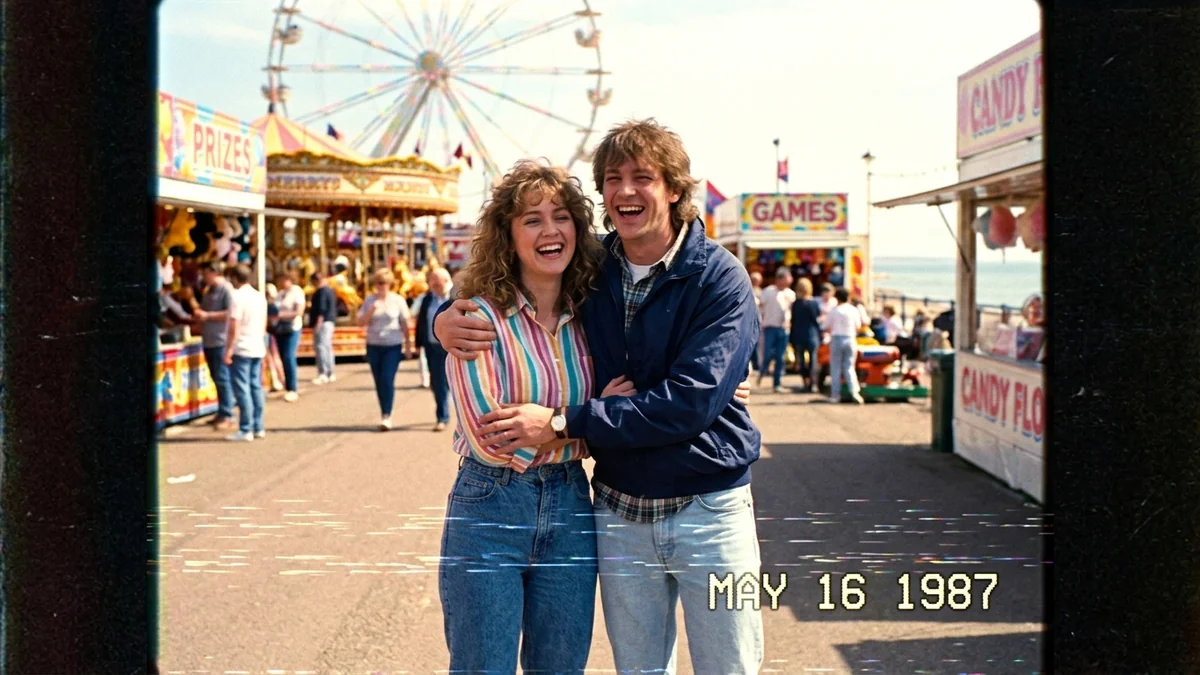
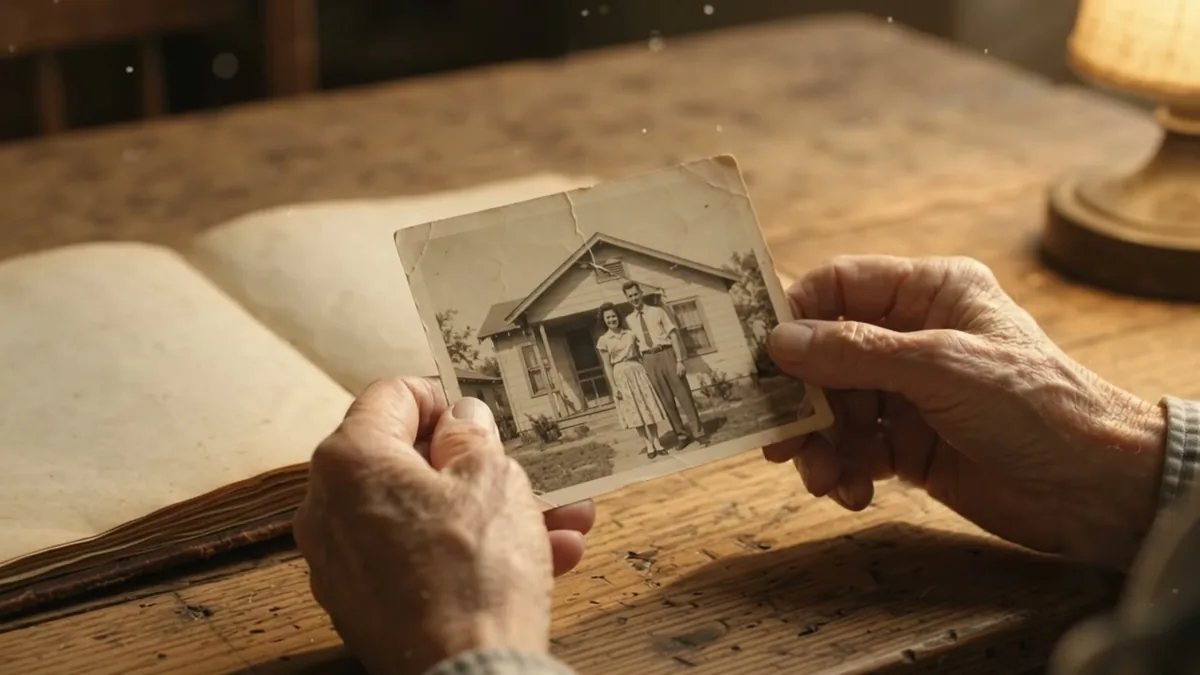
The bring an old photo to life prompt and the VHS home-video prompt both suit the extra length well, because a nostalgic, slow-moving scene holds attention for longer than fast action does. Try adding two or three extra keyframes to either one: a slow pan, then a small gesture, then a soft fade, instead of a single loop.
A few things to watch
- 4K and HDR are not live for everyone yet. The Flash tier is 720p, and Kling lists 10-bit HDR as coming soon. Check what your plan offers before you plan around it.
- More keyframes is not always better. If the result looks rushed, drop to 4 or 5 keyframes and let each one hold longer.
- References need to be clear. A blurry or low-light reference photo carries its flaws into every frame it influences.
Where to go from here
For the shot-list basics that still apply to Kling 4.0, read AI video prompts for beginners. Browse more ready-made options in the Kling prompts collection, or build your own with the prompt builder.
Quick checklist
- Plan 4-5 keyframes as a short shot list, not one long sentence.
- Structure a 30-second clip into a beginning, middle and end.
- Use a clear reference photo when you need something to stay consistent.
- Name the resolution in the prompt, and check your export settings.
- Start with fewer keyframes and add more only if the result needs it.
Comments
No comments yet. Be the first to share what worked for you.