- Updated
Cinematic logo reveal
This prompt describes a dark background where thin streaks of coloured light sweep across the frame and come together to form your brand name, with a subtle lens flare. Upload the logo as a reference for accuracy.
Cinematic logo reveal: dark background, thin streaks of [COLOUR] light sweep across the frame and converge to form the logo "[BRAND NAME]", subtle lens flare, soft particle dust, slow camera push-in, final glow settles to a clean, sharp logo. Premium, smooth motion, 5 seconds.
Upload your logo as a start frame if the tool allows it, for a more accurate result.
Get a better result
A cinematic reveal where thin streaks of coloured light cross a dark frame and join to form your logo, with a soft flare, dust and a slow push-in, ending on a clean, sharp logo in 5 seconds.
The logo shape or text comes out wrong.
Fix: Upload your logo as the start or end frame if the tool allows it. Otherwise keep the name very short and add the real logo in an editor.
- The final logo is blurry. Ask for “the last second is still and sharp”. Or generate the light streaks only and place the logo over them.
- The effect is too busy. Reduce it to one colour of light and a few streaks, with “no extra shapes or text”.
Ask for “a 3-second version with the logo forming faster”. Short versions suit the start or end of reels and videos.
Keep the dark background and the colour. Use fewer streaks, make the flare subtler and hold the finished logo still for a second.
Guides that use this prompt
More video generation prompts
See all 489 →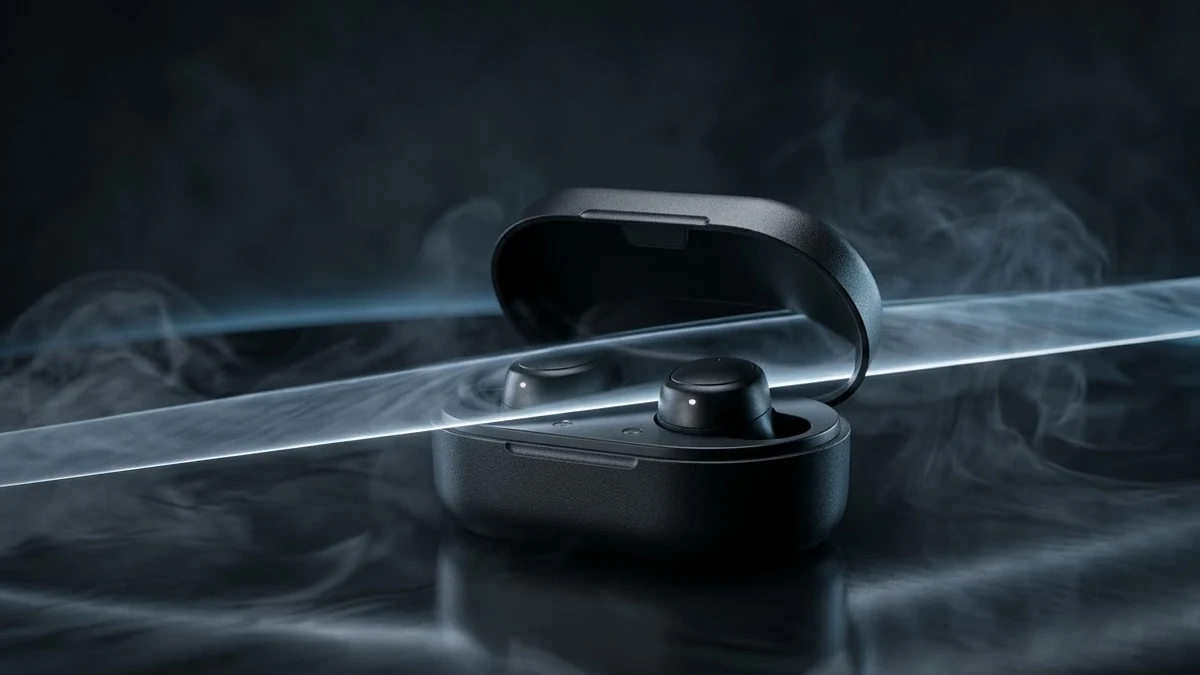
More like this
- Crane up from a tent to a mountain rangeVeo · Kling
- Crane Up reveal over a templeHiggsfield · Kling · Veo
- Biryani pot opening revealVeo · Kling · Seedance
- Text reveal hook for short videosVeo · Kling · Seedance
- Dubai skyline drone revealVeo · Kling · Seedance