Free tool · No sign-up · Runs in your browser
Free AI video prompt generator
Describe a scene in one line and get a full video prompt with the shot, the action, the camera move, the lighting, the sound and the things to avoid. Paste it into Veo, Kling, Seedance or any text-to-video tool.
Free, no sign-up, and it runs in your browser.
Try:coffee being poured in slow motiondrone shot over mountains at sunriseproduct ad for a perfume bottle
From one line to a full prompt
The generator adds what video models need and people forget: camera behaviour, lighting, sound, duration and what to leave out.
You type
coffee being poured in slow motion
You get
Dramatic slow-motion shot of a coffee being poured in, appetising textures. The action unfolds naturally with realistic motion and physics; the main subject stays clearly in frame. Camera: high-speed camera look, every detail frozen in crisp slow motion, smooth and stable, no sudden cuts. Natural lighting, rich green tones, peaceful and cosy. Photorealistic, cinematic colour grade, natural motion blur. Audio: cheerful music. 8 seconds, square 1:1. No text overlays, no morphing or flickering.
How the video prompt generator works
- Type your idea in your own words, the way you would say it.
- PromptUp picks the mode (photo edit, image, video or text) and builds the prompt from its library of 1,611 tested prompts and a set of rules.
- Fill in the [BRACKETED] parts with your own details, then copy the prompt.
- Paste it into Veo in Flow and run it. Use "New variation" for a different wording.
Nothing is sent to a server. The generator runs entirely in your browser, so it is instant and private.
What makes a video prompt work
- Write it like a shot list. Start with the framing (close-up, wide, drone), then the subject and one clear action.
- Name one camera move. Slow push-in, handheld follow, drone rising. Several moves in a short clip tend to look jittery.
- Describe the light and the look. Golden hour, soft window light, neon at night. It sets the mood faster than adjectives.
- Add the sound. Models such as Veo create audio. A short line like "rain on a tin roof, no music" gives you control over it.
- Keep clips short and simple. Four to eight seconds with one idea gives a cleaner result than a crowded scene. Build longer videos from several clips.
Or start from a finished video prompt
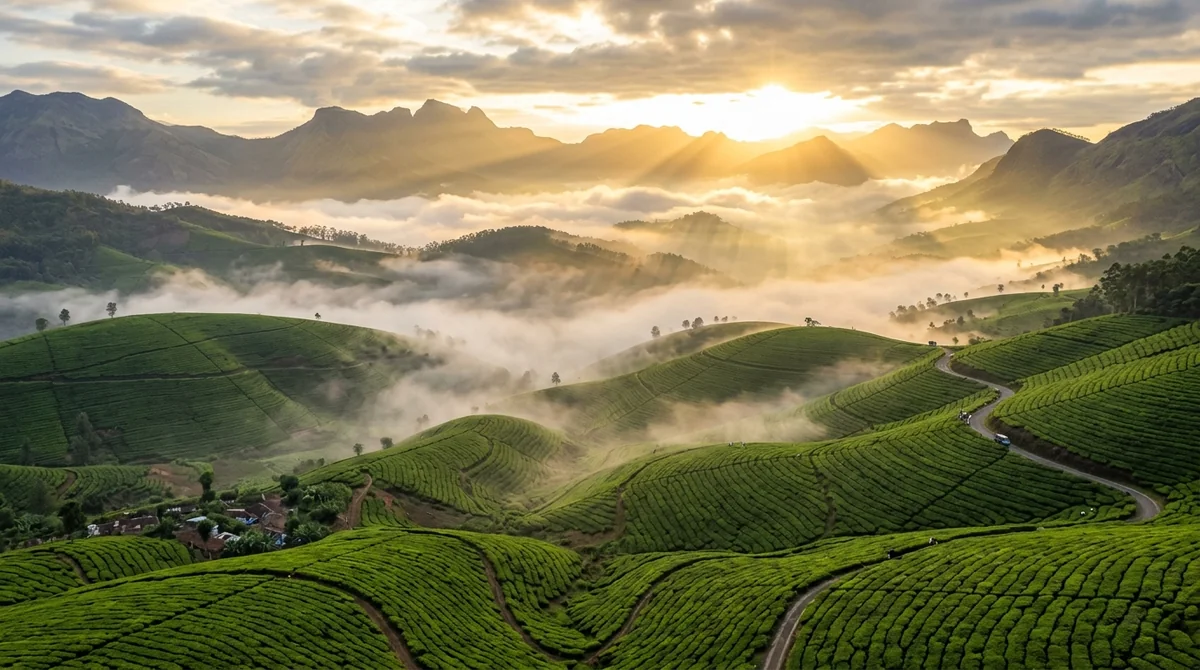 Drone shot over mountains at sunriseVeo · Kling · Seedance
 Rainy street chai vendorVeo
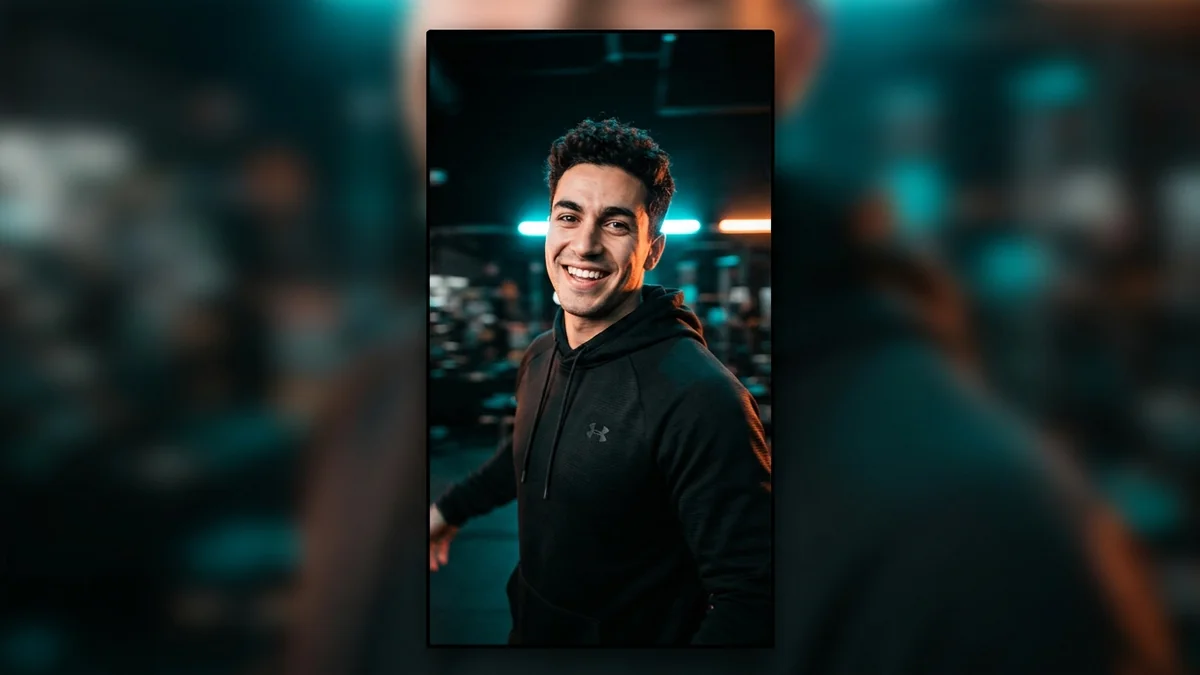 Scroll-stopping Reel openerVeo · Kling · CapCut
 Ultra slow-motion droplet splashSeedance · Veo
 Corporate talking head presenterKling · HeyGen
 Dynamic anime roof chaseKling · Veo
 Trending
AI street interview (vox pop)Veo · Kling
Trending
AI street interview (vox pop)Veo · Kling
 Trending
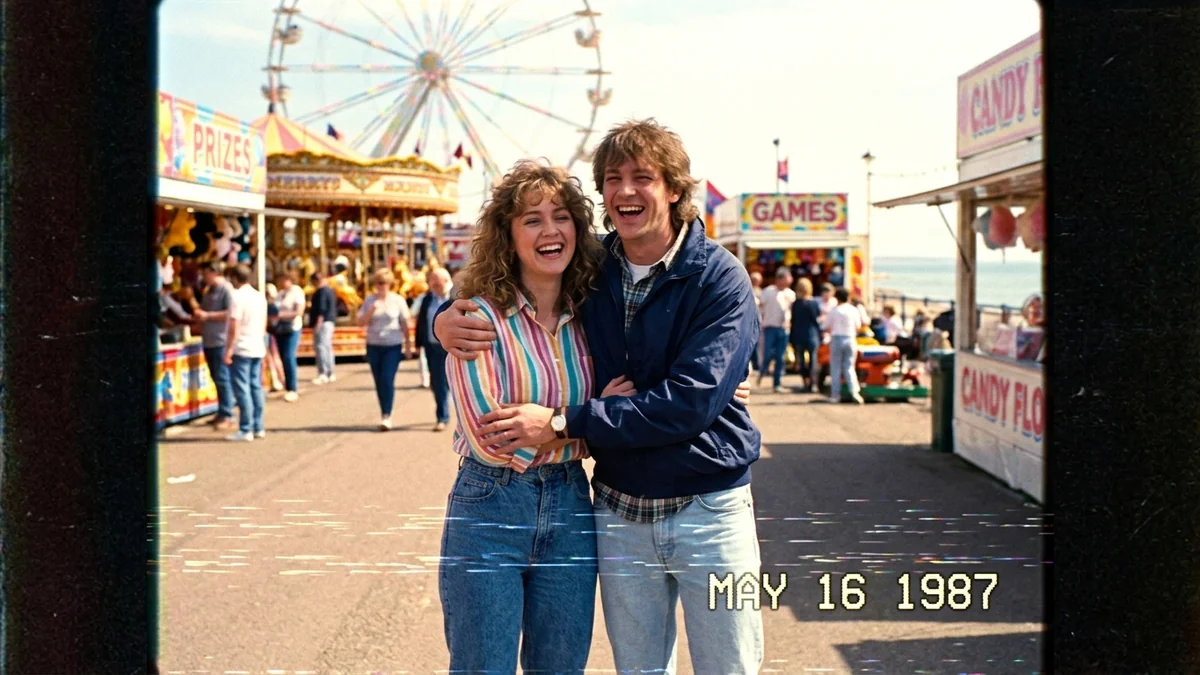
A Day in 1987 (VHS home video)Seedance · Veo · Kling
Trending
A Day in 1987 (VHS home video)Seedance · Veo · Kling
Questions, answered
Which video tools does it work with?
The prompts are plain text, so they work in Veo, Kling, Seedance, Higgsfield and other text-to-video tools. PromptUp has guides for Veo, Kling and Seedance.
Is it really free?
Yes. The generator is free with no sign-up. Most video tools themselves have their own free credits or paid plans.
Can it turn a photo into a video?
Yes, describe the motion you want ("animate my photo, slow zoom in, hair moving in the wind") and use the prompt with a photo-to-video tool.
How long should a video prompt be?
Usually 50 to 120 words. Enough to cover the shot, action, camera, light and sound, not so long that the model drops parts of it.
Does it save what I type?
No. It runs in your browser and nothing is sent or stored by PromptUp.
Ready to build yours?
Type one line and get the full prompt in a second.