- Updated
Corporate talking head presenter
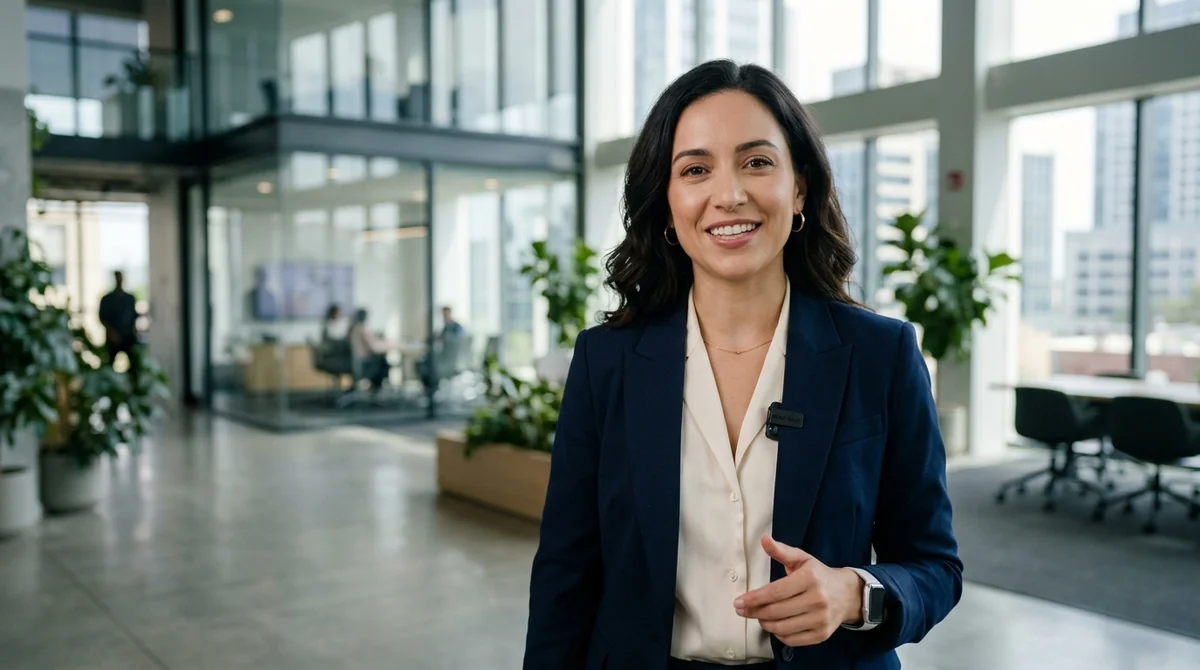
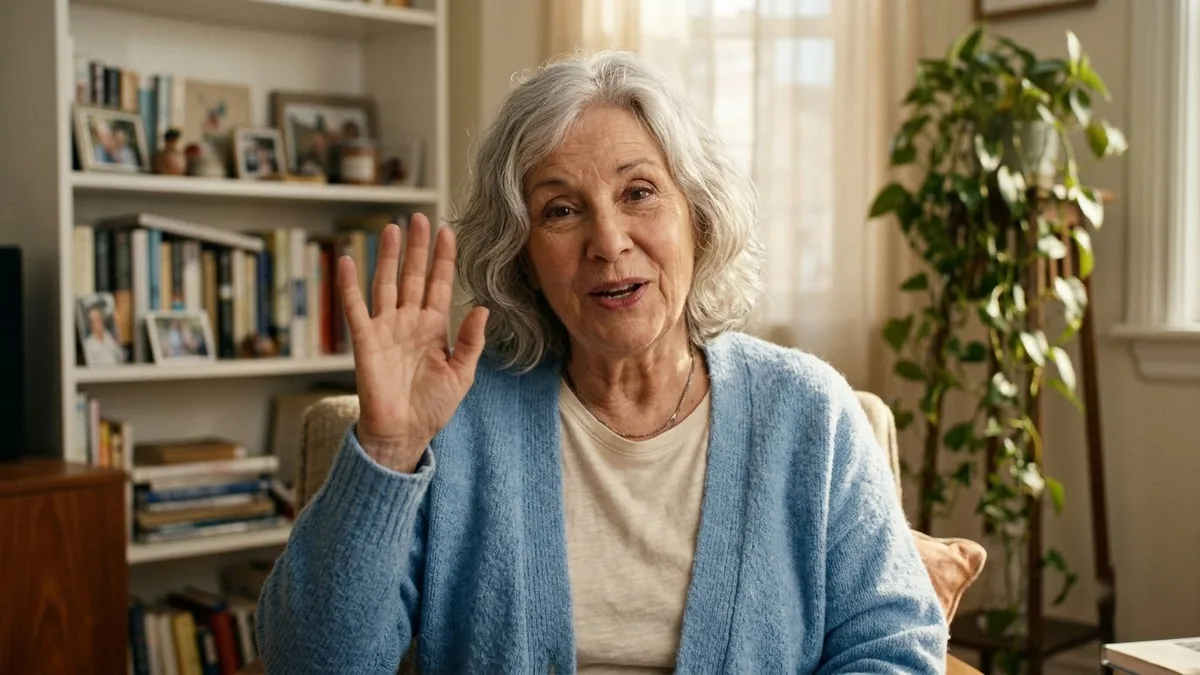
This prompt sets up an eye-level medium shot of a professional presenter speaking straight to camera with natural micro-expressions, in a clean modern office. Keep camera movement minimal so the face stays stable. Made for Kling and HeyGen.
Eye-level medium portrait of a professional [PRESENTER, e.g. 30-year-old female tech executive in smart casual attire] speaking directly to the camera with natural micro-expressions and eye contact. Clean modern office background with soft bokeh.
Keep camera movement subtle for talking-head clips to avoid facial warping.
Get a better result
A medium eye-level clip of a presenter speaking straight to the camera with natural micro-expressions and eye contact, in a clean modern office with soft background blur.
The face warps while speaking.
Fix: Keep camera movement subtle, as the tip says. A locked-off shot behaves best for talking clips.
- The presenter is mistaken for a real person. Say in your video or caption that the presenter is AI generated, and do not use a real person’s likeness without permission.
- Lip movement does not match your script. Generate the picture first, then add your own voice or a voiceover in a tool that handles lip sync.
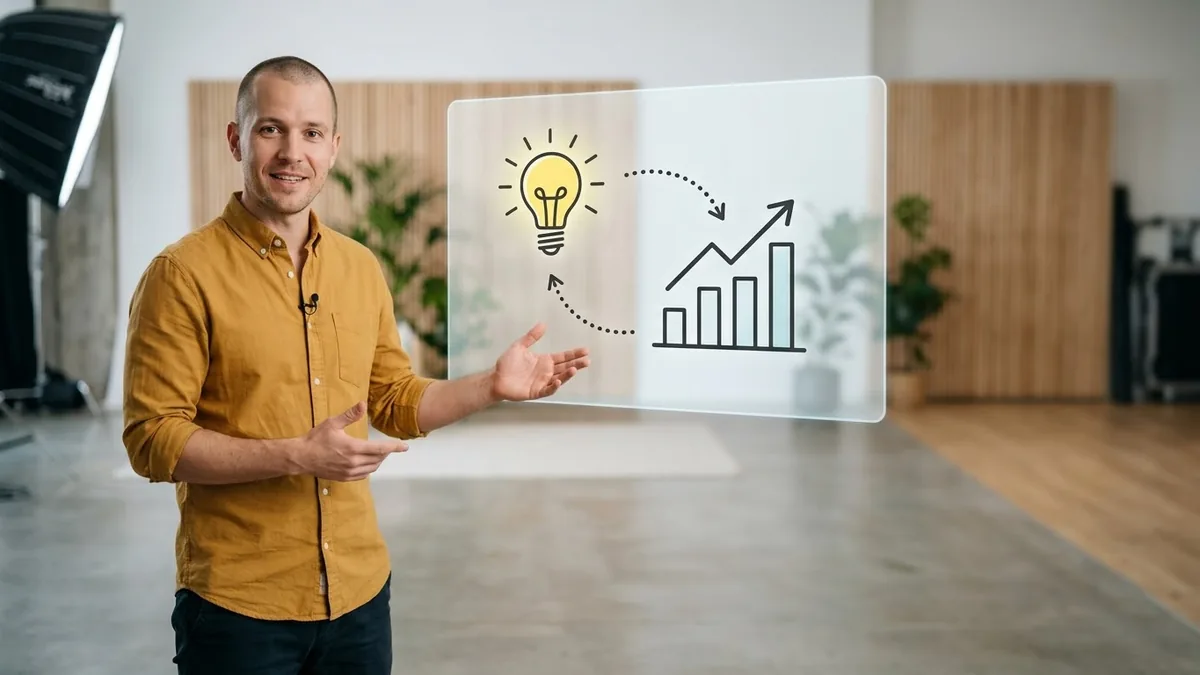
Ask for the presenter in the lower corner, with a plain area on the left where you can add slides and labels.
one short sentence only in this clip, steady eye contact, the same outfit and background as the previous clip
More video generation prompts
See all 489 →
More like this
- Office comedy sketchVeo · Kling · Seedance
- Family insurance adVeo · Kling · Seedance
- Corporate headshot of your petGemini · ChatGPT
- Home office with plantsMidjourney · Gemini · ChatGPT
- Isometric office illustrationMidjourney · Gemini · ChatGPT