Free tool · No sign-up · Runs in your browser
Free AI image prompt generator
Turn a one-line idea into a detailed image prompt with the subject, the style, the lighting, the composition and what to leave out. Use it in Gemini, ChatGPT, Ideogram, Midjourney, Stable Diffusion or any text-to-image tool.
Free, no sign-up, and nothing you type leaves your browser.
Try:cute puppy playing in snowyoutube thumbnail for a cooking channelcozy reading nook with rain outside
From one line to a full prompt
The generator keeps your idea and adds the parts that make images look good: detail, light, palette, depth of field and a clean "no text, no watermark" rule.
You type
cute puppy playing in snow
You get
Ultra-realistic photo of a cute puppy playing in snow, fine detailed fur and whiskers, natural, characterful pose. Bright sunlight, soft pastel purple and orange palette, peaceful mood. Shallow depth of field, soft focus and bokeh, high resolution. No text, no watermark. Aspect ratio square 1:1.
How the image prompt generator works
- Type your idea in your own words, the way you would say it.
- PromptUp picks the mode (photo edit, image, video or text) and builds the prompt from its library of 1,611 tested prompts and a set of rules.
- Fill in the [BRACKETED] parts with your own details, then copy the prompt.
- Paste it into your AI tool and run it. Use "New variation" for a different wording.
Nothing is sent to a server. The generator runs entirely in your browser, so it is instant and private.
What makes an image prompt work
- Say what the picture is of. Subject first, then where it is and what it is doing.
- Pick a look. Photo, watercolour, 3D render, anime, film still. Naming the medium is the biggest single change you can make.
- Control the light. Golden hour, overcast, studio softbox, neon. Light sets the mood.
- Choose the shape. Square for posts, 16:9 for banners and thumbnails, 9:16 for stories and wallpapers.
- Say what to leave out. No text, no watermark, no extra fingers. A short list of exclusions removes common faults.
Or start from a finished image prompt
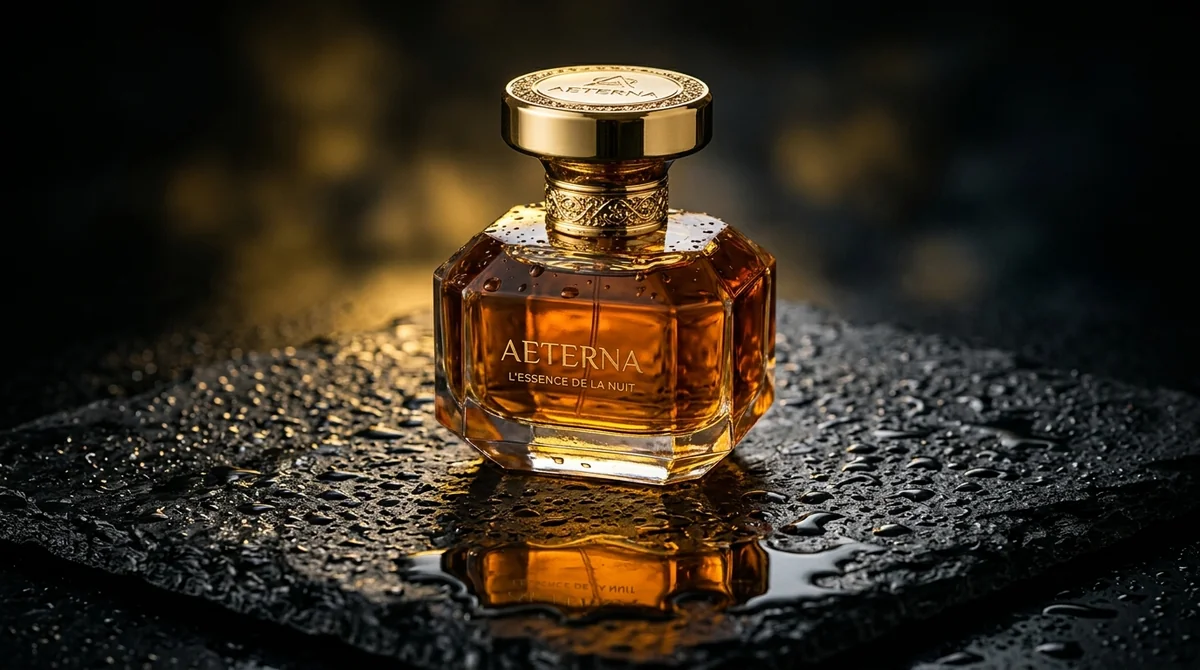 Trending
Luxury commercial product shotMidjourney · Flux
Trending
Luxury commercial product shotMidjourney · Flux
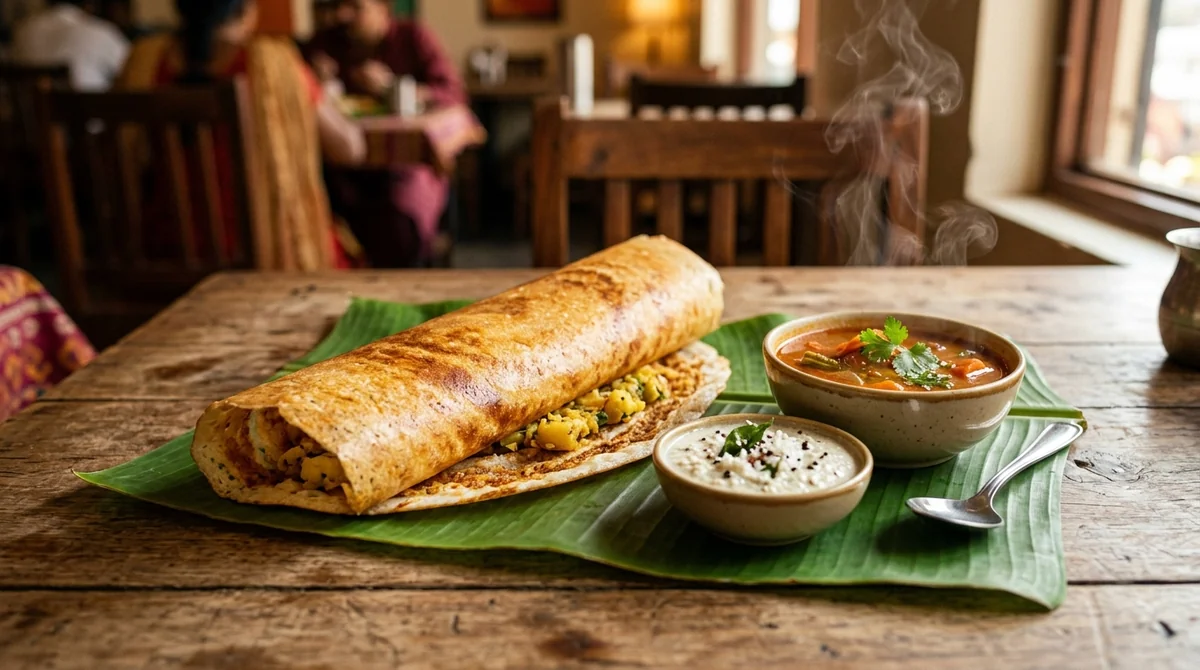 Mouth-watering food photoAny tool
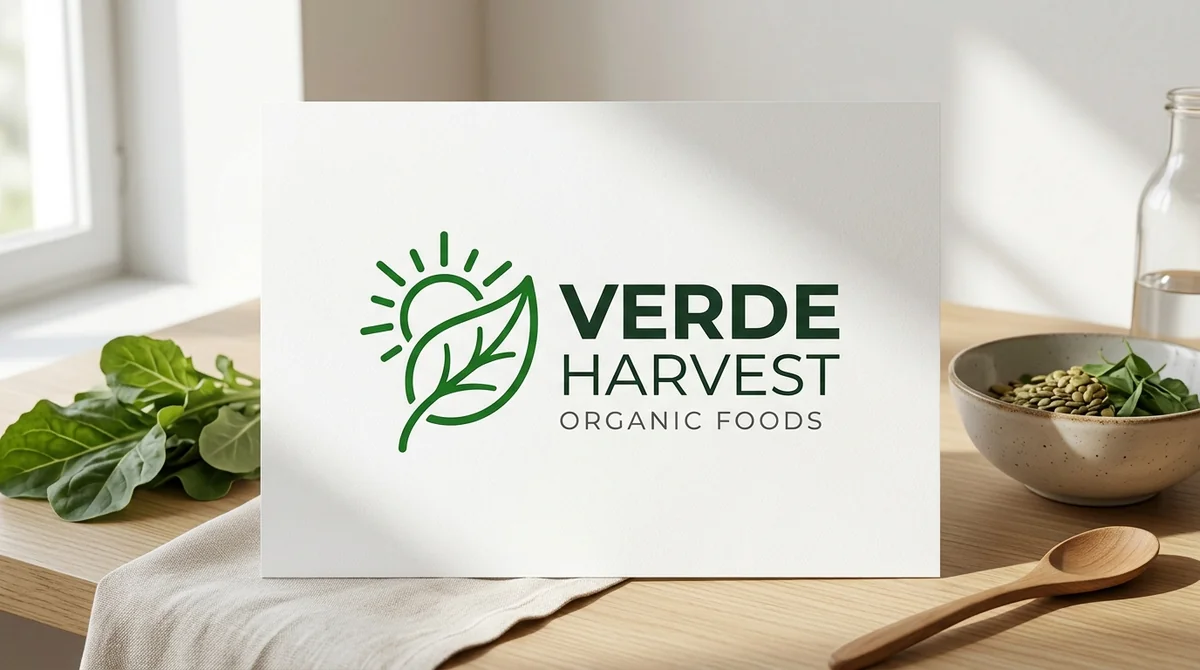 Minimal modern logoChatGPT · Ideogram · Gemini
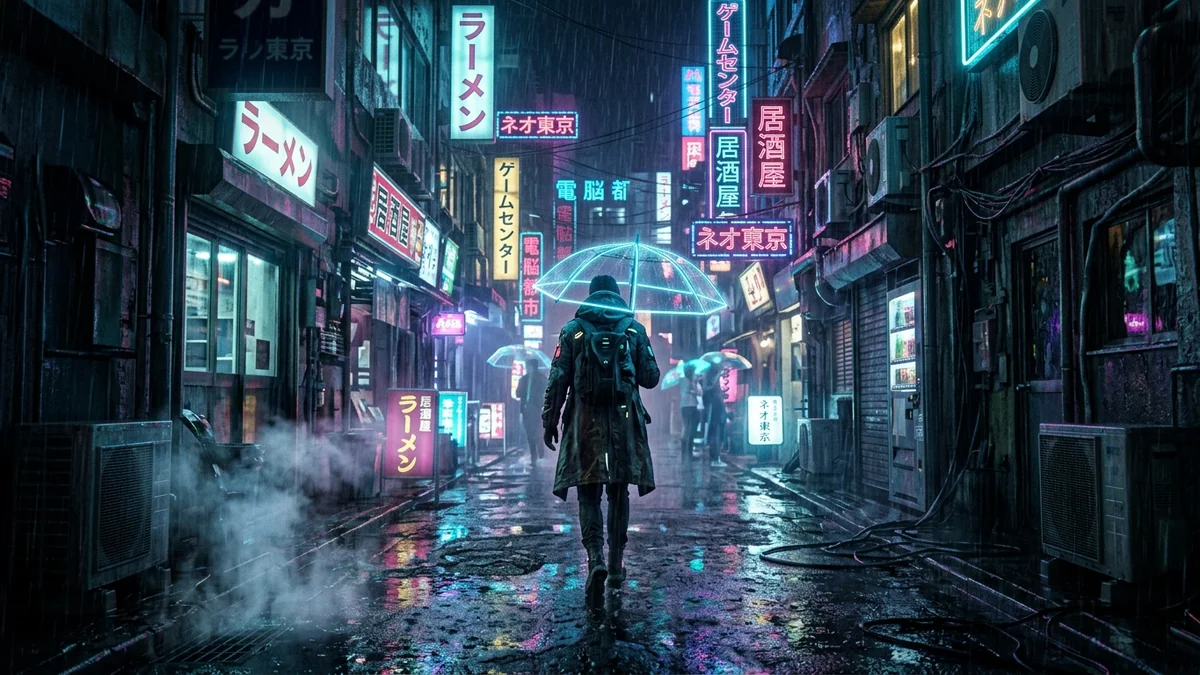 Cyberpunk neon rain streetMidjourney
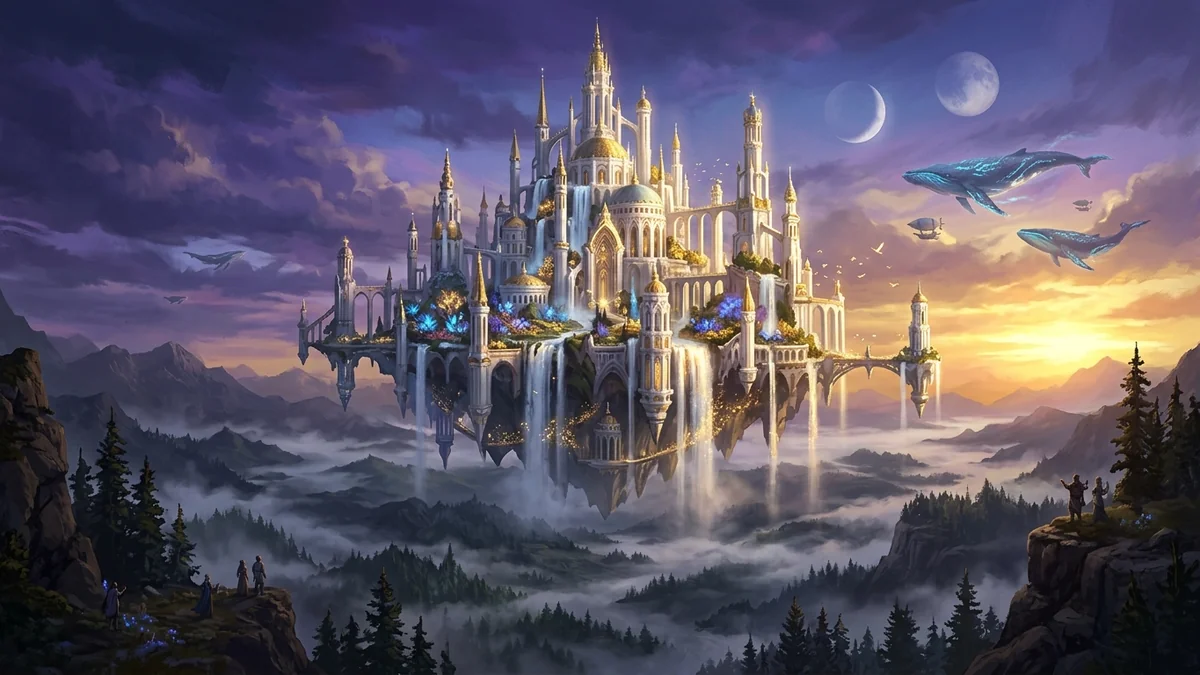 Fantasy landscape concept artMidjourney · SDXL
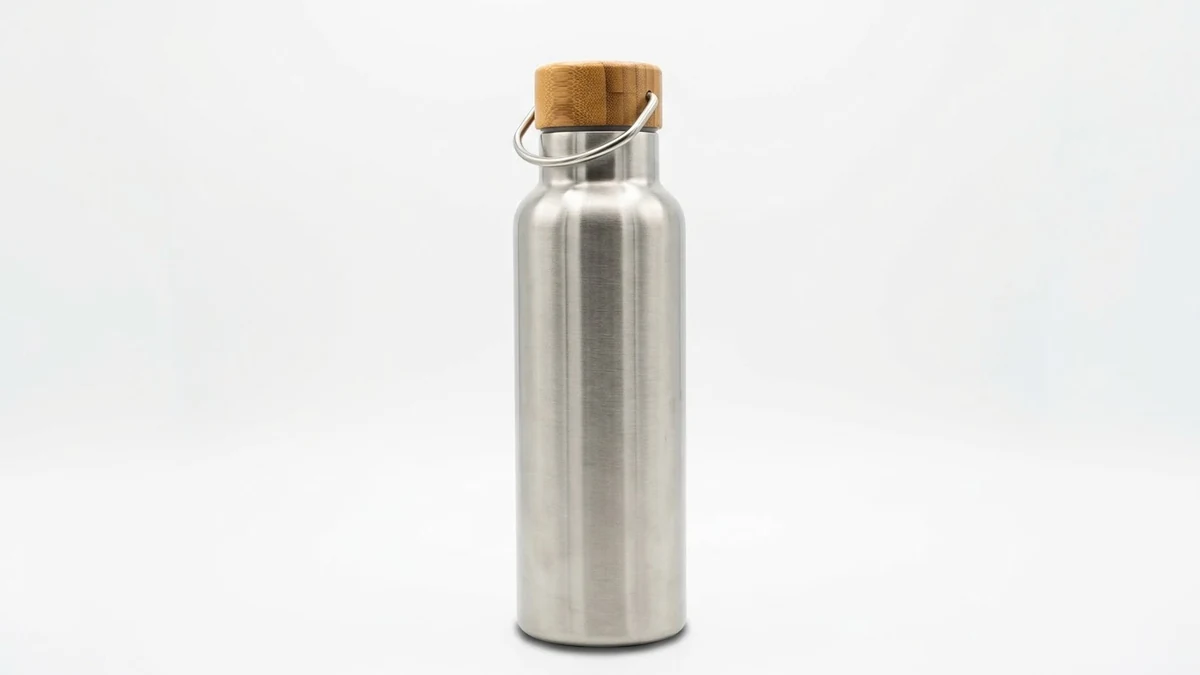 E-commerce product photo (Amazon / Flipkart)Gemini · ChatGPT · Flux
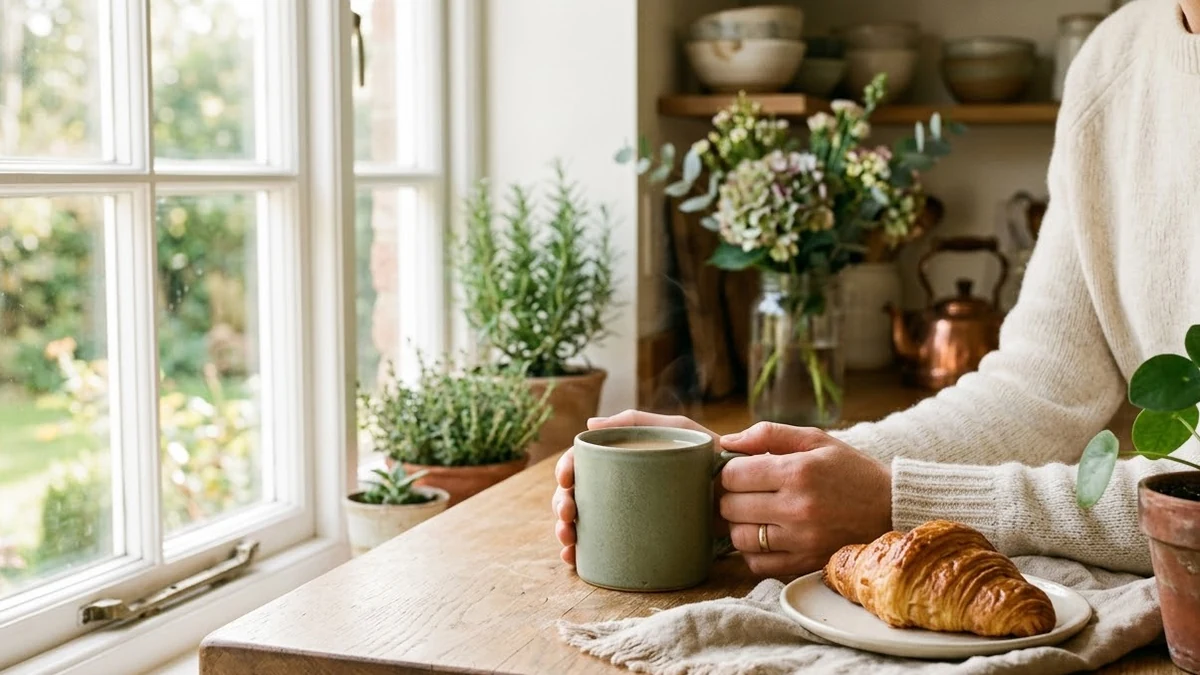 Lifestyle product ad for InstagramMidjourney · Gemini · ChatGPT
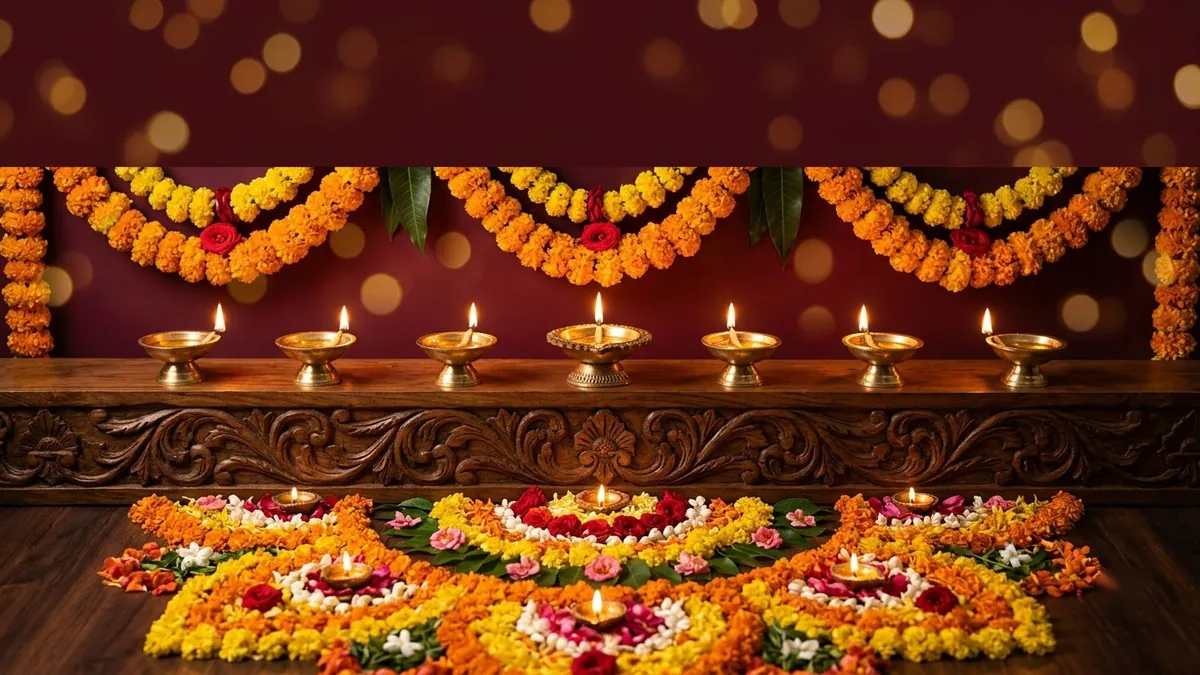 Festival greeting posterGemini · ChatGPT · Ideogram
Questions, answered
Which image tools can I use the prompt in?
Any text-to-image tool: Gemini, ChatGPT, Midjourney, Ideogram, Stable Diffusion, Adobe Firefly and others. Pick Midjourney under "Written for" if you want the --ar flags.
Is it free?
Yes. The generator is free with no sign-up. The image tool you paste into may have its own limits.
Can I get different versions of the same idea?
Yes. Use the New variation button to get new wording and a different style combination.
Will it write text inside the image?
For posters and logos, put the exact words in quotes in your idea and keep them short. Ideogram is the strongest at readable text.
Is my idea stored anywhere?
No. The prompt is built in your browser and PromptUp never sees it.
Ready to build yours?
Type one line and get the full prompt in a second.