- Updated
Cyberpunk neon rain street
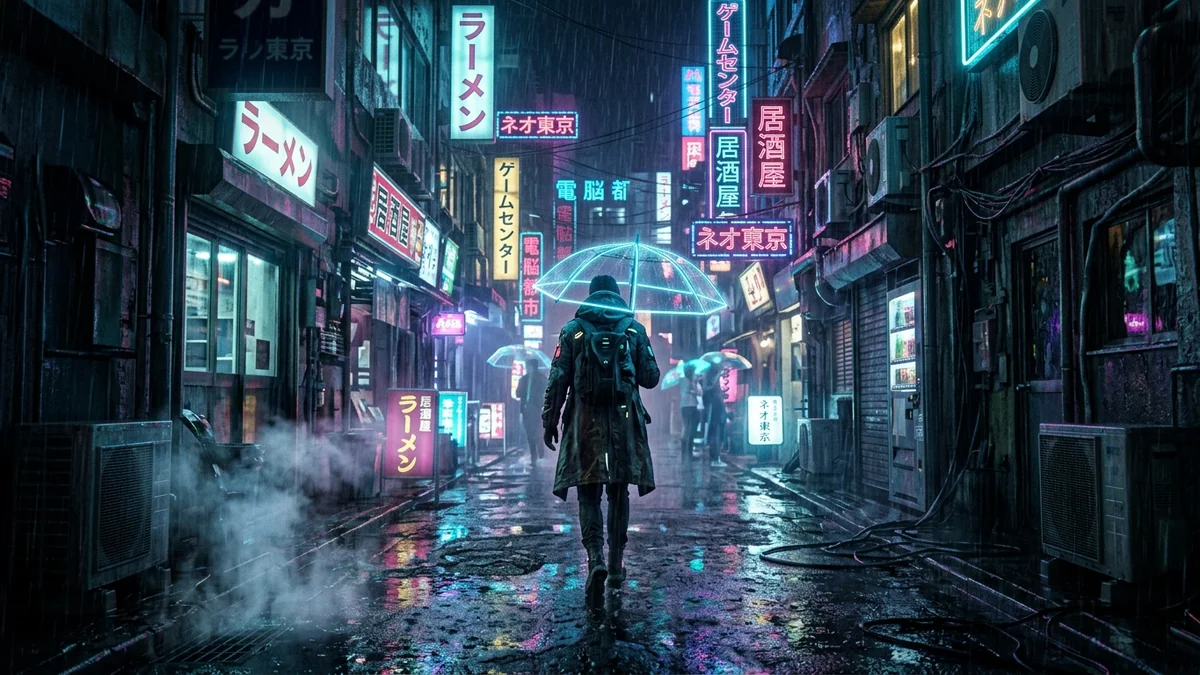
This Midjourney prompt makes a cinematic wide shot of a location you choose at midnight in pouring rain, with neon signs reflected in puddles, steam from manhole covers and deep teal and magenta lighting. The anamorphic lens flare gives it a widescreen movie feel.
Cinematic wide shot of [LOCATION, e.g. an alleyway in Tokyo] at midnight during pouring rain. Neon signs reflecting in puddles of water, steam rising from manhole covers, deep teal and magenta lighting, cinematic film grain, anamorphic lens flare --ar 16:9
Specifying "anamorphic lens flare" creates realistic widescreen movie aesthetics.
Get a better result
A cinematic wide shot of a rain-soaked night street with neon signs reflected in puddles, steam rising from manhole covers, a teal and magenta glow, film grain and an anamorphic lens flare.
The neon signs show fake lettering.
Fix: Add “neon signs as glowing shapes and symbols, no readable text”. Fake writing breaks the realism.
- The scene is all glow and no depth. Ask for layers: “a figure in the foreground, shopfronts in the middle, towers fading into haze at the back”. Depth comes from distance.
- The lens flare is so strong that it hides the street. Use “a subtle horizontal flare from one bright sign only”.
Change “midnight” to “dawn, thin fog, a few neon signs still lit” and keep the puddles. A softer cyberpunk mood than full night.
neon shapes with no readable text, layered depth, one subtle horizontal lens flare, wet street reflections
Guides that use this prompt
More image generation prompts
See all 347 →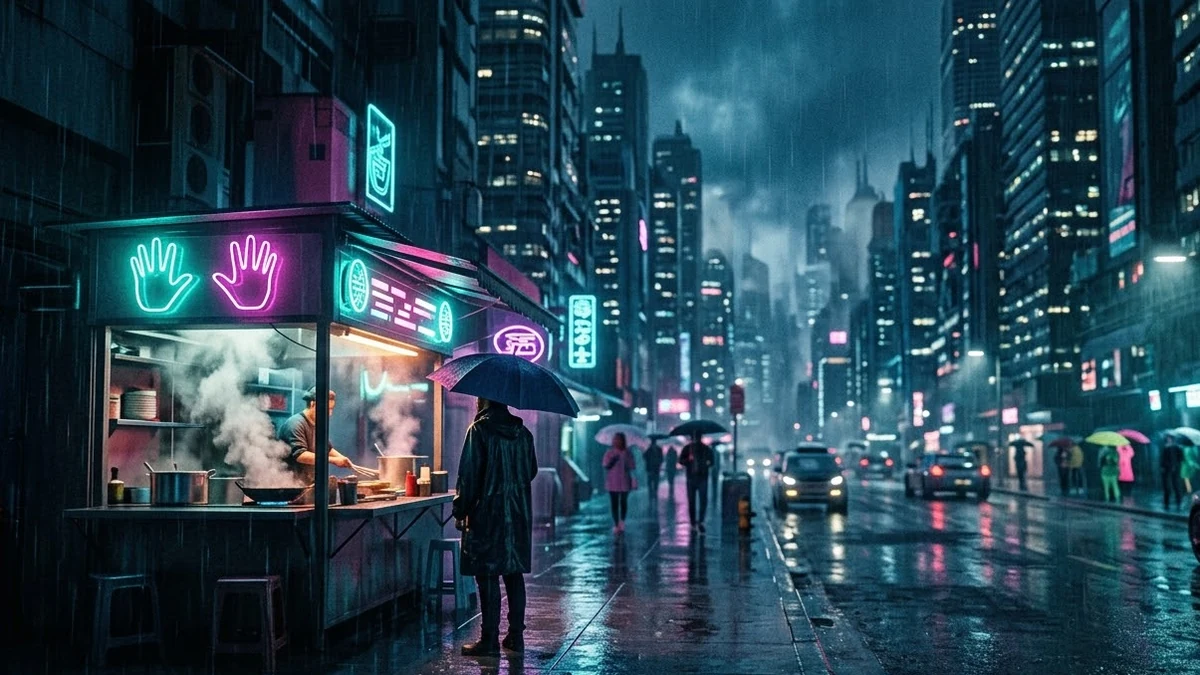
More like this
- Cyberpunk ramen shopMidjourney · Gemini · ChatGPT
- Cyberpunk neon portraitGemini · ChatGPT
- Cyberpunk night market walkVeo · Kling · Seedance
- Cyberpunk hacker characterMidjourney · Gemini · ChatGPT
- Neon crosswalk at nightMidjourney · Gemini · ChatGPT