Why your Midjourney prompt isn't working, and how to fix it
Published
Short answerMost bad Midjourney results come from a vague subject, missing light and camera details, a negative phrased the wrong way, or a parameter in the wrong place. Fix one of these at a time and regenerate.
Full collectionAI product photo and ad prompts19 prompts with examples, steps and fixes →You typed a prompt into Midjourney and the image is nothing like what you pictured. Before you blame the tool, look at the prompt. Most problems fall into a few patterns, and each one has a small fix.
The examples below come from the Midjourney prompts in the PromptUp library. Many of them also work in Gemini and ChatGPT, apart from the Midjourney-only parameters.
1. The subject is too vague
Symptom: the image is generic, or shows something different from what you meant.
Fix: say exactly what the subject is, what it is made of, and where it is.
| Vague | Specific |
|---|---|
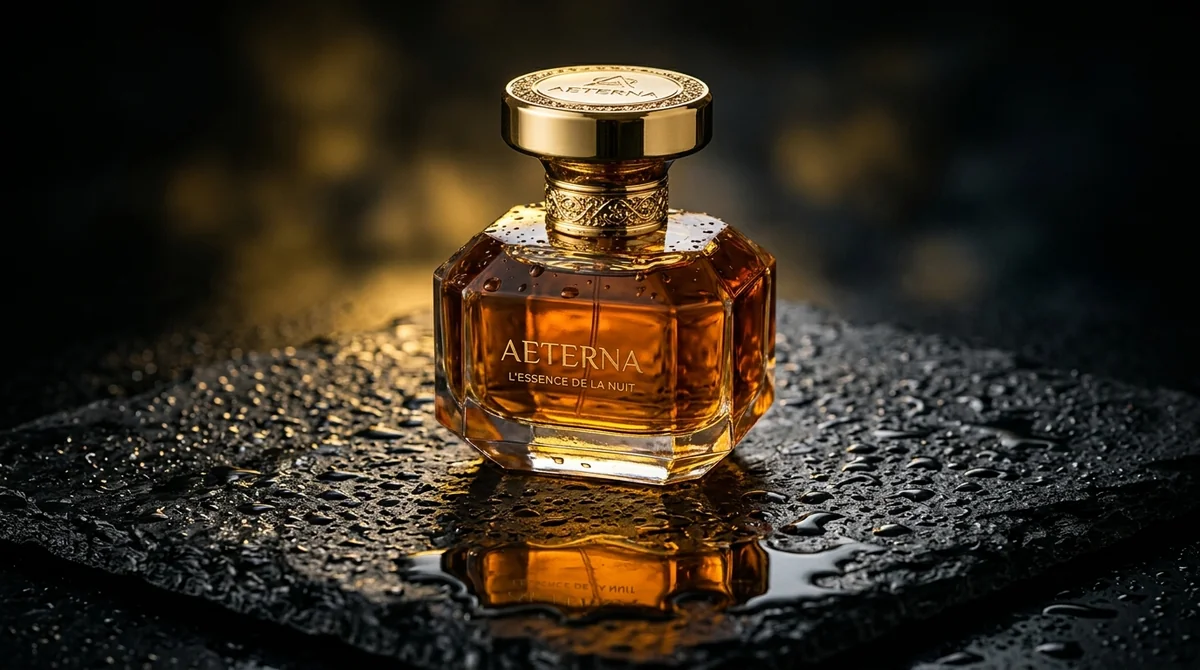
| "a perfume bottle" | "frosted glass perfume bottle with a gold cap" |
| "a surface" | "wet matte black slate with fine water droplets" |
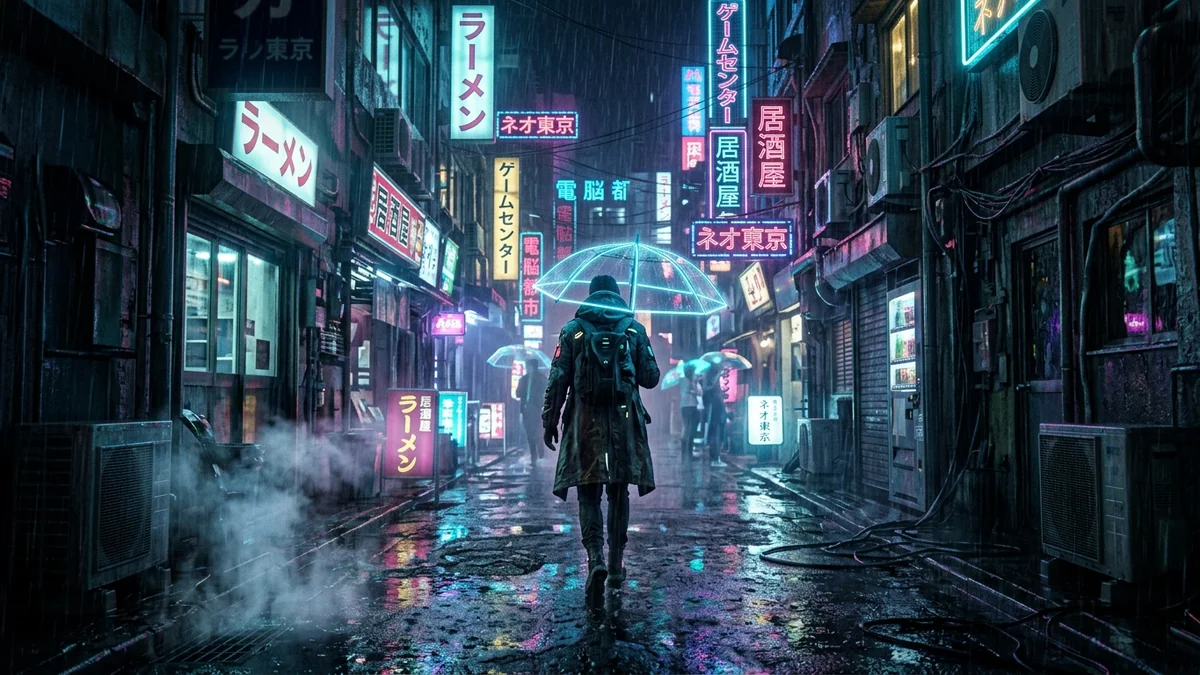
| "a city at night" | "an alleyway in Tokyo at midnight during pouring rain" |
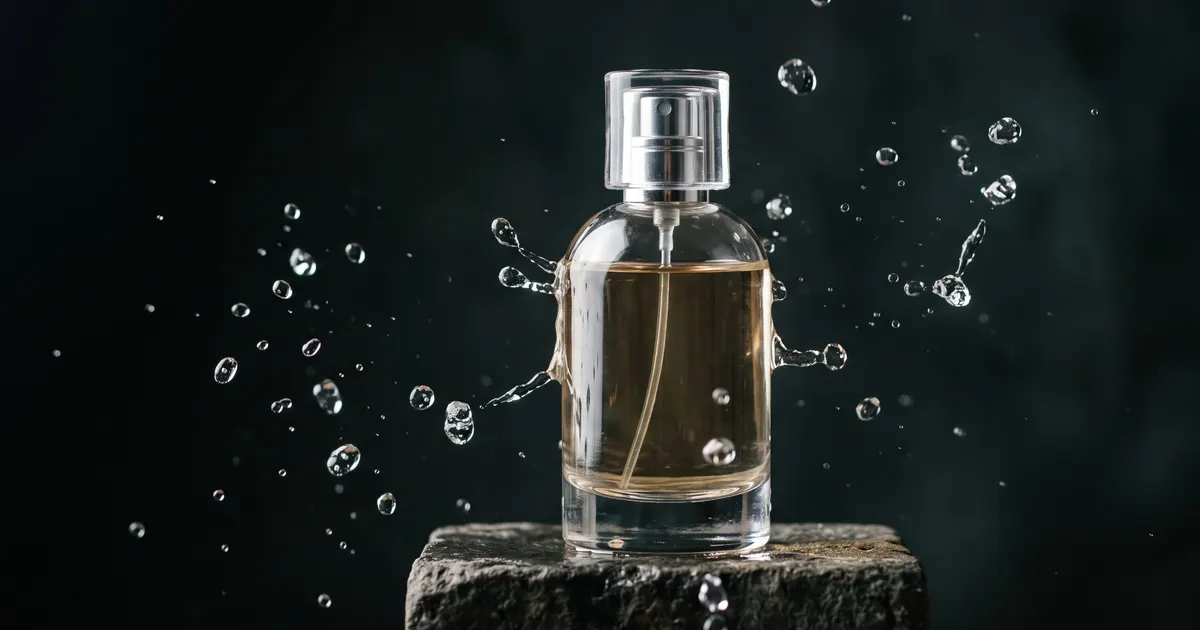
The product photography prompt fills in the product and the surface, and the two details together do most of the work.
2. Light and camera details are missing
Symptom: the image looks flat, or like clip art, instead of a photo.
Fix: describe the lighting and the camera, the way a photographer would. A prompt that works well as a template does this:
Dramatic low-key rim lighting, subtle volumetric mist, razor-sharp focus on the label, 85mm lens, creamy depth of field
Light (rim lighting, soft window light), atmosphere (mist, rain), lens (85mm, wide angle) and depth of field give the model a specific look to aim for. The cyberpunk street prompt does the same with neon reflections, film grain and an anamorphic lens flare.
3. You wrote a negative in the prompt
Symptom: you wrote "no people" and got people.
Fix: image models tend to respond to the words you include, even when you tell them not to. Midjourney has a separate parameter for things to exclude:
a quiet beach at sunrise --no people, boats
Put what you want in the prompt, and put what you don't want after --no. If the tool you use has no such parameter, describe the positive version instead: "an empty beach" rather than "a beach with no people".
4. Parameters are in the wrong place
Symptom: the aspect ratio is ignored, or the prompt seems to be read as part of the description.
Fix: put Midjourney parameters at the end of the prompt, after the description, and start each with two dashes:
... creamy depth of field --ar 4:5 --style raw
--ar 4:5sets the aspect ratio (width to height).--style rawreduces the tool's built-in stylisation, which helps when you want a more literal or photographic result. The product photography prompt uses it for that reason.
Parameters and their available values change between Midjourney versions, so check the current Midjourney documentation if one doesn't behave as expected.
5. The prompt asks for too many things
Symptom: a muddle: some elements are missing and others are mixed together.
Fix: pick one subject, one setting, one light and one style. If you need a second idea, generate it as a separate image. A long list of styles, such as "cyberpunk, watercolour, photorealistic, cartoon", pulls the image in several directions.
6. You are asking for text in the image
Symptom: the letters are misspelled or garbled.
Fix: many image tools are still unreliable with text. Keep any words to 3 or 4, put them in quotes, and say where they go. For posters, logos and covers where the text matters, consider a tool built for it, such as Ideogram (see Ideogram prompts), or add the text afterwards in an editor.
7. You change everything between tries
Symptom: you can't tell what made an image better or worse.
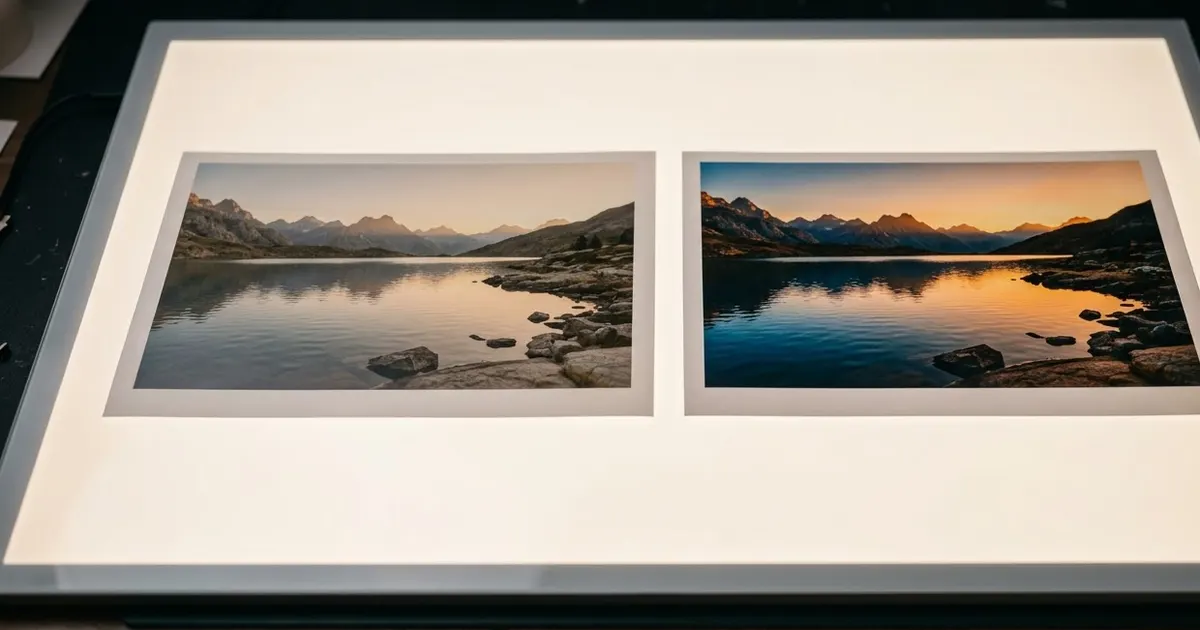
Fix: keep the prompt and change one detail, such as the light or the lens. Compare. Our guide to editing a prompt explains this routine.
A quick checklist
Before you generate, check that the prompt has:
- A specific subject, with material and colour.
- A setting or surface.
- Light and, if you want a photographic look, a lens.
- One clear style or mood.
- Parameters at the end, such as
--ar. - Exclusions after
--no, not written as "no" in the description.
Comments
No comments yet. Be the first to share what worked for you.