AI product ad videos: prompts for cinematic product reels that sell, from one photo
Published
Short answerStart from one clean, well-lit product photo. In the prompt, describe one camera move, one setting and the light, keep it to 5 to 8 seconds, and ask the model to keep the product's shape, colours and label unchanged. A short, simple move looks more real than a busy scene.
Scroll Instagram Reels for a minute and you'll see it: a skincare bottle rising out of water, a pair of trainers spinning slowly in a beam of light, a box of sweets opening in slow motion. These cinematic product clips are one of the most-used AI video formats right now, and small sellers love them because one product photo is enough to make one. With the festive sale season starting, here's how to make your own.
What you need before you start
- One clean photo of the product. Plain background, sharp focus, the label straight on. A phone photo near a window works.
- A video tool that takes a starting image. Kling, Veo and Higgsfield all do; see our Kling, Veo and Higgsfield pages.
- One idea per clip. A spin, a reveal or a splash. Not all three.
The formula
Every good product video prompt covers five things:
- The product, and an instruction to keep it the same.
- The camera move: slow orbit, push in, tilt up.
- The setting: a stone plinth, a kitchen counter, a bed of marigolds.
- The light: soft side light, warm golden hour, studio rim light.
- Length and pace: 5 to 8 seconds, slow and smooth.
Prompts to copy
The slow 360 spin (works for almost anything):
Use the uploaded photo as the product. Keep its shape, colours and label exactly the same.
The product sits on a matte white round plinth and turns slowly through a full circle.
Soft studio light from the left, a gentle rim light behind, clean light grey background.
Camera still, product centred. 6 seconds, smooth and slow. No added text, no extra objects.
That's the core of our 360 product reveal prompt.
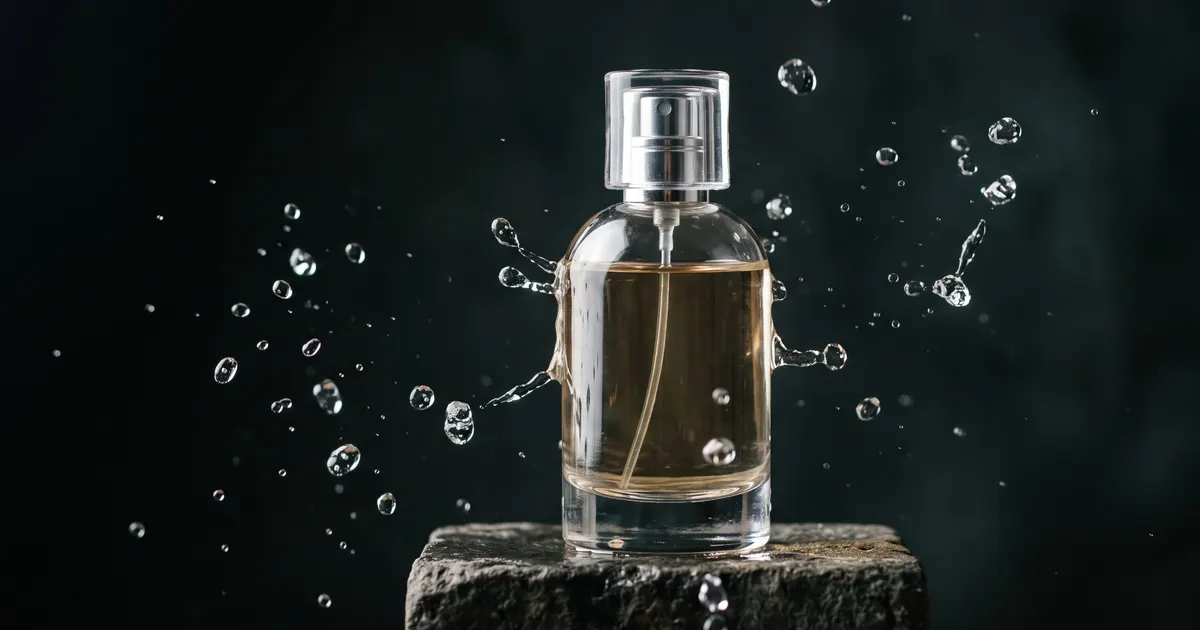
The hero splash (drinks, skincare, perfume):
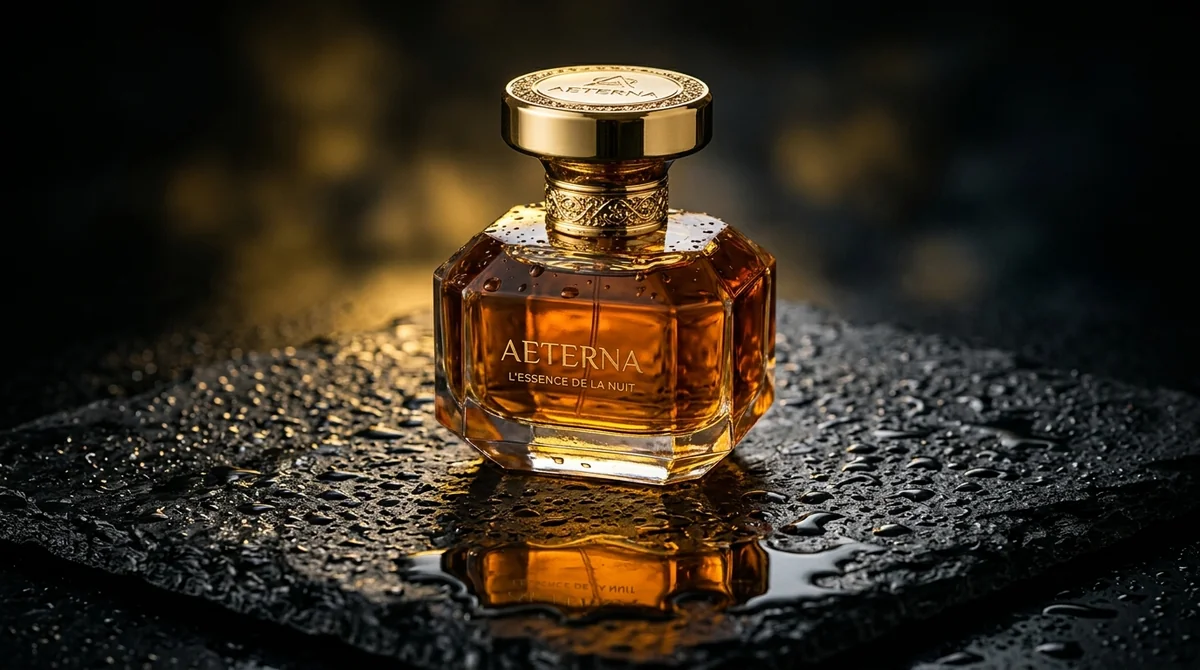
Use the uploaded bottle. Keep the label and colours unchanged.
The bottle stands on a dark wet stone surface; a slow splash of clear water rises around it
and falls back, droplets catching the light. Camera pushes in slowly.
Dramatic side light, dark background. 5 seconds, slow motion. No text.
For a glossier, CGI-style version, try the CGI product commercial prompt in Higgsfield.
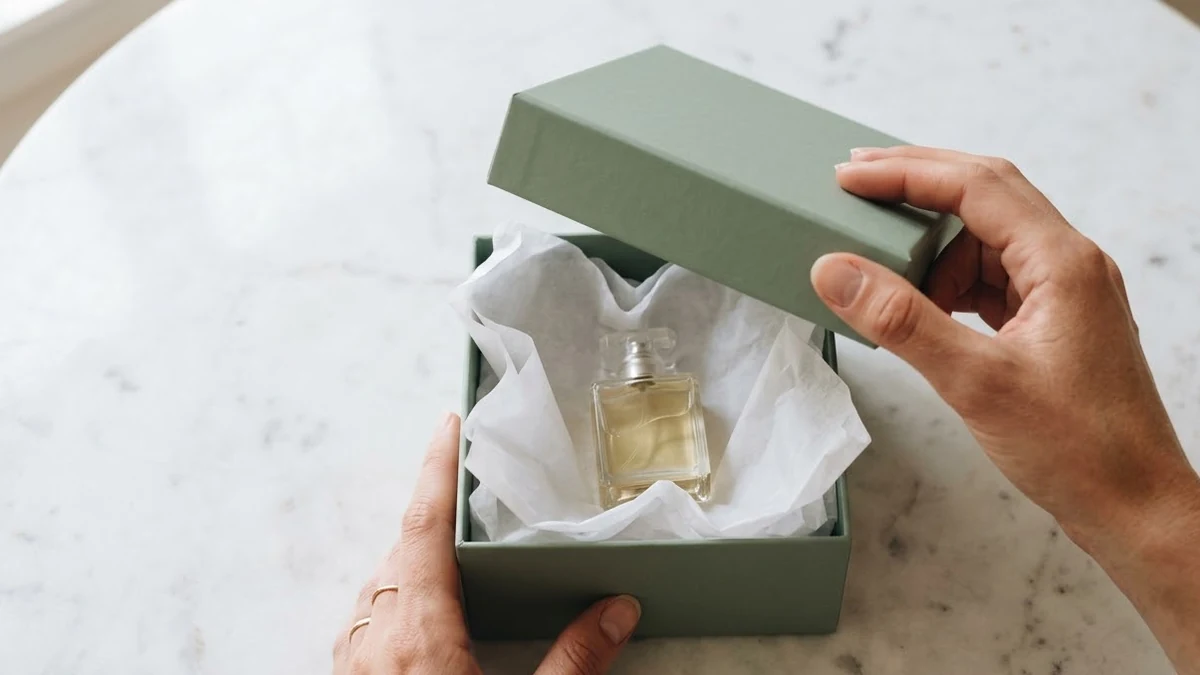
The festive unboxing (gift boxes, sweets, hampers):
Use the uploaded gift box. Keep its design unchanged.
Two hands slowly lift the lid on a wooden table scattered with marigold petals and a lit clay diya.
Warm evening light, shallow depth of field, camera at table height.
8 seconds. No faces, no text.
The product unboxing prompt has more variations.
The "real customer" clip (feels less like an ad):
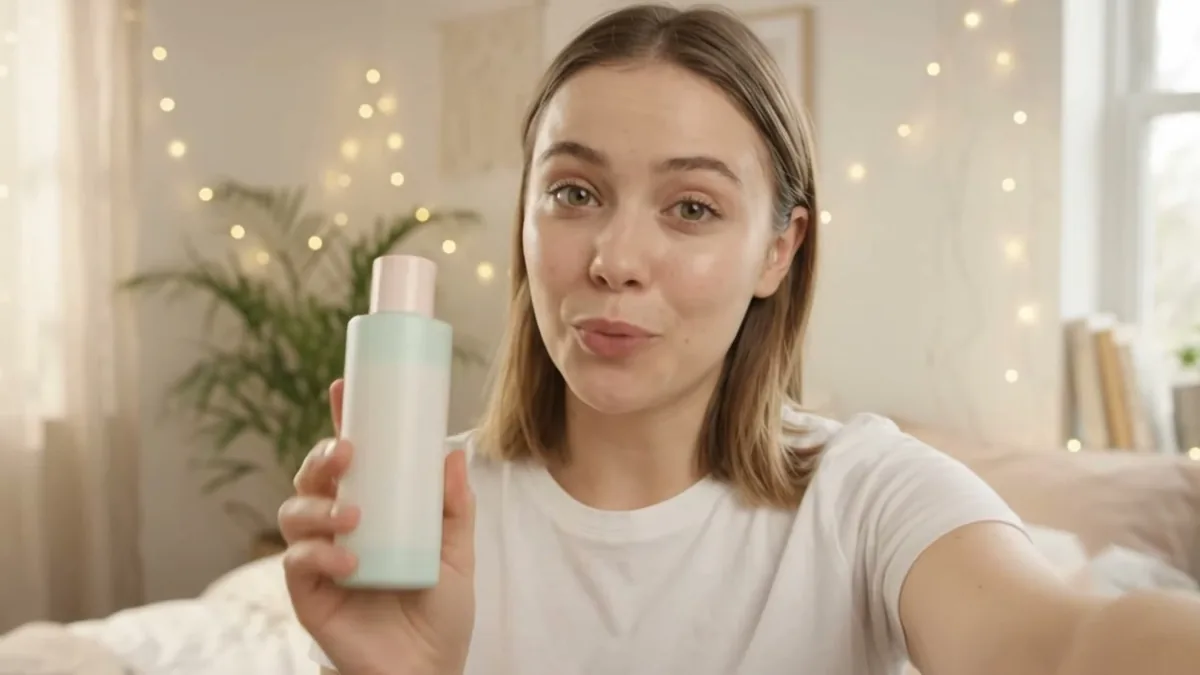
A person in their twenties holds the uploaded product up to the camera in a bright bedroom,
turns it to show the label, and smiles. Handheld phone-camera feel, natural daylight.
Keep the product exactly as in the photo. 6 seconds. No speech, no text.
See the UGC product review prompt for a full script version.
Why clips go wrong, and the fix
The label melts or changes. Say "keep the label exactly the same", start from a photo where the label is sharp and straight, and keep the camera move small.
Too much happens. One move per clip. If you want a spin and a splash, make two clips and cut them together.
It looks fake and shiny. Ask for "natural light" and a real surface like wood or stone. Our realistic AI photo guide explains why this works.
The product changes size between shots. Keep the same starting photo and the same "product centred" line for every clip in a set.
Need a better starting photo first? The product commercial prompt and the product photo and ad prompts page turn a plain phone shot into a clean studio picture.
Where to go from here
Want more camera moves? Our Higgsfield camera move guide explains orbit, dolly and crash zoom in plain words. Selling for the festive season? Pair your video with a Diwali sale poster. All these prompts are free in the video generation prompts collection, and the prompt builder will write one for your own product.
Quick checklist
- Start from one sharp, well-lit product photo.
- Tell the model to keep the shape, colours and label the same.
- One camera move, one setting, one kind of light.
- Keep it 5 to 8 seconds and slow.
- Make separate clips and edit them together, instead of one busy clip.
Comments
No comments yet. Be the first to share what worked for you.