- Updated
Handmade craft product photo
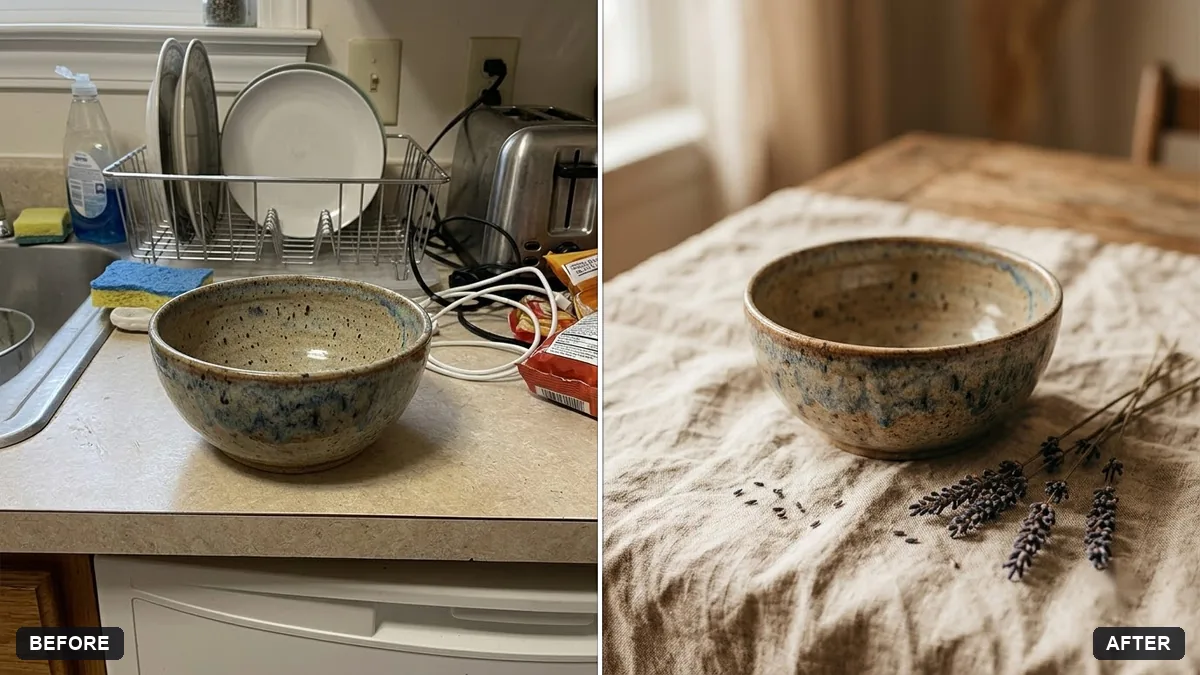
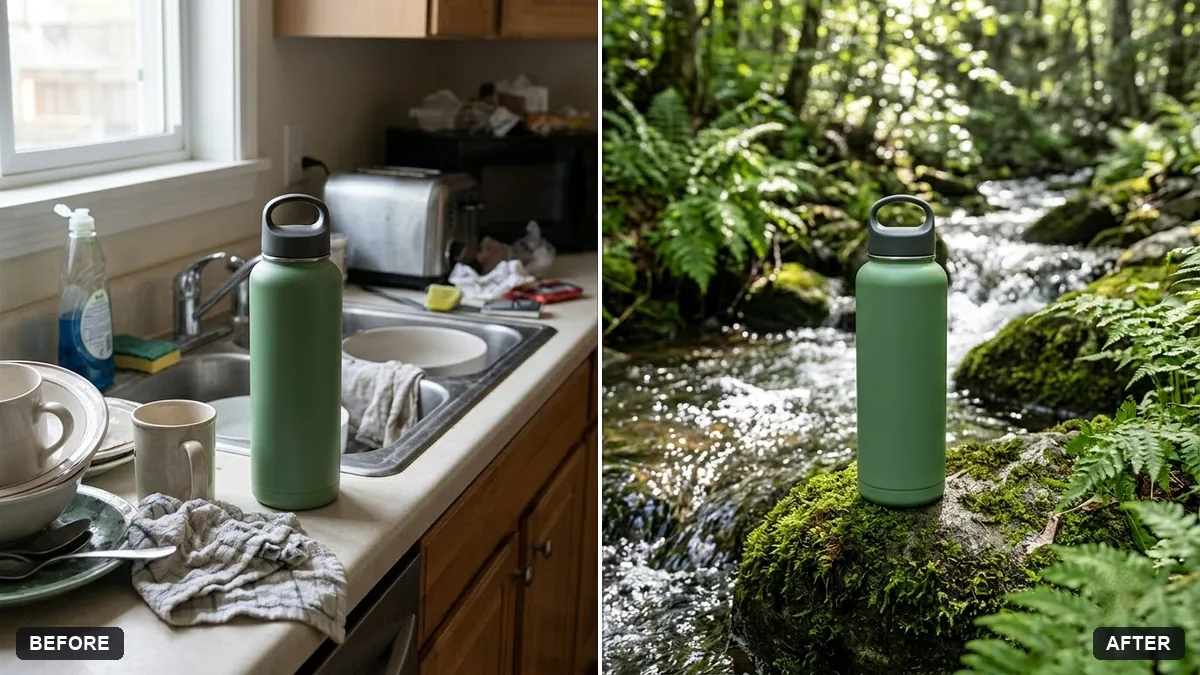
This prompt places your handmade product on a wooden or linen surface with soft natural light, a few props such as materials and a shallow depth of field, keeping the product exactly as it is.
Turn this snapshot of my handmade [PRODUCT] into a professional product photo. Place it on a [WOODEN / LINEN] surface with soft natural light, a few props such as [MATERIALS] and a shallow depth of field.

Keep the product exactly as it is. Warm, authentic and inviting.
Include a hand or a work-in-progress element in the scene to show that it is handmade.
Your photo goes to the AI app you choose, never to PromptUp.
Get a better result
A professional product photo of your handmade item on a wood or linen surface, in soft natural light with a few relevant props and a shallow depth of field, with the product itself unchanged.
The product shape or pattern changes.
Fix: Say “keep the stitching, colours and proportions exactly as in my photo”, and compare details like labels or glaze marks.
- The props take over the picture. Pick two or three props that relate to the making, like “skeins of wool and a pair of scissors”, and keep them smaller than the product.
- It looks too polished to feel handmade. Ask for “warm, slightly imperfect, like a real workshop table”, and add a hand or work in progress as the tip suggests.
Ask for “one hero shot, one close-up of the texture and one with a hand holding it for scale”. Three views fit most online shops, and honest scale helps buyers.
Keep the product exactly as in my photo. Use a plain linen surface, move the props to the back and make the light softer from the left.
Guides on this topic
More photo editing prompts
See all 334 →
More like this
- Handmade soap product photoMidjourney · Gemini · ChatGPT
- Small brand story ad (handmade product)Higgsfield · Veo
- DIY craft video with handsVeo · Kling · Seedance
- Layered paper craft portraitGemini · ChatGPT
- Craft beer can label designGemini · ChatGPT · Midjourney