- Updated
Stage furniture in a room photo
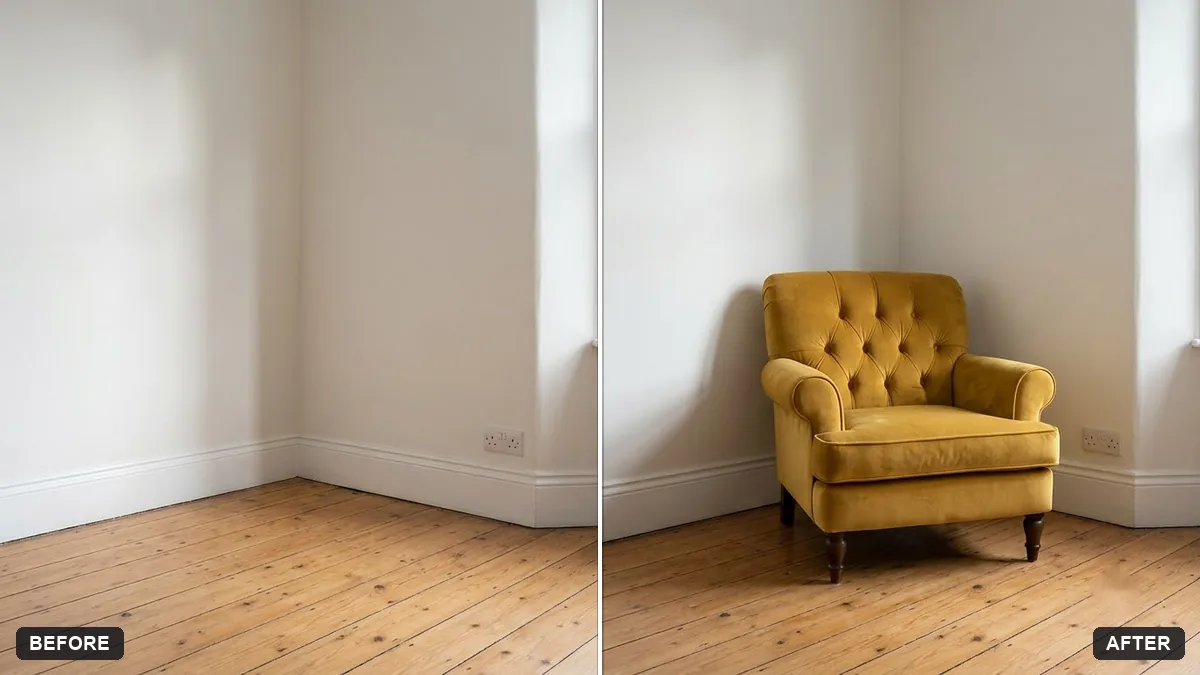
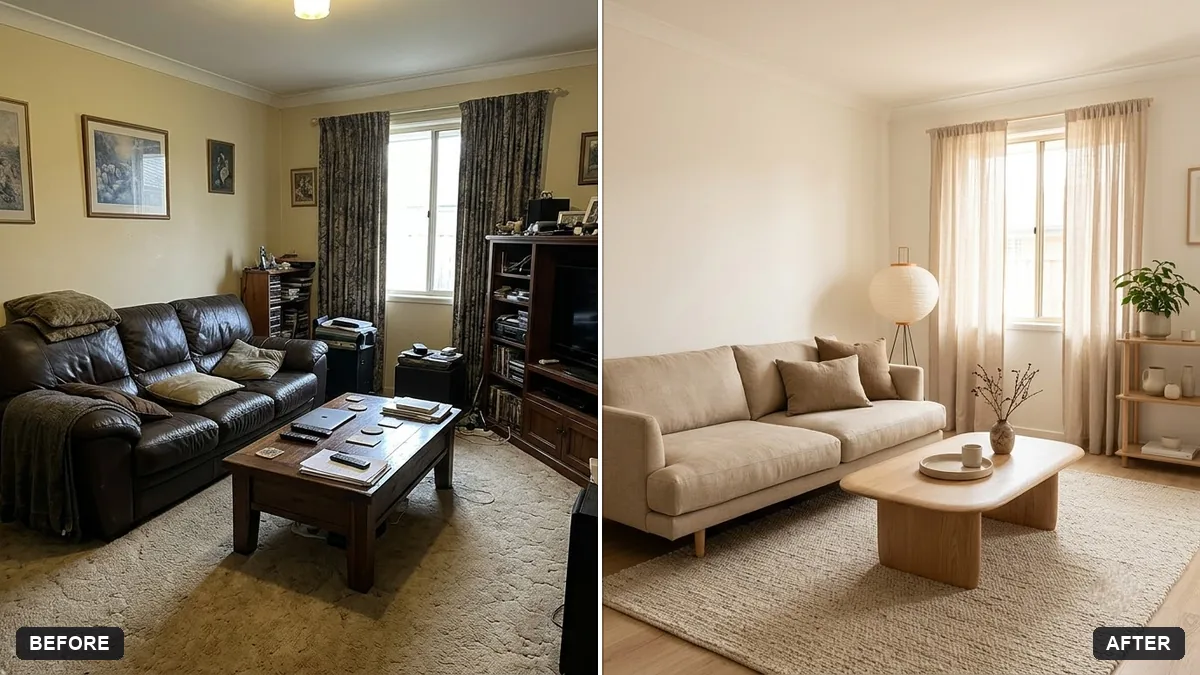
This prompt places a piece of furniture from the second photo into the room in the first, matching perspective, scale, lighting and shadows, positioned against a wall you name. A straight-on room photo gives the best fit.
Place the [SOFA / TABLE / CHAIR] from the second photo into the room in the first photo. Match the perspective, scale, lighting and shadows so it looks like it was really there.

Position it against [WALL] and keep the room unchanged. Realistic, well-lit result.
Upload a straight-on room photo and a clear product picture for accurate placement.
Your photo goes to the AI app you choose, never to PromptUp.
Get a better result
Your room photo with the sofa, table or chair from the second picture placed against the wall you chose, at believable scale, with matching light, perspective and shadows, and the room otherwise unchanged.
The furniture looks too large or too small next to the door and window.
Fix: State its real size, such as “the sofa is 210 cm wide”, so the AI can compare it with the door or window in the room.
- The product changes shape or colour. Use a clear, front-facing product picture on a plain background, and add “keep the furniture’s shape, colour and legs exactly as in the second photo”.
- There is no shadow, so it floats. Ask for “a soft contact shadow under the legs and a gentle shadow on the wall behind”.
Run the prompt twice with two different pieces and ask each time for the same camera angle. Place the two results side by side before you decide.
Keep the room and the furniture design exactly the same. Move the furniture slightly left, make it a bit smaller, and add a soft shadow on the floor.
Guides that use this prompt
More photo editing prompts
See all 334 →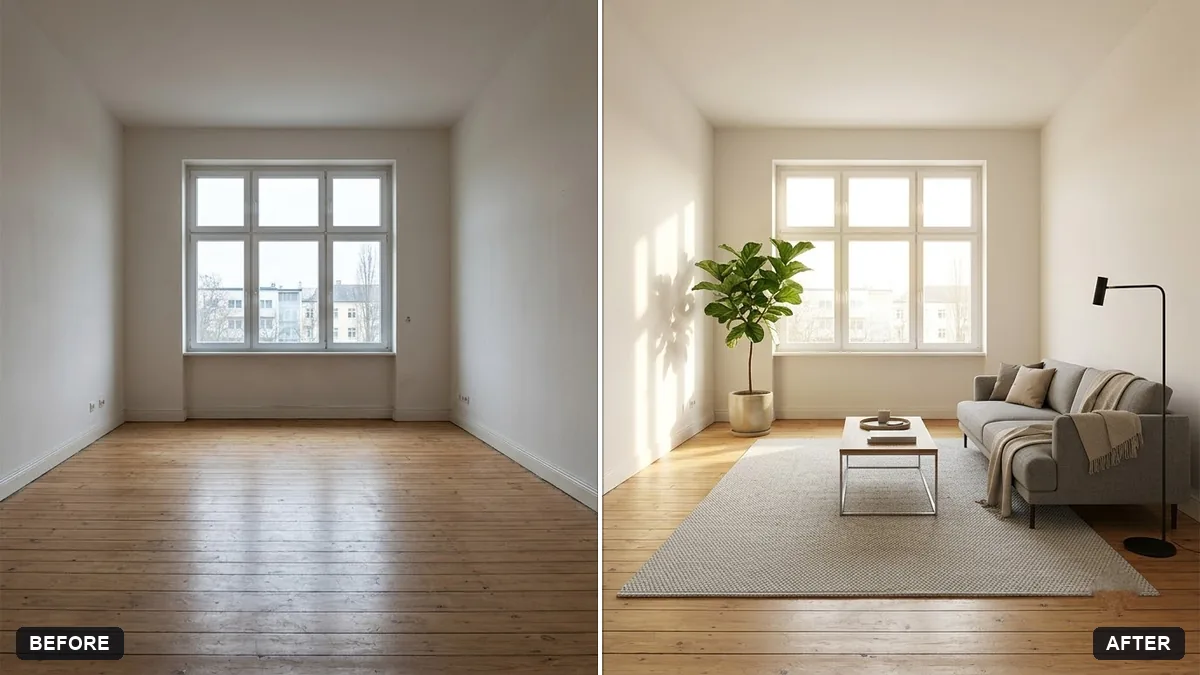
More like this
- Balcony garden makeover previewGemini · ChatGPT
- Furniture showroom adVeo · Kling · Seedance
- Preview a house on an empty plotGemini · ChatGPT
- Garden makeover previewGemini · ChatGPT
- Kitchen remodel previewGemini · ChatGPT