- Updated
Product on a pure white background: Gemini & ChatGPT prompt
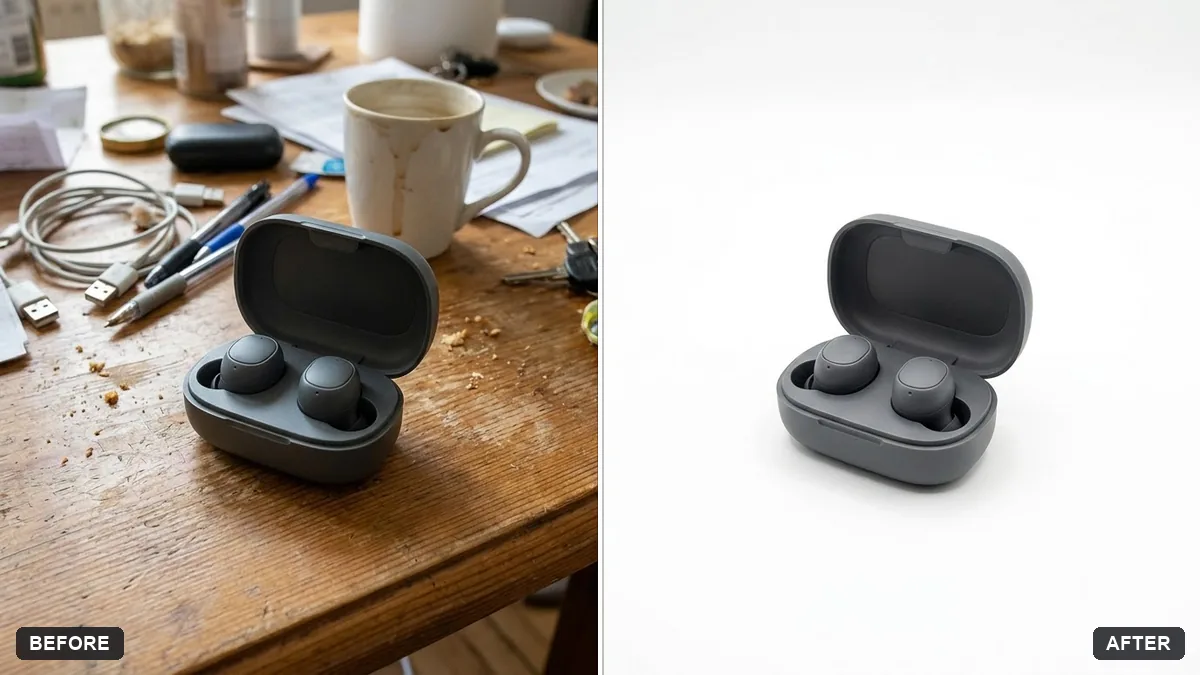
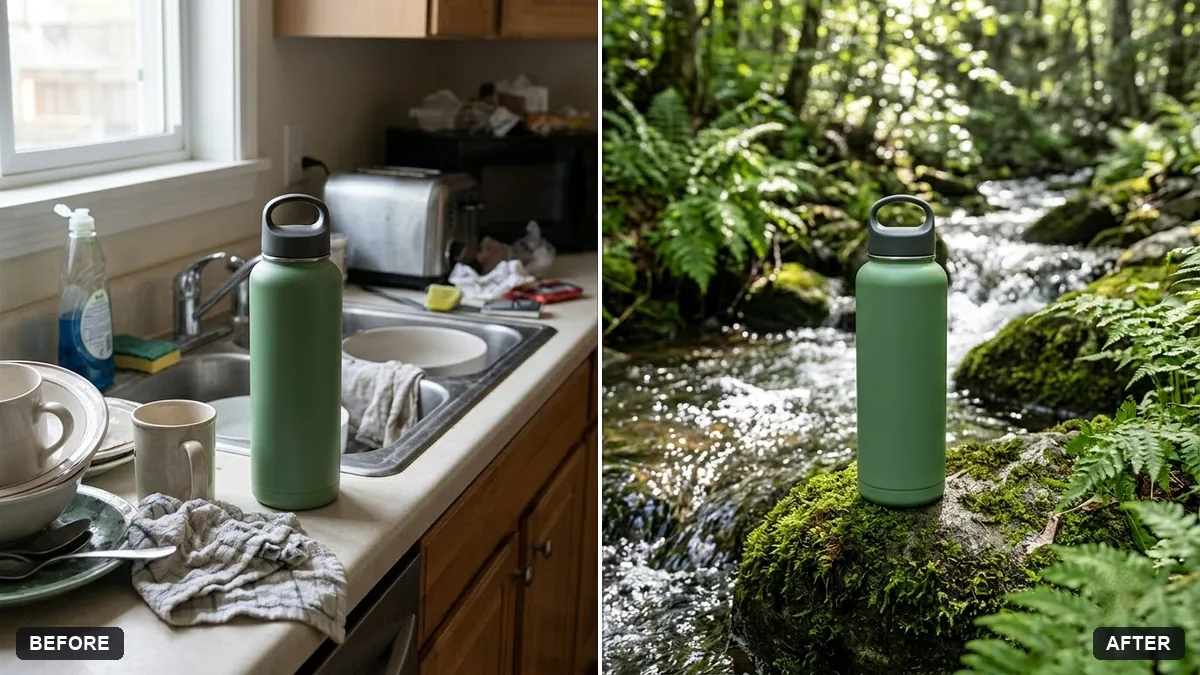
Marketplaces and online shops usually want a plain white background. This prompt keeps the product shape, colours and label exactly the same, places it on pure white with a subtle soft shadow and even lighting, and removes reflections of the room and dust marks. Upload a sharp photo with the whole product in view for the best result.
Place this product on a pure white background as an e-commerce photo. Keep the product's shape, colours and label exactly the same, with a subtle soft shadow beneath it and even lighting.

Remove any reflections of the environment and dust marks. Extra instructions: [ANY DETAIL TO KEEP OR AVOID].
Upload a sharp photo with even lighting and the whole product visible.
Your photo goes to the AI app you choose, never to PromptUp.
Get a better result
Your product on a pure white background as a clean e-commerce photo, with its shape, colours and label kept, a subtle soft shadow beneath it, even lighting, and no reflections or dust.
The text on the label gets changed or blurred.
Fix: Take the photo straight on with the label sharp, and keep “label exactly the same” in the prompt.
- The shadow is too hard or missing, so the product floats. Ask for “a soft, short contact shadow directly under the product”. A little shadow grounds the item.
- A glass or shiny product looks badly cut out at the edges. For glass or metal, say “keep the transparent areas and the real highlights”. Shiny items need those reflections to look real.
- A coloured product comes out a slightly different shade. Compare it with the real item in daylight. If it is off, add “match the exact colour of the original”, since shades that differ lead to returns.
Add “square 1:1, product filling about 85 percent of the frame, centred”. Many online shops prefer consistent square product pictures.
Keep the product and its label exactly as in my photo, every letter the same. Only change the background to pure white.
Guides on this topic
More photo editing prompts
See all 334 →
More like this
- E-commerce product photo (Amazon / Flipkart)Gemini · ChatGPT · Flux
- Pure ghee jar with a heritage labelGemini · ChatGPT · Midjourney
- Product on a marble surfaceGemini · ChatGPT
- Clothing on a ghost mannequinGemini · ChatGPT
- Jewellery on a model's handGemini · ChatGPT