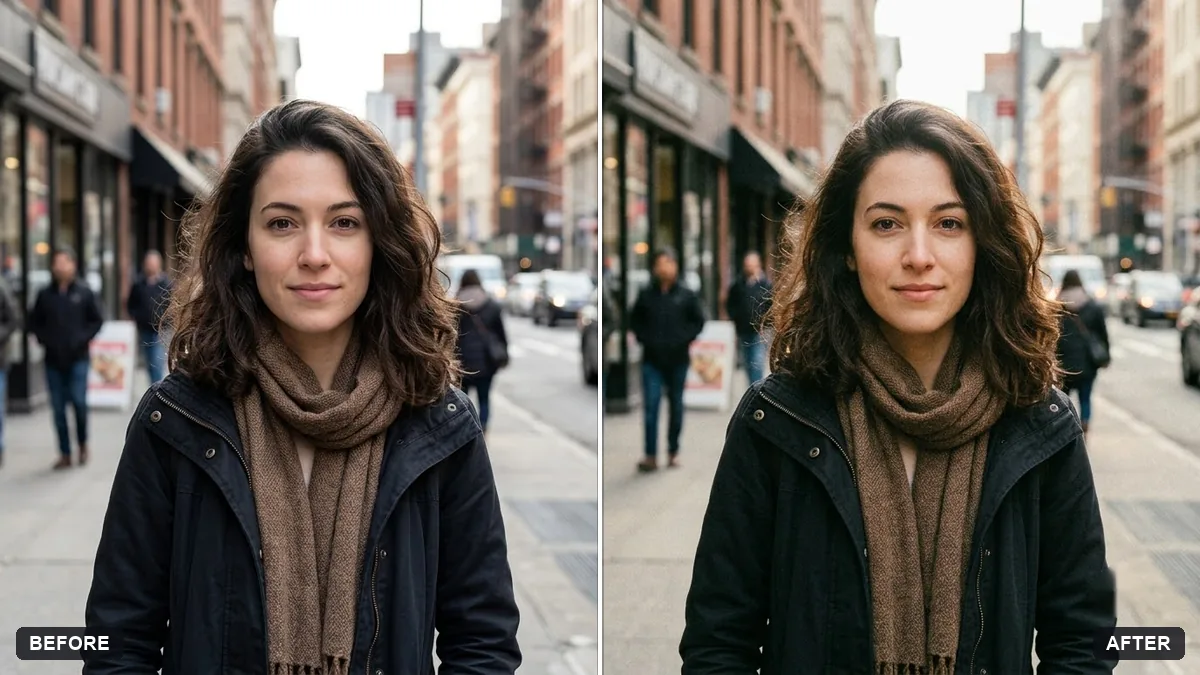
- Updated
Add authentic film grain
This prompt adds film grain, slightly lifted blacks, gentle halation around highlights and a subtle colour cast, keeping every detail sharp.
Add authentic [35mm / 16mm] film grain to this photo, with slightly lifted blacks, gentle halation around highlights and a subtle colour cast.

Keep every detail sharp and do not change the composition.
Keep the grain fine and subtle for a natural look.
Your photo goes to the AI app you choose, never to PromptUp.
Get a better result
Your photo with real-looking film grain of the type you choose, slightly lifted blacks, gentle halation around highlights and a subtle colour cast, with sharp detail and the same composition.
Film has more than grain, so the prompt also asks for lifted blacks, a soft halation glow around highlights and a slight colour cast. Choosing 35mm or 16mm sets how coarse the grain is. Keeping every detail sharp and the composition unchanged makes it a finishing touch rather than a new picture.
The grain looks like digital noise spread evenly.
Fix: Ask for “grain that is stronger in the shadows and midtones and finer in the highlights”. Real film grain is uneven.
- The halation turns into a glow that blurs the whole photo. Say “halation only around very bright highlights, a thin red-orange glow”. Keep it local.
- The colour cast changes skin tones. Name the cast: “warm, slightly green shadows, natural skin”. A named cast stays controlled.
Choose 16mm and add “slightly larger, rougher grain”. It looks grittier than 35mm.
Keep the grain fine and uneven, the halation only on bright highlights and the skin tones natural. Do not blur anything.
Guides that use this prompt
More photo editing prompts
See all 334 →
More like this
- Bright and airy photo presetGemini · ChatGPT
- Cinematic colour grade with vignetteGemini · ChatGPT
- Teal and orange movie lookGemini · ChatGPT
- Match colours across a photo setGemini · ChatGPT
- Panning motion blur effectGemini · ChatGPT