The flash portrait and pixel stretch looks: copy-ready AI photo edit prompts
Published
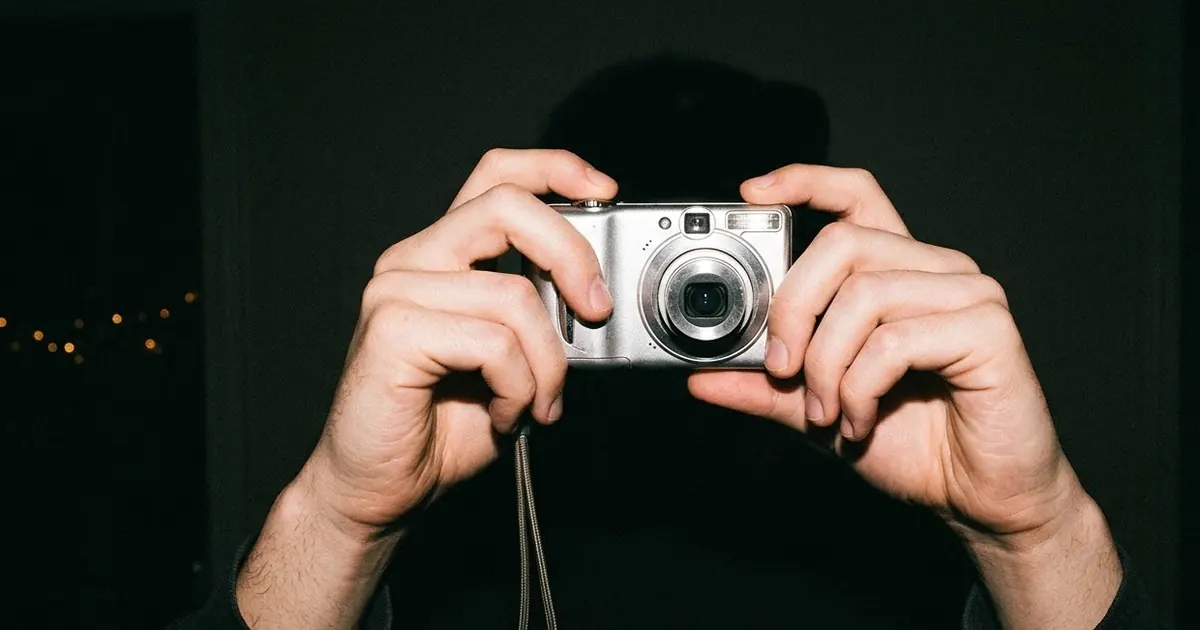
Short answerThe flash portrait is a direct on-camera flash look with a dark background, high contrast and grain. Pixel stretch keeps the subject sharp while the background smears into streaks. Both work best as an edit of your own photo, with a short prompt that says exactly what must stay the same.
Full collectionCinematic portrait prompts15 prompts with examples, steps and fixes →Two photo-edit looks keep turning up in Instagram trend roundups: the flash portrait and pixel stretch. The prompt libraries and tutorials that cover them are mostly from AI-tool vendors, so treat the wording as a starting point and test it on your own photos. The basics they agree on are consistent, and they're easy to use.
What the two looks are
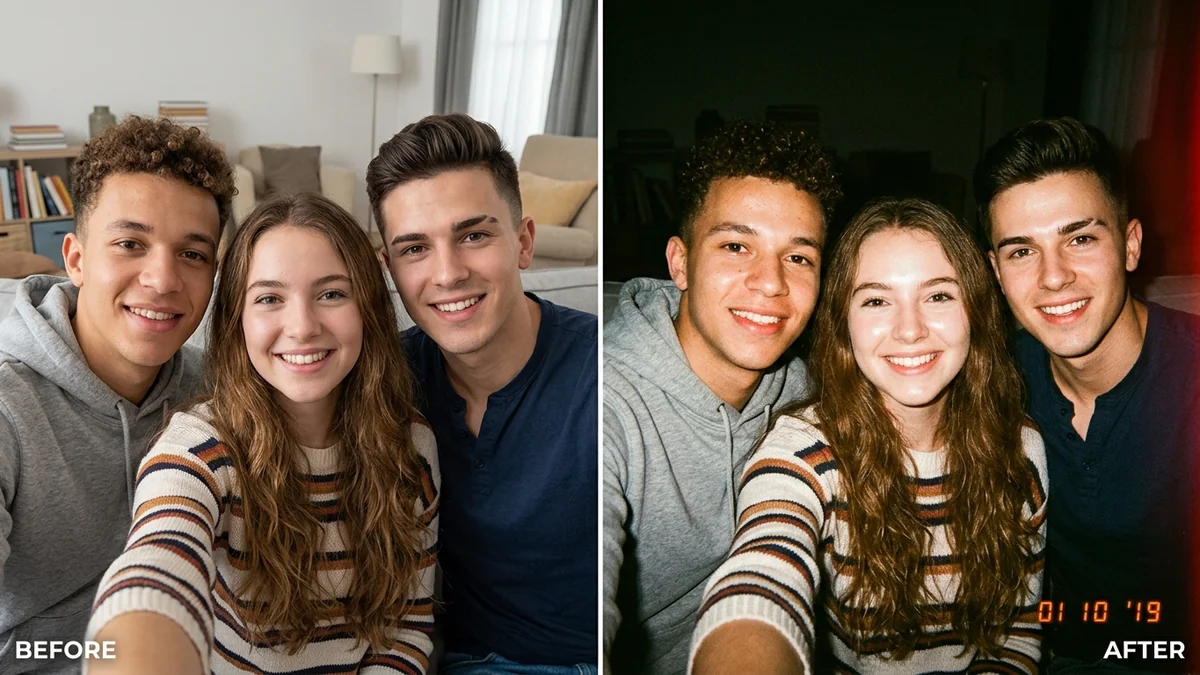
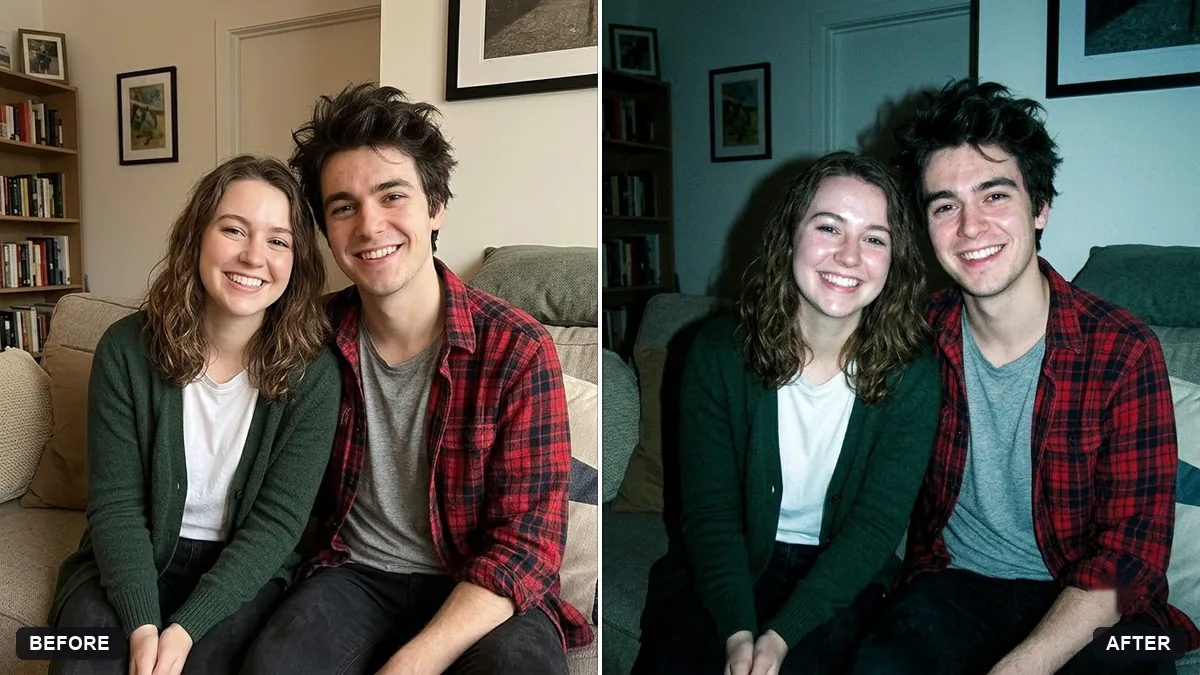
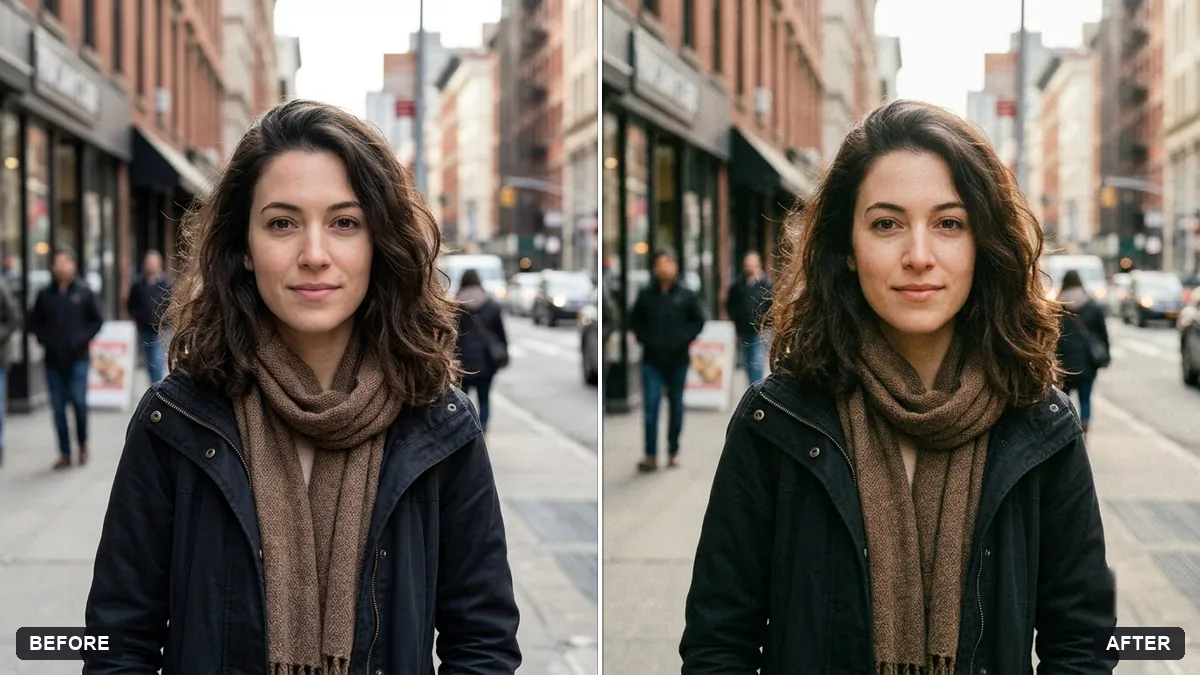
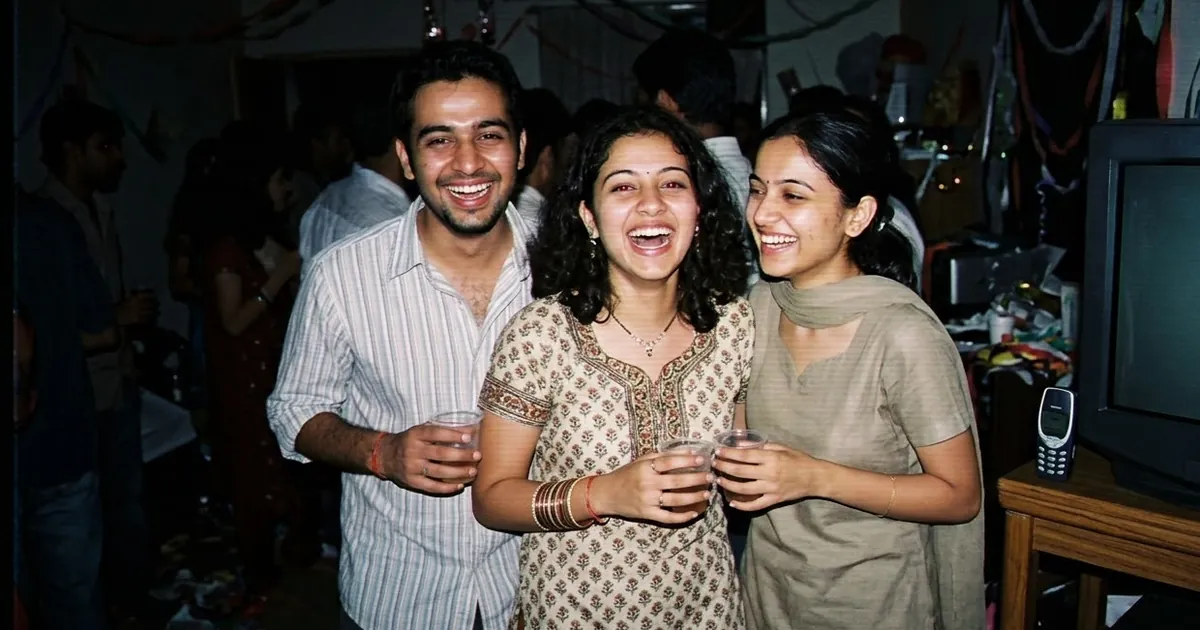
The flash portrait. A direct, on-camera flash look: bright, slightly harsh light on the subject, a dark background fading toward black, strong contrast, a little grain and a late-2000s digital camera feel. Some versions add a white backlight or CCD-style grain. It works especially well on night-out photos and mirror selfies.
Pixel stretch. The subject stays sharp while the pixels behind them stretch, smear or drag into long streaks, like a glitch or a scanner effect. The tutorials we found recommend solo portraits and colourful backgrounds. A busy group photo tends to get messy.
The five habits that work for both
These came up repeatedly across the guides we read, and they match what our own tests of edit prompts have taught us.
- Describe the light, not just the scene. "Direct front flash, hard shadows behind, dark background" is better than "cool vibe".
- Name a reference. A camera type, decade or film stock tells the model what to aim for.
- Say what must not change. The face, pose, outfit and expression.
- Keep it short. Two to four sentences is the sweet spot for an edit.
- Change one thing. Do the look, then the extras in a second pass.
Flash portrait prompts
The classic
Edit this photo into a flash portrait. Direct on-camera flash on the face, slightly overexposed highlights, hard small shadow behind the subject, background fading to near black, strong contrast, fine film grain and a late-2000s compact digital camera feel. Keep the person's face, pose, clothes and expression exactly the same. Change only the lighting and colour treatment.
The night-out version
Make this photo look like a candid night-out snapshot taken with a point-and-shoot camera and its built-in flash. Bright flash on the people, dark blurred background with a few warm lights, slight red-eye-free glow, grainy, imperfect and unposed. Keep everyone's face and outfit exactly as they are.
Our disposable camera flash party photo prompt and the Y2K digital camera snapshot prompt are built for the same look, and the authentic film grain prompt is a good second pass if the result looks too clean.
Pixel stretch prompts
The classic
Apply a pixel stretch effect to this photo. Keep the person sharp and completely unchanged: face, hair, clothes and pose. Behind them, make the background pixels stretch and smear horizontally into long colourful streaks, as if the image has been dragged. Keep the streak colours taken from the original background. Clean edges around the subject.
The vertical drag
Edit this portrait with a vertical pixel-stretch glitch. The subject stays perfectly sharp and natural. From the shoulders down and behind the head, the pixels pull downward in thin repeated stripes that fade out. Preserve the original lighting and skin tones. No new objects, no text.
Ask for "clean edges around the subject" every time. That is the line that stops the effect eating into hair and shoulders.
Make it more cinematic
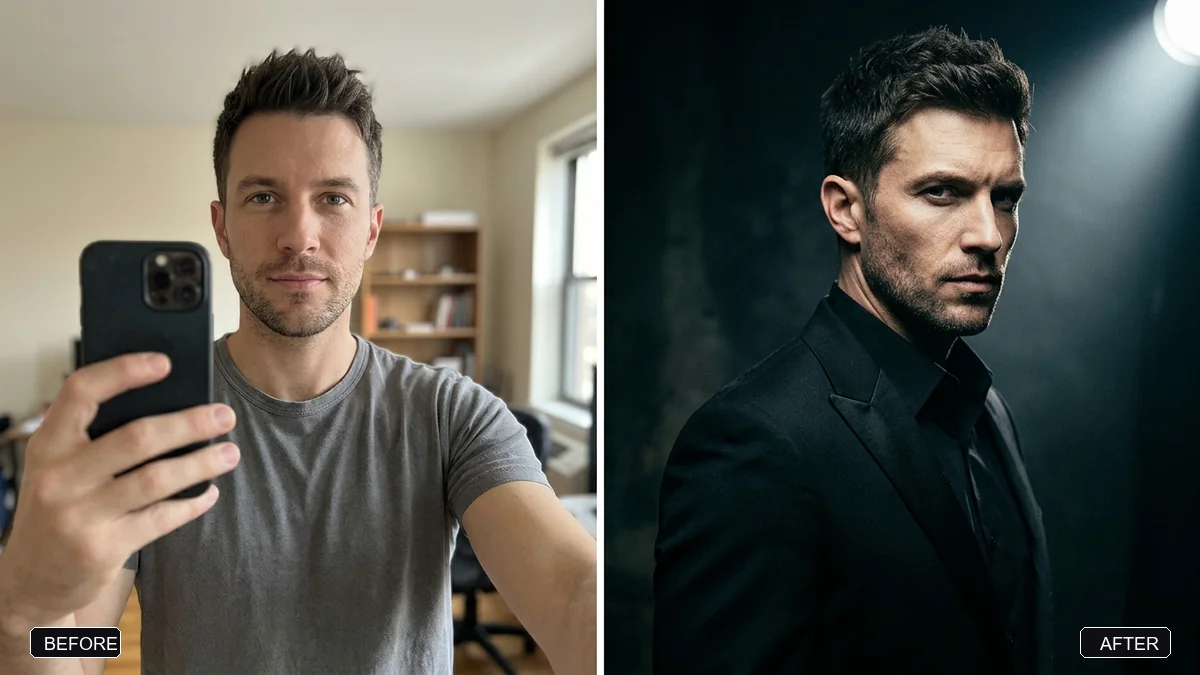
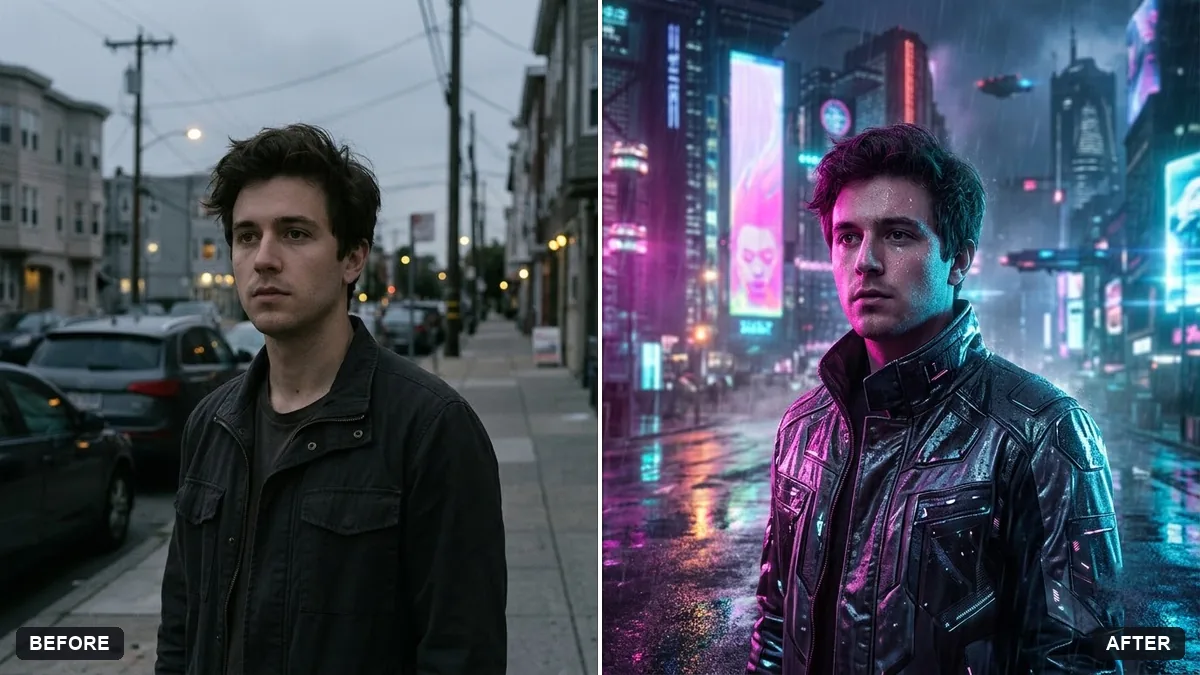
Both looks pair well with a film-style grade. The cinematic luxury editorial portrait prompt is a good base, and the cyberpunk neon portrait prompt is a strong choice if you want the stretch to pick up neon colours. For more retro looks, see our Y2K camcorder guide and film look prompts.
Fixing common problems
- The face changed. Move "keep the face exactly the same" to the start of the prompt, and say "do not retouch or reshape".
- The flash looks fake. Ask for "hard small shadow" and "slightly overexposed highlights". Real flash is not flattering.
- The stretch is too heavy. Say "subtle" or "only the outer third of the background".
- It added text or logos. Add "no text, no logos, no watermark".
Use it fairly
Edit your own photos, or those of people who've said yes. Don't use these looks to put someone in a picture or a place they were never in, and say it's an edit if you post it.
Where to go from here
For more photo-edit prompts, browse the photo editing prompts collection and our guide to editing photos with AI prompts. The photo prompt generator will build a custom flash or stretch prompt from a few choices.
Quick checklist
- Flash portrait: direct front flash, dark background, high contrast, grain.
- Pixel stretch: sharp subject, smeared background, clean edges.
- Describe the light, name a reference and keep the prompt short.
- Always say the face, pose and outfit must not change.
- Use your own photos, and say it's an edit.
Prompts to try
More prompts on this topic
- Outdoor adventure portraitGemini · ChatGPT
- Neon sign portraitGemini · ChatGPT
- Pixel art animated loopKling · Seedance · Veo
- Beach sunset portraitGemini · ChatGPT
- City night bokeh portraitGemini · ChatGPT
- Pixel art avatarGemini · ChatGPT
Comments
No comments yet. Be the first to share what worked for you.